
1. Introduction
Thank you for choosing Govee LED Smart Light Bulbs. These advanced A19 RGBWW bulbs offer 1000 lumens of brightness, 16 million color options, and tunable white light from 2700K to 6500K. Designed for indoor use, they provide versatile lighting for various moods and activities. Control your lighting effortlessly via the Govee Home App, voice commands with Alexa or Google Assistant, and enjoy features like music synchronization, scene modes, and scheduling.
2. What's in the Box
- Govee H6006 LED Smart Light Bulbs (8-pack)
- User Manual
3. Setup
3.1 Installation
- Ensure the power to the light fixture is turned off before installation.
- Carefully screw the Govee Smart Light Bulb into a standard E26 socket.
- Turn on the power to the light fixture. The bulb should light up.
3.2 App Download & Pairing
To unlock the full potential of your Govee Smart Light Bulbs, download the Govee Home App and pair your devices.
- Download the Govee Home App from the App Store (iOS) or Google Play Store (Android).
- Open the Govee Home App and create an account or log in.
- Tap the "+" icon in the top right corner to add a new device.
- Search for "H6006" or select the Smart LED Bulb from the Indoor Lighting category.
- Follow the on-screen instructions to connect the bulb via Bluetooth and then to your 2.4GHz Wi-Fi network.
Video: Demonstrates the process of downloading the Govee Home App, searching for the device, and pairing it via Bluetooth and Wi-Fi. It also shows how to control basic light settings within the app.
Video: Provides an unboxing experience, setup guide, and in-use demonstration of the Govee Smart Light Bulbs, highlighting various features and controls.
4. Operating Instructions
4.1 Brightness and Color Control
Adjust the brightness from 1% to 100% and choose from 16 million colors to create the perfect ambiance. You can also select tunable white light from 2700K (warm white) to 6500K (cool daylight).
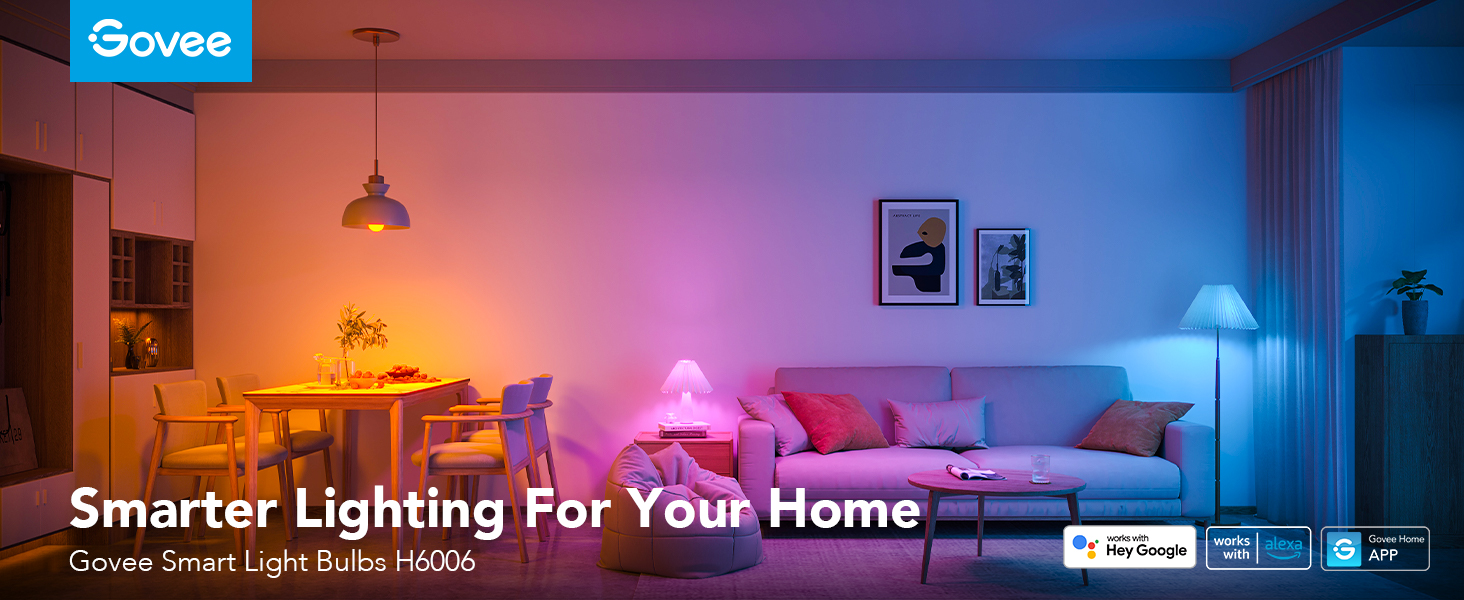
Image: Illustrates the high brightness of 1000 lumens provided by the Govee Smart Light Bulbs, suitable for illuminating large spaces.

Image: Shows the Govee Smart Light Bulbs capable of producing 16 million vivid colors, enhancing the atmosphere of any room.
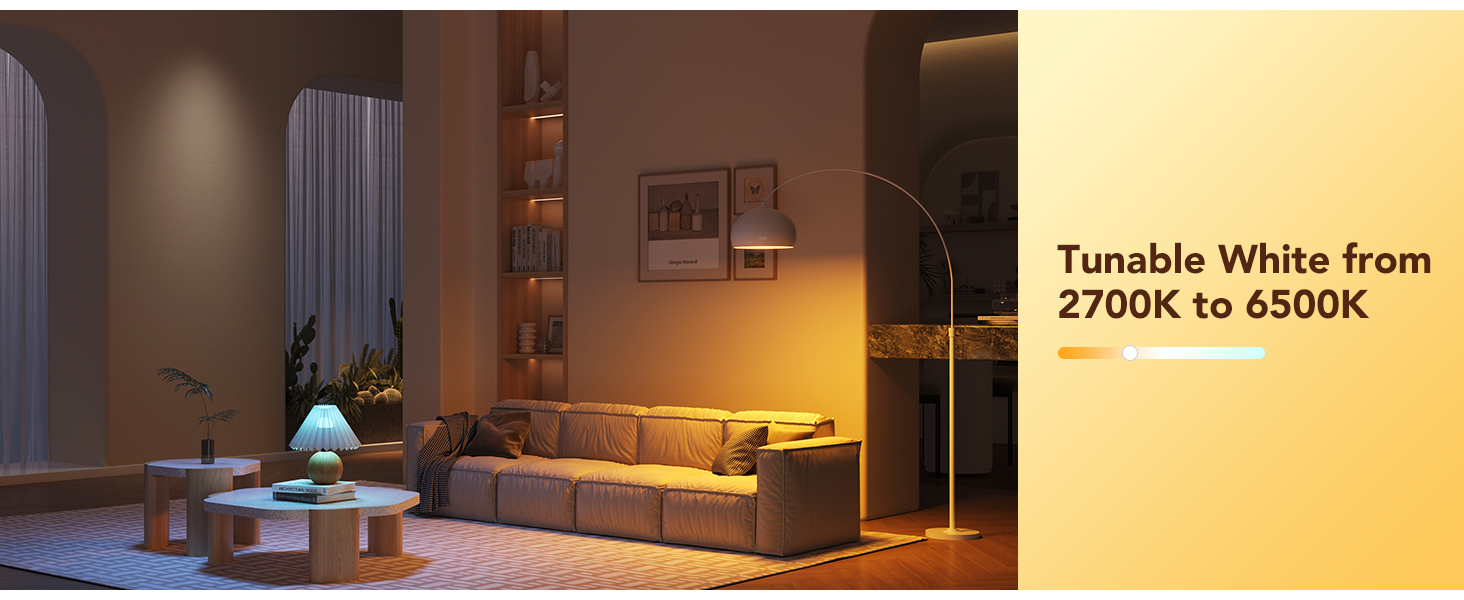
Image: Depicts the tunable white light feature of Govee Smart Light Bulbs, allowing adjustment from warm 2700K to cool 6500K.
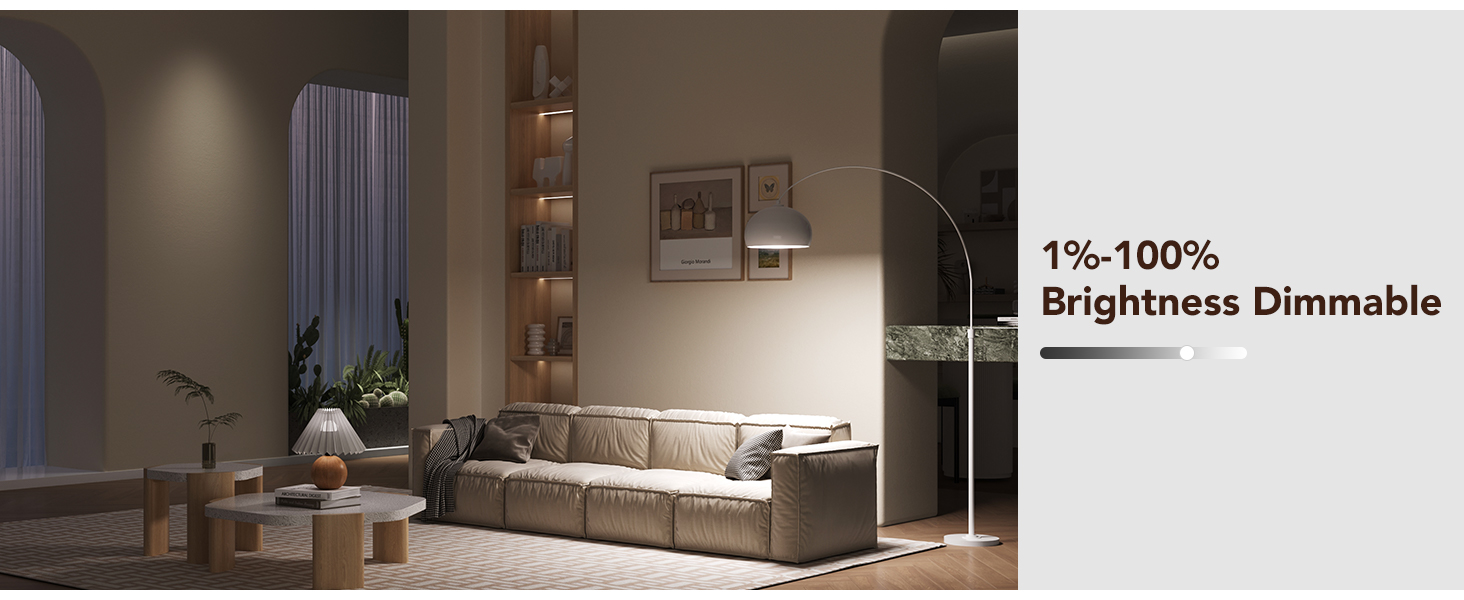
Image: Shows the dimmable functionality of Govee Smart Light Bulbs, allowing brightness adjustment from 1% to 100%.
4.2 Voice Control
Integrate your Govee Smart Light Bulbs with Amazon Alexa or Google Assistant for convenient hands-free control. Simply use voice commands to turn lights on/off, change colors, or adjust brightness.
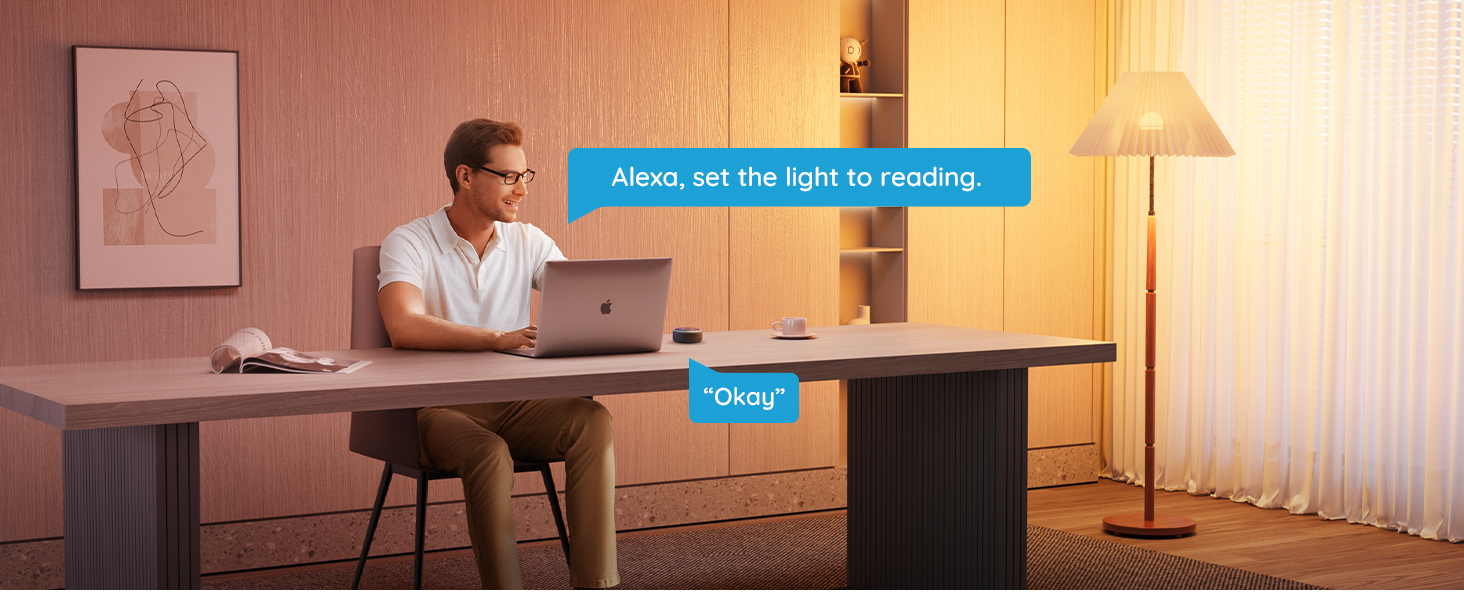
Image: A person is shown using voice commands with Alexa to control the Govee Smart Light Bulbs, demonstrating hands-free operation.
4.3 Scene Modes
The Govee Home App offers up to 54 preset scene modes to instantly transform your space. Choose from various themes like Night, Reading, Work, Leisurely, or Relax to suit your mood or activity.
Video: This video demonstrates how Govee Smart Bulbs can change the mood and lighting, including music synchronization, showcasing various scene modes.
4.4 Music Synchronization
Experience dynamic lighting that changes color and rhythm with your music. The bulbs can detect sound via your phone's microphone, creating an immersive audio-visual experience.

Image: Shows Govee Smart Light Bulbs creating a vibrant party atmosphere by syncing with music, with colorful lights illuminating the room.
4.5 Scheduling
Set custom schedules for your lights to turn on or off automatically. Utilize the Sunrise & Sunset timer to align your lighting with your daily routine, enhancing convenience and energy efficiency.
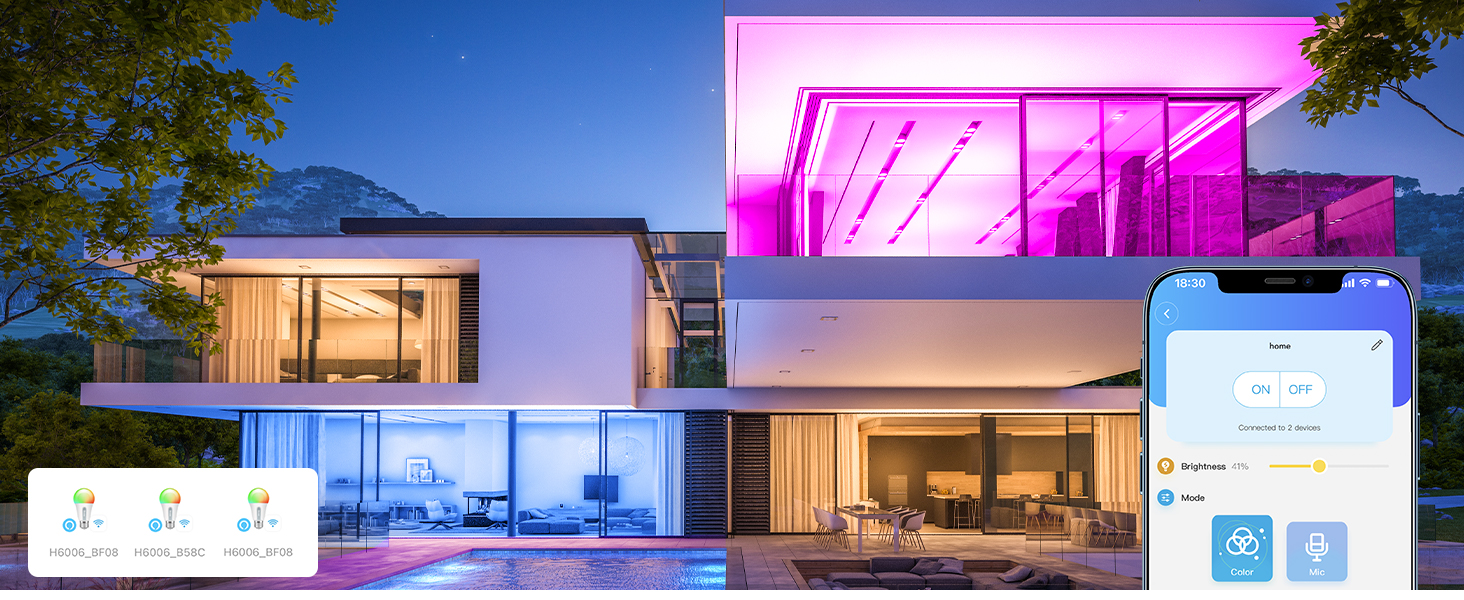
Image: Displays the scheduling feature of Govee Smart Light Bulbs, allowing users to set automatic on/off times for convenience.
4.6 Group Control
If you own multiple Govee smart products, create groups within the app to control several bulbs simultaneously. This allows for unified control of lighting in a room or across your home.
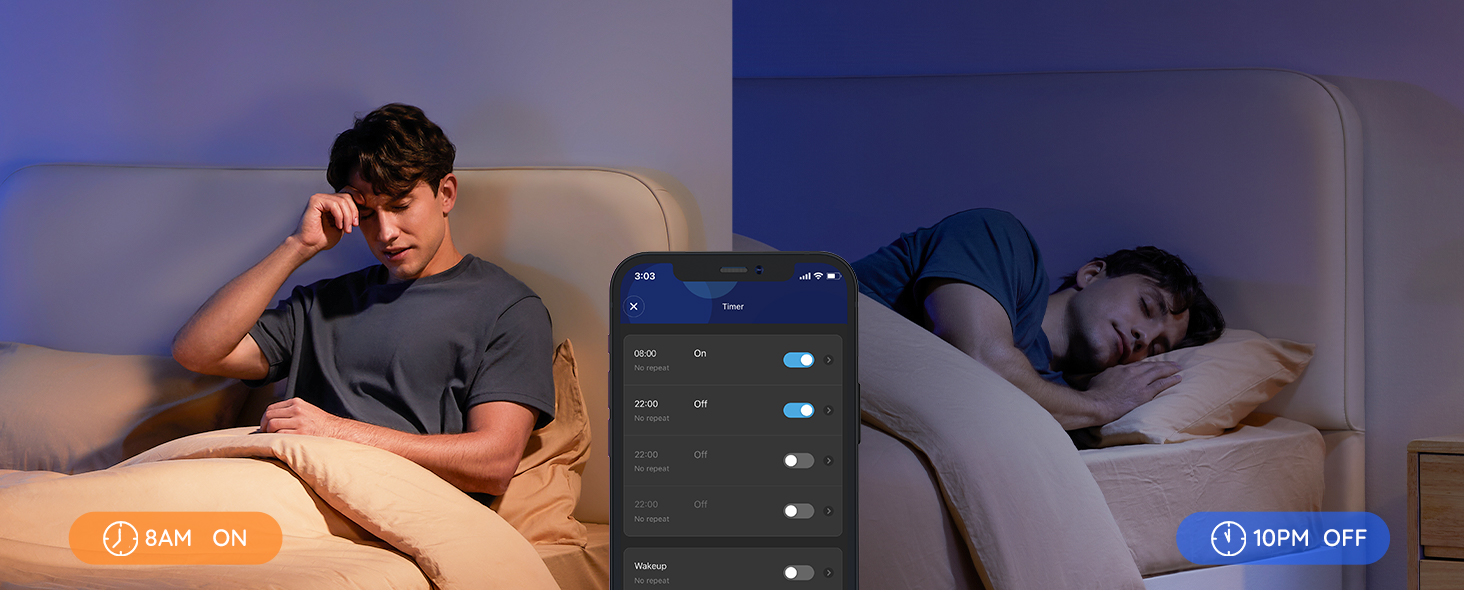
Image: Illustrates the group control feature, showing how multiple Govee Smart Light Bulbs can be controlled together across different rooms in a house.
5. Maintenance
Govee LED Smart Light Bulbs are designed for durability and long-term performance. To ensure optimal operation:
- Clean the bulbs with a soft, dry cloth when necessary.
- Avoid using harsh chemicals or abrasive cleaners.
- Ensure proper ventilation around the light fixture to prevent overheating.
- Do not disassemble the bulbs, as this will void the warranty.
6. Troubleshooting
6.1 Connection Issues
- Bulb not connecting to Wi-Fi/Bluetooth: Ensure the bulb is within range of your router and your mobile device. Check that your Wi-Fi network is 2.4GHz. Restart the bulb by turning it off and on at the switch.
- App not detecting the bulb: Make sure Bluetooth is enabled on your phone and location services are granted to the Govee Home App. Try rescanning for devices in the app.
6.2 Automation and Scene Issues
- Schedules not activating: Ensure the bulbs are connected to Wi-Fi for schedules to function correctly. Verify the time zone settings in the app.
- Scene modes not applying: Check for a stable Wi-Fi connection. Some advanced features and presets require an active Wi-Fi connection.
6.3 General Performance
- Flickering or inconsistent brightness: Ensure the bulb is securely screwed into the socket. Avoid using smart switches with these bulbs, as they are designed for direct control via the app or voice assistants.
- Colors appear different on various Govee devices: Due to variations in LED technology and design across different product types, exact color matching between different Govee devices (e.g., bulbs vs. strip lights) may require minor manual adjustments.
7. Specifications
| Feature | Detail |
|---|---|
| Brand | Govee |
| Model Name | Light Bulbs |
| Model Number | H6006 |
| Light Type | LED |
| Bulb Shape Size | A19 |
| Bulb Base | E26 |
| Wattage | 9 watts |
| Incandescent Equivalent Wattage | 75 Watts |
| White Brightness | 1000 Lumens |
| Light Color | RGBWW (16 Million Colors + Tunable White 2700K-6500K) |
| Dimmable | 1-100% |
| Voltage | 120 Volts (100 to 120 Volts and 60 Hertz) |
| Indoor Outdoor Usage | Indoor |
| Connectivity Technology | Wi-Fi (2.4GHz) & Bluetooth |
| Control Method | App, Voice |
| Smart Home Compatibility | Amazon Alexa, Google Assistant |
| Material Type | Plastic |
| UPC | 810172721067 |
8. Warranty & Support
8.1 Manufacturer Warranty
Govee provides a 1-year manufacturer's warranty for the H6006 LED Smart Light Bulbs. Please retain your proof of purchase for warranty claims.
8.2 Customer Support
For further assistance, technical support, or warranty inquiries, please visit the official Govee website or contact their customer service directly. You can also refer to the Govee Home App for FAQs and community support.


