
1. Setup
This section guides you through the initial setup of your Clouree Home Security System. The system is designed for easy DIY installation without complex wiring or drilling.
1.1 System Components
Your security system includes the following components:
- 1 Alarm Host
- 1 Camera (2MP HD)
- 3 Motion Detectors
- 6 Door/Window Sensors
- 2 Remote Controls
- 2 RFID Cards
- 1 Wired Siren

Image: Overview of the Clouree Home Security System components, illustrating the alarm host and various sensors.
1.2 Network Connection
The system supports both WiFi and GSM dual networks. Ensure you are connecting to a 2.4GHz WiFi network, as 5G is not supported. You can also insert a GSM SIM card for cellular backup.

Image: Visual guide for Air Link configuration, detailing steps for both the alarm host and the smartphone application.
1.3 Pairing Accessories
Follow these steps to pair your security system accessories:
1.3.1 Keypad Lock Password Setting
To set the keypad lock password, navigate through the system menu: Menu → Settings → Password → User. Enter your desired 4-digit password.
Video: Demonstrates how to set and manage the keypad lock password on the security system's main panel.
1.3.2 Remote Control Pairing
To pair a remote control, go to Menu → Sensors → Remote → Add. Press any button on the remote control when prompted to synchronize.
Video: Shows the process of pairing a remote control with the security system, including menu navigation and button presses.
1.3.3 RFID Card Pairing
To pair an RFID card, navigate to Menu → Sensors → RFID → Add. Tap the RFID card against the RFID reader on the alarm host when prompted.
Video: Demonstrates how to add an RFID card to the security system for quick arming and disarming.
1.3.4 Infrared Motion Sensor Pairing
To pair an infrared motion sensor, first turn on the sensor switch and wait approximately 30 seconds for the red light to flash rapidly twice. Then, on the alarm host, go to Menu → Sensors → Sensor → Add and select 'Stay Arm Active' or 'System Alarm'. Trigger the sensor to complete pairing.

Image: A PIR motion detector, illustrating its function in detecting trespassers and activating an alarm.
Video: Guide on pairing an infrared motion sensor, including activating the sensor and configuring it on the alarm host.
1.3.5 Door Magnetic Sensor Pairing
To pair a door magnetic sensor, go to Menu → Sensors → Sensor → Add and select 'Door Alarm' or 'Stay Arm Active'. Separate the two parts of the magnetic sensor to trigger it and complete pairing.

Image: A high-sensitivity door/window sensor, highlighting its real-time monitoring and alarm triggering capabilities.
Video: Instructions for pairing a door magnetic sensor, demonstrating how to activate it and add it to the system.
1.3.6 Smoke Alarm Pairing
To pair a smoke alarm, go to Menu → Sensors → Sensor → Add and select 'Fire Alarm'. Press the test button on the smoke alarm to trigger it and complete pairing.
Video: Detailed steps for pairing a smoke alarm with the security system, including menu navigation and sensor activation.
2. Operating Instructions
Understand how to effectively use your Clouree Home Security System for optimal protection.
2.1 Arming and Disarming
The system can be armed or disarmed using the keypad, remote control, RFID card, or the mobile application. You can also set timed schedules for automatic arming and disarming.

Image: Illustration of timed arm and disarm functions, allowing users to schedule security states based on daily routines.
2.2 Notifications and Alerts
Receive instant notifications on your smartphone when an alarm is triggered. The system can also make calls and send messages via the GSM network if a SIM card is installed.
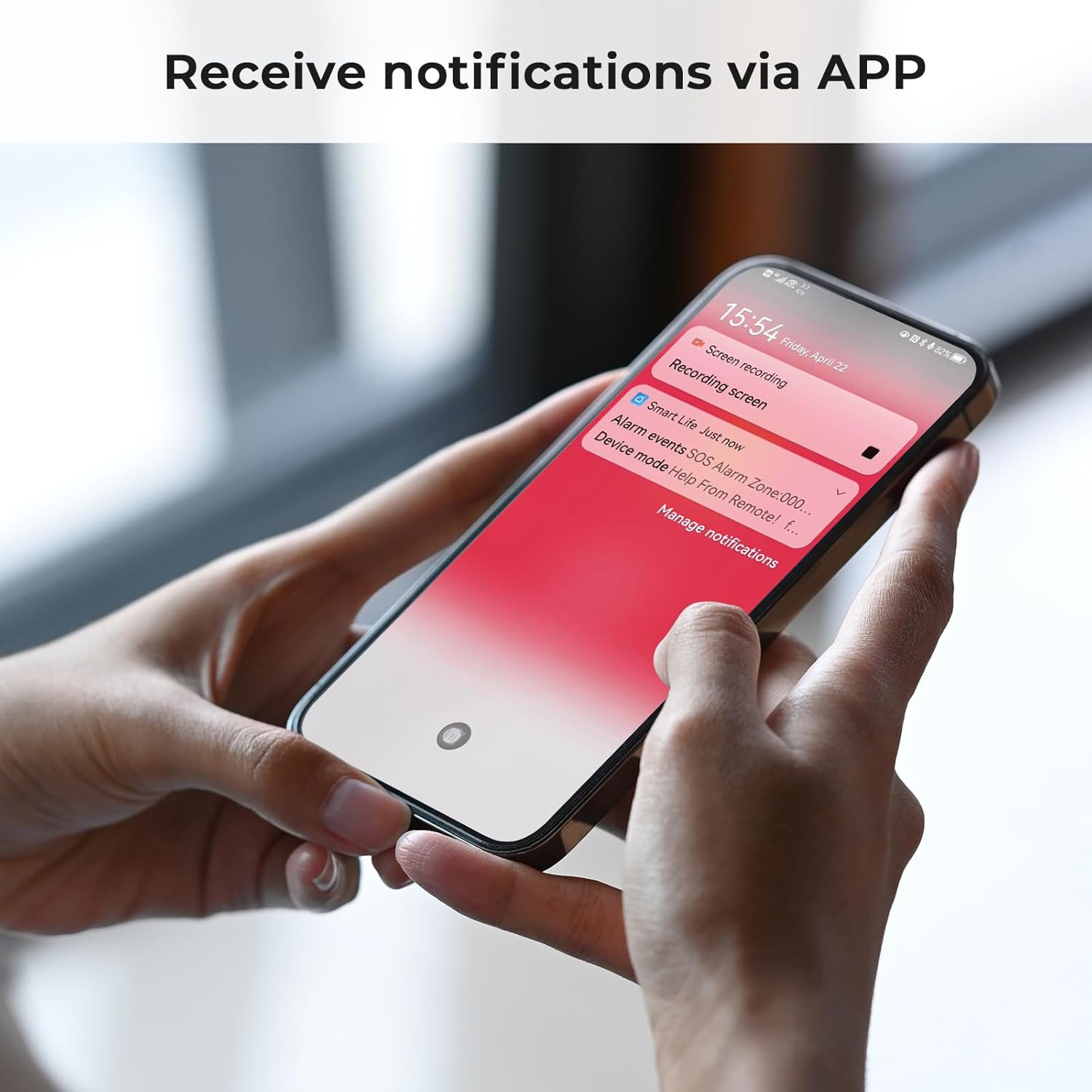
Image: A smartphone screen showing an alarm notification from the security system application.

Image: Depiction of the system's response to an intruder, including alarm activation and notification to contacts via SIM card.
2.3 Auto-Tracking Security Camera
The included 2MP HD camera features motion detection, full HD day/night viewing, app control, two-way audio, and flexible 320° horizontal and 45° vertical rotation. When an alarm is triggered, you can access the camera feed via the app to view real-time activity.

Image: Features of the auto-tracking security camera, including motion detection, two-way audio, and cloud storage.

Image: Overview of the 24/7 smart surveillance features provided by the camera.
2.4 Smart Home Integration
The system is compatible with Alexa and Google Assistant, allowing for voice control of arming and disarming functions.

Image: Demonstrates voice control integration with Alexa for arming the home security system.
2.5 SOS Feature
In case of an emergency, simply press the 'SOS' button on your remote control to call for help.

Image: The SOS feature, highlighting its use for emergency assistance with a single touch.
3. Maintenance
Proper maintenance ensures the longevity and reliability of your security system.
3.1 Battery Backup
The alarm host is equipped with a backup battery, providing 5 to 8 hours of operation during a power outage. Ensure the system is regularly connected to power to keep the backup battery charged.
3.2 Camera Storage
The indoor security camera includes a 64GB memory card for 24/7 HD recording. This allows for automatic saving of crucial footage without frequent manual deletions. Regularly check the storage status via the app to ensure continuous recording.
4. Troubleshooting
This section addresses common issues you might encounter with your security system.
4.1 Connectivity Issues
- Cannot connect to WiFi: Ensure your router is operating on a 2.4GHz frequency. The system does not support 5G WiFi. Verify the WiFi password is correct.
- GSM network not working: Check if the SIM card is properly inserted and activated. Ensure there is sufficient signal strength in your area.
4.2 Sensor Pairing Problems
- Sensor not pairing: Ensure the sensor's battery is charged and the sensor is within range of the alarm host. Follow the pairing steps precisely, including activating the sensor when prompted.
- False alarms from sensors: Check the placement of motion sensors to avoid areas with pets or strong air currents. Ensure door/window sensors are properly aligned.
4.3 App Control Issues
- App not responding: Ensure your smartphone has a stable internet connection. Restart the app or reinstall it if the issue persists.
- Notifications not received: Check your phone's notification settings for the 'Smart Life' or 'Tuya' app to ensure they are enabled. Verify the system's notification settings are correctly configured.
5. Specifications
| Feature | Detail |
|---|---|
| Brand | Clouree |
| Model Number | 103-D+T53 (CLA103F-US-D-T53) |
| Power Source | Corded Electric |
| Compatible Devices | Alexa, Google Assistant |
| Item Dimensions (L x W x H) | 4.99 x 3.98 x 4 inches |
| Video Capture Resolution | 1080p |
| Connectivity Technology | Wireless (2.4GHz WiFi), GSM |
| Installation Type | Self-Adhesive |
| Alert Type | Motion Only |
| Item Weight | 5 Pounds |
| Control Method | App, Voice |
| Battery Cell Composition | Lithium Polymer |
| Battery Life (Backup) | 7 Hours |
| Included Components | Home Security Alarm*1 (1 Alarm Host, 1 camera, 3 motion detectors, 6 door/window sensors, 2 remote controls, 2 RFID cards, 1 wired siren) |
| Unit Count | 13.0 Count |
| Smart Home Compatibility | Smart Home Compatible |
6. Warranty & Support
For product support, please refer to the contact information provided with your purchase or visit the official Clouree website.
6.1 Protection Plans
Optional protection plans are available for your Clouree Home Security System:
- 2-Year Protection Plan: Extends coverage for 24 months.
- 3-Year Protection Plan: Extends coverage for 36 months.
- Complete Protect: A monthly plan covering eligible past and future purchases.
Please consult the specific terms and conditions of each protection plan for full details.