
Introduction
Thank you for choosing the MARLALL X26 Liquid Silicone Bone Conduction Swimming Headphones. These headphones are designed to provide a high-quality audio experience for various activities, including swimming, running, cycling, and gym workouts. Featuring IPX8 waterproofing and a built-in 32GB MP3 player, they offer versatility and comfort. Please read this manual carefully to ensure proper use and maintenance of your device.
Product Overview
The MARLALL X26 headphones utilize bone conduction technology, allowing you to enjoy audio while remaining aware of your surroundings. They feature a skin-friendly liquid silicone design for comfort and a secure fit.
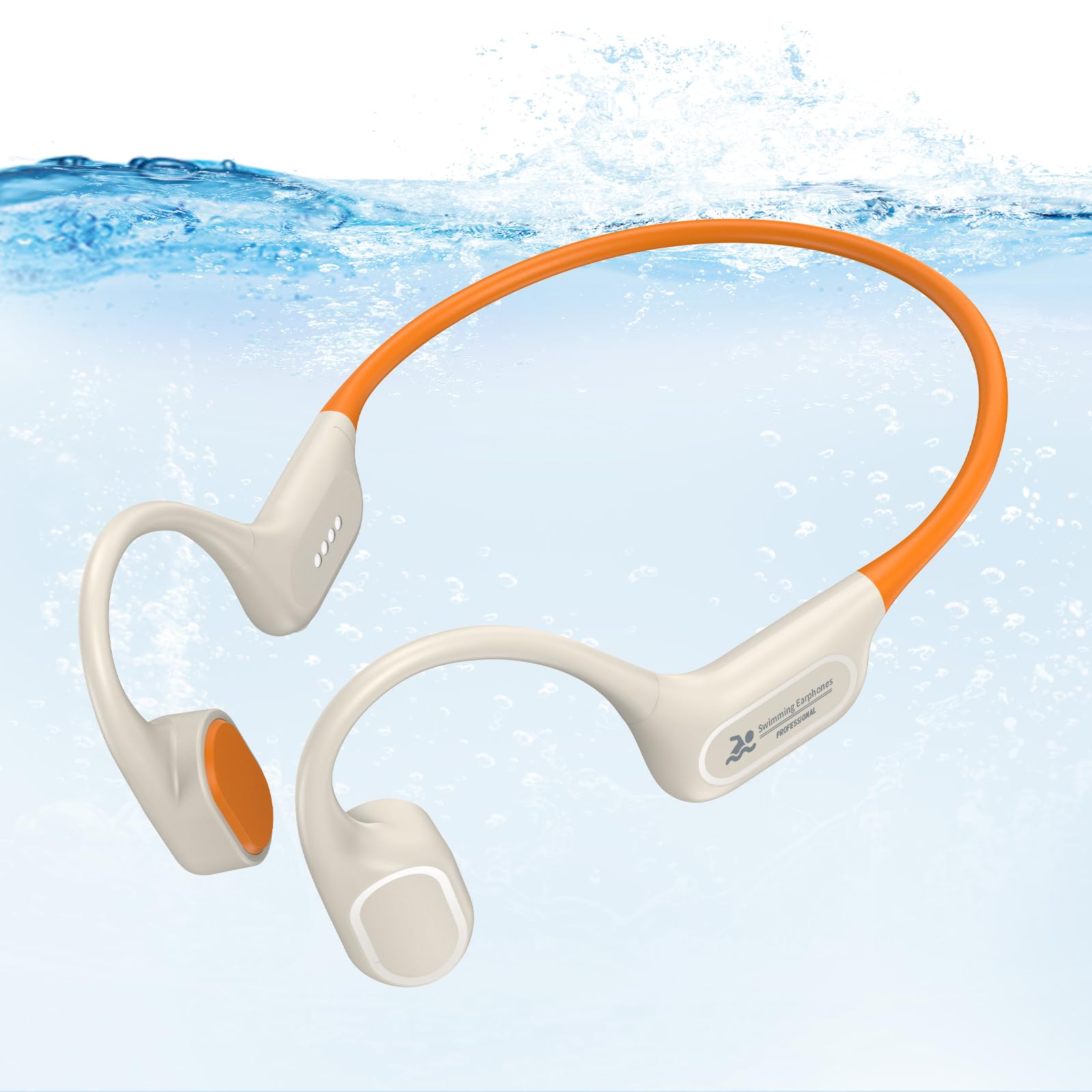
Image: MARLALL X26 Bone Conduction Headphones in Beige, showcasing the overall design.
Key Features:
- IPX8 Waterproof Rating: Suitable for water sports like swimming and snorkeling.
- Dual Mode (MP3 & Bluetooth): Built-in 32GB MP3 player for underwater use and Bluetooth for land activities.
- Open-Ear Design: Ensures situational awareness during outdoor activities.
- Magnetic Charging: Convenient and secure charging mechanism.
- Long Battery Life: Up to 7 hours of continuous playback on a single charge.
- Skin-Friendly Material: Ultra-soft overmold liquid silicone for extended comfort.

Image: An overview of the MARLALL headphones, detailing their core features.
Setup
1. Initial Charging
Before first use, fully charge the headphones. Connect the magnetic charging cable to the charging port on the headphones and plug the USB end into a power source (e.g., computer USB port or USB wall adapter). The charging indicator will show the charging status. A full charge takes approximately 1.5 hours.

Image: The magnetic charging cable connected to the headphones, indicating charging time and battery life.
2. Wearing the Headphones
Place the headphones over your ears with the band resting behind your head. The transducers should sit comfortably on your cheekbones, just in front of your ears. Adjust for a secure and comfortable fit.

Image: A person wearing the headphones, highlighting the open-ear design.
Operating Instructions
Controls Overview

Image: A detailed diagram of the headphone controls and their functions.
- Power On: Long press the multi-function button for 3 seconds.
- Power Off: Long press the multi-function button for 3 seconds.
- Play/Pause: Click the multi-function button once.
- Volume Up: Click the '+' button once.
- Volume Down: Click the '-' button once.
- Next Song: Double-click the '+' button.
- Previous Song: Double-click the '-' button.
- Switch Mode (Bluetooth/MP3): Double-click the multi-function button.
- Answer/End Call: Click the multi-function button once.
- Reject Call: Long press the multi-function button for 2 seconds.
- Voice Assistant: Long press the '+' button for 2 seconds.
MP3 Mode (For Swimming)
When swimming, the headphones must be in MP3 mode. Bluetooth signals do not transmit effectively underwater. Ensure your desired music files are loaded onto the device's internal 32GB storage.
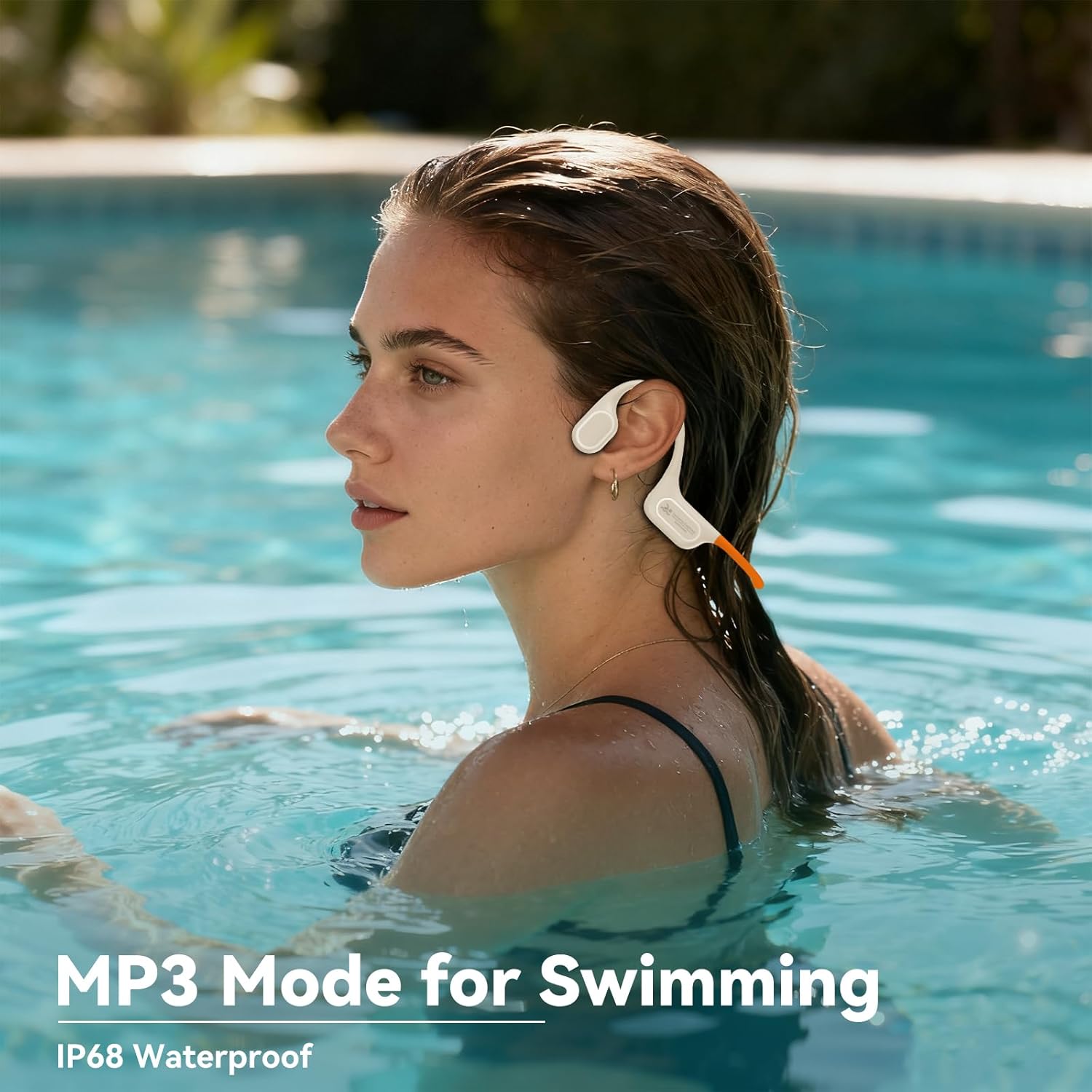
Image: Headphones being used in MP3 mode for swimming.

Image: A swimmer using the IPX8 waterproof headphones underwater.
Bluetooth Mode (For Land Use)
For activities out of water, you can connect the headphones via Bluetooth to your smartphone or other compatible devices. Double-click the multi-function button to switch to Bluetooth mode. The headphones will enter pairing mode, and you can select them from your device's Bluetooth settings.

Image: Comparison of MP3 mode for swimming and Bluetooth mode for land activities.
MP3 Mode and File Transfer
The MARLALL X26 headphones have a built-in 32GB memory for storing music files. This allows you to listen to music without needing a connected device, especially useful for swimming.
Transferring Music Files:
- Connect the headphones to your computer using the magnetic charging cable.
- The computer will recognize the headphones as a removable disk.
- Drag and drop your desired music files (MP3, WAV, WMA, FLAC formats are supported) into the headphone's storage folder.
- Safely eject the device from your computer before disconnecting the cable.
Note: Music from phone applications cannot be directly copied to the headphone's memory card.

Image: Headphones connected to a laptop, demonstrating file transfer for the 32GB MP3 player.
Maintenance and Care
- Cleaning: Wipe the headphones with a soft, damp cloth after each use, especially after swimming or intense workouts.
- Drying: After swimming, ensure the microphone and charging contacts are completely dry before charging or using Bluetooth mode to prevent issues.
- Storage: Store the headphones in a cool, dry place away from direct sunlight and extreme temperatures.
- Avoid Harsh Chemicals: Do not use abrasive cleaners or solvents on the headphones.
Troubleshooting
- No Sound/Low Volume:
- Ensure the headphones are powered on and the volume is turned up. Check if the correct mode (MP3 or Bluetooth) is selected. If in Bluetooth mode, verify connection to your device and device volume.
- Cannot Pair via Bluetooth:
- Make sure the headphones are in Bluetooth mode and within range of your device. Turn off and on Bluetooth on your device, then try pairing again. Ensure no other devices are currently connected to the headphones.
- Headphones Not Charging:
- Verify the magnetic charging cable is securely connected to both the headphones and the power source. Ensure the charging contacts on the headphones are clean and dry. Try a different USB port or power adapter.
- Music Files Not Playing in MP3 Mode:
- Confirm that the music files are in a supported format (MP3, WAV, WMA, FLAC). Ensure files were transferred correctly to the headphone's internal storage.
Specifications
| Feature | Specification |
|---|---|
| Model Name | X26 |
| Brand | MARLALL |
| Connectivity Technology | Wireless (Bluetooth) |
| Water Resistance Level | IPX8 Waterproof |
| Internal Storage | 32GB (for MP3 mode) |
| Supported Audio Formats | MP3, WAV, WMA, FLAC |
| Battery Life | Up to 7 hours |
| Charging Time | Approx. 1.5 hours |
| Item Weight | 0.8 ounces |
| Form Factor | Over Ear (Bone Conduction) |
Official Product Video
Video: An official product video from YiYi-US demonstrating the features and use of the MARLALL Waterproof Swimming Headphones.
Warranty and Support
MARLALL products are designed for durability and performance. For warranty information, technical support, or any questions regarding your MARLALL X26 headphones, please refer to the contact information provided with your purchase or visit the official MARLALL website. Please retain your proof of purchase for warranty claims.