
Oilsky M502
Oilsky 128GB MP3 Player User Manual
Model: M502
Introduction
Thank you for choosing the Oilsky 128GB MP3 Player. This device is designed to provide a versatile and immersive audio-visual experience, combining the functionality of a smart media player with the portability of an MP3 player. Running on Android 13.0 with a powerful octa-core processor, it offers seamless access to music, videos, and various applications. This manual will guide you through the setup, operation, and maintenance of your new device.

Image: Front and back view of the Oilsky 128GB MP3 Player, showcasing its sleek design and touchscreen interface.
What's in the Box
Please verify that all items are present in the package:
- 1 x Mp3 Player
- 1 x USB cable
- 1 x Protective Film
- 1 x Earphones
- 1 x User Manual

Image: All components included in the product packaging: MP3 player, USB cable, protective film, earphones, and user manual.
Product Overview
Key Features
- Smart MP3 Player: Pre-installed with popular apps like Spotify, Pandora, Amazon Music, Audible, Tidal, Deezer, enabling direct lossless music playback via WiFi.
- Full-format Local Music Management: Compatible with MP3, WAV, APE, FLAC, AAC, and other audio formats. Supports one-click folder scanning, playlist creation, and quick search.
- Cinema-level HD Experience: Features a 5.5-inch full HD touch screen (1440×720 resolution) for vivid colors and sensitive operation. Supports 720P/1440P HD video playback (AVI, MKV, RMVB, MP4 formats). Integrates tools like clock, recorder, FM radio, and e-book reader.
- Dual Camera Image Recording: Equipped with a 13MP rear camera and 5MP front camera for high-definition photos and videos, shareable directly from the device.
- High-performance Large Storage: Android 13 operating system, octa-core processor, 4GB RAM, and 128GB built-in storage, expandable up to 1TB with a MicroSD card.
- Dual-band WiFi and Bluetooth 5.0: 2.4GHz/5GHz dual-band WiFi for stable online music playback. Bluetooth 5.0 supports two-way file transfer and connection to Bluetooth headsets, car audio, and other devices.
- Application and Parental Control: Allows installation and upgrade of additional applications. Parental control function enables setting restrictions for age-appropriate content and managing app access.
Components
Familiarize yourself with the physical components of your MP3 player:
- 5.5-inch HD Touchscreen: Main display and interaction area.
- Front Camera: Located above the screen, 5MP for selfies and video calls.
- Rear Camera: Located on the back, 13MP for high-resolution photos and videos.
- Power Button: Typically on the side, used to turn the device on/off and lock/unlock the screen.
- Volume Buttons: Typically on the side, used to adjust audio volume.
- USB-C Port: For charging and data transfer.
- 3.5mm Headphone Jack: For wired audio output.
- MicroSD Card Slot: For storage expansion up to 1TB.

Image: Visual representation of the powerful Android 13.0 system and MTK 6762 octa-core chip, highlighting smooth operation and improved stability.
Setup
Initial Power On and Setup
- Charge the Device: Before first use, fully charge the MP3 player using the provided USB cable and a compatible power adapter. The battery indicator will show charging status.
- Power On: Press and hold the Power button until the Oilsky logo appears.
- Language and Region: Follow the on-screen prompts to select your preferred language and region.
- Connect to Wi-Fi: Select your Wi-Fi network from the list and enter the password. A stable Wi-Fi connection is essential for downloading apps and streaming content.
- Google Account: Sign in with your Google account to access the Google Play Store and synchronize data. If you don't have one, you can create one.
Connecting Bluetooth Devices
The MP3 player supports Bluetooth 5.0 for connecting to headphones, speakers, and other devices.
- Enable Bluetooth: Go to Settings > Connected devices > Bluetooth and toggle it On.
- Pairing Mode: Put your Bluetooth device (e.g., headphones) into pairing mode. Refer to your device's manual for specific instructions.
- Scan and Connect: On the MP3 player, tap 'Pair new device' or wait for your device to appear in the list of available devices. Tap on its name to connect.

Image: Demonstrates the MP3 Player's Bluetooth 5.0 capabilities, showing connections to a Bluetooth speaker, headset, mobile phone, and computer.
Storage Expansion
To expand storage, insert a MicroSD card (up to 1TB) into the dedicated slot on the side of the device. Ensure the card is inserted correctly until it clicks into place.

Image: Illustrates the device's 4GB RAM, 128GB ROM, and the ability to expand storage up to 1TB with an SD card.
Operating Instructions
Basic Navigation
- Touchscreen: Navigate the interface by tapping, swiping, and pinching.
- Home Screen: Access your installed applications and widgets.
- Notifications: Swipe down from the top of the screen to view notifications and quick settings.
Music Playback
The device comes with a professional-grade music player compatible with various audio formats.
- Access Music: Tap the 'Music' app icon on the home screen.
- Import Songs: Use the one-click scanning feature to automatically import songs from your device's storage or MicroSD card.
- Create Playlists: Organize your music by creating custom playlists.
- Search: Use the search bar to quickly find tracks by keywords.
- Streaming Apps: Open pre-installed apps like Spotify or Pandora to stream music directly via Wi-Fi.

Image: The interface of the powerful HiByMusic player app, showing song categories, search, playlist creation, online lyrics/cover art, and equalizer options.
Video Playback
Enjoy high-definition video playback on the 5.5-inch screen.
- Access Videos: Open a video player app or navigate to your video files.
- Supported Formats: The player supports AVI, MKV, RMVB, MP4, MPG, MOV, and other formats.
- Resolution: Supports 720P/1440P HD video playback.

Image: The MP3 Player displaying 1440P HD full-format video, emphasizing the 5.5-inch full touch screen, 720*1440 resolution, and wider viewing angle.
Camera Usage
Capture moments with the built-in front and rear cameras.
- Open Camera App: Tap the 'Camera' icon on the home screen.
- Switch Cameras: Use the icon on the screen to switch between the 13MP rear camera and the 5MP front camera.
- Take Photos/Videos: Tap the shutter button to capture photos or switch to video mode to record.

Image: Highlights the 13MP rear camera and 5MP front camera, showing examples of capturing cityscapes and group selfies.
Parental Controls
Utilize parental controls to manage content and screen time for younger users.
- Access Controls: Navigate to Settings > Digital Wellbeing & parental controls.
- Set Restrictions: Configure daily limits, bedtime schedules, app limits, and content restrictions as needed.
- App Management: Easily uninstall unnecessary pre-installed applications to save memory and control access.

Image: Demonstrates the parental control interface, allowing users to set daily limits, screen time, and app restrictions, with real-time monitoring capabilities.
Maintenance
Battery Charging
To ensure optimal battery life, use the provided USB cable for charging. Avoid using damaged cables or chargers. The 2500mAh lithium-ion battery supports approximately 30 hours of continuous music playback or 5 hours of video viewing.
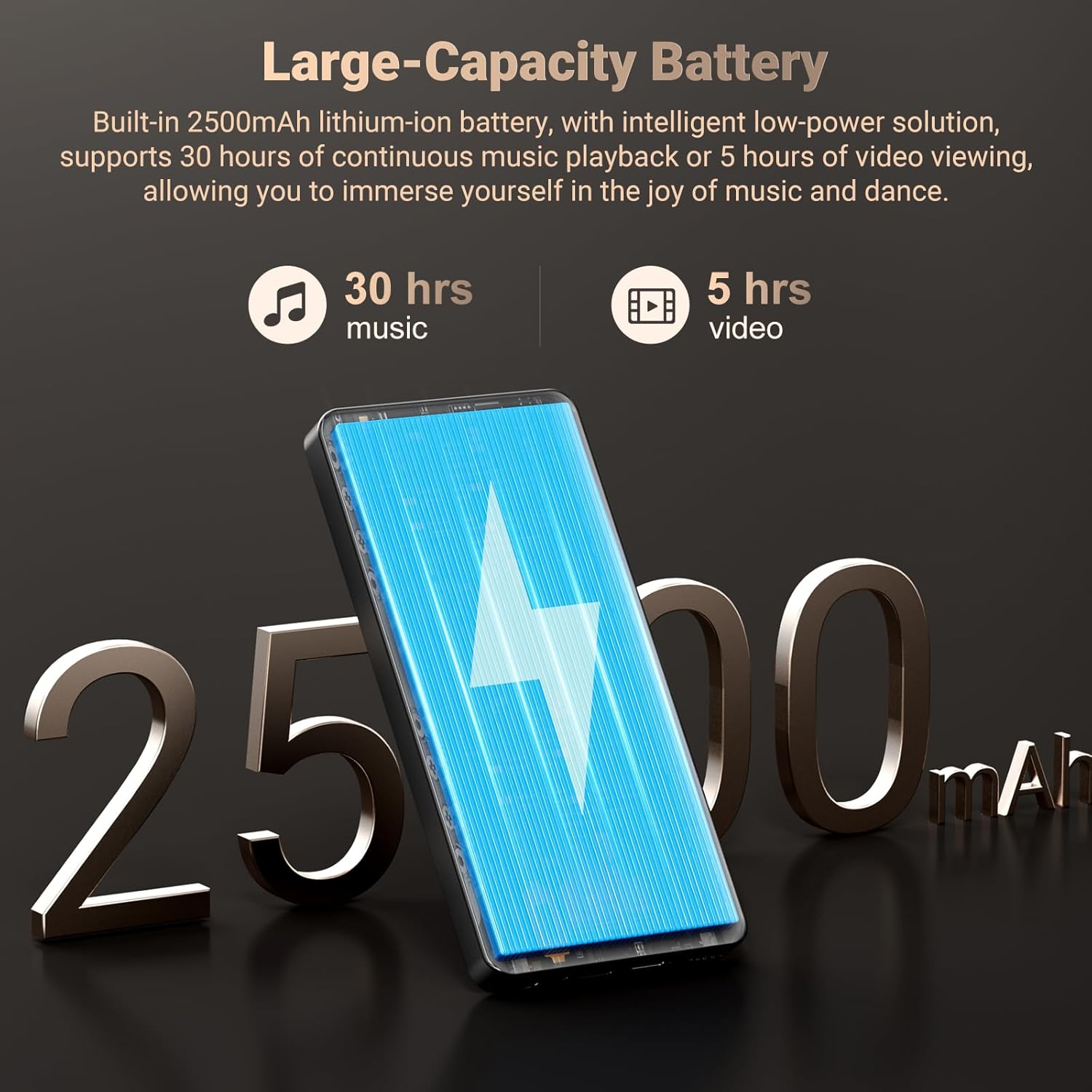
Image: Highlights the 2500mAh rechargeable battery, indicating 30 hours of music playback and 5 hours of video playback.
Cleaning
Wipe the device with a soft, dry, lint-free cloth. Avoid using abrasive cleaners, solvents, or aerosol sprays directly on the device.
Software Updates
Periodically check for software updates to ensure your device has the latest features and security enhancements. Go to Settings > System > System update.
Troubleshooting
| Problem | Possible Cause | Solution |
|---|---|---|
| Device does not power on. | Low battery; System crash. | Charge the device for at least 30 minutes. If unresponsive, perform a forced restart by holding the power button for 10-15 seconds. |
| Cannot connect to Wi-Fi. | Incorrect password; Out of range; Router issue. | Double-check Wi-Fi password. Move closer to the router. Restart your Wi-Fi router. |
| Bluetooth device won't pair. | Device not in pairing mode; Interference. | Ensure Bluetooth device is in pairing mode. Turn off and on Bluetooth on both devices. Clear previous pairings. |
| Apps are slow or crashing. | Too many apps running; Low storage; Outdated app. | Close background apps. Free up storage space. Update the app from the Play Store. Restart the device. |
| Cannot play certain media files. | Unsupported format; Corrupted file. | Ensure file format is supported (AVI, MKV, MP4, MP3, FLAC, etc.). Try a different media player app. Check if the file is corrupted. |
Specifications
| Feature | Detail |
|---|---|
| Product Dimensions | 0.41 x 2.72 x 5.6 inches |
| Item Weight | 15.2 ounces |
| Manufacturer | Oilsky |
| Model Name | M502 |
| Operating System | Android 13.0 |
| Processor | Octa-core (MTK 6762) |
| Memory (RAM) | 4GB |
| Internal Storage (ROM) | 128GB |
| Expandable Storage | Up to 1TB (MicroSD card) |
| Screen Size | 5.5 Inches |
| Screen Resolution | 1440x720 (HD) |
| Rear Camera | 13MP |
| Front Camera | 5MP |
| Connectivity | Bluetooth 5.0, Dual-band Wi-Fi (2.4GHz/5GHz), USB |
| Battery | 2500mAh Lithium Ion (included) |
| Audio Formats | MP3, WAV, APE, FLAC, AAC |
| Video Formats | AVI, MKV, RMVB, MP4, MPG, MOV |
| Included Components | MP3 Player, Protective Film, Earphones, USB cable, User Manual |
Warranty and Support
Your Oilsky MP3 Player is backed by a manufacturer's warranty. For specific warranty terms and conditions, please refer to the warranty card included in your product packaging or contact Oilsky customer support.
For technical assistance, troubleshooting, or any product-related inquiries, please contact the seller, YUNCHUANGTECK, through the Amazon platform or refer to the contact information provided in your product documentation.
Additional protection plans may be available for purchase separately to extend coverage beyond the standard warranty period.
Official Product Video
Video: An official product video from Oilsky showcasing the features and functionality of the 128GB MP3 Player with Bluetooth and WiFi. This video provides a visual overview of the device's capabilities, including its smart features, camera, and connectivity options.
Ask a question about this manual
Ask about setup, troubleshooting, compatibility, parts, safety, or missing instructions. Manuals+ will review the question and use this page’s manual context to help answer it.