1. Introduction and Key Features
This manual provides detailed instructions for the installation, operation, and maintenance of your SUNBA P625 V1 5MP Outdoor POE+ PTZ Surveillance Camera. This camera is part of the Performance Series, offering advanced smart features and a renovated user interface for enhanced surveillance experiences.
- 5MP Resolution & 60FPS: Delivers clear 5-megapixel video at 60 frames per second.
- 25X Optical Zoom: Capture distant details with powerful optical zoom capabilities.
- Auto Tracking: Automatically follows moving objects within the designated view.
- 1000ft Color Night Vision: Provides clear, colored images even in low-light conditions up to 1000 feet.
- 2-Way Audio: Built-in microphone and speaker for two-way communication.
- IP66 Weatherproof: Designed for outdoor use, resistant to extreme weather conditions.
- TF Card Storage: Supports up to 256GB TF card for local recording.
- Web Access & ONVIF: View and configure via web browser (Firefox/Chrome) and compatible with mainstream 3rd party NVR/Client software.
2. Product Overview and Components

Figure 2.1: Camera Components. This image highlights the key external parts of the SUNBA P625 V1 camera, including the wall bracket, speaker, long-range infrared LED (high beam), low-range infrared LED (low beam), light sensor, built-in mic, DC12V female port, and RJ45 network port.
The SUNBA P625 V1 camera features a robust design suitable for outdoor surveillance. Key components include:
- Wall Bracket: For secure mounting.
- Speaker & Built-in Mic: For two-way audio communication.
- Long Range & Low Range Infrared LEDs: Provide night vision capabilities.
- Light Sensor: Automatically adjusts camera settings based on ambient light.
- DC12V Female Port: For power input (if not using PoE+).
- RJ45 Network Port: For Ethernet connection and Power over Ethernet (PoE+).

Figure 2.2: IP66 Weatherproof Design. The camera is built with an industrial-level waterproof shell, TVS 4000V thunder-proof protection, and operates in temperatures from -4°F to 140°F.
3. Setup and Installation
3.1 Power and Network Connection
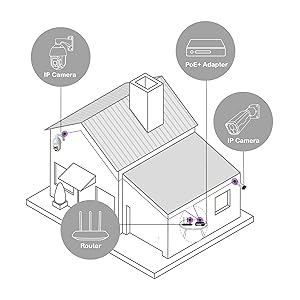
Figure 3.1: Typical Installation Diagram. This diagram illustrates how the camera can be integrated into a home network setup using a PoE+ adapter and router.
The SUNBA P625 V1 camera supports Power over Ethernet Plus (PoE+). This means both power and data can be transmitted over a single Ethernet cable, simplifying installation.
- PoE+ Connection: Connect an Ethernet cable from a PoE+ switch or PoE+ injector to the camera's RJ45 network port. Ensure your PoE+ source provides sufficient power (at least 25W).
- Standard Power (Optional): If PoE+ is not available, connect a 12V DC power adapter (not included) to the DC12V female port and an Ethernet cable to the RJ45 port for data.
3.2 Initial Configuration (Web Access)
The camera can be viewed and configured via a web browser without requiring plugins (Firefox/Chrome on Mac & Windows).
- Ensure the camera is connected to your network.
- Open a web browser (Firefox or Chrome) and enter the camera's IP address in the address bar.
- Log in using the default credentials (refer to your quick start guide for default username/password).
- Navigate to the 'Setup' section to configure various camera settings.
Video 3.2: Auto Tracking Setup. This video demonstrates the steps to configure auto-tracking features via the web interface, including setting tracking objects, filter types, and home positions.
4. Operating the Camera
4.1 Pan, Tilt, and Zoom (PTZ) Control
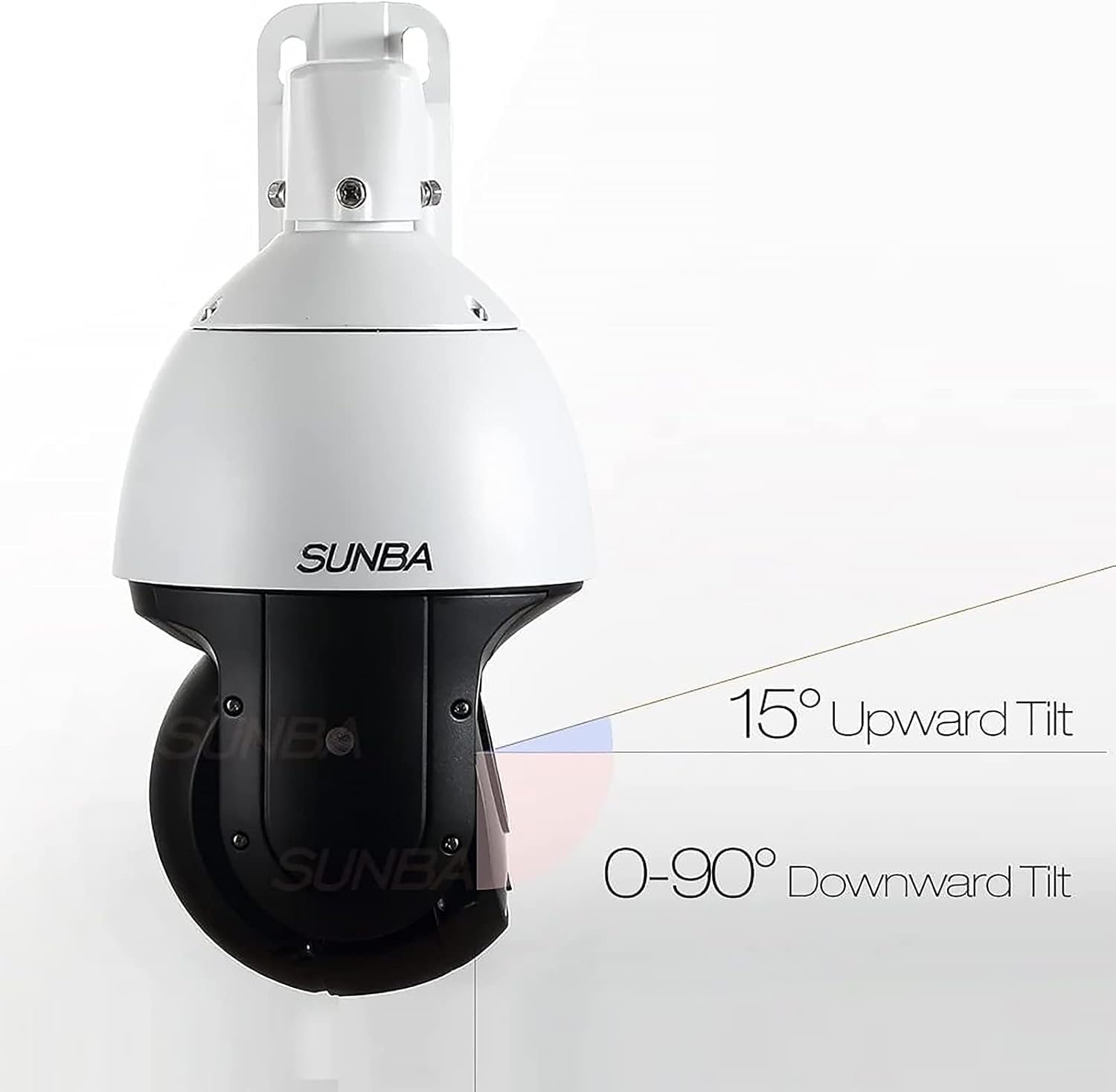
Figure 4.1: PTZ Movement Range. The camera supports 360° horizontal rotation, 15° upward tilt, and 0-90° downward tilt.
The camera offers extensive pan, tilt, and zoom capabilities:
- Pan: 360° continuous horizontal rotation.
- Tilt: 15° upward to 90° downward vertical movement.
- Zoom: 25X optical zoom to magnify distant objects.
4.2 Auto Tracking Features
The P625 V1 camera supports advanced auto-tracking modes:
- Normal Tracking Mode: The camera tracks objects within the full pre-designated view.
- Smart Tracking Mode: Allows setting different rules (e.g., Cross Line, Enter Area, Leave Area, Intrusion) to trigger tracking.
Video 4.2: Line Cross Tracking Demo. This video illustrates the camera's ability to track objects crossing a predefined line, demonstrating its smart tracking capabilities.
4.3 Two-Way Audio

Figure 4.3: Two-Way Audio in Use. The camera's built-in microphone and speaker allow for real-time two-way communication with individuals near the camera.
The integrated microphone and speaker enable two-way audio communication. This feature allows you to listen to the environment and speak through the camera, which is useful for deterrence or direct interaction.
4.4 Night Vision
Figure 4.4: Color Night Vision. The camera provides 1000ft color night vision, ensuring clear and detailed images even in very low light conditions.
The camera is equipped with advanced night vision technology:
- Color Night Vision: Utilizes specialized sensors and lighting to capture colored images in low-light environments up to 1000 feet.
- Infrared (IR) Night Vision: For complete darkness, the camera switches to IR mode for clear black and white footage.
5. Maintenance
Regular maintenance ensures optimal performance and longevity of your SUNBA P625 V1 camera.
- Cleaning: Periodically clean the camera lens and housing with a soft, damp cloth. Avoid abrasive cleaners.
- Firmware Updates: Check the manufacturer's website for firmware updates to ensure your camera has the latest features and security patches.
- Storage Management: Regularly review and manage recordings on the TF card to prevent it from filling up. Back up important footage as needed.
6. Troubleshooting
6.1 Connectivity Issues
If you experience connectivity problems:
- PoE+ Power: Ensure your PoE+ switch or injector provides at least 25W of power. Standard PoE (15.4W) is insufficient for this camera.
- Cable Check: Verify that the Ethernet cable is securely connected at both ends and is not damaged.
- Network Configuration: Confirm the camera's IP address and network settings are correct and compatible with your network.
6.2 Compatibility
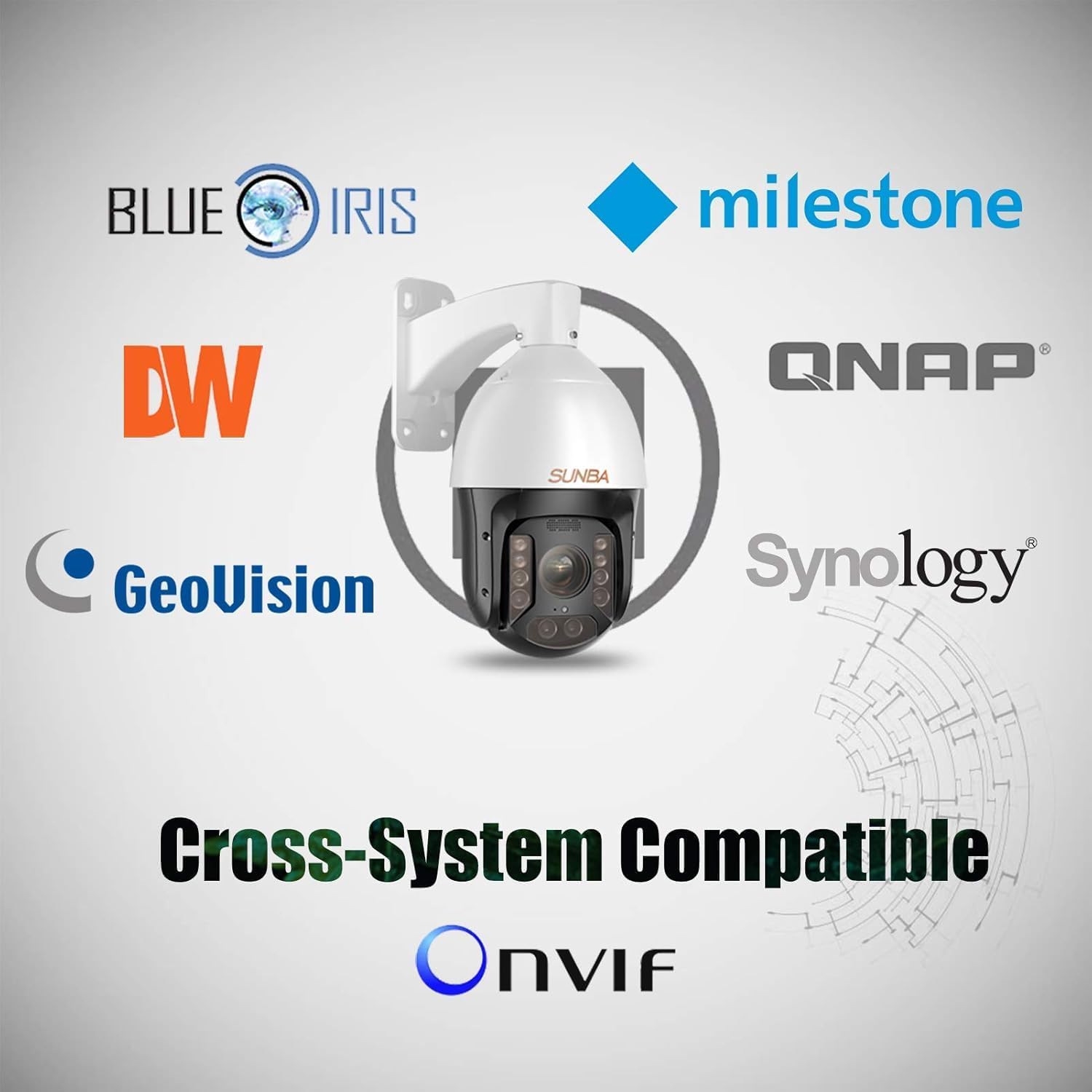
Figure 6.1: Cross-System Compatibility. The camera is compatible with various 3rd party NVR/Client software and supports ONVIF.
The SUNBA P625 V1 camera is designed for broad compatibility:
- ONVIF Support: The camera supports ONVIF, allowing integration with a wide range of network video recorders (NVRs) and client software from different manufacturers.
- 3rd Party Software: It works with popular 3rd party NVR/Client software such as Blue Iris, Security Spy, Milestone, Geovision, and QNAP.
7. Specifications
| Feature | Specification |
|---|---|
| Power Source | Corded Electric |
| Connectivity Protocol | Ethernet |
| Controller Type | Ethernet |
| Number of Items | 1 |
| Batteries Required? | No |
| Unit Count | 1.0 Count |
| Package Dimensions | 17 x 10 x 10 inches |
| Item Weight | 10 pounds |
| Item model number | P625 V1 |
| Manufacturer | SUNBA |
| Recommended Uses For Product | Outdoor Security |
| Brand | SUNBA |
| Connectivity Technology | Ethernet |
| Special Feature | Waterproof |
| Compatible Devices | ONVIF |
8. Warranty and Support
Your SUNBA P625 V1 camera comes with a 2-Year US warranty, ensuring peace of mind regarding product quality and performance.
For technical support, troubleshooting assistance, or warranty claims, please refer to the contact information provided in your product packaging or visit the official SUNBA website.


