
Introduction
This manual provides comprehensive instructions for the GWVEE Replacement Remote Control. This remote is specifically designed for use with small portable space heaters, offering full control over your heating unit. It is compatible with models such as JIBUFI PTC-903A, PTC-SL1701, QOWETU PTC-SL1701, and AUBKN PTC-150B.
The remote allows for easy adjustment of temperature settings, power on/off functionality, and control of all heater functions from a distance. Its user-friendly design features an intuitive button layout with clearly labeled, responsive controls, enabling effortless operation from your couch or bed.
Designed for reliability, this replacement remote delivers consistent performance and features durable construction for long-lasting use. It serves as an ideal replacement if your original remote is lost or no longer functional, ensuring your portable heater remains fully operational.
Setup
The GWVEE Replacement Remote Control features simple plug-and-play operation, requiring no complicated setup or programming. To begin using your remote, follow these steps:
- Insert Batteries: The remote requires two AAA batteries (not included). Open the battery compartment on the back of the remote and insert the batteries, ensuring correct polarity (+/-).
- Immediate Use: Once batteries are inserted, the remote is ready for immediate use. No pairing or additional settings are required.
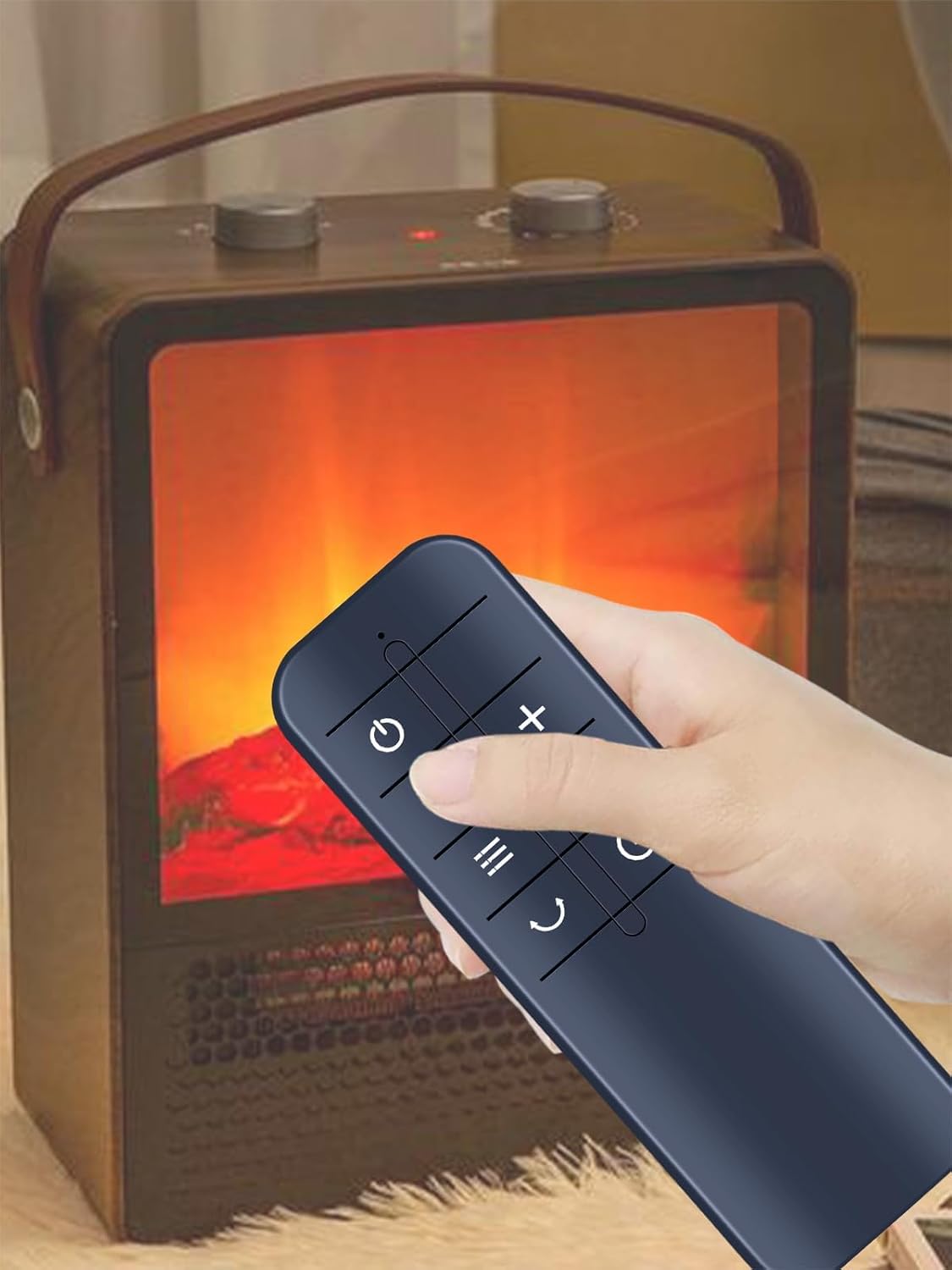
Figure 1: The remote control requires two AAA batteries for operation. Batteries are not included and must be purchased separately.
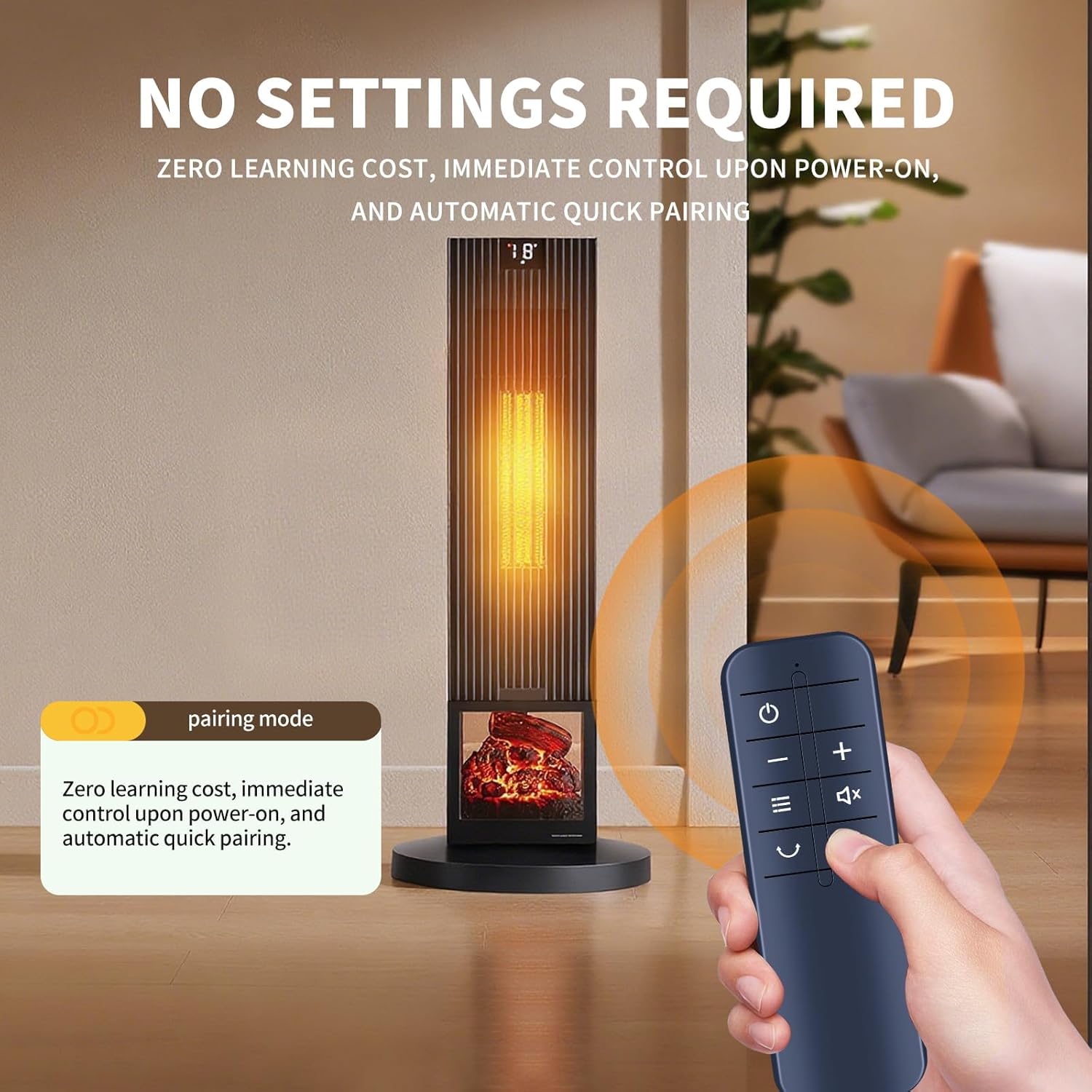
Figure 2: The remote control requires no complex setup; it automatically pairs with compatible heaters upon power-on.
Operating Instructions
The remote control provides full functionality for your compatible portable space heater. Familiarize yourself with the button layout for optimal use.

Figure 3: Detailed view of the remote control's buttons, ergonomic grip, and construction material.
- Power Button (⏻): Press to turn the heater on or off.
- Temperature Adjustment (+/-): Use these buttons to increase or decrease the desired temperature setting of the heater.
- Mode/Function Button (≡): Cycles through different operating modes or functions of the heater (e.g., fan only, low heat, high heat).
- Mute/Sound Button (🔇): Mutes or unmutes any audible feedback from the heater.
- Swing/Oscillation Button (⌛): Activates or deactivates the oscillation feature of the heater.
- Timer Button (⏱): Sets or adjusts the operational timer for the heater.
The remote offers a reliable signal with a maximum effective distance of up to 26 feet, allowing for control from various positions within a room.

Figure 4: The remote control maintains a stable signal over a long distance, up to 26 feet.
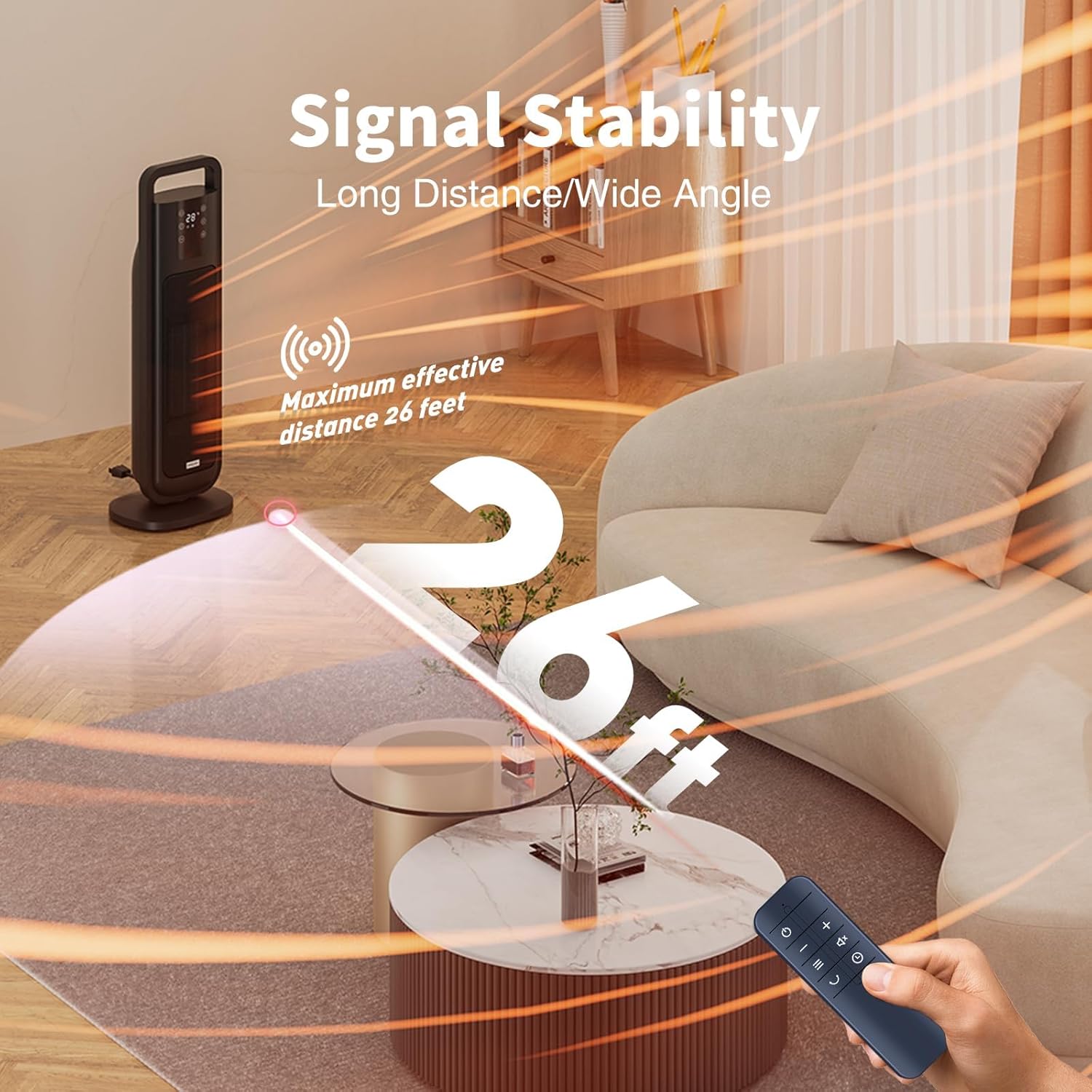
Figure 5: The remote enables one-click temperature adjustment for precise climate control.
Maintenance
To ensure the longevity and optimal performance of your GWVEE Replacement Remote Control, consider the following maintenance tips:
- Battery Replacement: Replace batteries promptly when the remote's responsiveness decreases. Always use fresh AAA batteries.
- Cleaning: Wipe the remote with a soft, dry cloth to remove dust and smudges. Avoid using harsh chemicals or abrasive cleaners.
- Storage: Store the remote in a dry place, away from extreme temperatures and direct sunlight, when not in use for extended periods.
- Protection: Avoid dropping the remote or exposing it to liquids, as this can damage internal components.
Troubleshooting
If you encounter issues with your remote control, try the following troubleshooting steps:
- Remote Not Responding:
- Check if the batteries are inserted correctly with the correct polarity.
- Replace old batteries with new AAA batteries.
- Ensure there are no obstructions between the remote and the heater's infrared receiver.
- Make sure you are within the effective operating range (up to 26 feet).
- Intermittent Functionality:
- This may indicate low battery power. Replace the batteries.
- Ensure the remote's infrared emitter is clean and free from debris.
Specifications
| Brand | GWVEE |
| Model Number (Remote) | B0FCYFLDFS |
| Compatible Devices | Portable Space Heaters (PTC-903A, PTC-SL1701, PTC-150B) |
| Package Dimensions | 4.6 x 1.49 x 0.55 inches |
| Item Weight | 0.96 ounces |
| Color | Black |
| Special Feature | No Programming Required |
| Max Number of Supported Devices | 1 |
Customer Support
For any queries or assistance regarding your GWVEE Replacement Remote Control, please feel free to contact us. We are committed to providing reliable performance and quality assurance for our products.
While specific warranty details are not provided in this manual, please retain your purchase receipt for any potential support inquiries.