
1. Introduction
This manual provides detailed instructions for the safe and efficient operation of your HYSHIKRA QuanSheng TK11(5) Multi-Band Walkie Talkie. This device is a portable multi-band transceiver designed for reliable communication across various frequency ranges, featuring high power output, NOAA weather alerts, and advanced frequency analysis capabilities. Please read this manual thoroughly before using the product to ensure proper function and to prevent damage.
2. Safety Information
Observe the following safety precautions to reduce the risk of fire, electric shock, or personal injury:
- Do not operate the radio in explosive atmospheres (e.g., flammable gases, dust particles, metallic powders).
- Do not modify or disassemble the radio. Repairs should only be performed by qualified technicians.
- Use only specified batteries and chargers. Improper use may cause fire, explosion, or injury.
- Avoid prolonged exposure to direct sunlight or extreme temperatures.
- Keep the radio away from water and moisture, unless specifically designed for waterproof use.
- Maintain a safe distance from medical devices such as pacemakers.
3. Package Contents
Verify that all items are present in your package:
- QuanSheng TK11(5) Walkie Talkie (2 units)
- Belt Clip (2 units)
- Charger Base and Adapter (2 sets)
- 2500mAh Battery (2 units)
- Antenna (4 units)
- Lanyard (2 units)
- User Manual (2 units)
4. Product Overview
The QuanSheng TK11(5) is a versatile multi-band walkie talkie with a robust design and advanced features for various communication needs.
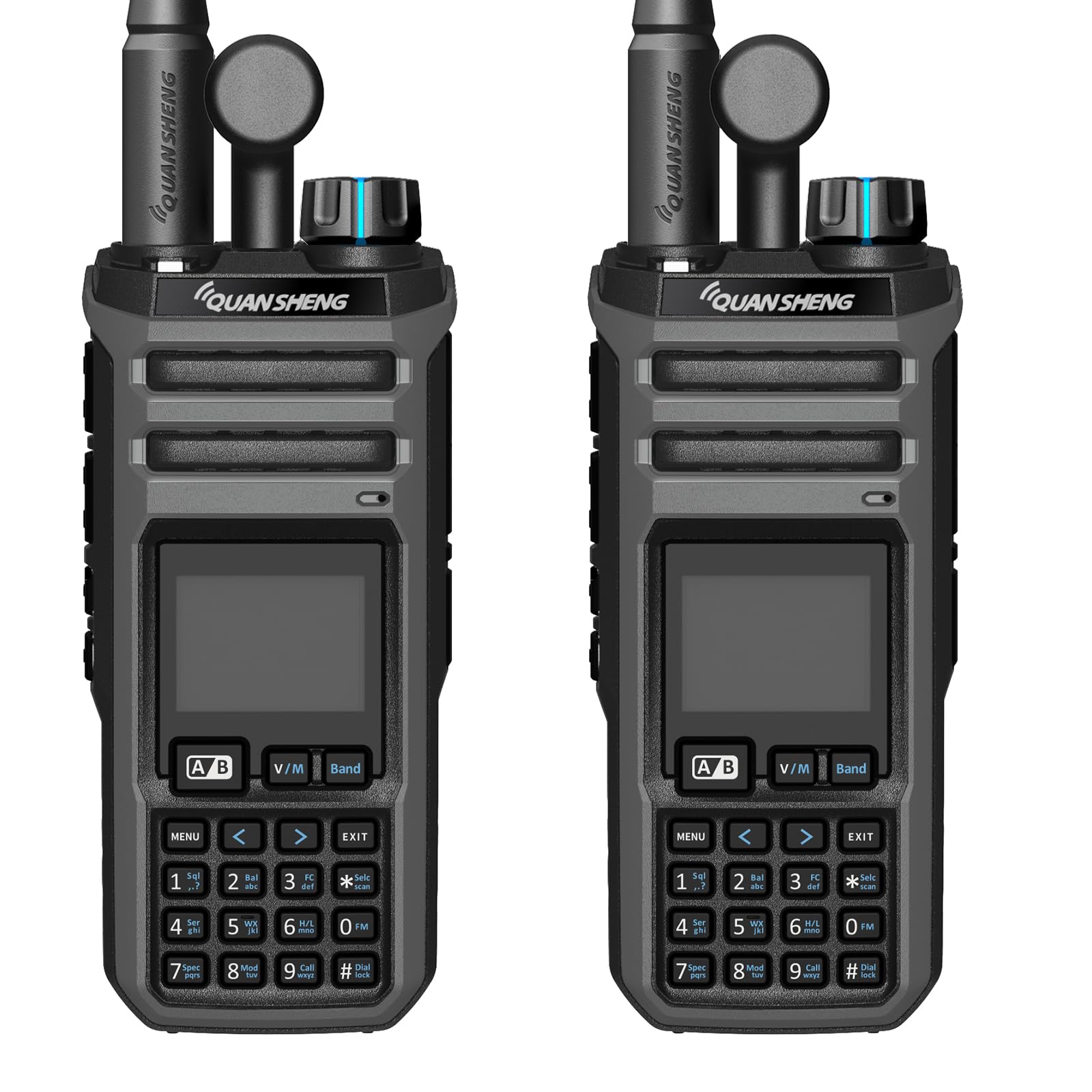
Figure 4.1: Front view of the QuanSheng TK11(5) Multi-Band Walkie Talkie.
Key Features:
- Dual-Band Simultaneous Receive: Monitor two frequencies concurrently.
- Wide-Band Reception & Multi-Band Transmit: Supports AM/SSB/FM modes across aviation, marine, amateur radio, weather, and public safety bands.
- 10W High-Power Output: Ensures strong signal penetration and reliable long-range communication.
- NOAA Weather Alert with SAME Decoding: Provides targeted local emergency weather alerts.
- Universal/Smart Code Breaking: Supports three code breaking modes for enhanced privacy and compatibility.
- Spectrum Analyzer/Frequency Meter: Integrated tools for frequency analysis.

Figure 4.2: Illustration of the multi-band receiving and transmitting capabilities.

Figure 4.3: The radio supports receiving two frequencies simultaneously.
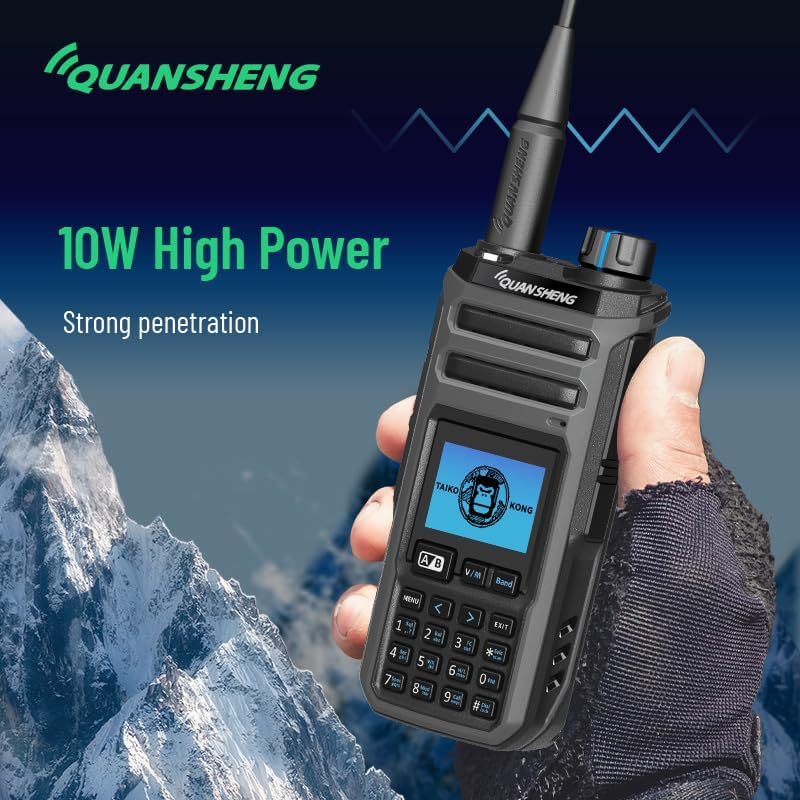
Figure 4.4: The 10W high power output ensures strong signal penetration.

Figure 4.5: The device supports AM receiving for aviation and other bands.

Figure 4.6: The walkie talkie supports three code breaking modes: Normal, Master, and Self-learning.
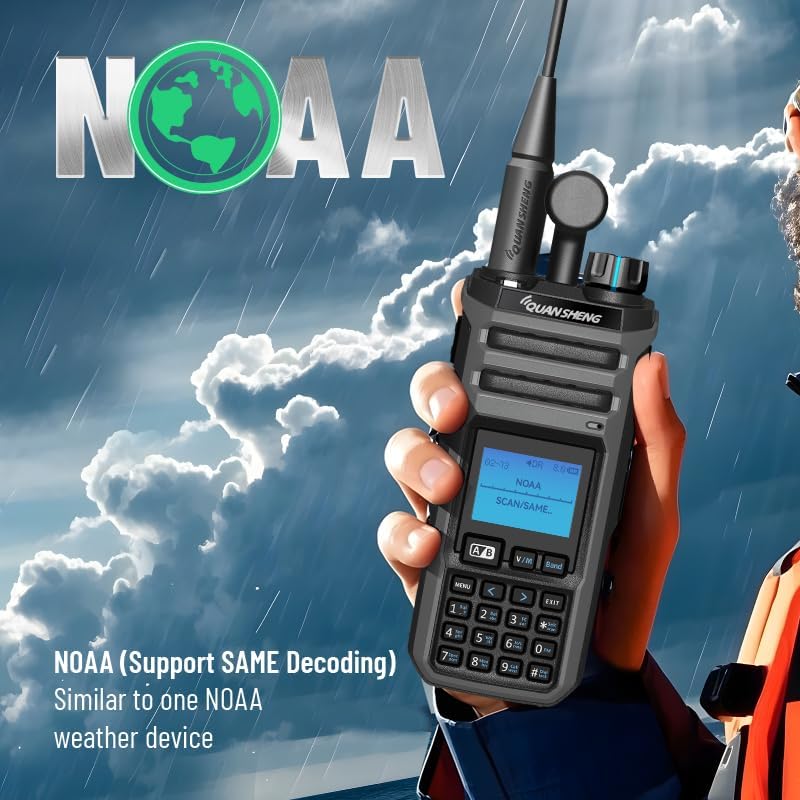
Figure 4.7: Integrated NOAA weather radio with SAME decoding for local emergency alerts.

Figure 4.8: The device includes a spectrum analyzer function.
5. Setup
5.1. Unboxing and Initial Assembly
Upon receiving your QuanSheng TK11(5) walkie talkie, carefully unbox all components and ensure nothing is missing. The following steps detail the initial assembly:
- Install the Battery: Align the battery pack with the battery compartment on the back of the radio. Gently push until it clicks into place. Ensure it is securely fastened.
- Attach the Antenna: Screw the antenna clockwise onto the antenna connector at the top of the radio until it is finger-tight. Do not overtighten.
- Attach the Belt Clip (Optional): If desired, attach the belt clip to the designated slot on the back of the radio.
Video 5.1: This video demonstrates the unboxing and initial assembly of the QuanSheng TK11(5) walkie talkie, including battery and antenna installation.
5.2. Charging the Battery
Before first use, fully charge the battery. Use only the provided charger base and adapter.
- Connect the charger adapter to the charger base.
- Plug the adapter into a standard AC power outlet.
- Place the walkie talkie (with battery installed) into the charger base. Ensure the charging contacts align.
- The charging indicator light on the base will typically show red during charging and turn green when fully charged.
6. Operating Instructions
6.1. Power On/Off
To power on the radio, rotate the volume knob clockwise until you hear a click and the display illuminates. To power off, rotate the volume knob counter-clockwise until it clicks off.
6.2. Channel/Frequency Selection
The TK11(5) supports both Channel Mode and Frequency (VFO) Mode. Press the V/M button to switch between these modes.
- Channel Mode: Use the up/down arrow buttons or the numeric keypad to select a stored channel (1-999).
- Frequency Mode (VFO): Use the numeric keypad to directly input a desired frequency, or use the up/down arrow buttons to step through frequencies.
6.3. Dual-Band Simultaneous Receive
The radio can monitor two different frequencies or channels simultaneously. The active receiving band is indicated on the display. Use the A/B button to switch the primary active band for transmitting.
6.4. NOAA Weather Alert
To access NOAA weather alerts, navigate to the NOAA function in the menu. The radio supports SAME decoding for targeted local alerts. Refer to the on-screen prompts or specific menu options for activation and configuration.
6.5. AM/SSB/FM Modes
The TK11(5) supports various modulation modes. To change the mode, access the menu and locate the 'DEMODE' or 'Modulation Mode' setting. Select between AM, SSB, or FM as required for your communication needs.
6.6. Spectrum Analyzer / Frequency Meter
The integrated spectrum analyzer and frequency meter functions allow for real-time analysis of radio signals. Access these features through the main menu to scan frequencies, identify active signals, and measure signal parameters.
7. Maintenance
7.1. Cleaning
Clean the radio's exterior with a soft, damp cloth. Do not use harsh chemicals, solvents, or abrasive cleaners. Ensure the radio is powered off and disconnected from any power source before cleaning.
7.2. Battery Care
To prolong battery life:
- Avoid overcharging or completely discharging the battery.
- Store the battery in a cool, dry place when not in use.
- If the radio will not be used for an extended period, remove the battery.
8. Troubleshooting
If you encounter issues with your walkie talkie, refer to the following common problems and solutions:
| Problem | Possible Cause | Solution |
|---|---|---|
| Radio does not power on | Battery is low or not installed correctly. | Charge the battery or re-install it securely. |
| Cannot transmit or receive | Incorrect frequency/channel, antenna not attached, or out of range. | Verify frequency/channel settings, ensure antenna is attached, move closer to other radios. |
| Poor audio quality | Low battery, weak signal, or interference. | Charge battery, check signal strength, move away from sources of interference. |
| NOAA alerts not received | NOAA function not activated or incorrect regional settings. | Activate NOAA function in the menu and verify regional SAME code settings. |
9. Specifications
Technical specifications for the QuanSheng TK11(5) Multi-Band Walkie Talkie:
| Feature | Detail |
|---|---|
| Model Number | TK-11(5) |
| Brand | HYSHIKRA |
| Item Weight | 3.44 pounds |
| Package Dimensions | 10 x 8.82 x 7.24 inches |
| Batteries | 1 Nonstandard Battery required (included) |
| Number of Channels | 999 |
| Frequency Range | 144-148 MHz (VHF), 420-450 MHz (UHF) |
| Water Resistance Level | Waterproof |
| Special Feature | Long Range |
| Included Components | Walkie-talkie, Belt Clip, Charger Base and Adapter, 2500mAh Battery, Antenna, Lanyard |
10. Warranty Information
This product comes with a 3-month warranty from the date of purchase. The warranty covers manufacturing defects and malfunctions under normal use. It does not cover damage caused by misuse, accidents, unauthorized modifications, or natural disasters. Please retain your proof of purchase for warranty claims.
11. Support
For technical support, troubleshooting assistance, or warranty inquiries, please contact HYSHIKRA customer service. Refer to the contact information provided with your purchase or visit the official HYSHIKRA website for further assistance.