Introduction
Welcome to your new QXUFV Open Ear Headphones Model QX68. This manual provides detailed instructions for setup, operation, and maintenance to ensure optimal performance and longevity of your device. Please read this manual thoroughly before using your headphones.
What's in the Box
Verify that all components are present in your package:
- QXUFV Open Ear Earbuds (2)
- Charging Case (1)
- Type-C Charging Cable (1)
- User Manual (1)

Product Overview
The QXUFV QX68 Open Ear Headphones feature an ergonomic design for comfort and situational awareness. Below are visual representations of the product and its dimensions.


Setup
Charging the Headphones
Before first use, fully charge the headphones and charging case. The charging case features an LED display to indicate the remaining battery level.
- Place the earbuds into the charging case, ensuring they are correctly seated.
- Connect the provided Type-C cable to the charging port on the case and plug the other end into a USB power adapter (not included) or a computer's USB port.
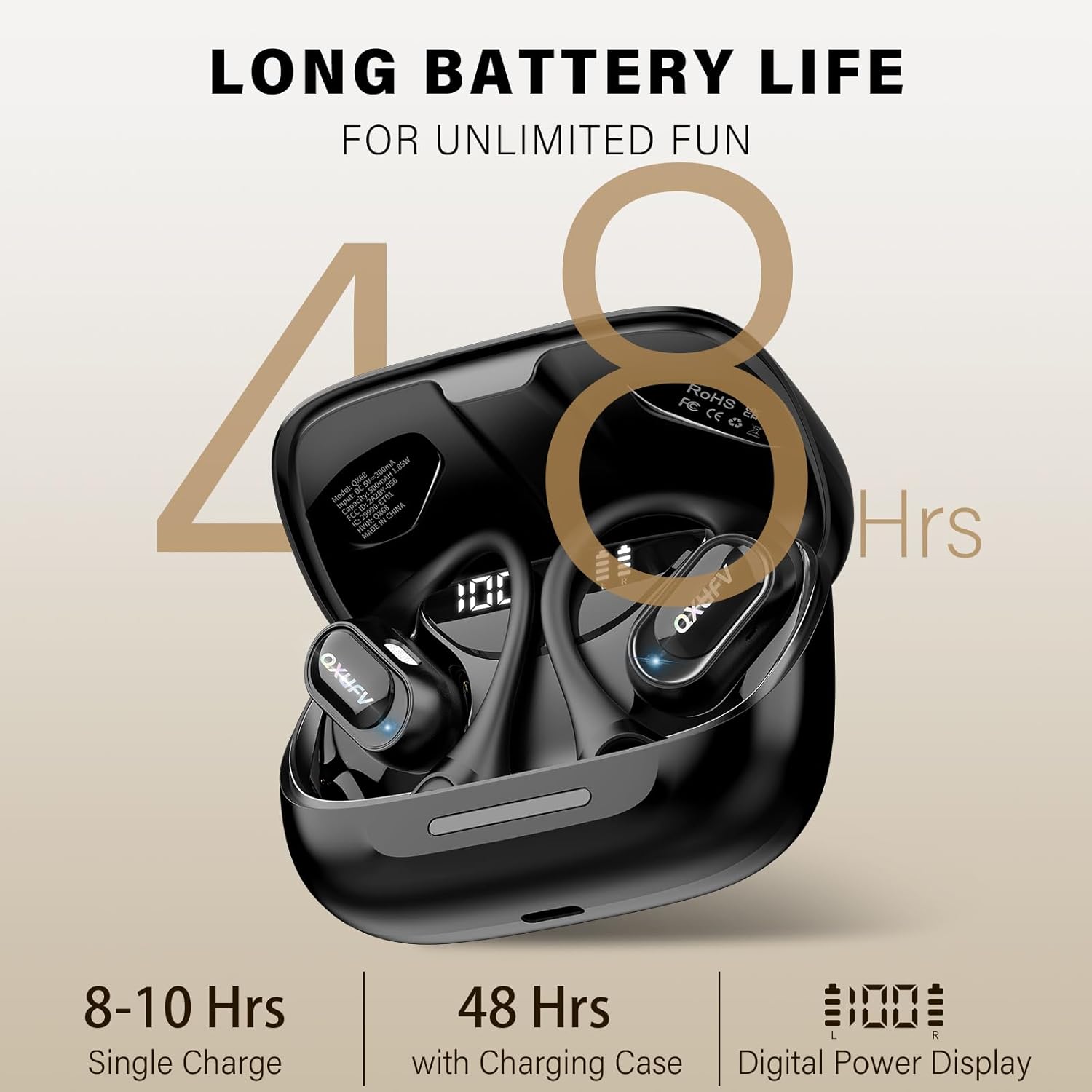
- The LED display on the case will show the charging status. A full charge provides up to 10 hours of continuous earbud use, with the charging case extending total playtime to 48 hours.

Pairing with a Device
The QXUFV QX68 headphones utilize Bluetooth 5.4 technology for stable and fast connections. After initial pairing, the headphones will automatically connect to your device when removed from the case.
- Ensure the headphones are charged.
- Open the charging case. The earbuds will automatically enter pairing mode.
- On your device (smartphone, tablet, laptop), enable Bluetooth.
- Search for available Bluetooth devices and select "QX68" from the list.
- Once connected, you will hear an audible confirmation, and the indicator light on the earbuds will change.

Wearing the Headphones
The QX68 features an open-ear design for comfort and to maintain situational awareness. Follow these steps for a secure and comfortable fit:
- Hang the end of the earbud on your ear helix.
- Rotate it backward along the auricle.
- Adjust the ear hook until the headset is worn stably and comfortably.


Operating Instructions
Touch Controls
The QXUFV QX68 headphones feature intuitive touch controls on each earbud. The functions are generally mirrored on both left (L) and right (R) earbuds unless specified.
| Action | Control |
|---|---|
| Power On | Press and hold touch button for 3 seconds |
| Power Off | Place into case or press and hold for 5 seconds |
| Play/Pause Music | Double-click L/R earbud |
| Volume +/- | Click L/R earbud |
| Previous/Next Track | Press and hold L/R earbud for 2 seconds |
| Answer/Hang up Call | Click L/R earbud |
| Reject Call | Press and hold for 2 seconds |
| Activate Voice Assistant | Triple-click L/R earbud |

Maintenance
Cleaning
To maintain optimal performance and hygiene, regularly clean your headphones and charging case.
- Wipe the earbuds and charging case with a soft, dry, lint-free cloth.
- Avoid using abrasive materials, solvents, or harsh chemicals.
- Ensure charging contacts on both earbuds and case are clean and dry.
Water Resistance (IPX7)
The QXUFV QX68 headphones are rated IPX7 waterproof, meaning they are resistant to sweat and rain. This makes them suitable for sports and outdoor activities.
- Do not intentionally submerge the headphones in water for extended periods.
- After exposure to sweat or rain, wipe the headphones dry before placing them back into the charging case to prevent damage to the charging contacts.
- The charging case is not waterproof.


Troubleshooting
If you encounter any issues with your QXUFV QX68 headphones, refer to the following common problems and solutions:
- No Sound:
Ensure the headphones are powered on and properly paired with your device. Check the volume levels on both the headphones and your connected device. - Pairing Issues:
Make sure the headphones are charged. Turn off and then turn on Bluetooth on your device. If the issue persists, 'forget' or 'unpair' "QX68" from your device's Bluetooth list and attempt to re-pair. - Charging Problems:
Verify that the Type-C charging cable and power source are functioning correctly. Ensure the earbuds are securely seated in the charging case and that the charging contacts are clean. - Microphone Not Working:
Check your device's audio settings to confirm that "QX68" is selected as the input device. Ensure the microphone on the earbuds is not obstructed. - Unstable Connection:
Ensure there are no significant obstacles between your device and the headphones. Move closer to your device to ensure you are within the 15-meter Bluetooth range.
Specifications
Key technical specifications for the QXUFV Open Ear Headphones QX68:
| Feature | Detail |
|---|---|
| Model Name | QX68 |
| Connectivity Technology | Wireless (Bluetooth) |
| Bluetooth Version | 5.4 |
| Bluetooth Range | Up to 15 meters (50 feet) |
| Audio Driver Type | 14.2mm Dynamic Driver |
| Earbud Battery Life | Up to 10 hours (single charge) |
| Total Playtime (with Case) | Up to 48 hours |
| Water Resistance Level | IPX7 |
| Earbud Weight | Approximately 9.5g per earbud |
| Material | Liquid silicone |
| Included Components | Earbuds, Charging Case, Type-C Cable, User Manual |

Warranty and Support
QXUFV products typically come with a 2-year warranty. For warranty claims, technical support, or any product-related inquiries, please contact QXUFV customer service through their official website or the retailer where you purchased the product.
You can visit the official QXUFV store for more information: QXUFV Store
