1. Introduction
This manual provides essential information for setting up, operating, maintaining, and troubleshooting your new VIBOX III-445 PC Gamer. Please read this guide thoroughly before using your computer to ensure optimal performance and longevity.
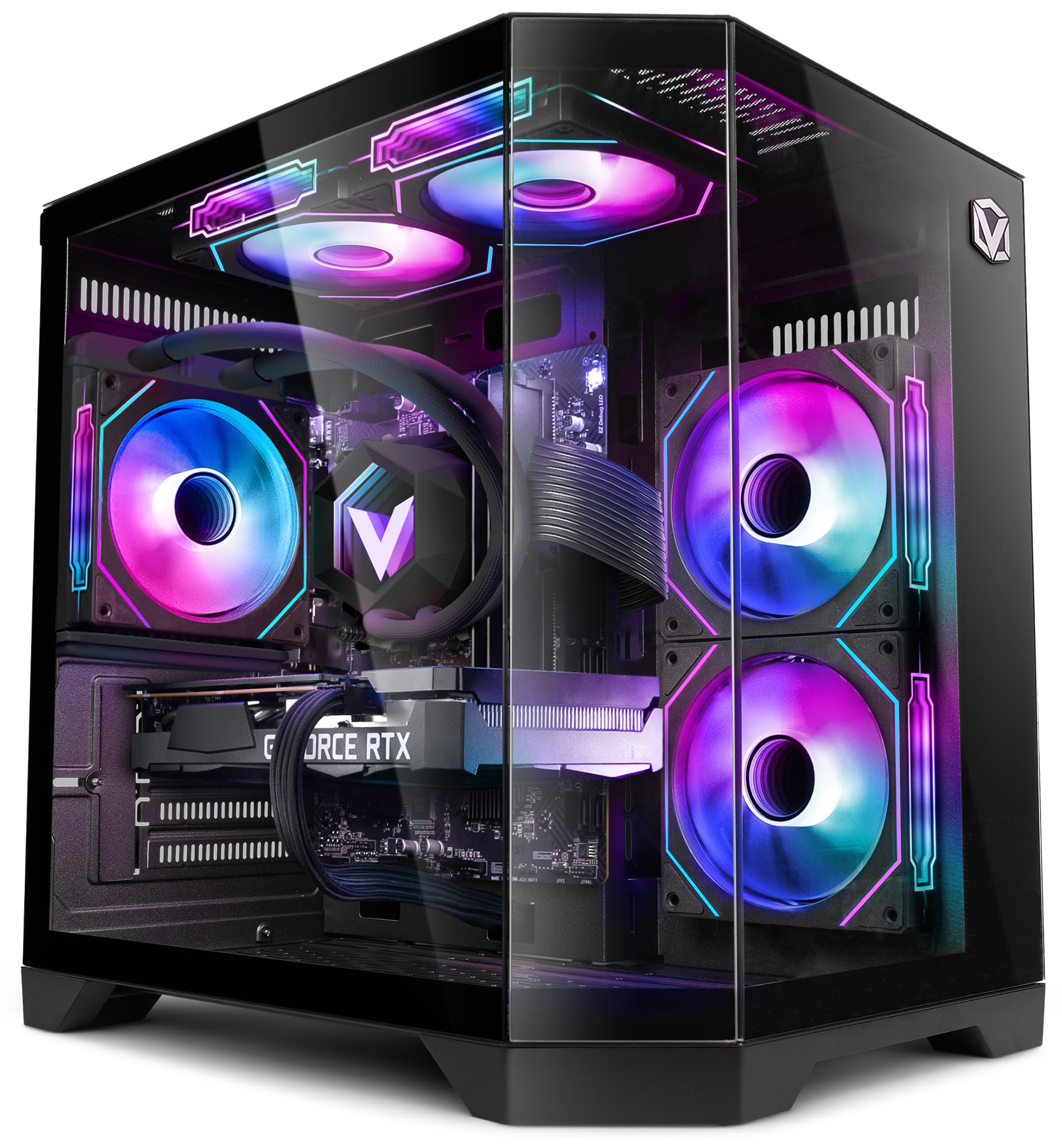
Figure 1: VIBOX III-445 PC Gamer, showcasing its internal components and RGB lighting.
2. Setup
2.1. Unboxing and Initial Inspection
- Carefully remove the PC from its packaging.
- Inspect the computer for any visible damage that may have occurred during shipping.
- Remove any internal packaging materials, such as foam inserts, designed to protect components during transit.
- Ensure all accessories (power cable, Wi-Fi adapter, documentation) are present.
2.2. Connecting Peripherals
Connect your monitor, keyboard, mouse, and other peripherals to the appropriate ports on the back and front of the PC. Refer to the image below for front panel connectivity.

Figure 2: Front panel connectivity. Includes power button, USB 2.0 ports, USB 3.0 ports, headphone jack, reset button, and RGB lighting control button.
- Monitor: Connect your monitor to the graphics card (Nvidia RTX 5060) using an HDMI or DisplayPort cable.
- Keyboard and Mouse: Connect to any available USB ports.
- Power: Connect the power cable to the PC and a wall outlet.
- Network: Use the included Wi-Fi adapter for wireless internet or connect an Ethernet cable to the LAN port for a wired connection.
2.3. First Boot and Windows 11 Setup
- Press the power button on the front of the PC.
- Follow the on-screen instructions to complete the Windows 11 setup process. This typically involves selecting your region, language, creating a user account, and connecting to a network.
- Ensure all drivers are installed and updated after the initial setup. You can check for updates via Windows Update and the Nvidia website for graphics drivers.
3. Operating Your PC
3.1. Windows 11 Home
Your VIBOX III-445 PC comes pre-installed with Windows 11 Home, optimized for gaming and productivity.

Figure 3: Windows 11 Home operating system.
- Faster Loading Times: Benefit from DirectStorage for quicker game loading.
- Enhanced Graphics: AutoHDR improves visual quality in supported games.
- Xbox Game Pass Integration: Seamless access to a library of games.
- Optimized CPU Performance: Windows 11 is designed to leverage modern CPU architectures efficiently.
3.2. Key Components
The VIBOX III-445 is equipped with powerful components for a smooth computing experience.
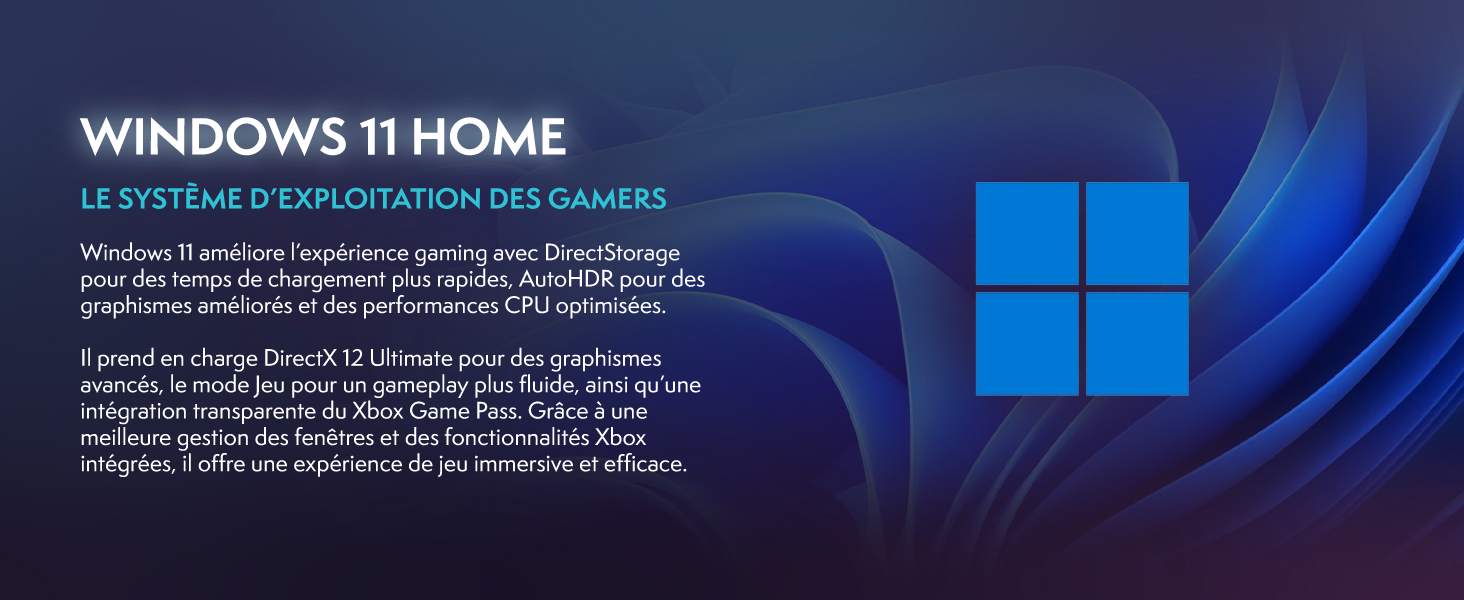
Figure 4: Overview of the VIBOX III-445's core components.
- Processor: Intel Core i7-12700KF (12 Cores, up to 5.0 GHz) for high-performance gaming, streaming, and content creation.
- Graphics Card: Nvidia GeForce RTX 5060 (8GB GDDR7) for advanced graphics and gaming.
- RAM: 16GB DDR4 3200MHz Dual Channel for smooth multitasking.
- Storage: 500GB SSD for fast boot times and application loading.
3.3. Cooling System
The PC features an advanced cooling system to maintain optimal temperatures.

Figure 5: VIBOX AIO 120MM liquid cooler for stable processor temperatures.

Figure 6: Reversed airflow design for optimized air circulation and reduced heat accumulation.

Figure 7: Hex RGB Infinity 120mm fans for customizable lighting and enhanced airflow.
- VIBOX AIO 120MM: Provides compact and efficient liquid cooling for the CPU.
- Reversed Airflow: Optimizes air circulation to reduce heat buildup.
- Hex RGB Infinity 120MM Fans: High-performance fans with customizable RGB lighting.
4. Maintenance
4.1. General Cleaning
- Exterior: Use a soft, damp cloth to clean the exterior of the case. Avoid abrasive cleaners.
- Dust Removal: Periodically use compressed air to clean dust from fans, vents, and internal components. Ensure the PC is powered off and unplugged before cleaning.
- Filters: If your case has removable dust filters, clean them regularly to maintain optimal airflow.
4.2. Software Updates
- Windows Updates: Regularly check for and install Windows updates to ensure system stability and security. Go to Settings > Windows Update.
- Driver Updates: Keep your graphics card drivers updated by downloading the latest versions from the Nvidia website. Other component drivers can be updated via Windows Update or the motherboard manufacturer's website.
4.3. System Backups
- Regularly back up important data to an external drive or cloud storage to prevent data loss.
5. Troubleshooting
This section addresses common issues you might encounter. For more complex problems, contact technical support.
5.1. No Power
- Ensure the power cable is securely connected to both the PC and the wall outlet.
- Check if the power supply unit (PSU) switch on the back of the PC is in the 'ON' position.
- Test the wall outlet with another device to confirm it has power.
5.2. No Display on Monitor
- Verify that the monitor is powered on and connected to the graphics card (Nvidia RTX 5060) ports, not the motherboard's video outputs.
- Check the monitor's input source setting (HDMI, DisplayPort).
- Ensure the graphics card is properly seated in its slot.
5.3. Poor Performance or Freezing
- Close unnecessary background applications.
- Ensure all drivers, especially graphics drivers, are up to date.
- Check system temperatures using monitoring software to rule out overheating.
- Run a disk cleanup and defragmentation (for HDDs, not necessary for SSDs).
5.4. Wi-Fi Connectivity Issues
- Ensure the Wi-Fi adapter is securely plugged into a USB port.
- Check Wi-Fi settings in Windows to ensure it's enabled and connected to the correct network.
- Restart your router and modem.
- Consider using a wired Ethernet connection if Wi-Fi signal is consistently weak or unstable.
6. Specifications
| Feature | Detail |
|---|---|
| Brand | VIBOX |
| Model Number | III-445 |
| Series | VTX-8 |
| Color | VTX-8 Black |
| Operating System | Windows 11 Home |
| Processor Brand | Intel |
| Processor Type | Core i7-12700KF |
| Processor Speed | 3.6 GHz (up to 5.0 GHz boost) |
| Number of Cores | 12 |
| Max Memory Supported | 128 GB |
| Hard Drive Technology | SSD |
| Hard Drive Interface | SSD |
| Storage Capacity | 500 GB |
| Graphics Chipset Brand | NVIDIA |
| Graphics Card Description | Dedicated |
| GPU | NVIDIA GeForce RTX 5060 |
| Graphics Card RAM | 8 GB |
| Graphics RAM Type | GDDR6 |
| Processor Socket | LGA 1700 |
| Connectivity Type | Wi-Fi |
| Hardware Interface | HDMI, USB |
| Number of HDMI Ports | 1 |
| Number of USB 2.0 Ports | 3 |
| Number of USB 3.0 Ports | 3 |
| Connector Type | Ethernet, HDMI, USB, Wi-Fi |
| Compatible Devices | Headphones, Keyboard, Printer, Monitor, Mouse |
| Item Dimensions (L x W x H) | 35 x 28 x 38 centimeters |
| Specific Product Uses | Gaming, Photo Editing, Video Editing |
| PC Type | Computer Tower |
7. Warranty
Your VIBOX III-445 PC Gamer comes with a manufacturer's warranty:
- Parts: 2 years
- Labor: Lifetime
Please retain your proof of purchase for warranty claims. For detailed terms and conditions, refer to the warranty documentation included with your product or visit the VIBOX official website.
8. Support
If you encounter issues not covered in this manual or require further assistance, please contact VIBOX customer support. Have your model number (III-445) and purchase details ready when contacting support.
For additional resources, visit the official VIBOX website:


