
1. Introduction
Thank you for choosing the padom YX-01 Smart Audio Glasses. These innovative glasses combine stylish eyewear with advanced audio technology, offering open-ear sound, hands-free controls, and smart features for an enhanced daily experience. This manual provides essential information for setup, operation, and maintenance to ensure optimal performance.
2. Package Contents
Verify that all items are present in your package:
- Audio Bluetooth Glasses (YX-01)
- Glasses Case
- Magnetic Charging Cable
- Cleaning Cloth
- Eyeglasses Storage Bag
- User Manual

Image: A flat lay showing the padom YX-01 Smart Audio Glasses, a magnetic charging cable, a cleaning cloth, a user manual, and a protective case, all neatly arranged.
3. Product Overview
The padom YX-01 Smart Audio Glasses feature an integrated design with speakers and controls discreetly built into the temples. The lenses are light-adaptive, offering both blue light filtering indoors and UV protection outdoors.
Key Components:
- Open-Ear Speakers: Located in the temples, providing audio without blocking ambient sounds.
- Microphone: Integrated for clear hands-free calls and voice assistant interaction.
- Touch Controls: Intuitive touch-sensitive areas on the temples for managing functions.
- Magnetic Charging Port: Discreetly placed for easy charging.
- Light-Adaptive Lenses: Photochromic lenses adjust to light conditions and offer UV/blue light protection.
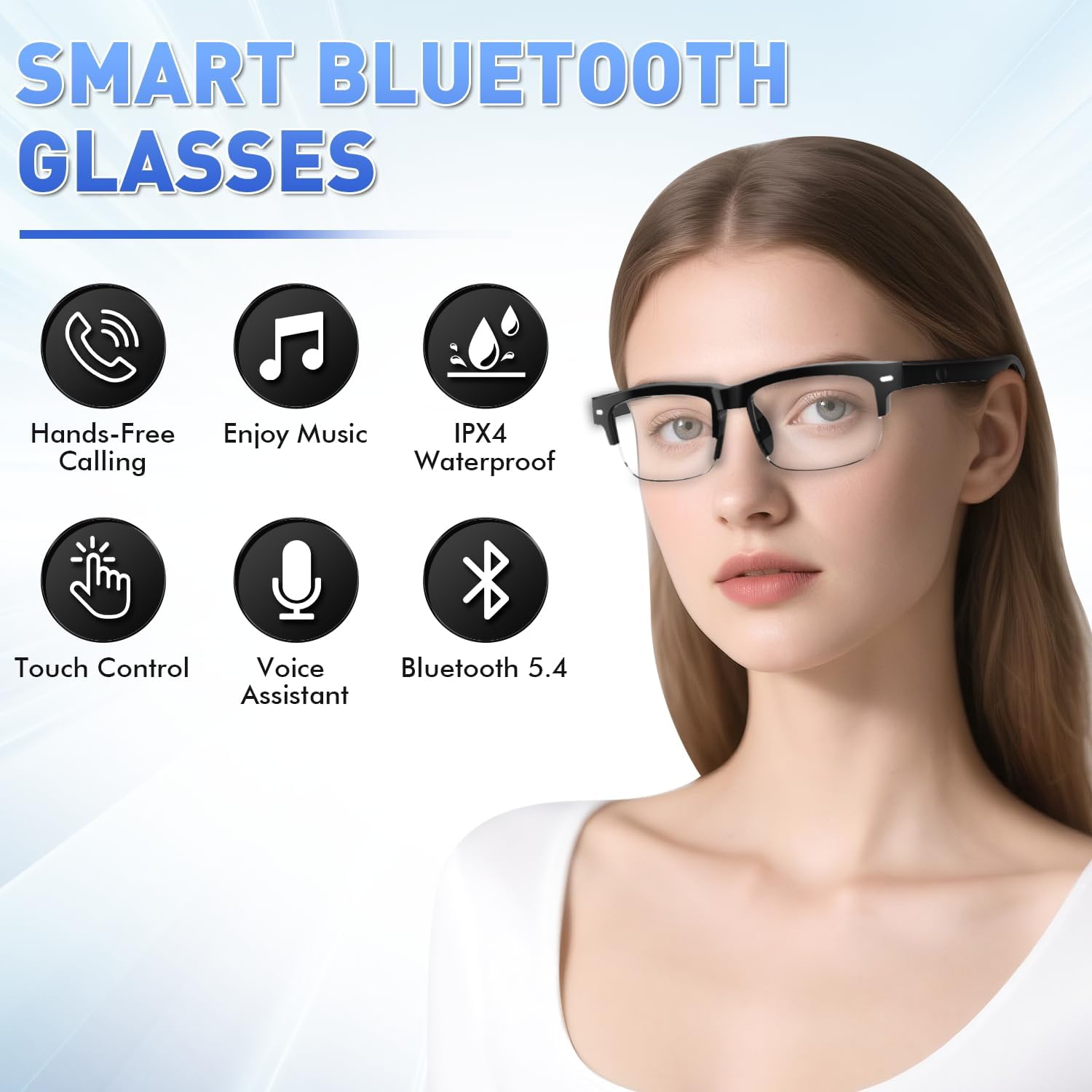
Image: A woman wearing the padom YX-01 Smart Audio Glasses, with icons illustrating features like hands-free calling, music, IPX4 waterproof, touch control, voice assistant, and Bluetooth 5.4.
4. Setup
4.1 Charging the Glasses
Before first use, fully charge your padom YX-01 Smart Audio Glasses. Use the provided magnetic charging cable.
- Connect the magnetic end of the cable to the charging port on the glasses' temple.
- Connect the USB-A end to a compatible power source (e.g., computer USB port, USB wall adapter).
- A full charge takes approximately 1.5 hours.
- A single charge provides 5-6 hours of continuous music playback or 7 days of standby time.

Image: Close-up of the magnetic charging cable connecting to the temple of the smart glasses, illustrating the ease of charging.
4.2 Bluetooth Pairing
The glasses use Bluetooth 5.4 for stable and universal connectivity.
- To power on, long-press the touch control area on the temple for 2 seconds. You will hear an audible prompt.
- The glasses will automatically enter pairing mode (indicated by a blinking light).
- On your smartphone or Bluetooth-enabled device, go to Bluetooth settings and search for "YX-01 Smart Glasses" (or similar).
- Select the device to pair. You will hear a confirmation tone once connected.
- The glasses will auto-connect to the last paired device when powered on.
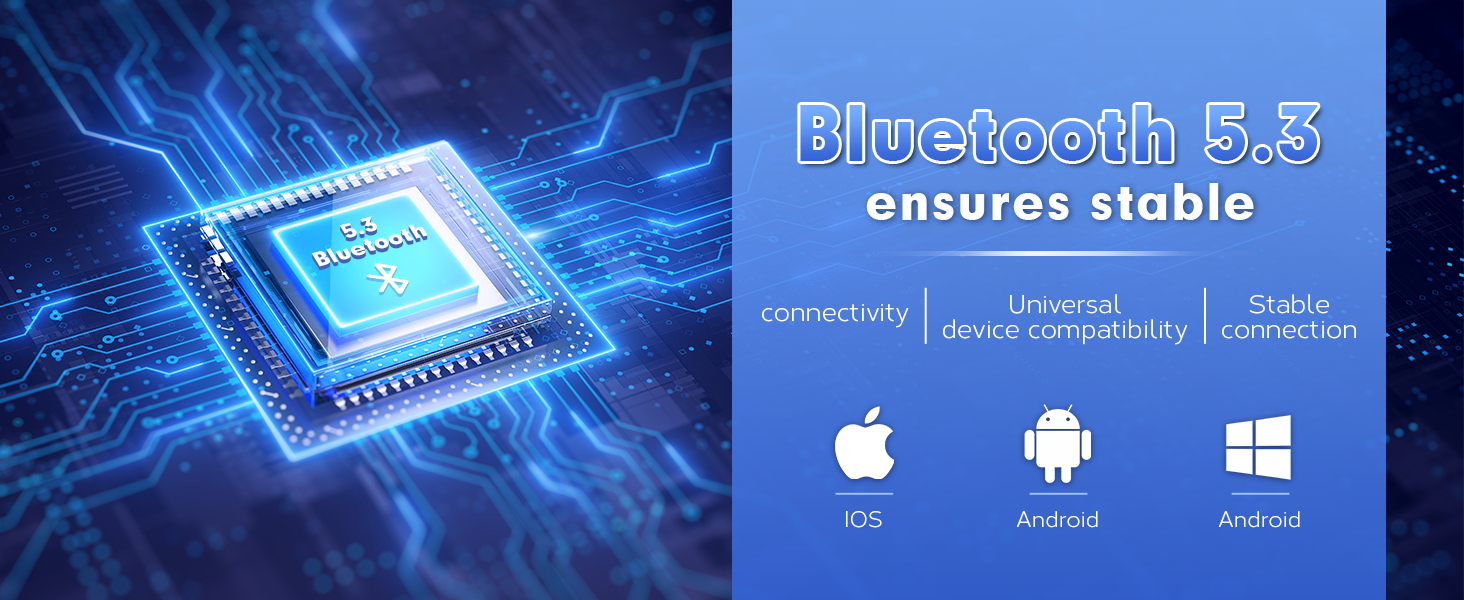
Image: A stylized depiction of a Bluetooth 5.3 chip, surrounded by icons for iOS, Android, and Windows, indicating universal device compatibility.
Video: A seller demonstrates the unboxing, charging, and Bluetooth pairing process of the smart glasses, showing how to connect them to a smartphone.
5. Operating Instructions
5.1 Touch Controls
The smart glasses feature intuitive touch controls on the temples for easy management of calls, music, and voice assistant.
| Action | Function |
|---|---|
| Long Press (2s) | Power On / Reject Call / Activate Voice Assistant |
| Long Press (5s) | Power Off |
| One Click | Play/Pause Music / Answer/End Call |
| Two Clicks | Next Song |
| Three Clicks | Previous Song |
| Five Clicks | Reset |

Image: An infographic detailing the various touch control gestures (long press, single click, double click, triple click, five clicks) and their corresponding functions for power, music playback, call management, and voice assistant activation.
5.2 Voice Assistant
Activate your smartphone's voice assistant (Siri, Google Assistant) with a long press on the touch control area. This allows for hands-free access to messages, schedules, or real-time information.
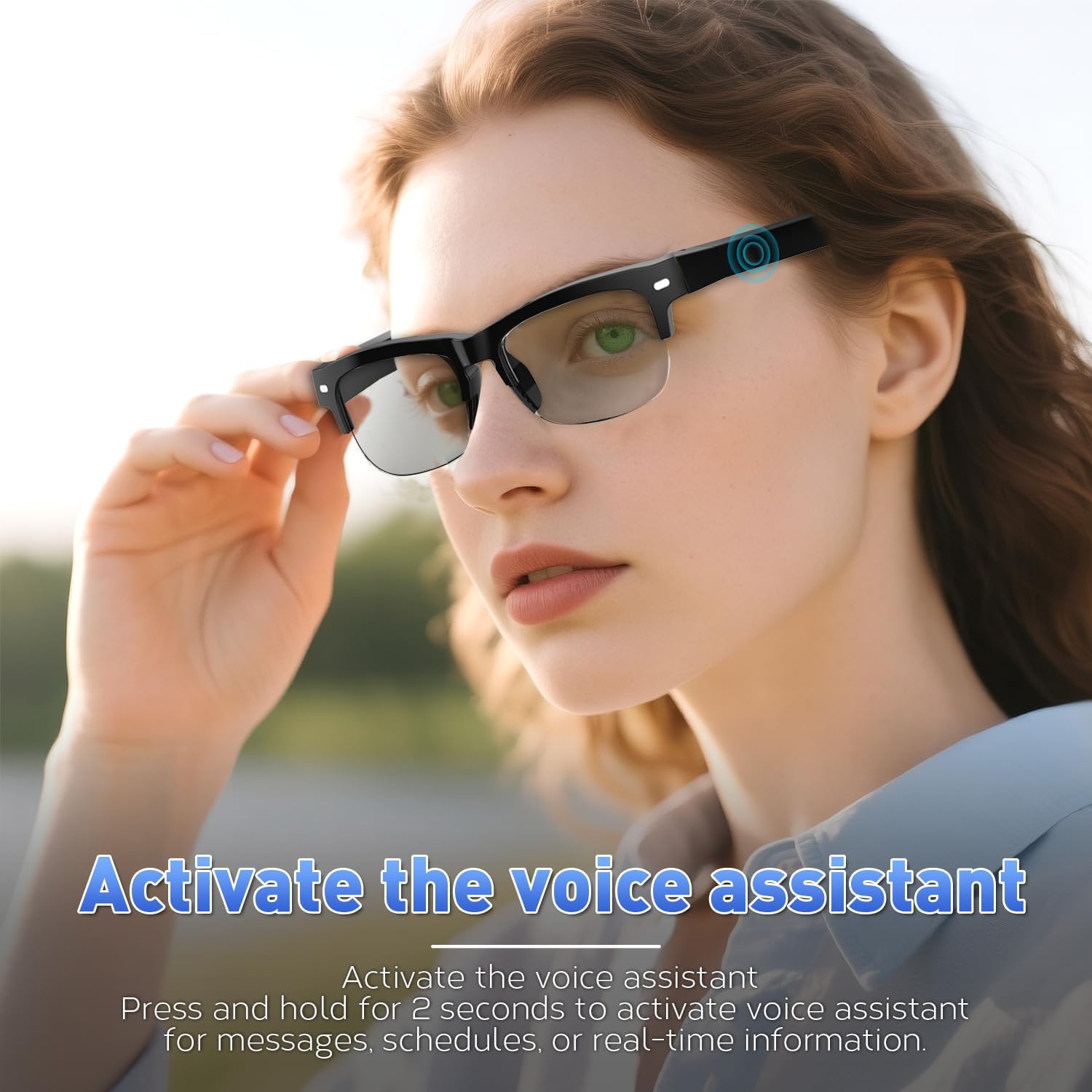
Image: A woman wearing the smart glasses, touching the temple to activate the voice assistant, with text overlay "Activate the voice assistant".
5.3 Hands-Free Calling
Answer or end calls with a single click on the touch control. Reject calls with a long press. The integrated microphone ensures clear communication, ideal for driving or multitasking.

Image: A man wearing the smart glasses while driving, engaged in a hands-free phone call, with speech bubbles indicating conversation.
5.4 Light-Adaptive Lenses
The photochromic lenses automatically adjust their tint based on ambient light conditions. They provide UV protection outdoors and filter blue light indoors, making them suitable for all-day wear across various environments.
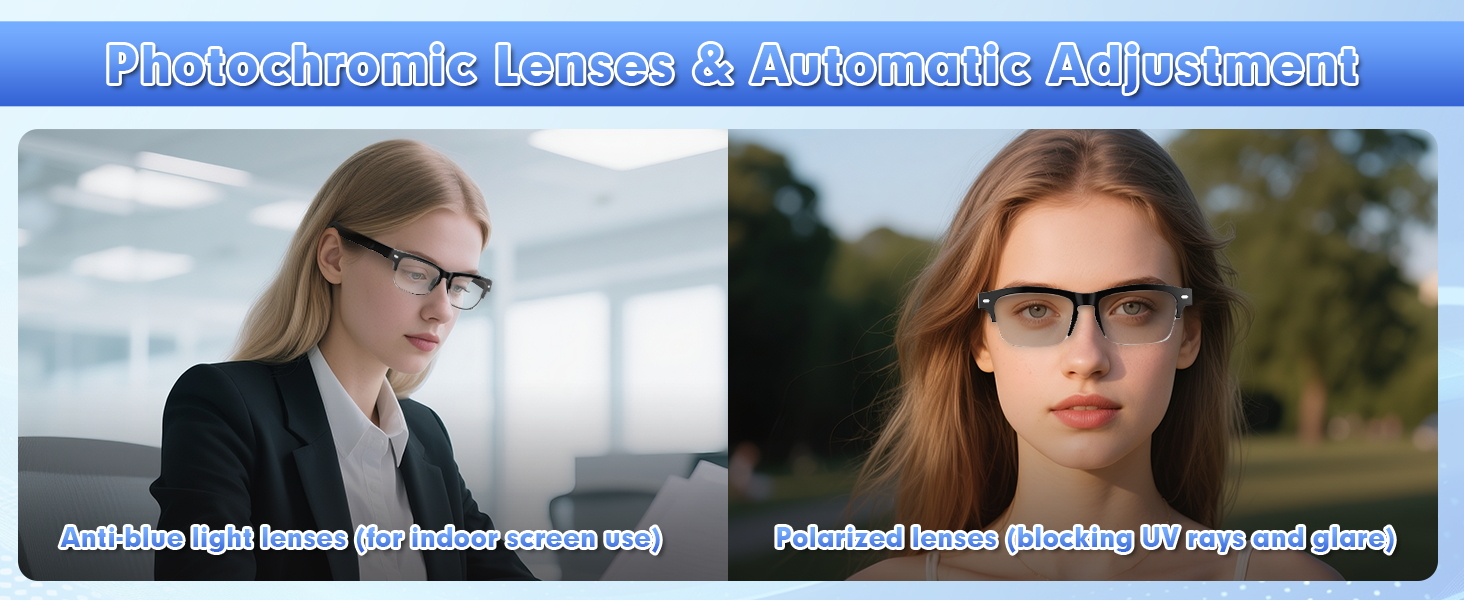
Image: A split image showing a woman wearing the smart glasses indoors with clear lenses (anti-blue light) and outdoors with tinted lenses (polarized, blocking UV rays and glare).
5.5 IPX4 Waterproofing
The glasses are rated IPX4 waterproof, meaning they are resistant to splashes, sweat, and light rain. This makes them suitable for outdoor activities like running, cycling, or casual use in light precipitation.

Image: A woman with damp skin, wearing the smart glasses during a workout, emphasizing the IPX4 waterproof rating.
5.6 Open-Ear Audio Design
The open-ear design delivers clear audio directly to your ears while allowing you to remain aware of your surroundings. This is crucial for safety during outdoor activities and for maintaining situational awareness in public or shared spaces.

Image: A collage showing individuals using the smart glasses in various settings: listening to music, gaming, reading, working, and traveling, highlighting their versatility.
6. Care and Maintenance
- Cleaning: Use the provided microfiber cloth to clean the lenses and frame. Avoid abrasive materials or harsh chemicals.
- Storage: Store the glasses in the protective case when not in use to prevent scratches and damage.
- Water Exposure: While IPX4 rated, avoid submerging the glasses in water or exposing them to high-pressure water jets.
- Temperature: Do not expose the glasses to extreme temperatures (hot or cold) as this may affect battery life and electronic components.
7. Troubleshooting
- No Power: Ensure the glasses are fully charged. Long-press the touch control area for 2 seconds to power on.
- Cannot Pair: Make sure Bluetooth is enabled on your device and the glasses are in pairing mode (blinking light). Try restarting both devices.
- No Audio/Low Volume: Check the volume levels on both the glasses and your connected device. Ensure the glasses are properly positioned on your face.
- Intermittent Connection: Ensure your device is within Bluetooth range (approx. 10 meters) and there are no significant obstructions.
8. Specifications
| Feature | Detail |
|---|---|
| Model Name | YX01 smart glasses |
| Bluetooth Version | 5.4 |
| Waterproof Rating | IPX4 |
| Battery Type | Lithium Polymer |
| Charging Time | Approx. 1.5 hours |
| Music Playback Time | 5-6 hours |
| Standby Time | 7 days |
| Item Weight | 26.1 Grams (0.921 ounces) |
| Special Features | Music Player, Voice Assistant, Photochromic Lenses |
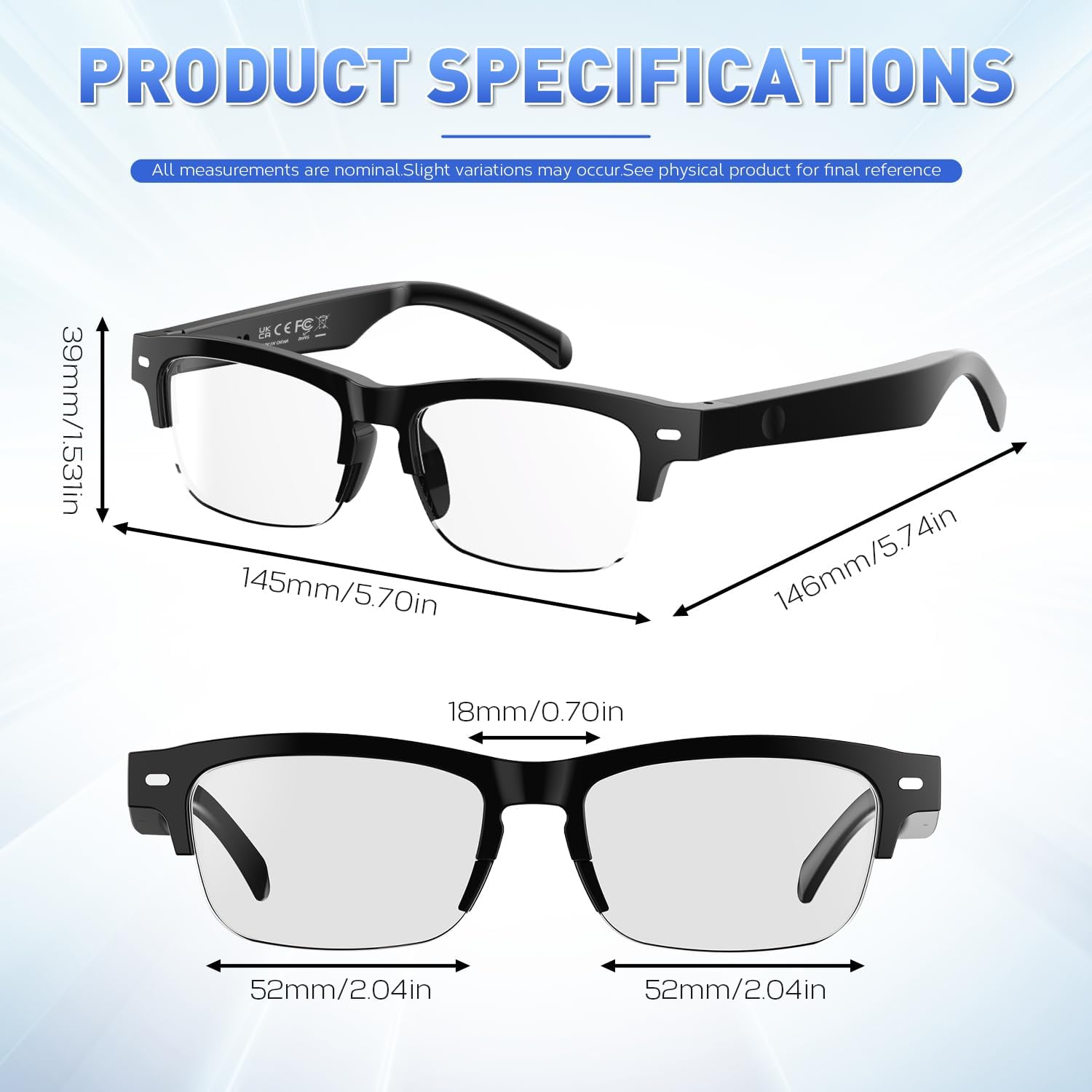
Image: An illustration showing the dimensions of the smart glasses (frame bridge, lens width, temple length, lens height, weight) and a list of product specifications.
9. Warranty and Support
For warranty information and customer support, please refer to the warranty card included in your package or visit the official padom website. Keep your proof of purchase for any warranty claims.