
1. Introduction
Thank you for choosing the ZICOOLER Bladeless Tower Fan. This manual provides essential information for the safe operation, maintenance, and troubleshooting of your new fan. Please read it thoroughly before use and retain it for future reference.

Image: ZICOOLER Bladeless Tower Fan UML-032 with its remote control.
2. Safety Instructions
To reduce the risk of fire, electric shock, or injury, always follow these basic safety precautions:
- Read all instructions before using this fan.
- This appliance is for indoor use only. Do not use outdoors or for commercial purposes.
- Always unplug the fan from the power outlet before cleaning, servicing, or when not in use.
- Do not operate any fan with a damaged cord or plug. If the cord or plug is damaged, contact ZICOOLER customer service for assistance.
- Keep the power cord away from heated surfaces.
- Do not run the power cord under carpeting. Do not cover the cord with throw rugs, runners, or similar coverings. Arrange the cord away from traffic areas where it will not be tripped over.
- Do not insert or allow foreign objects to enter any ventilation or exhaust opening as this may cause an electric shock or damage the fan.
- To prevent a possible fire, do not block air intakes or exhaust in any manner. Do not use on soft surfaces, like a bed, where openings may become blocked.
- This bladeless fan design prioritizes safety, making it suitable for households with children and pets. However, always supervise children around electrical appliances.

Image: A child safely interacting with the bladeless fan, highlighting its design for family environments.
3. Package Contents
Verify that all components are present upon opening the package:
- ZICOOLER Bladeless Tower Fan Unit
- Front Fan Base (x1)
- Rear Fan Base (x1)
- Remote Control (with 1 C battery included)
4. Setup
4.1 Base Assembly
The ZICOOLER Bladeless Tower Fan features tool-free assembly for its base. Follow these steps:
- Align the front and rear fan base pieces.
- Attach the assembled base to the bottom of the main fan unit. Twist clockwise until securely locked.
4.2 Placement
Place the fan on a firm, level surface. Ensure there is adequate space around the fan for optimal airflow, especially for the 90° oscillation feature.
4.3 Power Connection
Plug the power cord into a standard 120V AC electrical outlet.

Image: Overview of fan features, including a visual of the tool-free base assembly.
5. Operating Instructions
The fan can be operated using the touch control panel on the unit or the included remote control.
5.1 Power On/Off
Press the Power button (O/I) on the control panel or remote to turn the fan on or off.
5.2 Speed Adjustment
The fan offers 8 adjustable speeds. Press the Speed button (+ / -) to increase or decrease the airflow intensity. The current speed will be displayed on the LED screen.

Image: Visual representation of the 8 speed settings, including Sleep and Storm modes.
5.3 Oscillation
Press the Oscillation button (↔) to activate or deactivate the 90° wide-angle oscillation feature. This distributes air evenly across the room.

Image: The fan providing 90-degree air circulation in a living room setting.
5.4 Timer Function
Press the Timer button (⏰) to set the fan to automatically turn off after a specified period, up to 9 hours. Each press increases the timer by 1 hour.
5.5 Wind Modes
The fan features three distinct wind modes:
- Normal Mode: Provides a consistent airflow at the selected speed.
- Sleep Mode: Operates at a lower noise level (as low as 35 dB) and gradually reduces fan speed to ensure a comfortable sleeping environment. The LED display will also dim or turn off automatically after 30 seconds.
- Storm Mode: Delivers maximum airflow for rapid cooling.
Press the Mode button (M) to cycle through these modes.

Image: The fan operating in a bedroom, illustrating its quiet performance for sleep.
6. Remote Control Usage
The remote control allows convenient operation of all fan functions from a distance of up to 6 meters (20 feet).
6.1 Battery Installation
The remote control comes with one C battery pre-installed. For first-time use or battery replacement, follow these steps:
- Flip open the back cover of the remote control.
- Remove the insulating tab from the battery compartment (if present).
- Insert the C battery with the positive (+) side facing out.
- Snap the back cover closed.

Image: Step-by-step guide for remote control battery installation.
6.2 Remote Control Buttons
- Power (O/I): Turns the fan on or off.
- Speed (+ / -): Adjusts fan speed from 1 to 8.
- Oscillation (↔): Activates or deactivates 90° oscillation.
- Timer (⏰): Sets the auto-off timer (1-9 hours).
- Mode (M): Cycles through Normal, Sleep, and Storm wind modes.
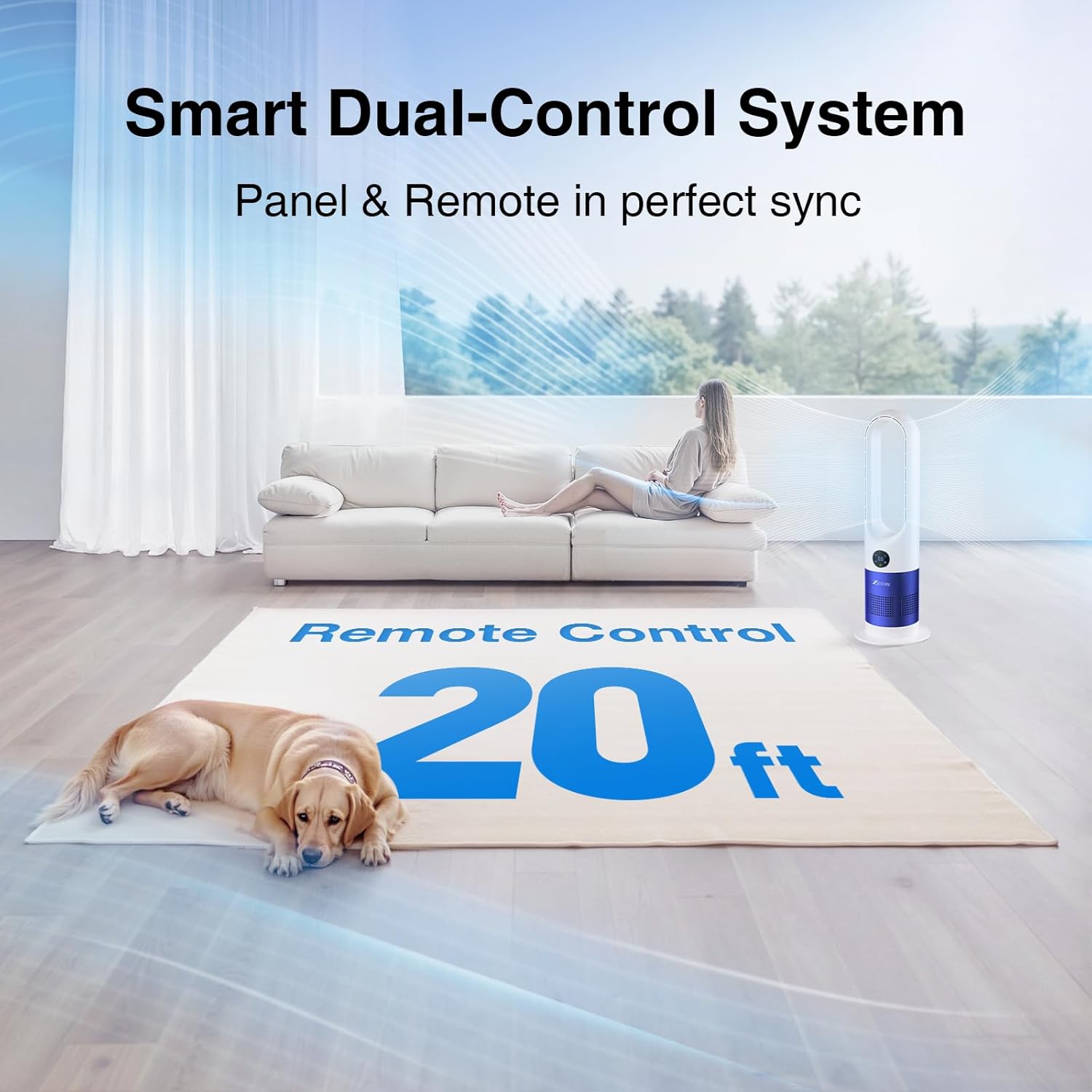
Image: Demonstrating the convenience of controlling the fan with the remote from a distance.
7. Maintenance and Cleaning
Regular cleaning ensures optimal performance and extends the lifespan of your fan.
7.1 Cleaning Instructions
- Always unplug the fan before cleaning.
- The bladeless design and smooth, grille-free surface prevent dust buildup and allow for effortless cleaning.
- Wipe the exterior surfaces of the fan with a soft, damp cloth or a microfiber cloth.
- Do not use abrasive cleaners or solvents, as these may damage the fan's finish.
- Ensure the fan is completely dry before plugging it back in and operating.

Image: Demonstrating the ease of cleaning the bladeless fan's smooth surface.
8. Troubleshooting
If you encounter issues with your ZICOOLER Bladeless Tower Fan, refer to the following common problems and solutions:
| Problem | Possible Cause | Solution |
|---|---|---|
| Fan does not turn on. | No power supply. Remote control battery is dead or insulating tab is still present. | Ensure the power cord is securely plugged into a working outlet. Check the remote control battery and remove the insulating tab if it's new. |
| Weak or no airflow. | Air inlets/outlets are blocked. Fan speed is set too low. | Ensure no obstructions are blocking the fan's air intake or outlet. Increase the fan speed setting. |
| Oscillation not working. | Oscillation feature is deactivated. | Press the Oscillation button on the control panel or remote to activate it. |
| Remote control not working. | Battery is dead or incorrectly installed. Obstruction between remote and fan. | Replace the C battery, ensuring correct polarity. Remove any obstructions between the remote and the fan's sensor. |
If the problem persists after trying these solutions, please contact ZICOOLER customer support.
9. Specifications
Detailed technical specifications for the ZICOOLER Bladeless Tower Fan UML-032:
| Feature | Specification |
|---|---|
| Brand | ZICOOLER |
| Model Name | UML-032 |
| Product Dimensions (D x W x H) | 6.49" x 6.49" x 26" |
| Item Weight | 4.4 Pounds |
| Power Source | Corded Electric |
| Wattage | 40 watts |
| Voltage | 120 Volts |
| Noise Level | 35 dB (minimum) |
| Number of Power Levels | 8 Speeds |
| Oscillation | 90° Wide Oscillation |
| Timer | Up to 9 Hours |
| Control Method | Remote, Touch Panel |
| Included Components | Fan Unit, Base, Remote Control |
| Indoor/Outdoor Usage | Indoor |

Image: Dimensional overview of the ZICOOLER Bladeless Tower Fan.
10. Warranty and Support
For warranty information or technical support, please contact ZICOOLER customer service through the retailer where the product was purchased or visit the official ZICOOLER website. Please have your model number (UML-032) and purchase details ready when contacting support.