
Introduction
This manual provides comprehensive instructions for the assembly, operation, maintenance, and troubleshooting of your WINAZ Small Portable Treadmill Walking Pad Desk. Please read this manual thoroughly before use to ensure proper functionality and safety. Keep this manual for future reference.
Product Features
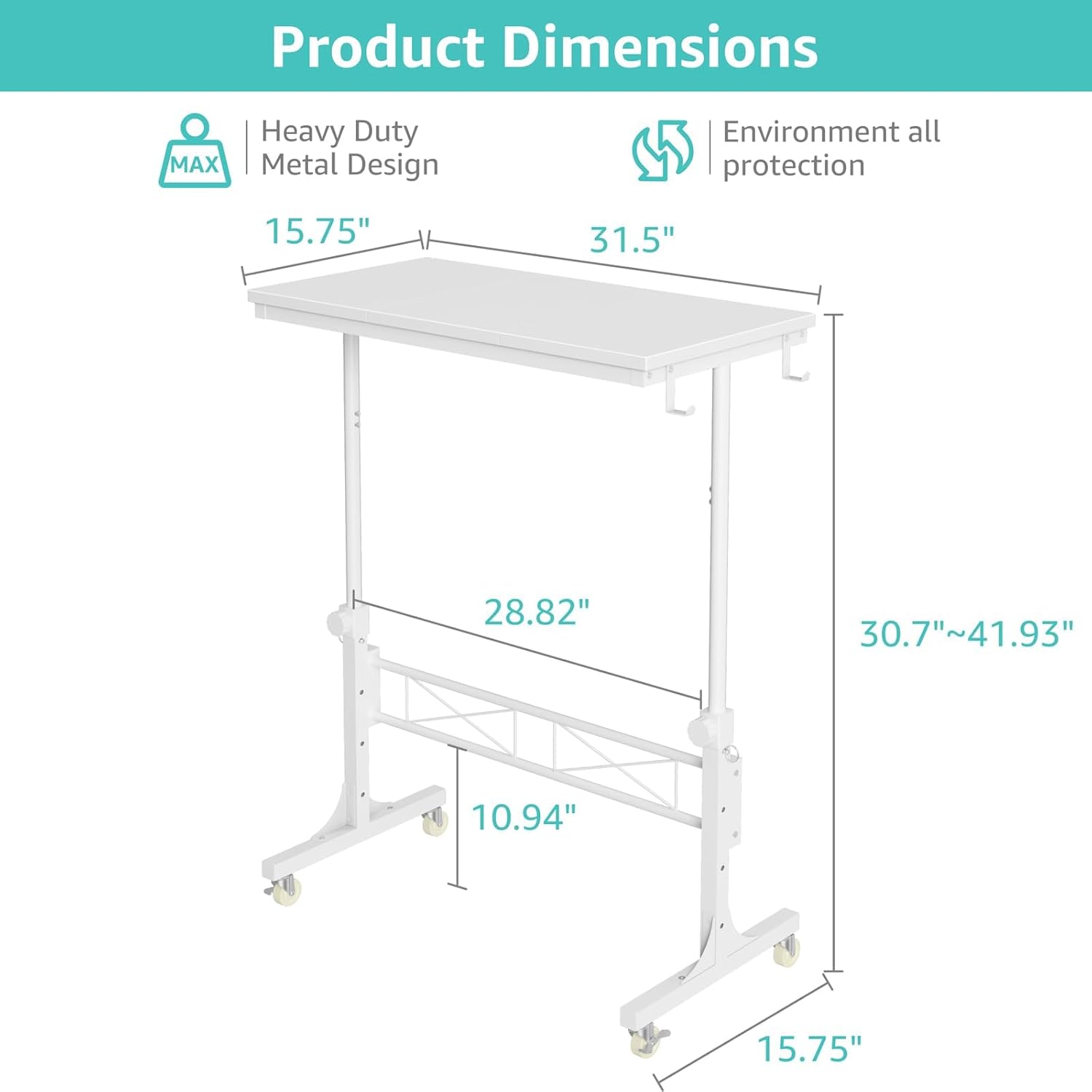
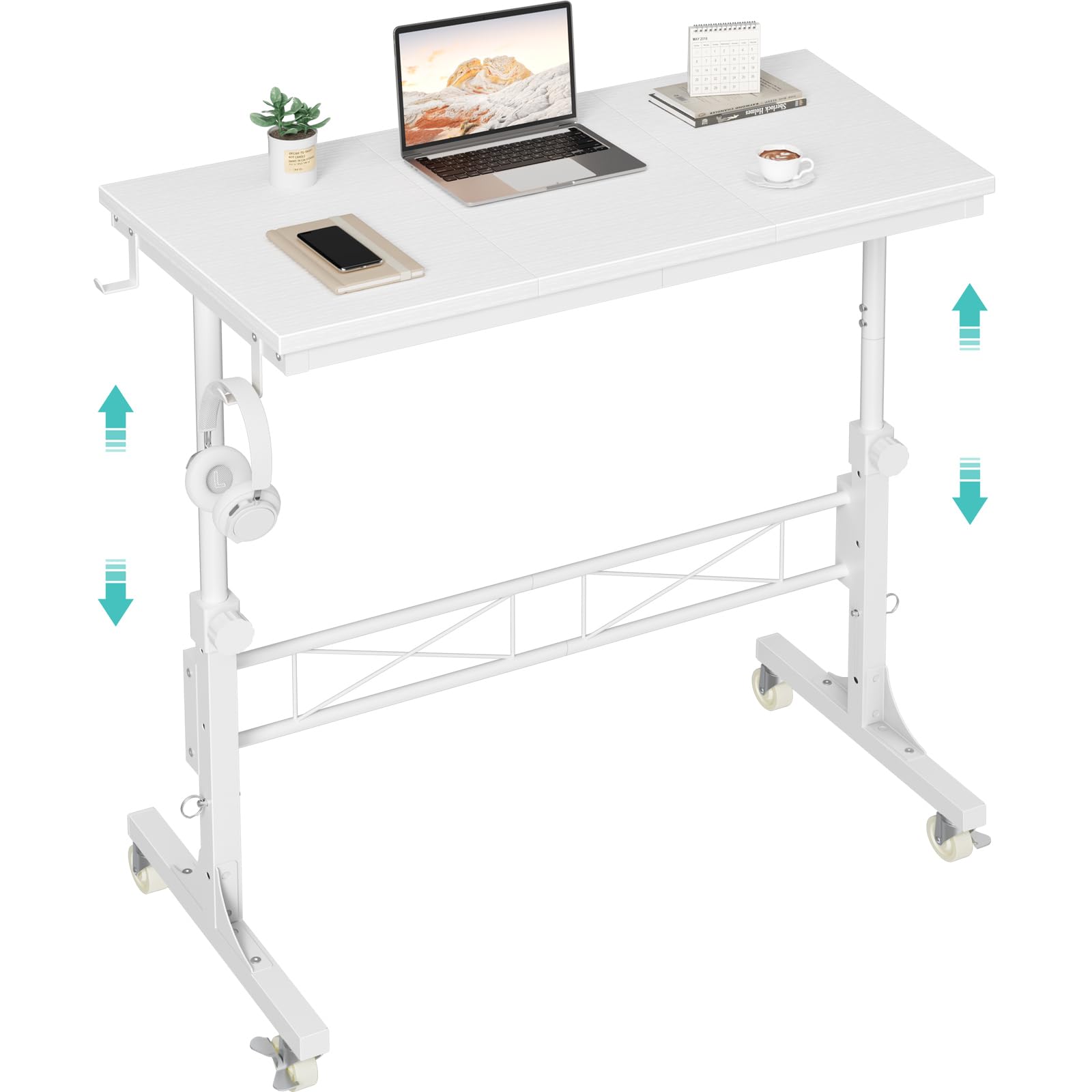
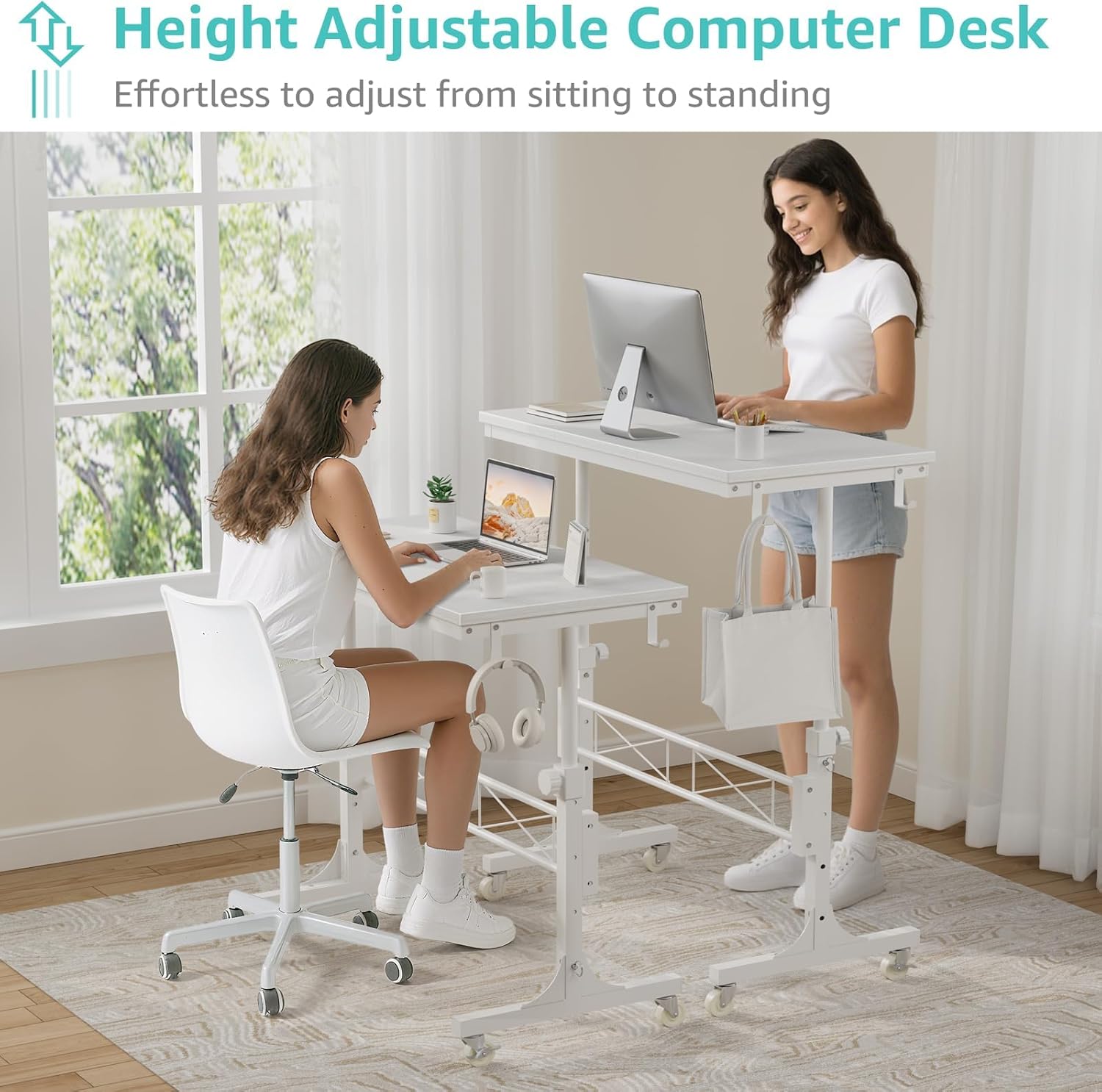
- Height Adjustable Design: The desk offers adjustable height settings ranging from 30.7 inches to 41.9 inches. It includes a retainer with four fixed height settings to prevent slipping and ensure stable use.
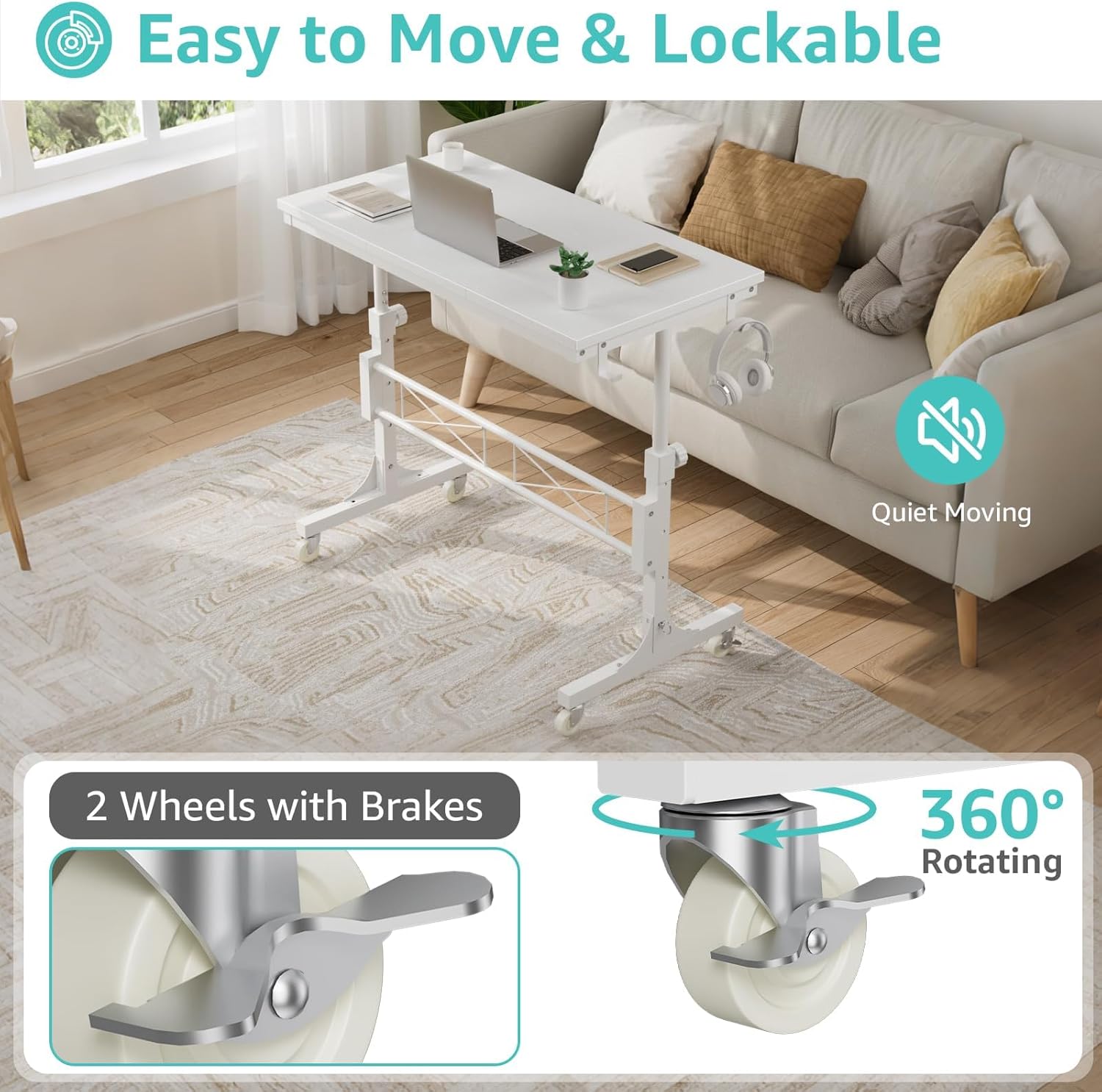
- Smooth Mobility: Equipped with four ball-bearing swivel casters, the desk glides smoothly in any direction. Two wheels feature brakes for secure positioning.
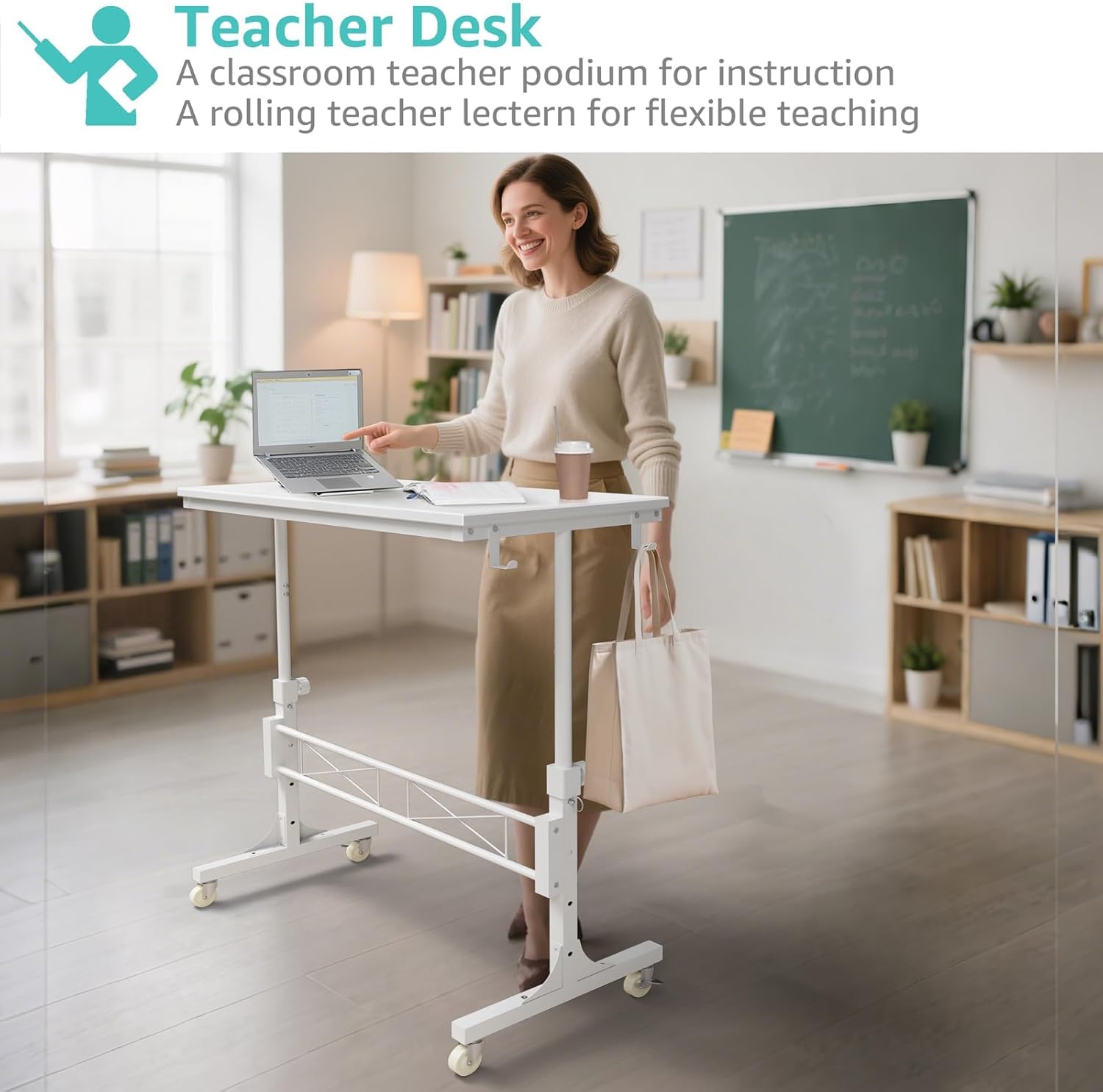
- Versatile Functionality: Designed as a treadmill-compatible workstation, it can also serve as a classroom teacher podium, an adjustable wheeled standing desk, a rolling teacher lectern, or a compact laptop desk for various environments.
- Durable Construction: Constructed with high-quality particleboard for the desktop and a sturdy metal frame for the base, ensuring exceptional stability. The desktop features a scratch-resistant, anti-collision, and waterproof finish.
- Easy Assembly: Includes a detailed instruction manual and all necessary tools for quick and straightforward assembly.
Safety Information
- Always use the product on a stable, level surface to prevent tipping.
- Keep fingers and other body parts clear of moving parts when adjusting the height to avoid injury.
- Ensure the desk is properly secured and all locking mechanisms are engaged when in use, especially at higher settings.
- Do not overload the desktop beyond its recommended weight capacity.
Package Contents
The package includes all necessary components for assembling the WINAZ Small Portable Treadmill Walking Pad Desk, along with a detailed instruction manual and the required assembly tools.
Assembly Instructions
The WINAZ Small Portable Treadmill Walking Pad Desk is designed for quick and easy assembly. Follow the step-by-step guide provided in the included instruction manual to ensure correct and secure setup. All necessary tools are provided.

Operating Instructions
Adjusting Height
- Loosen the locking knobs on both vertical support poles.
- Pull out the retainer pins from the desired height setting holes.
- Carefully raise or lower the desktop to one of the four fixed height positions (between 30.7 and 41.9 inches).
- Re-insert the retainer pins into the corresponding holes on both poles.
- Tighten the locking knobs securely to fix the desk at the chosen height.
Moving the Desk
- Ensure the wheel brakes on the casters are disengaged.
- Gently push or pull the desk to its desired location. The 360-degree swivel casters allow for easy movement in any direction.
- Once positioned, engage the wheel brakes on at least two casters to secure the desk and prevent unintended movement.
Using with a Walking Pad
The desk is designed to fit over most standard walking pads, creating an active workstation. Position the desk over your walking pad, adjust the height to a comfortable standing level, and ensure the wheels are locked for stability while in use.


Maintenance
- Cleaning: Wipe the desktop surface with a soft, damp cloth. Avoid using abrasive cleaners or harsh chemicals, as these may damage the finish.
- Caster Maintenance: Periodically check the wheels for any debris or hair accumulation that might hinder smooth movement. Clean as necessary. If wheels become stiff, a small amount of lubricant can be applied to the swivel mechanism.
- Structural Integrity: Regularly inspect all bolts, screws, and connections to ensure they remain tight. Re-tighten any loose fasteners to maintain the desk's stability.
Troubleshooting
- Issue: Desk feels wobbly, especially at higher settings.
Solution: Ensure all locking knobs and retainer pins are fully tightened and securely engaged in their respective height adjustment holes. Verify that the desk is placed on a flat, level surface. Distribute items on the desktop evenly to prevent imbalance. - Issue: Wheels do not completely stop movement when brakes are engaged.
Solution: Confirm that the wheel brakes are fully pressed down and engaged. On certain floor types (e.g., very smooth or uneven surfaces), slight movement may still occur. Consider placing the desk on a non-slip mat for enhanced stability if critical. - Issue: Difficulty adjusting desk height.
Solution: Ensure both locking knobs are sufficiently loosened and retainer pins are fully disengaged before attempting to adjust the height. Check for any obstructions in the adjustment holes or poles.
Specifications
| Attribute | Specification |
|---|---|
| Brand | WINAZ |
| Model Number | WIN-ARD32SD-WT |
| Product Dimensions (D x W x H) | 15.7"D x 31.5"W x 29.5"H |
| Minimum Height | 30.7 Inches |
| Maximum Height | 41.9 Inches |
| Color | White |
| Style | Modern |
| Base Material | Metal |
| Top Material Type | Engineered Wood |
| Special Feature | Adjustable Height, Wheel |
| Item Weight | 15.5 Pounds |
| Required Assembly | Yes |
| Includes All Assembly Tools | Yes |
Warranty and Support
The WINAZ Small Portable Treadmill Walking Pad Desk comes with a Limited Warranty. For any quality issues, replacement services, or further assistance, please contact WINAZ customer support. Refer to your purchase documentation or the WINAZ official website for detailed warranty terms and contact information. The return policy allows for returns or replacements within 30 days of purchase.