
1. Product Overview
This manual provides instructions for the LandHonor HT550-B replacement blades and bolts, designed specifically for the LandHonor/LandHero HT550 remote control lawn mower. These blades are essential components for maintaining the cutting performance of your lawn mower.
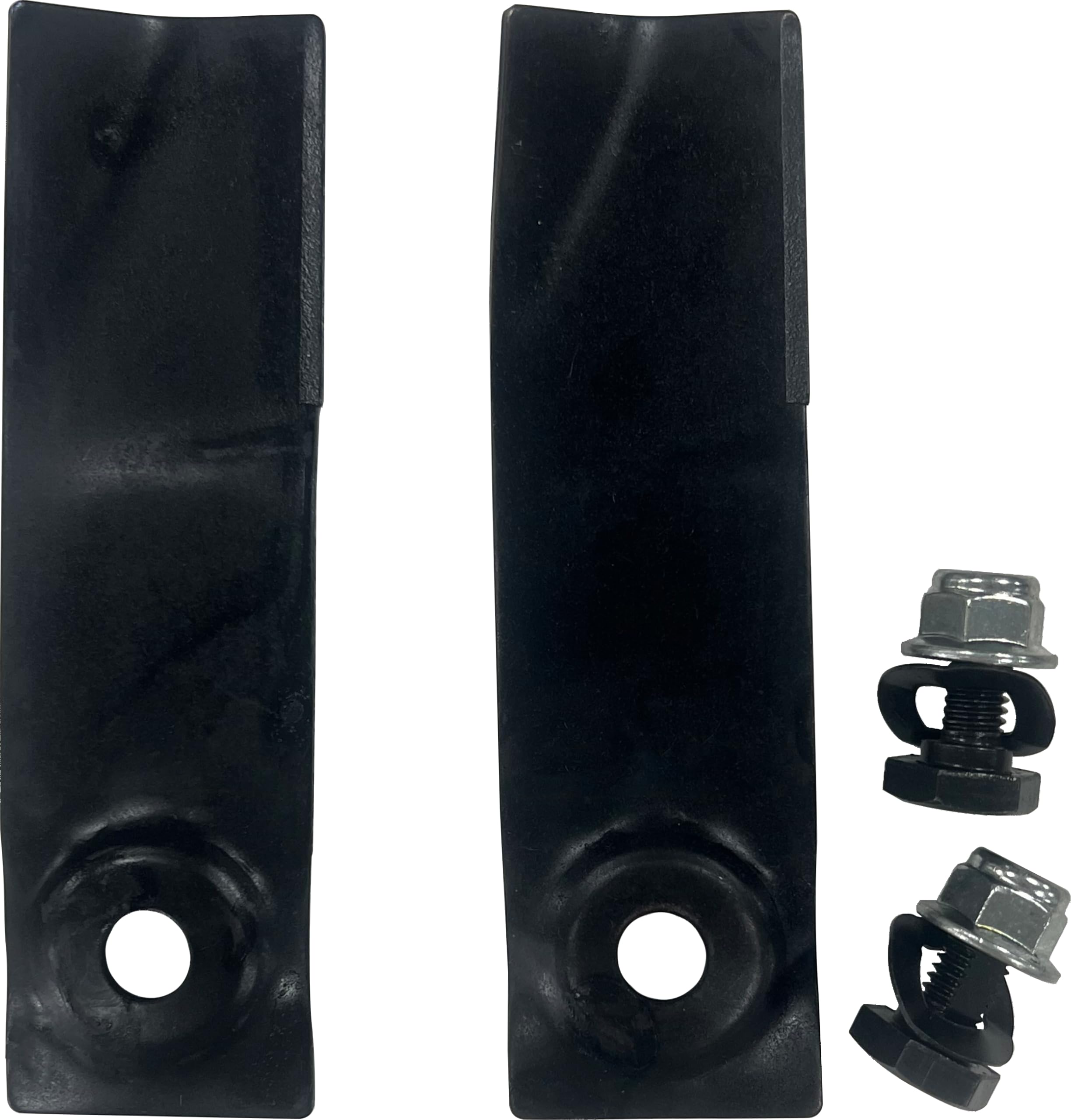
Figure 1: LandHonor HT550-B Replacement Blades (Front View)
2. Package Contents
Each package contains the following items:
- 2 x LandHonor HT550-B Replacement Blades
- Associated Bolts for blade attachment
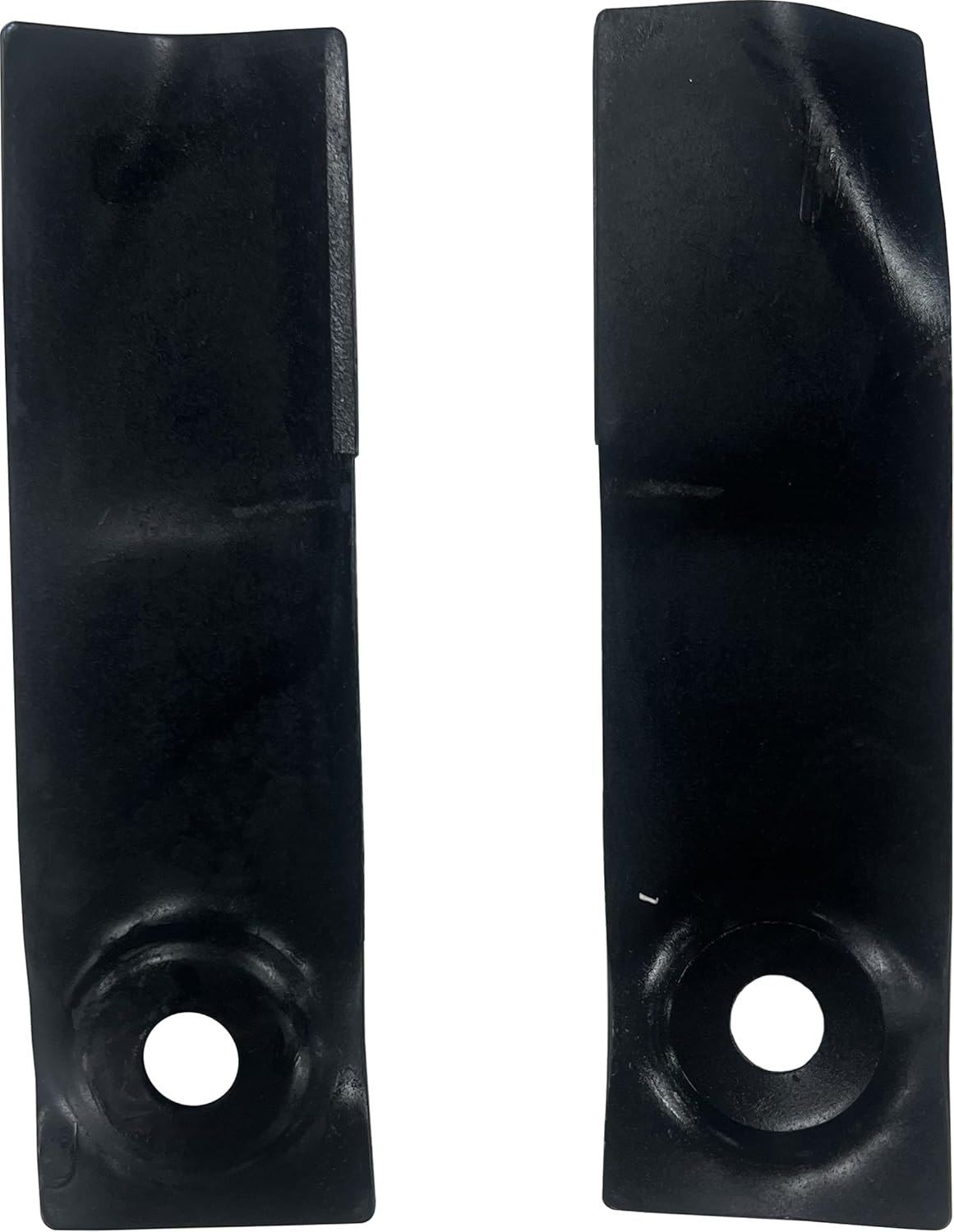
Figure 2: Side Profile of a LandHonor HT550-B Blade
3. Specifications
| Feature | Detail |
|---|---|
| Product Model | HT550-B |
| Compatibility | LandHonor/LandHero HT550 Remote Control Lawn Mower |
| Package Weight | 1.76 lb (approximately 0.8 kg) |
| Blade Length | 6.1 inches (approximately 15.5 cm) |
| Blade Width | 1.77 inches (approximately 4.5 cm) |
| Blade Height/Thickness | 0.08 inches (approximately 0.2 cm) |
4. Installation Instructions
Safety First: Before attempting any installation or maintenance, ensure the lawn mower is completely powered off, the engine is cool, and the spark plug wire is disconnected (for gasoline models) or the battery is removed (for electric models) to prevent accidental starting. Wear appropriate personal protective equipment, including heavy-duty gloves and eye protection.
- Prepare the Mower: Position the lawn mower on a flat, stable surface. If possible, elevate the mower safely to access the underside.
- Remove Old Blades:
- Locate the bolts securing the old blades.
- Use an appropriate wrench or socket to loosen and remove the bolts. You may need to brace the blade with a block of wood to prevent it from turning while loosening the bolts.
- Carefully remove the old blades. Dispose of worn or damaged blades responsibly.
- Install New Blades:
- Ensure the new blades are oriented correctly. The cutting edge should face outwards and downwards. Refer to your lawn mower's specific manual for correct blade orientation if unsure.
- Align the mounting hole of the new blade with the corresponding hole on the mower deck.
- Insert the new bolts and hand-tighten them.
- Using a wrench, tighten the bolts securely. Refer to your lawn mower's manual for specific torque specifications. Over-tightening or under-tightening can cause issues.
- Verify Installation: After installation, manually rotate the blades to ensure they spin freely and do not contact any part of the mower deck. Double-check that all bolts are securely fastened.

Figure 3: Blade Mounting Hole Detail
5. Operating Considerations
Once the new blades are installed, ensure they are properly secured before operating the lawn mower. Always follow the operating instructions provided with your LandHonor/LandHero HT550 remote control lawn mower.
- Pre-Operation Check: Before each use, inspect the blades for any signs of damage, looseness, or excessive wear.
- Cutting Performance: Sharp blades are crucial for a clean cut and healthy lawn. Dull or damaged blades can tear grass, leading to an unhealthy appearance and increased susceptibility to disease.
- Vibration: If you notice unusual vibration after blade replacement, immediately turn off the mower and re-check the blade installation. An unbalanced or improperly installed blade can cause severe vibration and potential damage.
6. Maintenance
Regular maintenance of your lawn mower blades ensures optimal performance and longevity.
- Cleaning: After each use, especially when mowing wet grass, clean the underside of the mower deck and the blades to remove grass clippings and debris. This prevents buildup that can affect blade balance and cutting efficiency.
- Inspection: Periodically inspect the blades for nicks, bends, cracks, or excessive wear. Even small imperfections can lead to an uneven cut or blade failure.
- Sharpening: While these are replacement blades, regular sharpening of any lawn mower blade is recommended for best results. If you choose to sharpen, ensure proper balancing to avoid vibration. If blades are severely damaged, replacement is safer and more effective than sharpening.
- Replacement: Replace blades when they show significant wear, damage, or when sharpening no longer restores their effectiveness. The frequency of replacement depends on usage and mowing conditions.

Figure 4: Full Length View of a LandHonor HT550-B Blade
7. Troubleshooting
If you encounter issues after replacing your blades, consider the following:
- Uneven Cut:
- Ensure both blades are installed correctly and are not bent or damaged.
- Check if the mower deck is level.
- Excessive Vibration:
- Immediately stop the mower.
- Verify that the blades are securely tightened and properly balanced. An unbalanced blade can cause significant vibration.
- Inspect blades for any damage that might cause imbalance.
- Poor Cutting Performance:
- Confirm blades are sharp. Even new blades can be dulled by hitting hard objects.
- Ensure the mower deck is clear of excessive grass buildup.
8. Warranty and Support
For warranty information or technical support regarding your LandHonor HT550-B replacement blades, please contact LandHonor customer service. Keep your purchase receipt as proof of purchase.
You can find contact information on the official LandHonor website or through your original point of purchase.
For general information about LandHonor products, visit the LandHonor Store on Amazon.