1. Introduction
Thank you for choosing the Crazywhale PB100 Portable Power Bank. This device is designed to provide convenient and efficient charging for your electronic devices on the go. With its 10000mAh capacity, 22.5W fast charging capability, and integrated cables, it offers a versatile power solution for various smartphones, tablets, and other USB-powered gadgets.
2. Safety Information
- Do not expose the power bank to extreme temperatures, direct sunlight, or fire.
- Avoid dropping, disassembling, or attempting to repair the device yourself.
- Keep the power bank away from water and other liquids.
- Do not use the power bank if it is damaged or appears to be swelling.
- Store in a cool, dry place when not in use.
- Keep out of reach of children.
3. Package Contents
- Crazywhale PB100 Portable Power Bank
- USB-A to USB-C Charging Cable (for recharging the power bank)
- User Manual
4. Product Overview
The Crazywhale PB100 features a compact design with integrated charging cables for convenience. It includes a smart LED display to show the remaining battery percentage.

Figure 1: Crazywhale PB100 Portable Power Bank. This image shows the sleek black power bank with its integrated Type-C and Lightning cables neatly tucked into the sides, and the digital LED display showing '100%'.
Components:
- Integrated Lightning Cable: For Apple devices.
- Integrated USB-C Cable: For USB-C compatible devices.
- USB-C Input/Output Port: For recharging the power bank or charging other devices.
- Power Button: Activates the LED display and initiates charging.
- Smart LED Display: Shows battery percentage and charging status.
5. Setup
Initial Charging of the Power Bank:
Before first use, fully charge your Crazywhale PB100 Power Bank. This ensures optimal battery performance.
- Connect the provided USB-A to USB-C cable to a compatible USB wall adapter (not included).
- Insert the USB-C end of the cable into the USB-C Input/Output port on the power bank.
- The LED display will show the charging progress. The power bank is fully charged when the display shows 100%.
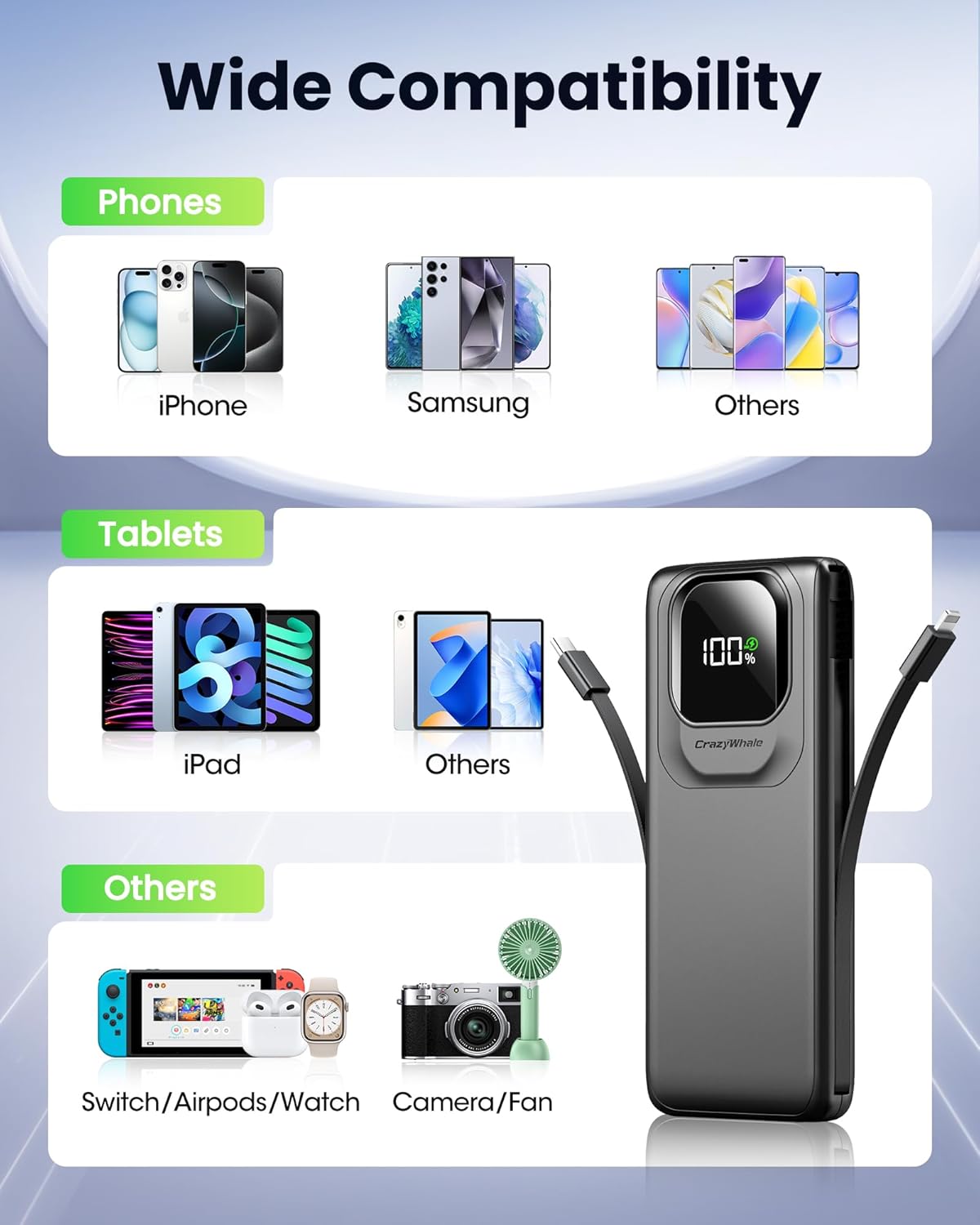
Figure 2: Recharging Methods. This image illustrates three ways to recharge the power bank: using its built-in Type-C cable connected to a wall adapter, using an external charging adapter with a Type-C cable, or using an external Type-C cable.
6. Operating Instructions
Charging Your Devices:
The PB100 Power Bank offers multiple ways to charge your devices:
- Using Built-in Cables: Pull out the integrated Lightning or USB-C cable from the side of the power bank and connect it directly to your compatible device.
- Using USB-C Port: For devices requiring a different cable or for additional charging, use your device's own USB-C cable and connect it to the USB-C Input/Output port on the power bank.
Press the power button once to activate charging. The LED display will illuminate, showing the remaining battery percentage of the power bank.
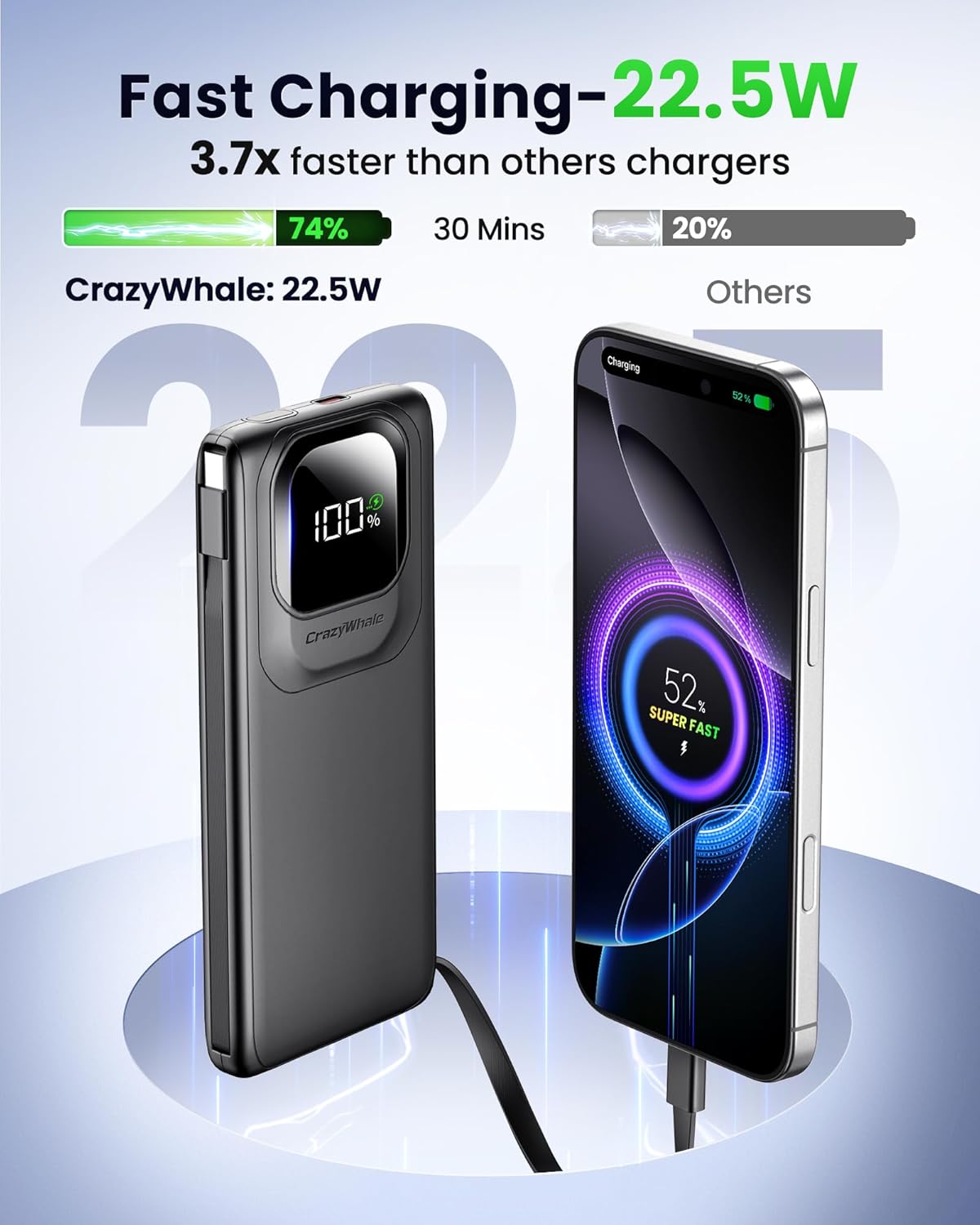
Figure 3: Fast Charging Capability. This image highlights the 22.5W fast charging feature of the Crazywhale power bank, showing a smartphone charging rapidly compared to other chargers.
Multi-Device Charging:
The power bank supports charging up to 3 devices simultaneously using a combination of its built-in cables and the USB-C port.

Figure 4: Charging Multiple Devices. This image demonstrates the power bank simultaneously charging an iPhone 16, iPhone 15 Pro, Samsung S23, and an iPad mini 6, indicating its multi-device charging capability.
Smart LED Display:
The integrated LED display provides real-time information about the power bank's battery status and fast charging activation.
- Battery Percentage: Shows the remaining charge level from 0-100%.
- Fast Charging Indicator: A small lightning bolt icon or similar indicator may appear when a device is fast charging.
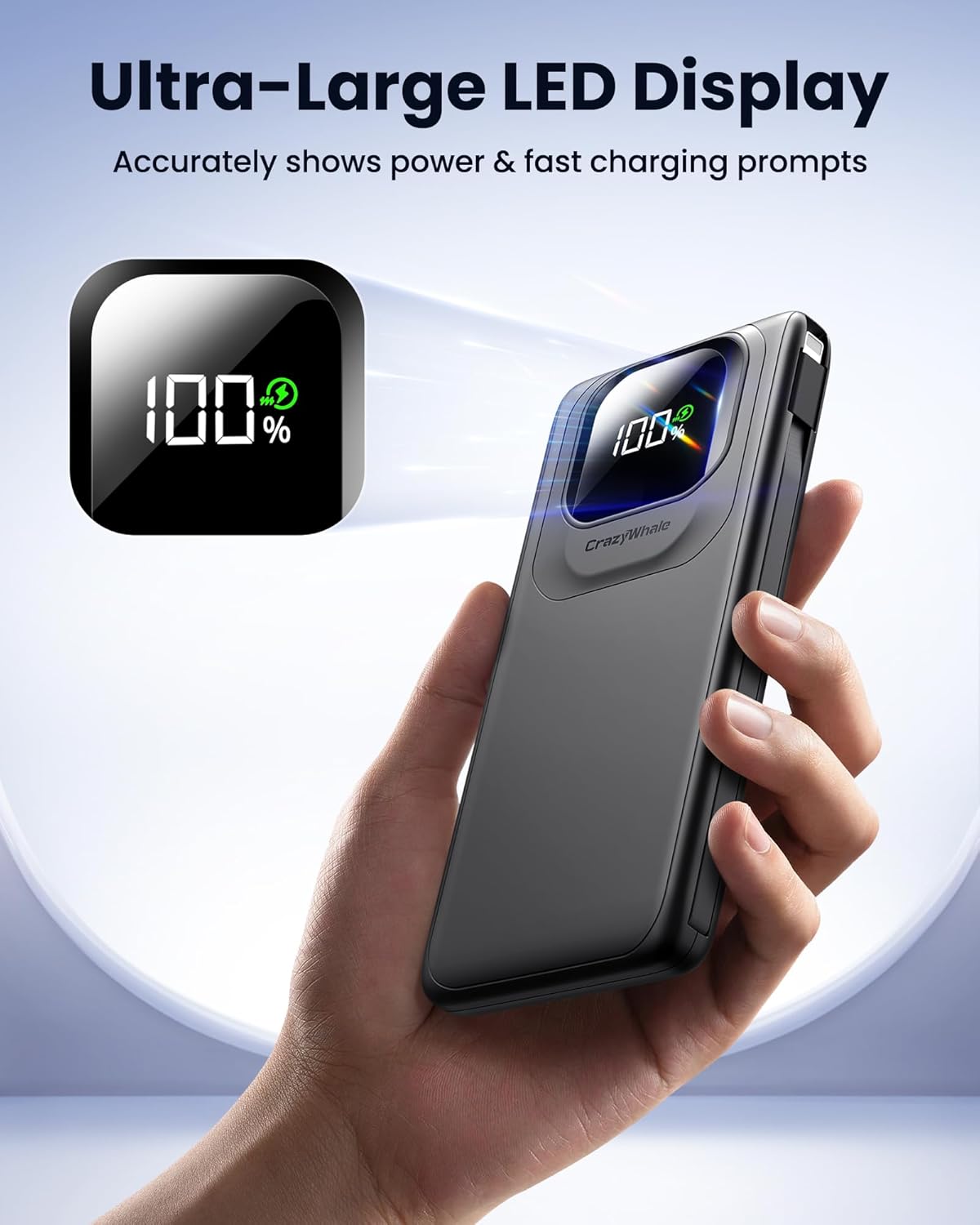
Figure 5: Ultra-Large LED Display. This image shows a hand holding the power bank, with its large LED display clearly showing '100%' and a fast charging prompt.
7. Maintenance
- Clean the power bank with a soft, dry cloth. Do not use harsh chemicals or abrasive materials.
- Avoid prolonged exposure to direct sunlight or high humidity.
- If storing for an extended period, charge the power bank to approximately 50-70% every three months to maintain battery health.
8. Troubleshooting
- Device not charging: Ensure the power bank is charged. Press the power button to activate. Check cable connections for looseness or damage. Try a different cable or port.
- Power bank not recharging: Ensure the charging cable and wall adapter are functioning correctly. Try a different cable or adapter.
- Slow charging: Verify that your device supports fast charging and that the power bank is providing sufficient output. Some devices may limit charging speed if they are too hot or cold.
9. Specifications
| Feature | Detail |
|---|---|
| Model | PB100 |
| Battery Capacity | 10000mAh (3.7V 37Wh) |
| Type-C Input | 5V=3A, 9V=2.0A, 12V=1.5A |
| Type-C Output | 5V=3A, 9V=2.22A, 10V=2.25A, 12V=1.67A (MAX 22.5W) |
| Type-C Cable Input | 5V=3A, 9V=2.0A, 12V=1.5A |
| Type-C Cable Output | 5V=3A, 9V=2.22A, 10V=2.25A, 12V=1.67A (MAX 22.5W) |
| Lightning Cable Output | 5V=3A, 9V=2.22A, 12V=1.67A |
| Product Dimensions | 0.98 x 6.51 x 3.94 inches |
| Item Weight | 9.9 ounces |
10. Warranty and Support
Crazywhale products are manufactured with high-quality standards. For warranty information or technical support, please refer to the contact details provided on the product packaging or visit the official Crazywhale website. Please retain your proof of purchase for any warranty claims.