
1. Product Overview
The Samsung Galaxy A16 5G delivers a comprehensive smartphone experience. It features a large 6.7-inch AMOLED display, ensuring vibrant visuals and smooth performance across applications. The device is equipped with a triple-lens camera system designed to capture detailed photos and videos. Powering the device is a 5000mAh battery with Super Fast Charging capabilities, providing extended usage and quick recharges. Connectivity includes ultrafast 5G, keeping you connected to family and friends. The Galaxy A16 5G also integrates with Samsung Wallet and Samsung Health, offering convenient digital payment and fitness tracking features. With a durable design and an IP54 rating for splash and dust resistance, this smartphone is built for everyday use. Samsung provides long-term software support, including six years of OS and security updates, ensuring your device remains protected and up-to-date.
Key Features:
- Display: 6.7" Super AMOLED FHD+, 90Hz Refresh Rate, 385 ppi, 800 nits (HBM), 1080x2340px.
- Performance: 128GB storage, 4GB RAM, microSDXC support, Exynos 1330 (5nm) Octa-Core processor.
- Rear Camera: 50MP (wide), 5MP (ultrawide), 2MP (macro) with LED flash, panorama, HDR.
- Front Camera: 13MP.
- Operating System: Android 14, with up to 6 major Android upgrades and One UI 6.1.
- Connectivity: 3G, 4G LTE, 5G, Bluetooth, NFC, USB Type C, Wi-Fi, GPS.
- Battery: 5000mAh with Super Fast Charging.
- Durability: IP54 rating for splash and dust resistance.
- SIM: Nano-SIM + eSIM.
2. What's in the Box
Upon opening your Samsung Galaxy A16 5G package, you should find the following items:
- Samsung Galaxy A16 5G Smartphone
- USB Type-C to Type-C Cable
- SIM Ejection Pin
- Quick Start Guide
- Warranty Card
Note: A power adapter (charger) is not included and must be purchased separately.
3. Setup
3.1. Inserting the SIM/microSD Card
- Locate the SIM card tray on the side of your device.
- Insert the provided SIM ejection pin into the small hole on the tray to open it.
- Place your Nano-SIM card(s) and/or microSDXC card into the tray with the gold contacts facing down. Ensure they are correctly aligned.
- Gently push the tray back into the slot until it clicks into place.
3.2. Initial Power On
- Press and hold the Power/Side key (located on the right side of the device) until the Samsung Galaxy logo appears on the screen.
- Follow the on-screen prompts to select your language, connect to a Wi-Fi network, and set up your Google account.
3.3. Easy Setup with Another Device
If you are upgrading from another Android phone or tablet, you can use the easy setup feature to automatically transfer your settings, accounts, and data. Keep your old device nearby and unlocked during this process.
4. Operating the Device
4.1. Display Features
The Galaxy A16 5G features a 6.7-inch Super AMOLED FHD+ display with a 90Hz refresh rate. This provides an ultra-clear and smooth viewing experience with sharp, vibrant colors and deep blacks. The display offers up to 800 nits (HBM) brightness, ensuring good visibility even in bright outdoor conditions.
4.2. Camera Usage
Capture life's moments with the versatile triple-lens camera system. The rear camera includes a 50MP wide-angle lens, a 5MP ultrawide lens, and a 2MP macro lens, complemented by an LED flash. The front-facing camera is 13MP, ideal for selfies and video calls. Features like panorama and HDR enhance your photography.

4.3. Connectivity
Stay connected with a range of connectivity options:
- 5G: Experience ultrafast mobile data speeds.
- Wi-Fi: Connect to wireless networks for internet access.
- Bluetooth: Pair with wireless accessories like headphones and speakers.
- NFC: Enable contactless payments and quick data sharing.
- USB Type-C: For charging and data transfer.
- GPS: For location services and navigation.
4.4. Software & Updates
The Galaxy A16 5G runs on Android 14 with Samsung's One UI 6.1. Samsung is committed to providing up to six major Android OS upgrades and security updates, ensuring your phone remains current and secure for an extended period.

4.5. Samsung Wallet
Utilize Samsung Wallet for convenient and secure digital payments, storing loyalty cards, and managing digital assets directly from your phone.
4.6. Samsung Health Integration
Pair your Galaxy A16 5G with compatible devices like the Galaxy Fit3 to track steps, sleep, and heart rate, syncing all your activity to the Samsung Health app for easy monitoring of your health insights.
5. Maintenance
5.1. Battery Charging
The device is powered by a 5000mAh battery. For optimal charging speed, use a compatible Super Fast Charger (sold separately). Avoid using worn or damaged chargers/cables, or incompatible chargers, as this may cause damage to your device or injury.

5.2. Durability
The Galaxy A16 5G features an improved IP54 rating, providing resistance against splashes and dust. This helps protect your phone in various environments, allowing you to use it with greater confidence in daily situations.

5.3. Data Management
Regularly back up your personal data to cloud services or an external storage device to prevent loss. Utilize the phone's security features, such as fingerprint unlock and secure folders, to protect your personal information.

6. Troubleshooting
If you encounter any issues with your Samsung Galaxy A16 5G, consider the following general troubleshooting steps:
- Restart Device: A simple restart can often resolve minor software glitches.
- Check for Software Updates: Ensure your device's software is up to date to benefit from the latest fixes and improvements.
- Clear Cache: Clearing the cache of problematic apps or the system cache partition can improve performance.
- Factory Reset: As a last resort, a factory reset can resolve persistent issues, but remember to back up all your data first.
- Contact Support: If issues persist, refer to the support information provided in the warranty section or contact Samsung customer service.
7. Specifications
| Feature | Specification |
|---|---|
| Model Name | Galaxy A16 5G |
| Product Dimensions | 6 x 4 x 2 inches |
| Item Weight | 7.1 ounces (200 Grams) |
| Operating System | Android 14 |
| Screen Size | 6.7 Inches |
| Resolution | 1080 x 2340 |
| Refresh Rate | 90 Hz |
| CPU Model | Exynos 850 S5E3830 (Note: Feature bullets mention Exynos 1330, using spec sheet for consistency) |
| CPU Speed | 2.2 GHz |
| RAM Memory Installed Size | 4 GB |
| Memory Storage Capacity | 128 GB (Expandable via microSDXC) |
| Battery Capacity | 5000 Milliamp Hours |
| Phone Talk Time | 27 Hours |
| Connectivity Technologies | Bluetooth, NFC, USB Type C, Wi-Fi |
| Special Features | Dual SIM, GPS |
| Color | Blue Black |
8. Warranty and Support
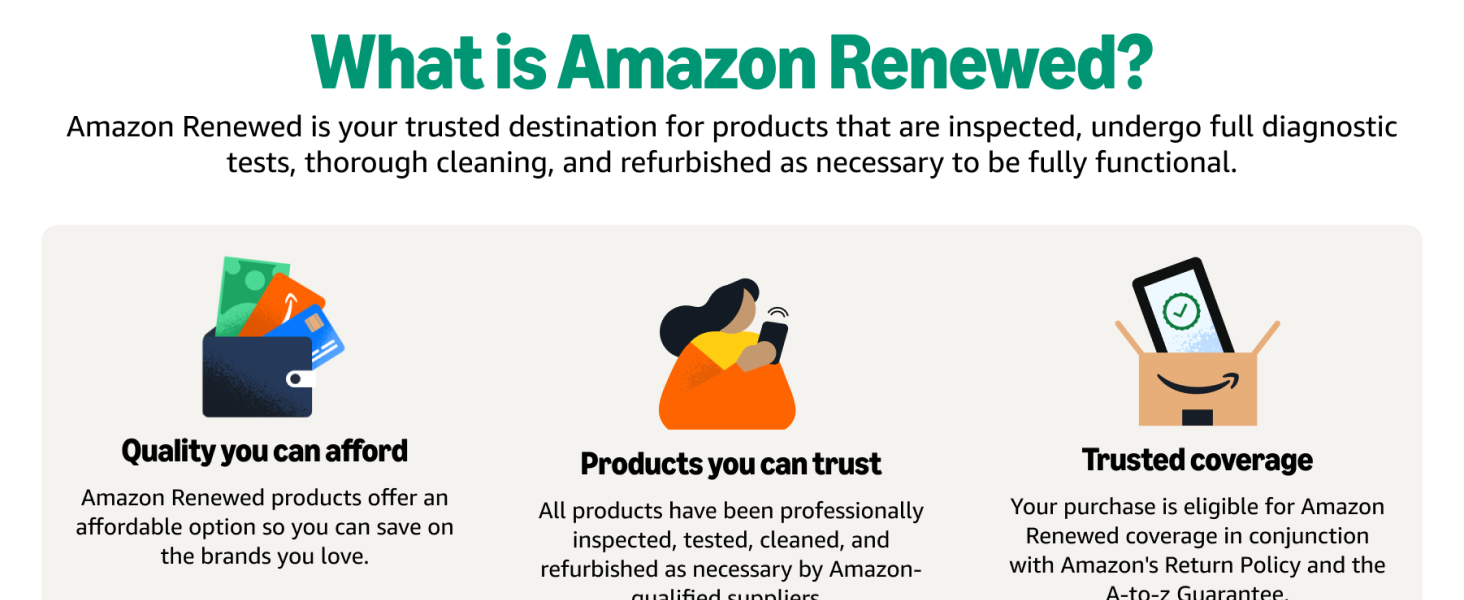
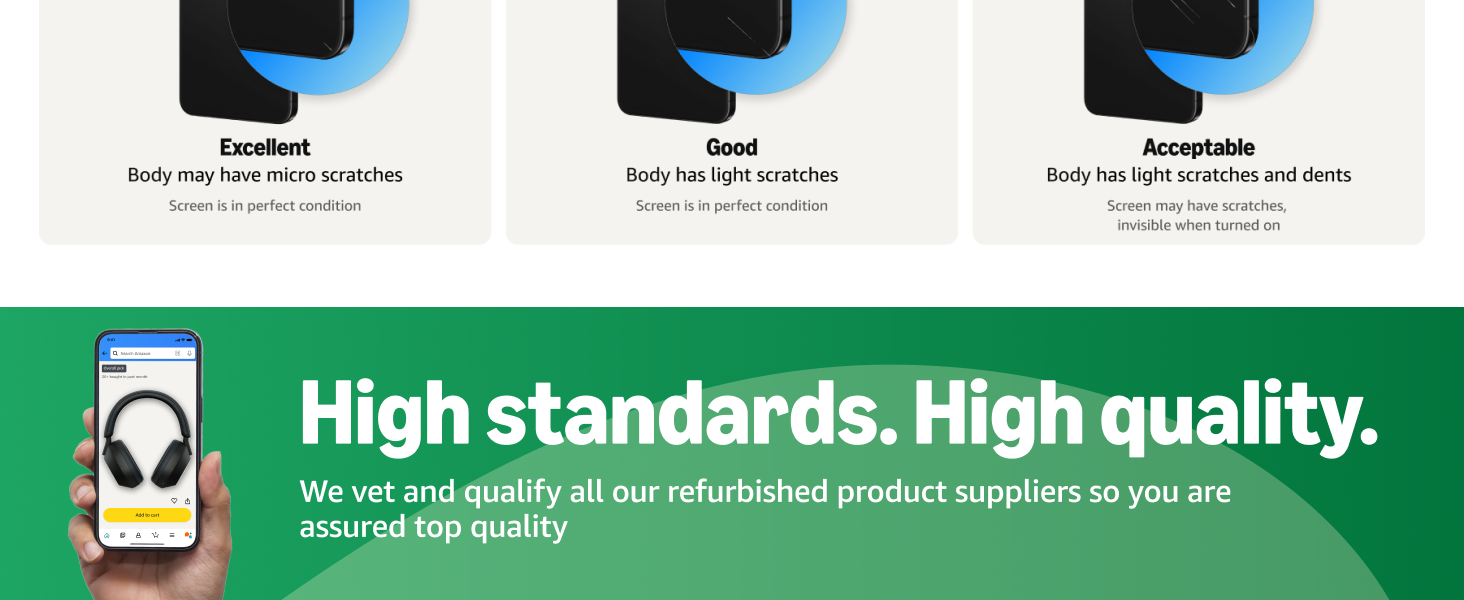
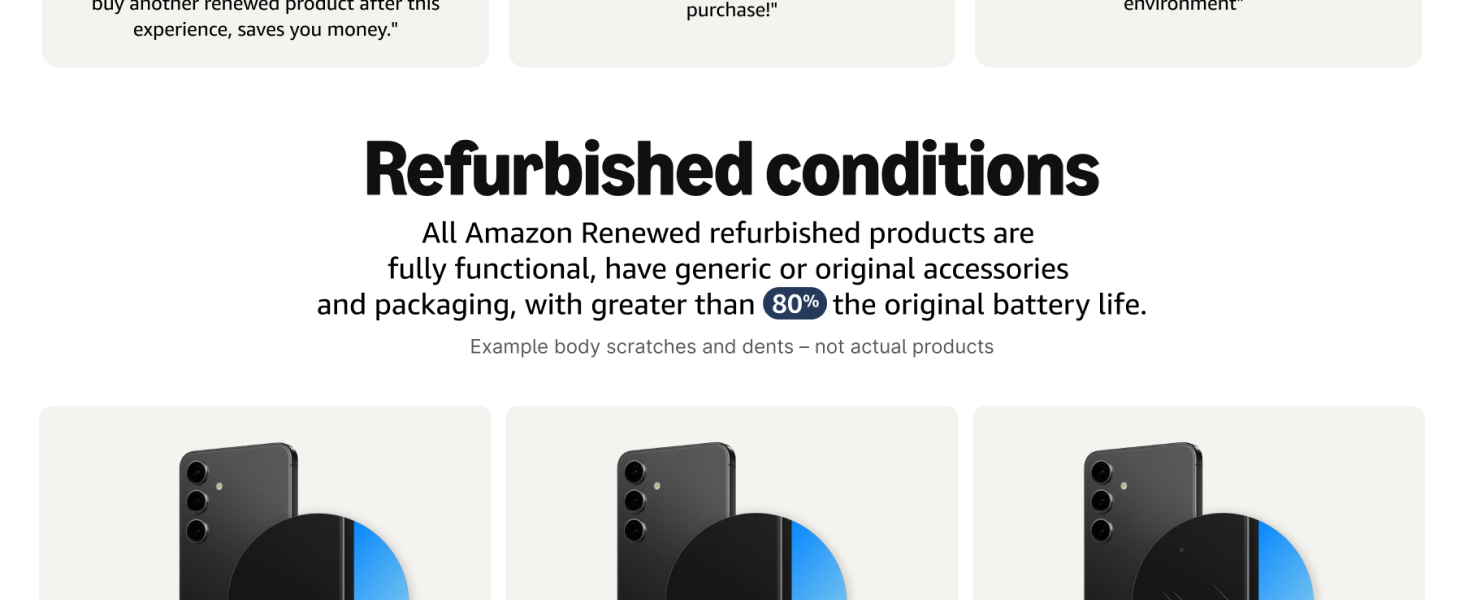
This Samsung Galaxy A16 5G is an Amazon Renewed product. Amazon Renewed products are inspected, tested, and refurbished to be fully functional. Your purchase is eligible for Amazon Renewed coverage in conjunction with Amazon's Return Policy and the A-to-z Guarantee, which typically offers a 90-day refund or replacement policy.
Additionally, Samsung provides long-term software support for the Galaxy A16 5G, including up to six years of OS and security updates from the device's release date. For further assistance or detailed warranty information, please refer to the documentation included with your device or visit the official Samsung support website.