
JOYPLANET B0CJRWP113
JOYPLANET Countertop Ice Maker User Manual
Model: JOYPLANET Ice Maker
Introduction
The JOYPLANET Countertop Ice Maker is designed to provide a convenient and efficient solution for ice production in various settings, including homes, kitchens, RVs, and camping environments. This portable ice machine produces bullet-shaped ice cubes rapidly and features smart app control for enhanced user experience, along with an automatic self-cleaning function.

Image: The JOYPLANET Countertop Ice Maker, showcasing its compact design, a full basket of ice cubes, and the included ice scoop. A smartphone displaying the control app is also visible.
Setup
- Unpacking: Carefully remove the ice maker from its packaging. Ensure all components, including the ice scoop and ice basket, are present.
- Placement: Place the ice maker on a stable, level surface away from direct sunlight and heat sources. Ensure adequate ventilation around the unit.
- Initial Rest Period: After transportation, allow the ice maker to stand upright for at least 12 hours before plugging it in. This allows the refrigerant to settle, which is crucial for optimal performance and longevity.
- Cleaning: Before first use, clean the interior of the ice maker. Refer to the "Maintenance" section for detailed cleaning instructions.
- Power Connection: Plug the ice maker into a grounded electrical outlet.
Operating Instructions
Basic Ice Making
- Add Water: Open the lid and fill the water reservoir with clean, potable water up to the MAX fill line. The capacity is 1.3 liters.
- Power On: Press the ON/OFF button on the control panel to start the ice making process.
- Select Ice Size: Press the S (Small) or L (Large) button to choose your desired ice cube size. The ice maker produces 9 bullet-shaped ice cubes in approximately 6 minutes.
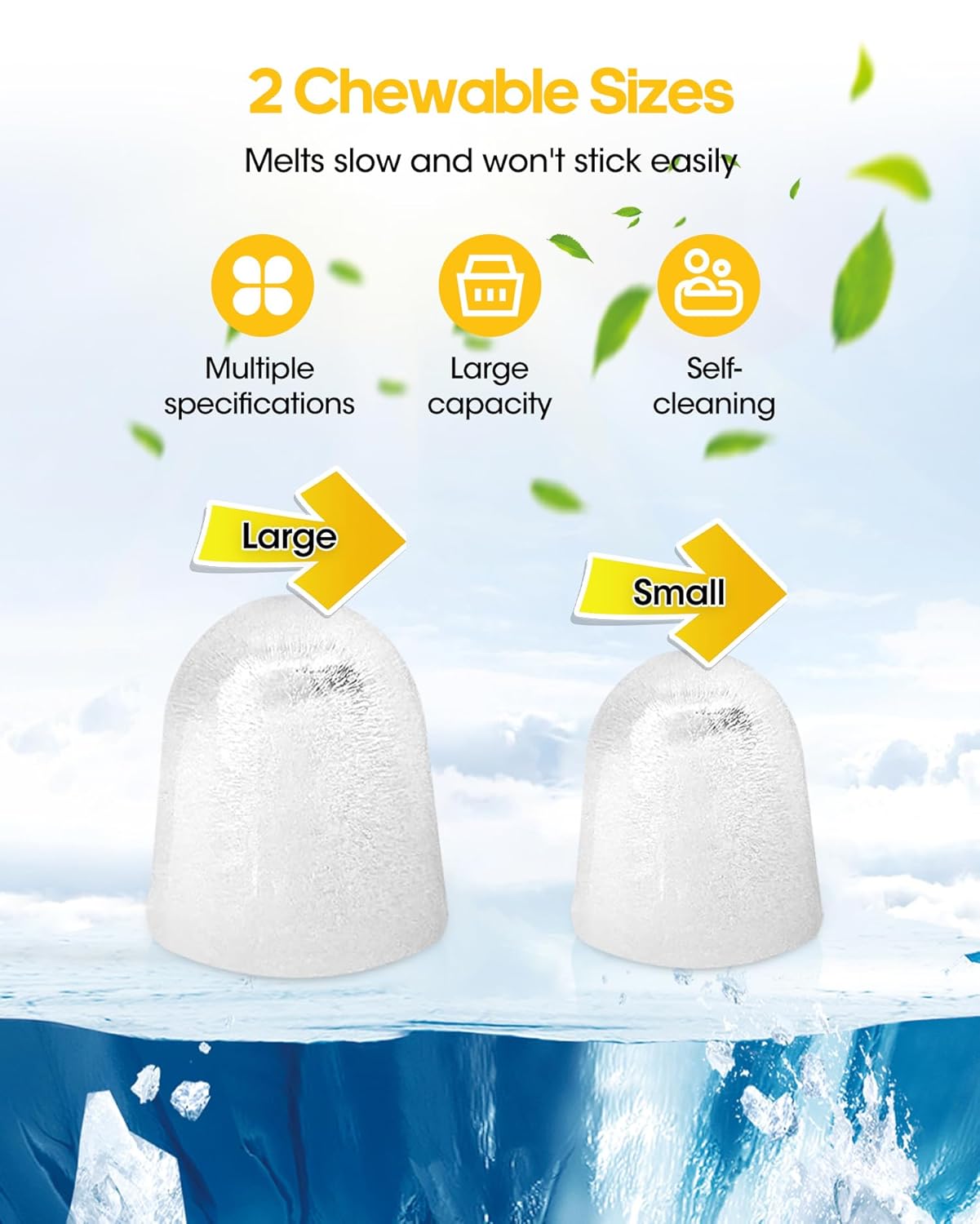
Image: Illustration showing two sizes of bullet-shaped ice cubes, labeled "Large" and "Small", indicating the available options for ice production.
- Monitor Ice Production: The ice maker will automatically stop when the ice basket is full or when the water level is low.
- The "ADD WATER" indicator will illuminate when the water reservoir needs refilling.
- The "ICE FULL" indicator will illuminate when the ice basket is full. Remove ice to resume production.
- Ice Removal: Use the provided ice scoop to remove ice from the basket. The ice basket is removable for easy transfer.
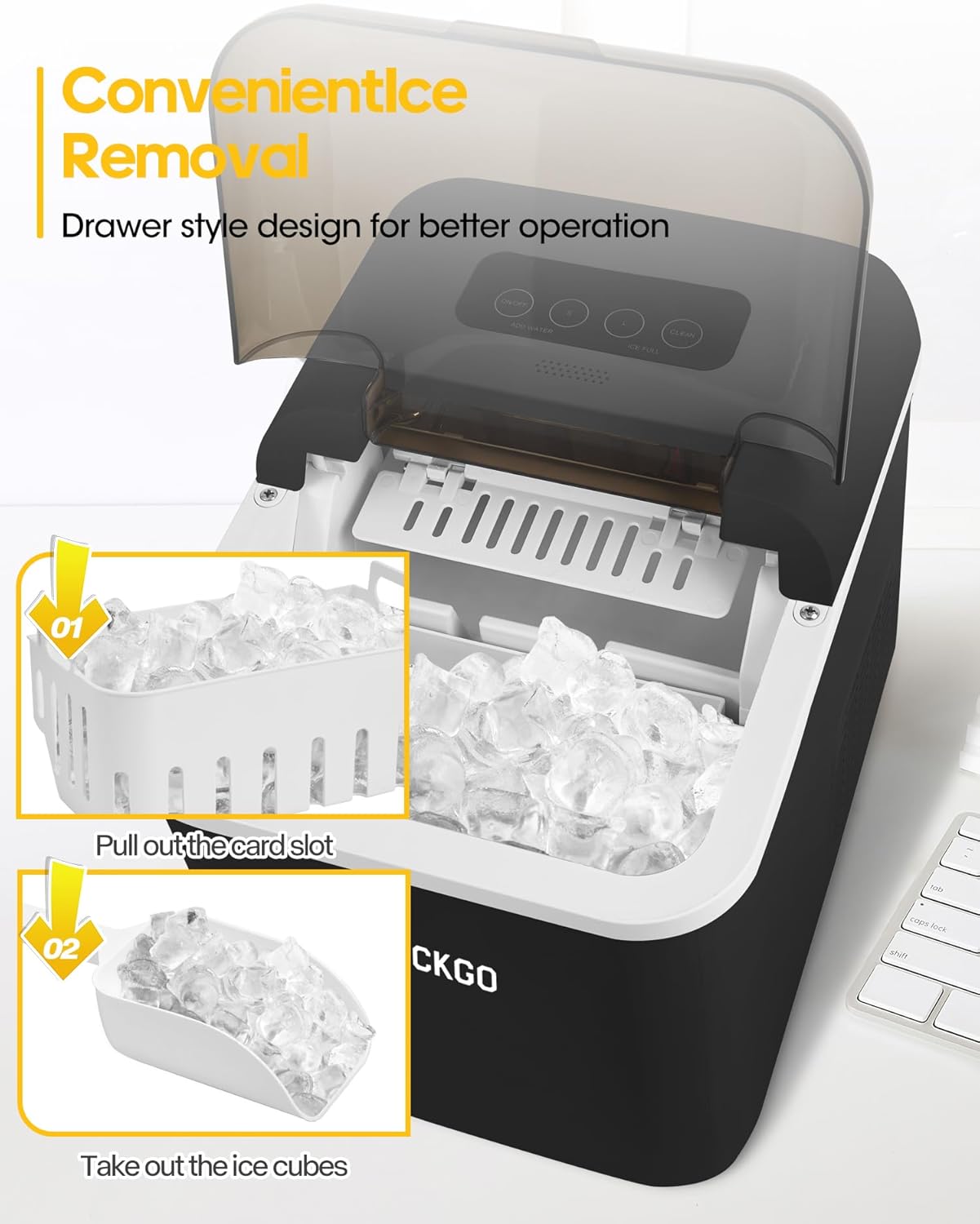
Image: A visual guide demonstrating the two steps for convenient ice removal: pulling out the ice basket and then scooping out the ice cubes.
Smart App Control (2.4GHz WiFi)
This ice maker can be controlled remotely via a smartphone app. Ensure your device is connected to a 2.4GHz WiFi network for app functionality. The ice maker can still be operated manually without WiFi.
- Download App: Download the "microhand life" app from your device's app store.
- Pair Device: Follow the in-app instructions to add and pair your ice maker. This typically involves granting permissions, searching for the device, and configuring WiFi settings.
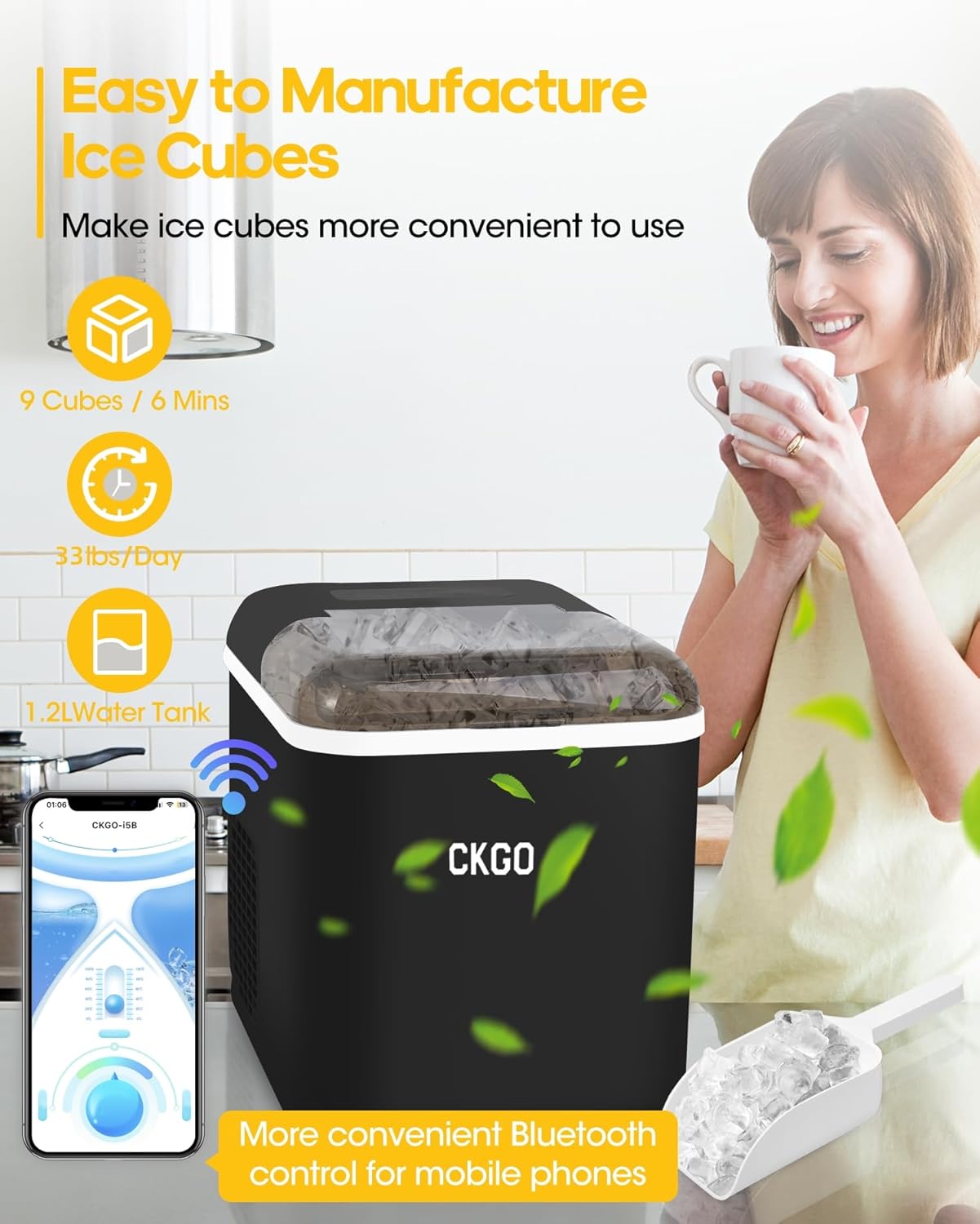
Image: The ice maker positioned on a kitchen counter, with a smartphone displaying its control interface, illustrating remote operation capabilities.

Image: A series of nine smartphone screen captures illustrating the step-by-step process of adding and connecting the ice maker to the mobile application, from initial device search to successful networking.
- Remote Control: Use the app to start/stop ice making, select ice size, schedule cleaning cycles, and receive status alerts.
Maintenance
Self-Cleaning Function
The ice maker features a convenient one-tap self-cleaning function to maintain hygiene and ice quality.
- Initiate Self-Clean: Ensure the water reservoir is filled. Press and hold the CLEAN button on the control panel for 3 seconds to activate the self-cleaning cycle.
- Cycle Duration: The self-cleaning cycle typically lasts for 30 minutes.
- Drain Water: After the cycle completes, unplug the unit and drain the water from the reservoir using the convenient drain plug located at the bottom.
- Rinse: Rinse the interior with clean water and drain again.
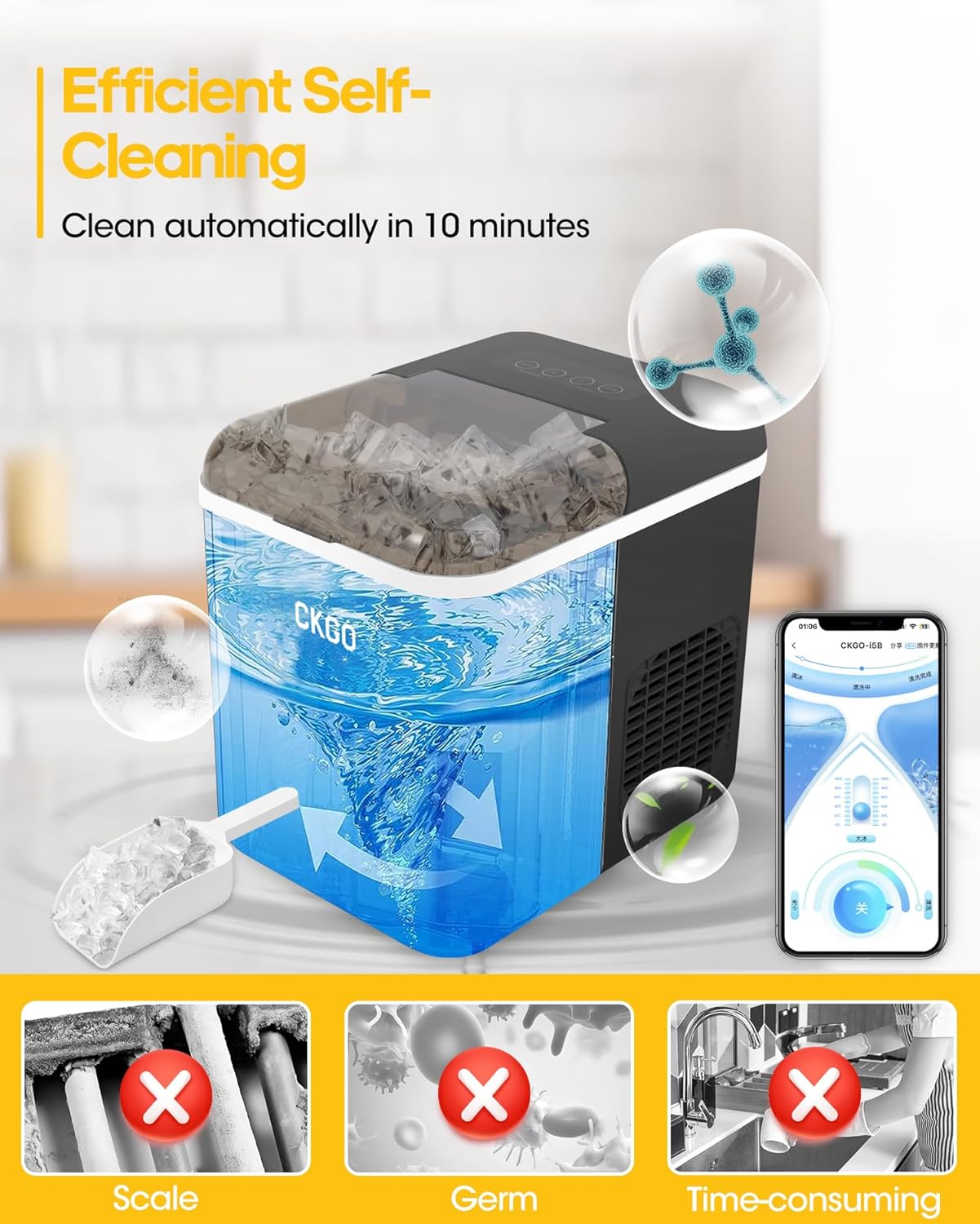
Image: A diagram illustrating the internal self-cleaning process of the ice maker, showing water circulation and highlighting the removal of scale and germs.
General Cleaning and Storage
- Regularly wipe the exterior with a soft, damp cloth.
- For long-term storage, ensure the unit is completely drained and dry. Store in a cool, dry place.
Troubleshooting
| Problem | Possible Cause | Solution |
|---|---|---|
| Ice maker not producing ice. |
|
|
| "ADD WATER" indicator is on. | Water level is low. | Refill the water reservoir. |
| "ICE FULL" indicator is on. | Ice basket is full. | Remove ice from the basket. |
| Ice cubes are too small or soft. |
|
|
| Unit is noisy. | Normal operation sounds (compressor, water pump). | The unit operates below 45dB, which is considered quiet for an ice maker. Ensure it's on a stable, level surface.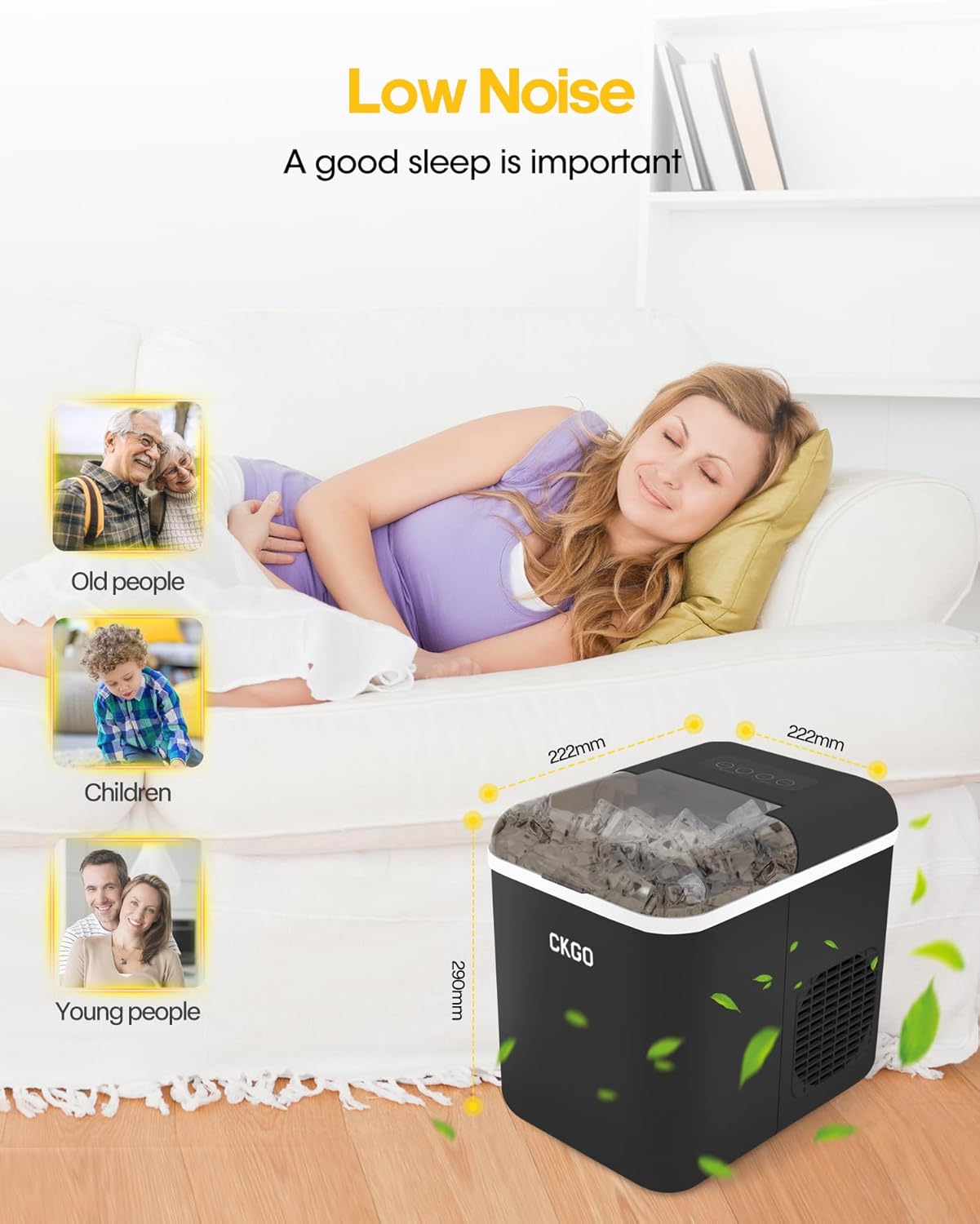 Image: The ice maker on a bedside table, with a person sleeping peacefully in the background, visually representing its low noise operation (under 45dB). |
Specifications
- Brand: JOYPLANET
- Model Names: self cleaning nugget ice maker, Countertop ice maker
- Product Dimensions: 11.5"D x 8.7"W x 11.4"H (29.2 cm D x 22.1 cm W x 29 cm H)
- Weight: Approximately 15.48 Pounds (7.02 kg)
- Water Reservoir Capacity: 1.3 Liters
- Daily Ice Production: Up to 33 lbs (15 kg)
- Ice Production Cycle: 9 cubes in 6 minutes
- Ice Cube Shape: Bullet
- Ice Sizes: 2 (Small, Large)
- Noise Level: Under 45dB
- Wattage: 103 watts
- Connectivity: Smart App Control (requires 2.4GHz WiFi)
- Special Features: Self-Cleaning Function, Portable with handle
Warranty and Support
For warranty information, technical support, or service inquiries, please contact JOYPLANET customer service. Refer to the product packaging or the official JOYPLANET website for the most current contact details.
Manufacturer: JOYPLANET
First Available Date: September 25, 2023
Ask a question about this manual
Ask about setup, troubleshooting, compatibility, parts, safety, or missing instructions. Manuals+ will review the question and use this page’s manual context to help answer it.