
Temirup EMF02R
TEMIRUP EMF02R 5-in-1 Handheld EMF Meter Radiation Detector User Manual
Model: EMF02R | Brand: Temirup
Introduction
This manual provides detailed instructions for the safe and effective use of your TEMIRUP EMF02R 5-in-1 Handheld EMF Meter. This device is designed to accurately measure various electromagnetic fields, including electric field (EF), magnetic field (MF), and radio frequency (RF) radiation. It also features integrated sensors for temperature and humidity, offering a comprehensive environmental assessment tool. Please read this manual thoroughly before operating the device.
What's Included

Figure 1: Contents of the TEMIRUP EMF02R package.
- 1 x TEMIRUP EMF02R EMF Meter
- 1 x USB Type-C Charging Cable
- 1 x Carrying Bag
- 1 x User Manual (this document)
Key Features

Figure 2: Overview of the TEMIRUP EMF02R's 5-in-1 measurement capabilities.
- 5-in-1 Measurement: Detects Electric Field (EF), Magnetic Field (MF), Radio Frequency (RF), Temperature, and Humidity.
- Large VA Color LCD Display: Provides clear, easy-to-read measurements and indicators.
- Rechargeable Battery: Built-in Lithium Ion battery, rechargeable via USB Type-C.
- Audio and Visual Alarm: Alerts users to high radiation levels with sound and a 3-color analog bar display.
- Data Hold & Max/Average Measurement: Allows for capturing and reviewing peak or average readings.
- Automatic Power Off: Conserves battery life by automatically shutting down after 15 minutes of inactivity.
- Unit Switching: Supports temperature units in Celsius (℃) and Fahrenheit (℉).
Setup
1. Initial Charging
Before first use, fully charge the device using the provided USB Type-C cable and a compatible USB power adapter (not included). The battery indicator on the display will show charging status.

Figure 3: Charging the EMF Meter. A red indicator signifies charging, while a green indicator shows a full charge.
2. Power On/Off
- To power on, press and hold the Power button (red button with power symbol) for a few seconds until the display illuminates.
- To power off, press and hold the Power button again. The device will also automatically power off after 15 minutes of inactivity.
Operating Instructions
1. Mode Selection
The TEMIRUP EMF02R features three primary measurement modes: Electric Field (E-field), Magnetic Field (H-field), and Radio Frequency (RF). Use the SEL button to cycle through these modes.

Figure 4: The device's display showing various measurement parameters and mode indicators.
2. Electric Field (EF) Measurement
- Select the E-field mode using the SEL button.
- Hold the device and slowly move the probe towards the object or area you wish to measure.
- The display will show the electric field strength in V/m.
- Common sources include household appliances, power lines, and electrical wiring.

Figure 5: Measuring electric and magnetic fields from common household appliances.
3. Magnetic Field (MF) Measurement
- Select the H-field mode using the SEL button.
- Position the device near the source of magnetic radiation.
- The display will show the magnetic field strength in mG or µT.
- Sources include motors, transformers, and certain electronic devices.
4. Radio Frequency (RF) Measurement
- Select the RF mode using the RF button.
- The device will measure radio frequency radiation in µW/cm².
- This mode is suitable for detecting WiFi signals, 5G signals (30MHz ~ 8GHz), and microwave radiation from appliances like microwave ovens.

Figure 6: Measuring RF radiation from a WiFi router.
Video 1: Demonstration of the TEMIRUP EMF02R's 5-in-1 functions, including alarm reminders for different radiation levels. This video shows the device detecting EMF from various sources like phones and routers.
5. Temperature and Humidity Measurement
- The device continuously displays ambient temperature (℃/℉) and humidity (%) on the lower part of the screen.
- To ensure accurate temperature and humidity readings, place the device in the current ambient environment for at least 30 minutes.
- To switch temperature units between Celsius and Fahrenheit, refer to the user manual's specific instructions for unit settings.
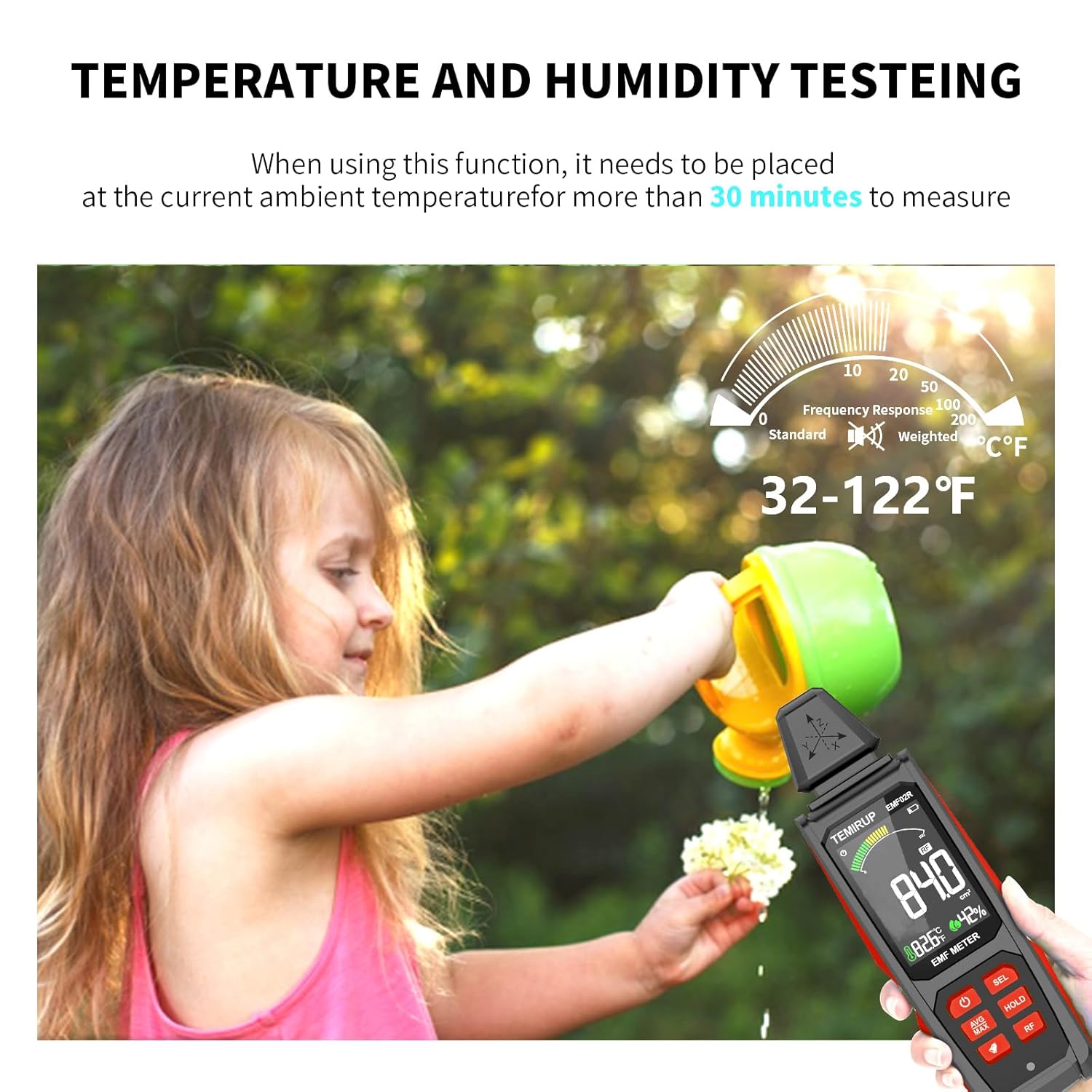
Figure 7: The EMF meter displaying ambient temperature and humidity.
6. Interpreting Readings and Alarms
- The large color LCD screen displays numerical values for the selected field.
- An analog bar display at the top provides a quick visual indication of radiation levels:
- Green: Low radiation level.
- Yellow: Moderate radiation level, indicating potential exceedance of standard levels. An audible alarm may sound.
- Red: High radiation level, indicating significant exceedance. An audible alarm will sound, and protective measures or distance from the source are recommended.
- The audible alarm can be toggled on/off using the dedicated button (speaker icon).

Figure 8: Visual representation of the sound-light alarm when radiation levels are high.

Figure 9: Analog and digital comparison table for radiation levels across different units.
7. Data Hold and Max/Average Reading
- Press the HOLD button to freeze the current reading on the display. Press again to release.
- Press the AVG/MAX button to switch between average and maximum value readings. This allows you to observe fluctuations or peak exposures.
Maintenance
- Keep the device clean by wiping it with a soft, dry cloth. Do not use abrasive cleaners or solvents.
- Avoid exposing the device to extreme temperatures, humidity, or direct sunlight.
- Store the device in its carrying bag when not in use to protect it from dust and physical damage.
- Ensure the USB Type-C charging port is free from debris.
Troubleshooting
| Problem | Possible Cause | Solution |
|---|---|---|
| Device does not power on. | Low battery or device is off. | Charge the device fully. Press and hold the Power button to turn on. |
| Inaccurate temperature/humidity readings. | Device not acclimated to environment. | Place the device in the environment for at least 30 minutes before taking readings. |
| No reading or "0" displayed. | No significant EMF source detected or incorrect mode selected. | Ensure the device is in the correct measurement mode (EF, MF, RF) for the source. Move closer to the potential source. |
| Audible alarm constantly sounding. | High radiation levels detected. | Move away from the radiation source or identify and mitigate the source. The alarm can be temporarily muted using the speaker button. |
Specifications
- Model: EMF02R
- Brand: Temirup
- Measurement Modes: Electric Field (EF), Magnetic Field (MF), Radio Frequency (RF), Temperature, Humidity
- Electric Field Range: 1-999 V/m
- Magnetic Field Range: 0.1-99.9 mG / 0.01-9.99 µT
- Radio Frequency Range: 0.0-9999 µW/cm² (30MHz ~ 8GHz)
- Temperature Range: 32-122°F / 0-50°C
- Humidity Range: 0-90% RH
- Display: Large VA Color LCD
- Battery: 1 Lithium Ion battery (included)
- Charging: USB Type-C
- Auto Power Off: 15 minutes of inactivity
- Dimensions: 9.57 x 2.99 x 1.93 inches
- Weight: 10.72 ounces
Warranty and Support
For any questions or issues regarding your TEMIRUP EMF02R EMF Meter, please refer to the contact information provided in your product packaging or reach out to Temirup customer support. Our professional team is available to assist you with troubleshooting and product inquiries.
Please retain your proof of purchase for warranty claims. Specific warranty terms and conditions may apply and are detailed in the included user manual or on the manufacturer's official website.
Ask a question about this manual
Ask about setup, troubleshooting, compatibility, parts, safety, or missing instructions. Manuals+ will review the question and use this page’s manual context to help answer it.