Introduction
This manual provides essential instructions for the safe and effective use of your Govee Christmas Sparkle String Lights (Model H6870). Please read this guide thoroughly before installation and operation to ensure optimal performance and longevity of your product.
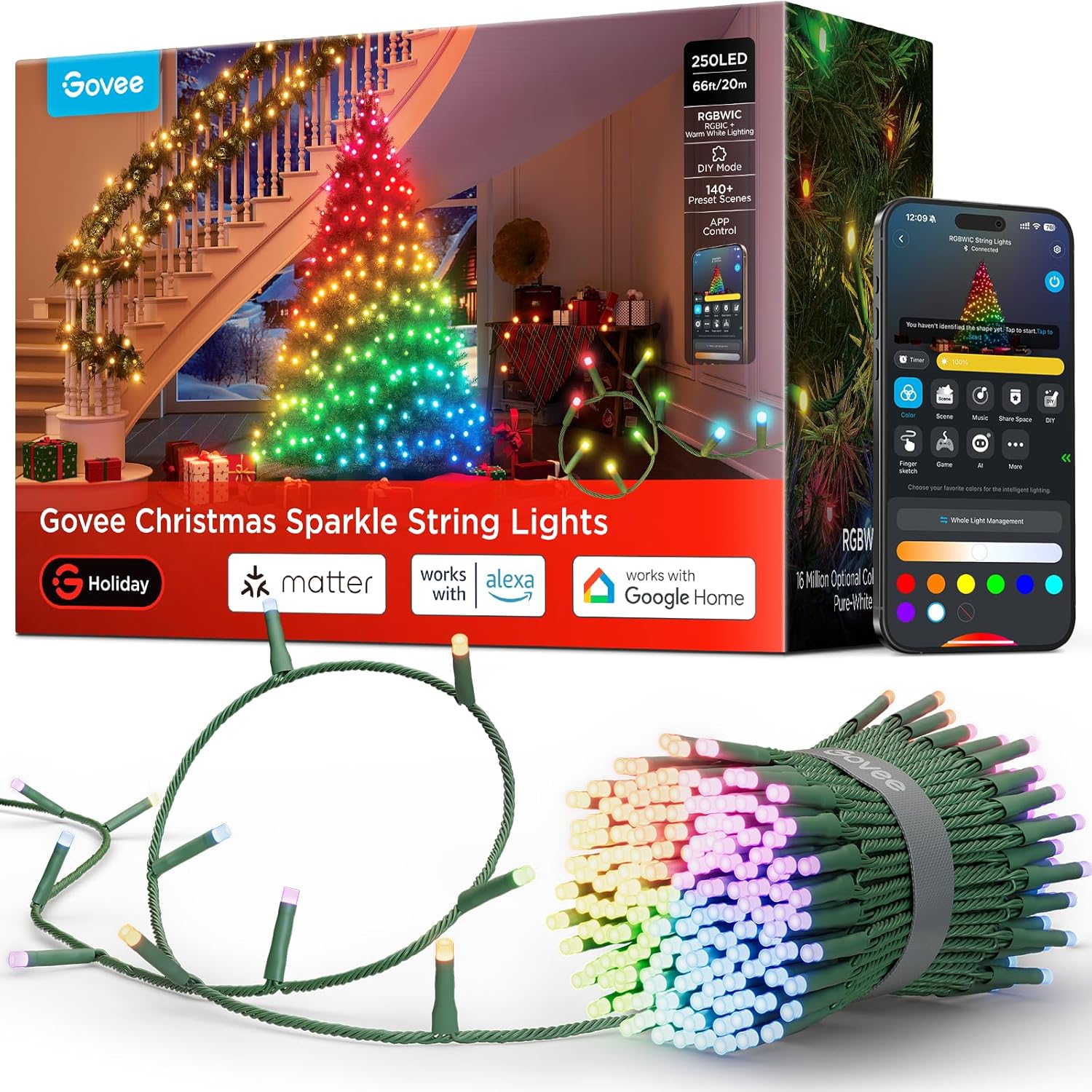
Image: Govee Christmas Sparkle String Lights, showing the product packaging, the string of lights, and the Govee Home app interface on a smartphone.
What's in the Box
Verify that all components are present upon unpacking:
- Govee Christmas Sparkle String Lights 66ft x 1
- Power Adapter x 1
- Control Box x 1
- User Manual x 1

Image: All components included in the Govee Christmas Sparkle String Lights package, laid out next to the product box.
Setup Instructions
1. Unpacking and Preparation
Carefully remove the string lights and accessories from the packaging. Untangle the lights gently to avoid damage to the wiring or LEDs.
2. Physical Installation
Wrap the 66ft string lights around your desired indoor object, such as a Christmas tree, garland, or other decorative elements. The bullet-head LEDs are designed to provide a starlight effect. Note: These string lights do not support series connection.

Image: A close-up view of the precision-engineered bullet-shaped LEDs on a Christmas tree branch, highlighting their tighter spacing and wider light throw for a star-like effect.
3. Power Connection
- Connect the string lights to the control box.
- Connect the power adapter to the control box.
- Plug the power adapter into a standard indoor electrical outlet.
Operating Your Govee Sparkle String Lights
1. Govee Home App Installation & Connection
- Download the Govee Home App from your smartphone's app store (iOS or Android).
- Open the app and register/log in.
- Follow the in-app instructions to add your Govee Christmas Sparkle String Lights (Model H6870) by searching for the device or scanning the QR code.
- Ensure Bluetooth and Wi-Fi are enabled on your smartphone for successful pairing.
2. 3D Shape Mapping Technology
Utilize the app's 3D Shape Mapping feature to precisely locate each LED on your Christmas tree. This allows for custom DIY lighting effects and dynamic preset scenes tailored to your tree's shape.

Image: A smartphone displaying the Govee app's 3D shape mapping interface, showing how to precisely map the lights on a Christmas tree for customized effects.
3. Scene Modes and Color Options
Explore over 140 vibrant scene modes within the Govee Home App to create diverse holiday atmospheres. The lights feature RGBWIC technology, offering 16 million colors and adjustable white temperature to match any mood.

Image: A Christmas tree illuminated with Govee Sparkle String Lights, showcasing the difference between pure white and colorful RGBWIC lighting effects.
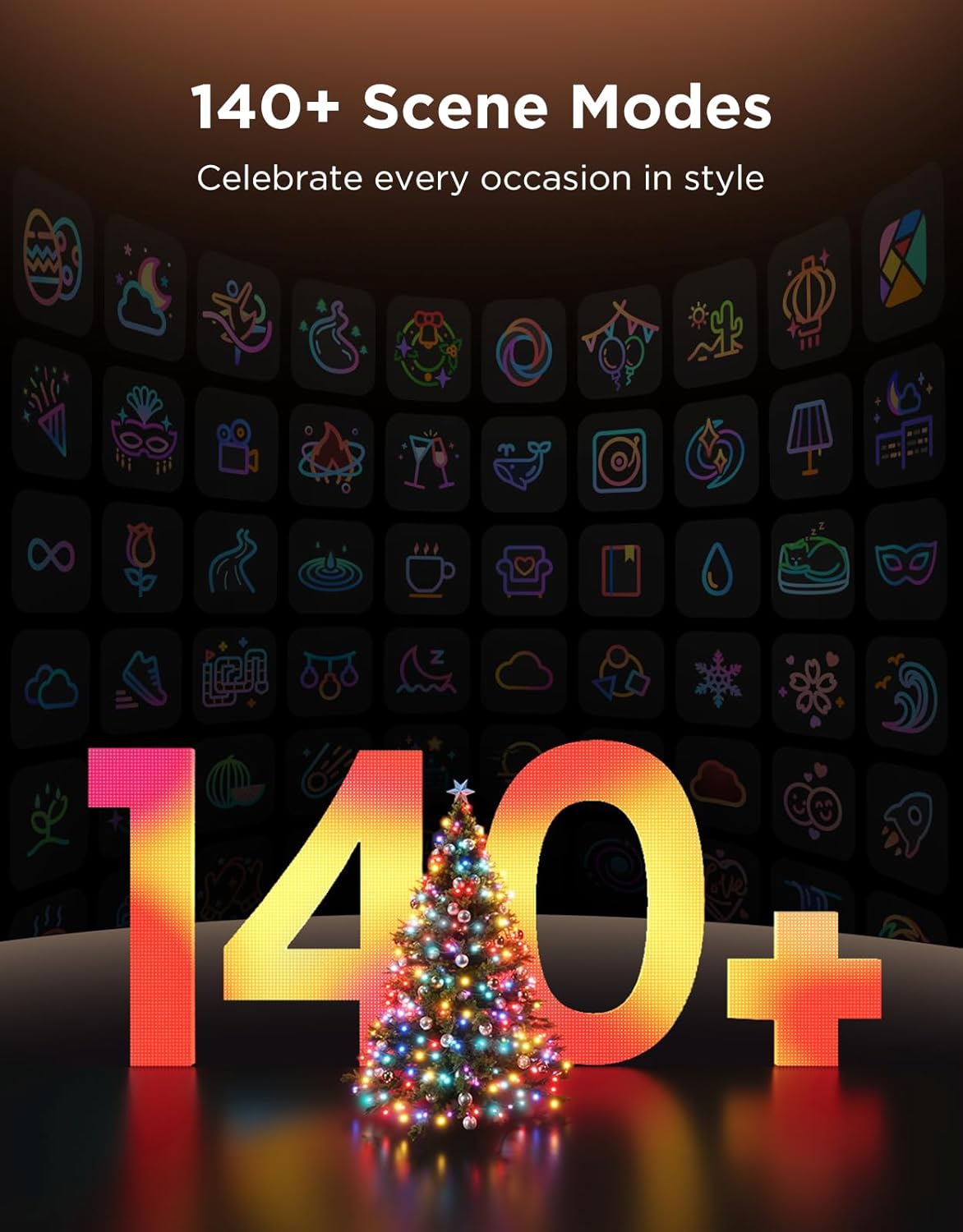
Image: A visual representation of the Govee app's extensive library of over 140 vibrant scene modes, designed to celebrate various occasions.
4. AI Lighting Bot
The AI Lighting Bot feature allows you to create personalized light shows using voice, text, or image prompts. This simplifies customization and inspires unique holiday displays.

Image: A smartphone displaying the Govee AI Lighting Bot interface, demonstrating how AI can generate and apply lighting effects to a Christmas tree based on user input.
5. Music Sync Feature
The built-in microphone enables the lights to synchronize with your favorite music, creating dynamic and immersive light shows that react to audio.

Image: A living room decorated for Christmas, with Govee Sparkle String Lights on a tree and staircase dynamically syncing to music, indicated by a sound wave graphic.
Video: This video from Govee US demonstrates various lighting effects and color changes possible with the Govee Christmas Light Series, showcasing the versatility of the lights.
6. Smart Home Integration
The Govee Christmas Sparkle String Lights are compatible with Amazon Alexa and Google Home, allowing for convenient voice control of your lighting effects.

Image: A living room featuring a Christmas tree and window adorned with Govee DreamView Lightshows, illustrating personalized lighting effects.
Maintenance and Care
- Cleaning: Disconnect power before cleaning. Wipe lights and control box with a soft, dry cloth. Do not use liquid cleaners.
- Storage: When not in use, carefully coil the string lights and store them in a cool, dry place away from direct sunlight and moisture.
- Safety: This product is designed for indoor use only. Do not expose to water or extreme temperatures.
Troubleshooting Common Issues
| Problem | Solution |
|---|---|
| Lights not turning on | Check power connection, ensure the control box is properly connected, and verify the app status. |
| App connectivity issues | Ensure Bluetooth and Wi-Fi are enabled. Try re-pairing the device in the Govee Home App. Restart your smartphone and the lights. |
| Inaccurate 3D Shape Mapping | Re-do the mapping process, ensuring your phone is held stable and the entire light setup is visible in the camera frame. |
Product Specifications
| Feature | Detail |
|---|---|
| Model Number | H6870 |
| Brand | Govee |
| Color | Multicolor |
| Indoor/Outdoor Usage | Indoor |
| Special Features | 140+ Preset Scene Modes, AIGC Lighting Effects, RGBWIC Technology, Remote Controlled, Uni-IC DIY Control |
| Light Source Type | LED |
| Power Source | Corded Electric |
| Number of Light Sources | 250 |
| Item Length | 66 Feet |
| Material | Plastic |
| Control Method | App, Remote, Voice (Amazon Alexa, Google Home) |
| UPC | 810172720930 |
Warranty and Customer Support
For warranty information and customer support, please refer to the official Govee website or contact their customer service directly. The included User Manual also contains specific warranty details and contact information.