1. Introduction
This user manual provides essential information for the safe and efficient operation of your MaiVoz N9 Portable Charger Power Bank. Please read this manual thoroughly before using the device and retain it for future reference.
2. Product Overview
The MaiVoz N9 is a high-capacity portable power bank designed to charge multiple electronic devices on the go. It features a 56800mAh battery, 22.5W Power Delivery (PD) fast charging, and multiple output ports.

Image 2.1: MaiVoz N9 Portable Charger Power Bank. This image displays the sleek, black exterior of the power bank, highlighting its compact design and the digital LED display showing "100%".
Key Features:
- Ultra-High Capacity: 56800mAh for extended power supply.
- Fast Charging: 22.5W Power Delivery (PD) for rapid device charging.
- Multiple Ports: Two USB-A output ports and one bi-directional USB-C port for charging up to three devices simultaneously.
- Digital LED Display: Shows precise remaining battery percentage.
- Advanced Safety: Built-in protection against overvoltage, short circuits, overheating, and overcurrent.
3. Safety Information
To ensure safe operation and prolong the lifespan of your power bank, please adhere to the following safety guidelines:
- Do not expose the power bank to extreme temperatures (above 60°C/140°F or below 0°C/32°F), direct sunlight, or high humidity.
- Avoid dropping, disassembling, or attempting to repair the device yourself.
- Keep the power bank away from water and other liquids.
- Use only certified charging cables and adapters.
- Due to its high capacity (56800mAh), this power bank cannot be carried on airplanes. It is intended for ground travel, outdoor activities, or home use.
- Do not store the power bank in a fully discharged state for extended periods. Recharge it periodically.
- The power bank includes intelligent protection systems to prevent overcharge, overdischarge, overvoltage, overcurrent, and short circuits.
4. Setup
4.1 Initial Charging of the Power Bank
- Connect the provided USB-C cable to the power bank's USB-C port.
- Connect the other end of the cable to a compatible USB wall adapter (not included).
- The LED display will show the charging progress. Charge the power bank fully before first use.
4.2 Connecting Devices for Charging
The power bank features two USB-A output ports and one bi-directional USB-C port. Use appropriate charging cables for your devices.

Image 4.1: The MaiVoz N9 power bank simultaneously charging a tablet, a smartphone, and wireless earbuds, demonstrating its multi-device charging capability.
5. Operating Instructions
5.1 Charging Your Devices
- Connect your device's charging cable to one of the power bank's output ports (USB-A or USB-C).
- Connect the other end of the cable to your device.
- The power bank will automatically begin charging your device. The LED display will show the remaining battery percentage.
- To stop charging, simply disconnect the cable from your device or the power bank.

Image 5.1: A smartphone connected to the MaiVoz N9 power bank, displaying a fast charging icon and 80% charge, illustrating the 22.5W PD fast charge feature.
5.2 Checking Battery Level
The integrated LED digital screen displays the exact remaining battery percentage of the power bank. This allows you to monitor the charge level accurately and know when it's time to recharge the power bank.
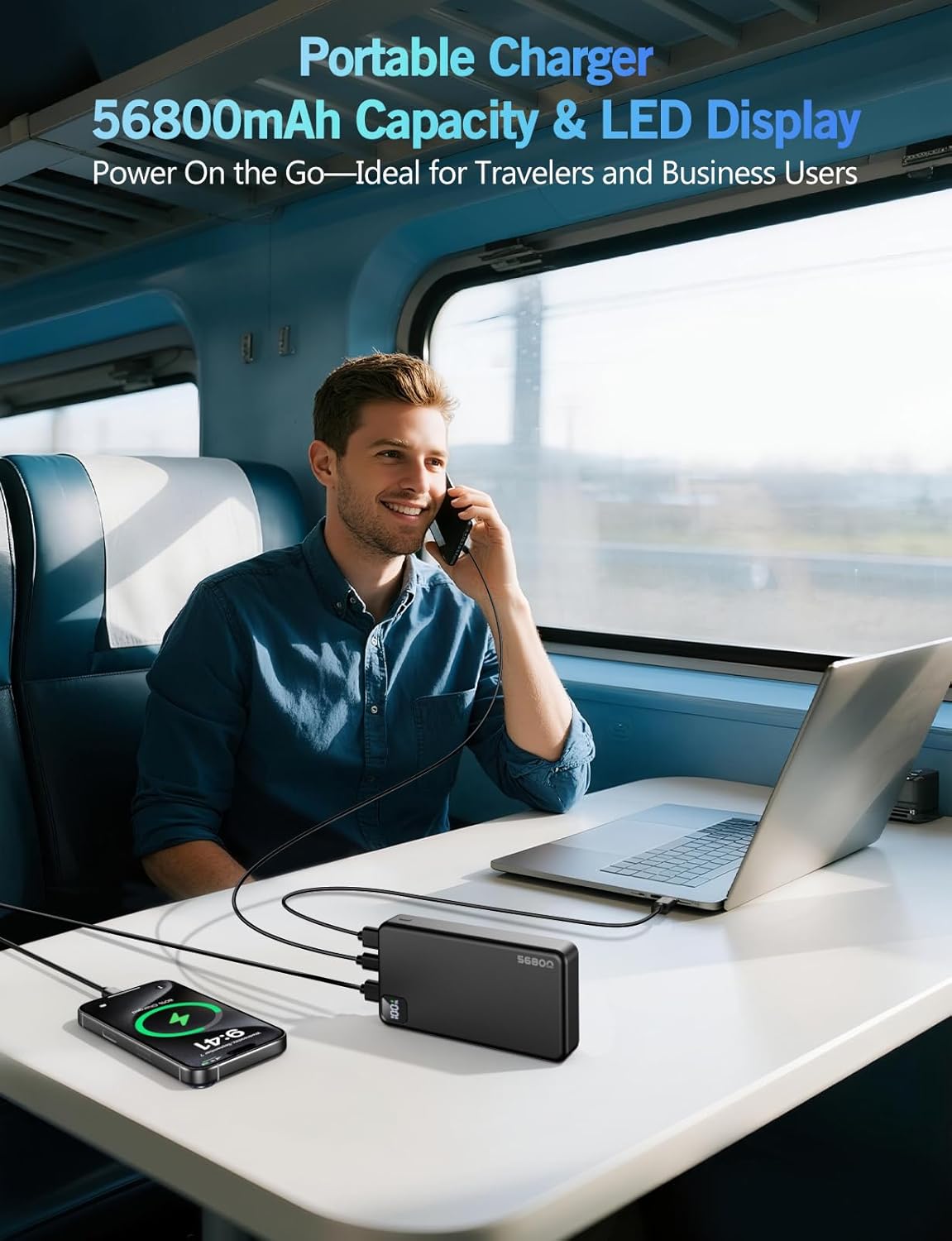
Image 5.2: A person using the MaiVoz N9 power bank to charge a smartphone and a laptop on a train, demonstrating its portability and LED display visibility.
6. Maintenance
Proper maintenance ensures the longevity and optimal performance of your MaiVoz N9 Power Bank:
- Cleaning: Use a soft, dry cloth to clean the exterior of the power bank. Do not use harsh chemicals or abrasive materials.
- Storage: Store the power bank in a cool, dry place, away from direct sunlight and extreme temperatures.
- Recharging: If the power bank is not used for an extended period, recharge it at least once every three months to maintain battery health.
- Avoid Physical Damage: Protect the device from drops, impacts, and punctures.
7. Troubleshooting
If you encounter issues with your MaiVoz N9 Power Bank, refer to the following common solutions:
| Problem | Possible Cause | Solution |
|---|---|---|
| Power bank not charging devices. | Low battery level on power bank, faulty cable, incompatible device. | Recharge the power bank. Try a different charging cable. Ensure your device is compatible with USB charging. |
| Power bank not recharging. | Faulty charging cable or adapter, damaged USB-C port. | Try a different USB-C cable and wall adapter. Ensure connections are secure. |
| Slow charging speed. | Non-fast charging cable, multiple devices charging simultaneously, device not supporting fast charge. | Use a fast-charging compatible cable. Disconnect other devices. Verify your device supports 22.5W PD charging. |
| LED display not working. | Power bank is completely discharged or a malfunction. | Attempt to recharge the power bank. If the issue persists, contact customer support. |
8. Specifications
| Feature | Detail |
|---|---|
| Model Number | N9 |
| Battery Capacity | 56800 Milliamp Hours (mAh) |
| Product Dimensions | 5.51 x 2.87 x 1.12 inches |
| Item Weight | 1 pound |
| Connector Type | USB Type A, USB Type C |
| Special Features | Digital Display, Fast Charging, Over Charging Protection, Portable, Short Circuit Protection |
| Manufacturer | Daximen(Shenzhen) Technology Co., Ltd |
| Date First Available | June 9, 2025 |
9. Warranty and Support
For warranty information or technical support, please contact MaiVoz customer service through the retailer where the product was purchased or refer to the official MaiVoz website for contact details.
Please have your model number (N9) and purchase date available when contacting support.