
1. Product Overview
The Osusuent Flight Case (Model ZQ15002) is a robust and reliable solution for transporting and protecting your valuable 230W and 295W LED Beam Moving Head Lights. Designed for durability and ease of use, this 2-in-1 flight case ensures your equipment remains secure during transit and storage.
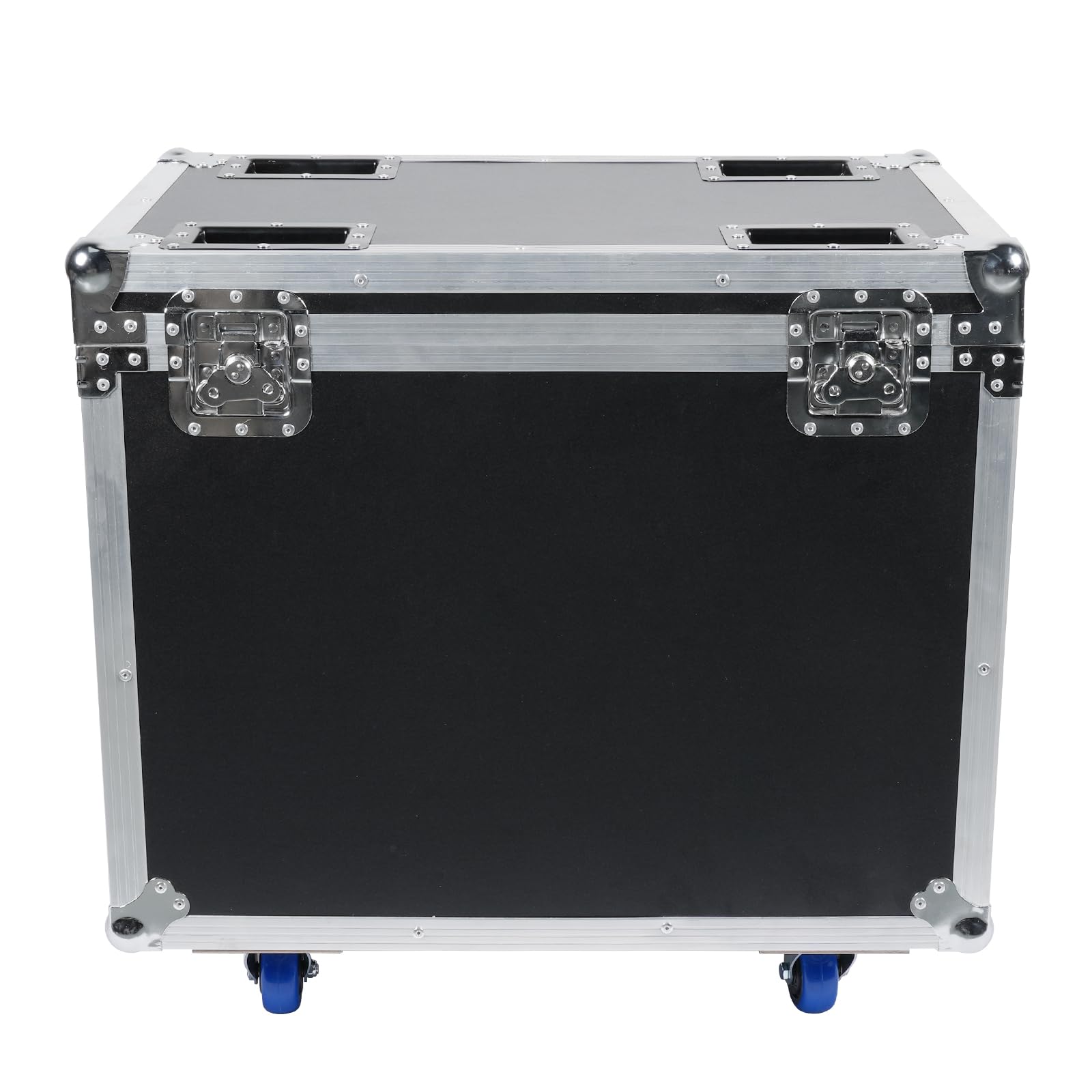
Front view of the Osusuent Flight Case with wheels, featuring robust construction and secure latches.

Side view of the Osusuent Flight Case, showing the recessed handle for easy lifting and transport.

Top view of the Osusuent Flight Case, highlighting the secure butterfly latches and reinforced corners.
The interior is equipped with soft PE padding and EVA foam dividers, custom-designed to cradle two moving head lights, preventing movement and absorbing shocks. The exterior features sturdy aluminum profiles, steel hardware, and four durable wheels, two of which include safety brakes for stability.
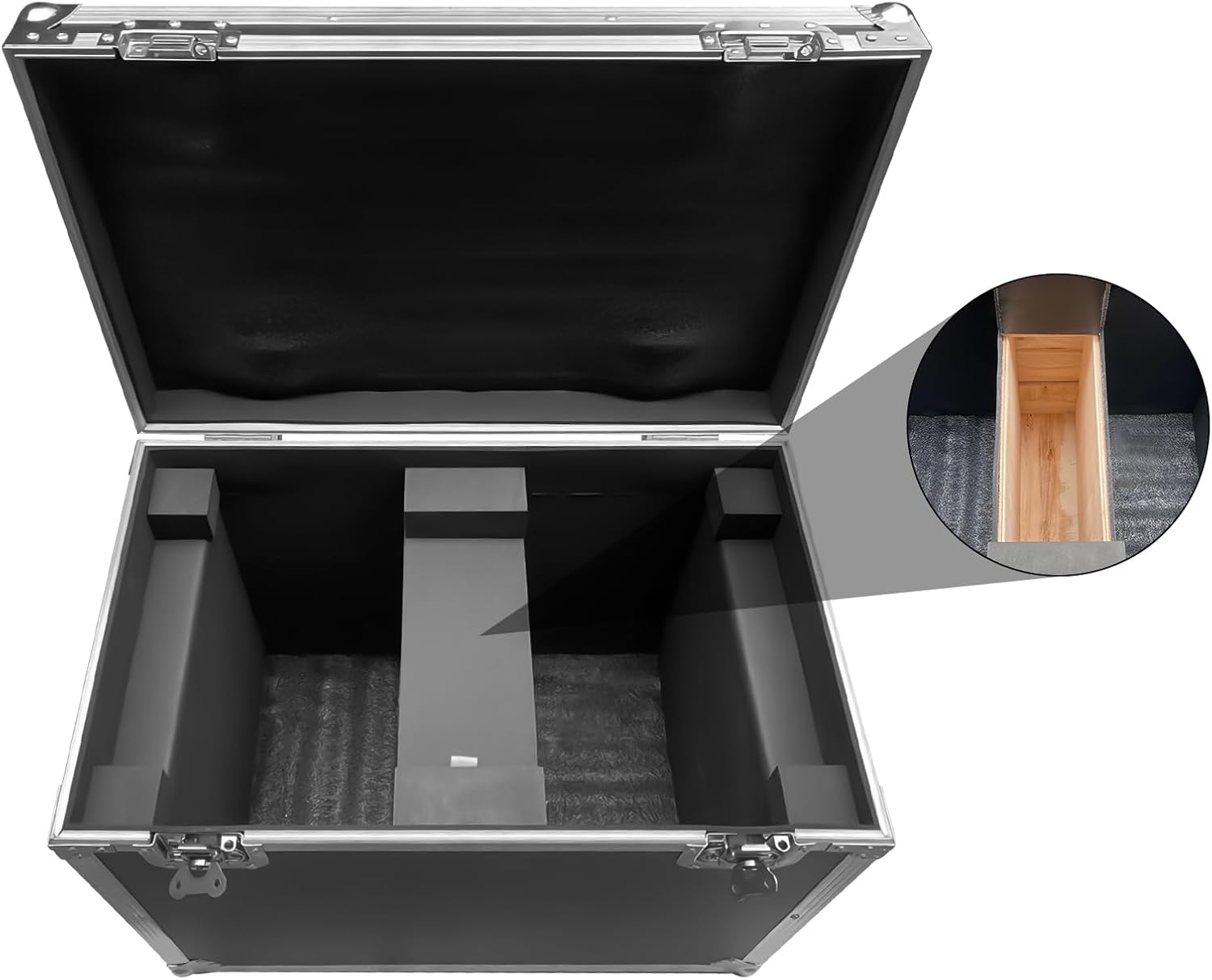
Interior view of the Osusuent Flight Case, showing the protective PE padding and EVA foam dividers designed to secure two moving head lights.
2. Setup Instructions
- Unpacking: Carefully remove the flight case from its packaging. Inspect for any signs of damage during shipping.
- Placement: Position the flight case on a flat, stable surface.
- Wheel Operation: The case is equipped with four wheels for easy mobility. Two of these wheels have integrated safety brakes. To engage the brake, press down on the lever located on the wheel. To release, lift the lever. Ensure brakes are engaged when the case needs to remain stationary.
- Opening the Case: Release the butterfly latches by pulling them outwards and then upwards. Lift the lid to access the interior.
This video demonstrates the unboxing, internal capacity, and mobility of the flight case, highlighting its suitability for various professional equipment. It shows how to open the latches and move the case using its wheels.
3. Operating Instructions
- Loading Equipment: Place your 230W or 295W LED Beam Moving Head Lights into the designated compartments within the case. The internal PE padding and EVA foam dividers are designed to fit these specific models securely. Ensure the lights are positioned firmly to prevent shifting during transport.
- Securing the Case: Close the lid and engage all butterfly latches. Ensure they are fully locked to provide an airtight seal and maximum protection.
- Transporting: For short distances, use the recessed handles on the sides. For longer distances or heavier loads, utilize the four wheels. Release the safety brakes if engaged before moving.

The Osusuent Flight Case shown with two 230W moving head lights placed inside, demonstrating its capacity and protective design.
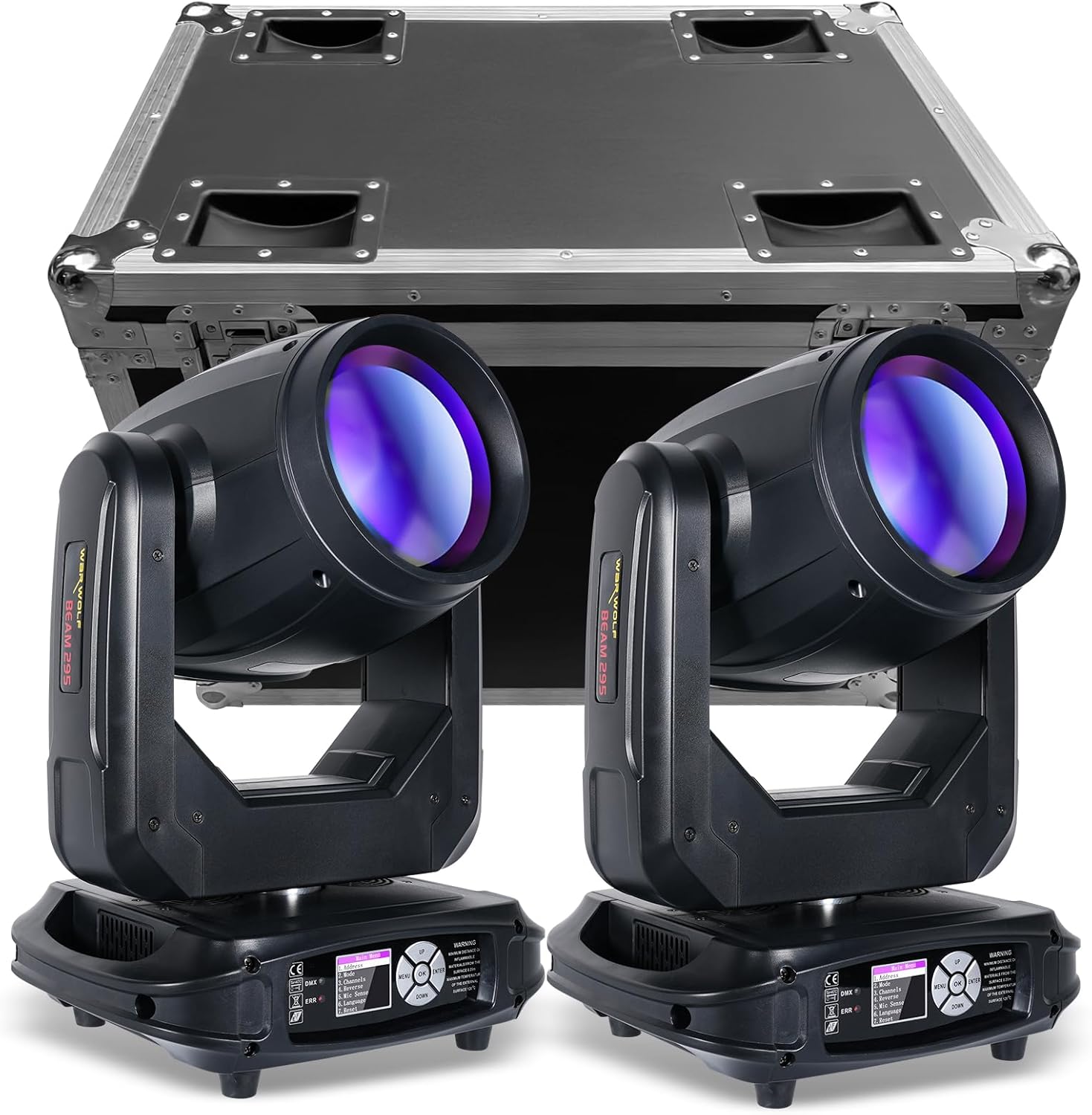
The Osusuent Flight Case shown with two 295W moving head lights, illustrating how different models fit securely within the padded compartments.
4. Maintenance
- Cleaning: Wipe the exterior surfaces with a soft, damp cloth. Avoid abrasive cleaners. For the interior, use a vacuum cleaner with a soft brush attachment to remove dust and debris from the padding.
- Hardware Inspection: Regularly check all latches, hinges, and handles for proper function and tightness. Tighten any loose screws as needed.
- Wheel Care: Keep the wheels free of dirt and hair. Lubricate the wheel bearings periodically with a silicone-based spray to ensure smooth operation.
- Padding Integrity: Inspect the internal foam padding for wear and tear. Replace damaged sections to maintain optimal protection for your equipment.
5. Troubleshooting
- Stiff Latches: If latches become difficult to operate, apply a small amount of lubricant (e.g., WD-40) to the moving parts.
- Wheels Not Rolling Smoothly: Check for debris caught in the wheels or axles. Clean thoroughly and lubricate if necessary. Ensure the brakes are fully disengaged.
- Lid Not Sealing Properly: Inspect the rubber gasket around the lid for damage or displacement. Ensure all latches are correctly aligned and fully engaged.
- Equipment Movement Inside: Verify that your moving head lights are correctly seated within the foam dividers. If there is excessive space, additional padding may be required.
For issues not covered here, please contact customer support.
6. Specifications
| Feature | Detail |
|---|---|
| Model Number | ZQ15002 |
| Brand | Osusuent |
| External Dimensions (L x W x H) | 72 x 46.5 x 60 cm (28.3 x 18.3 x 23.6 inches) |
| Internal Dimensions (L x W x H) | 56 x 44 x 39 cm (22 x 17.3 x 15.4 inches) |
| Weight | 21.5 kg (47.4 lbs) |
| Capacity | Two 230W or 295W LED Beam Moving Head Lights |
| Construction Materials | Plywood, Aluminum profiles, Steel hardware |
| Interior Protection | PE padding, EVA foam dividers |
| Mobility | 4 wheels (2 with safety brakes) |
| Latches | Butterfly latches for secure closure |

Detailed interior dimensions of the flight case, indicating space for equipment. Please verify your device dimensions against these measurements.
7. Warranty and Support
Your Osusuent Flight Case is covered by a manufacturer's warranty against defects in materials and workmanship. Please refer to the warranty card included with your purchase for specific terms and conditions.
For technical support, troubleshooting assistance, or warranty claims, please contact Osusuent customer service through the retailer where the product was purchased. Please have your model number (ZQ15002) and purchase date available when contacting support.
We are committed to providing high-quality products and support to ensure your satisfaction.