
1. Introduction
Thank you for choosing the STRUCWOOD Cuckoo House SQ-61 3D Wooden Puzzle. This kit allows you to construct a detailed miniature house model featuring a Roman clock face, a cuckoo mechanism, and integrated lighting. This manual provides essential information for assembly, operation, and care to ensure a successful building experience and long-lasting enjoyment of your model.
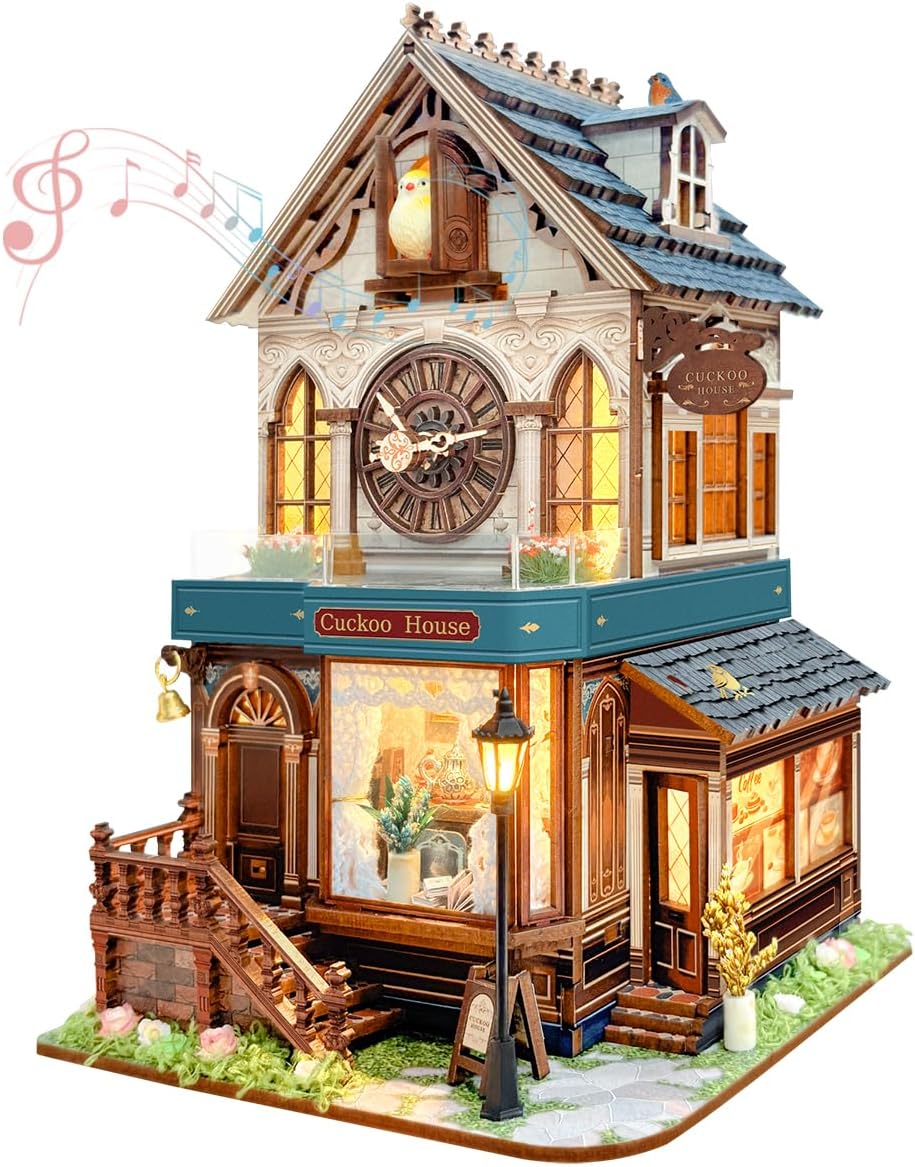
Image 1.1: The completed STRUCWOOD Cuckoo House SQ-61 model.
2. Safety Information
CHOKING HAZARD – Small parts. Not for children under 3 years. This product contains small components that could pose a choking risk if swallowed. Adult supervision is recommended during assembly, especially when children are present. Keep all parts out of reach of small children.
3. Package Contents
Before beginning assembly, please verify that all components are present and undamaged. The package should contain:
- Wooden puzzle sheets (201 precision pieces)
- Assembly tools (as provided in the kit)
- Instruction manual
- Decorative elements (e.g., miniature plants, street lamp)
- Electronic components for lighting and movement
Note: Batteries are not included and must be prepared separately. You will need one (1) five-cell battery and three (3) seven-cell batteries.
4. Assembly Instructions
Assembly of the STRUCWOOD Cuckoo House SQ-61 typically takes 3-5 hours. Follow the detailed, step-by-step instructions provided in the included assembly manual. It is recommended to:
- Organize Pieces: Carefully detach all wooden pieces from their sheets. Group similar pieces to streamline the assembly process.
- Follow Numerical Order: The assembly manual will guide you through the process using numbered steps and corresponding diagrams. Adhere strictly to this order.
- Gentle Handling: Wooden pieces can be delicate. Apply gentle pressure when connecting parts to avoid breakage.
- Electronic Integration: Pay close attention to the instructions for installing the electronic components (lights, cuckoo mechanism, and clock movement). Ensure correct battery placement and connections.
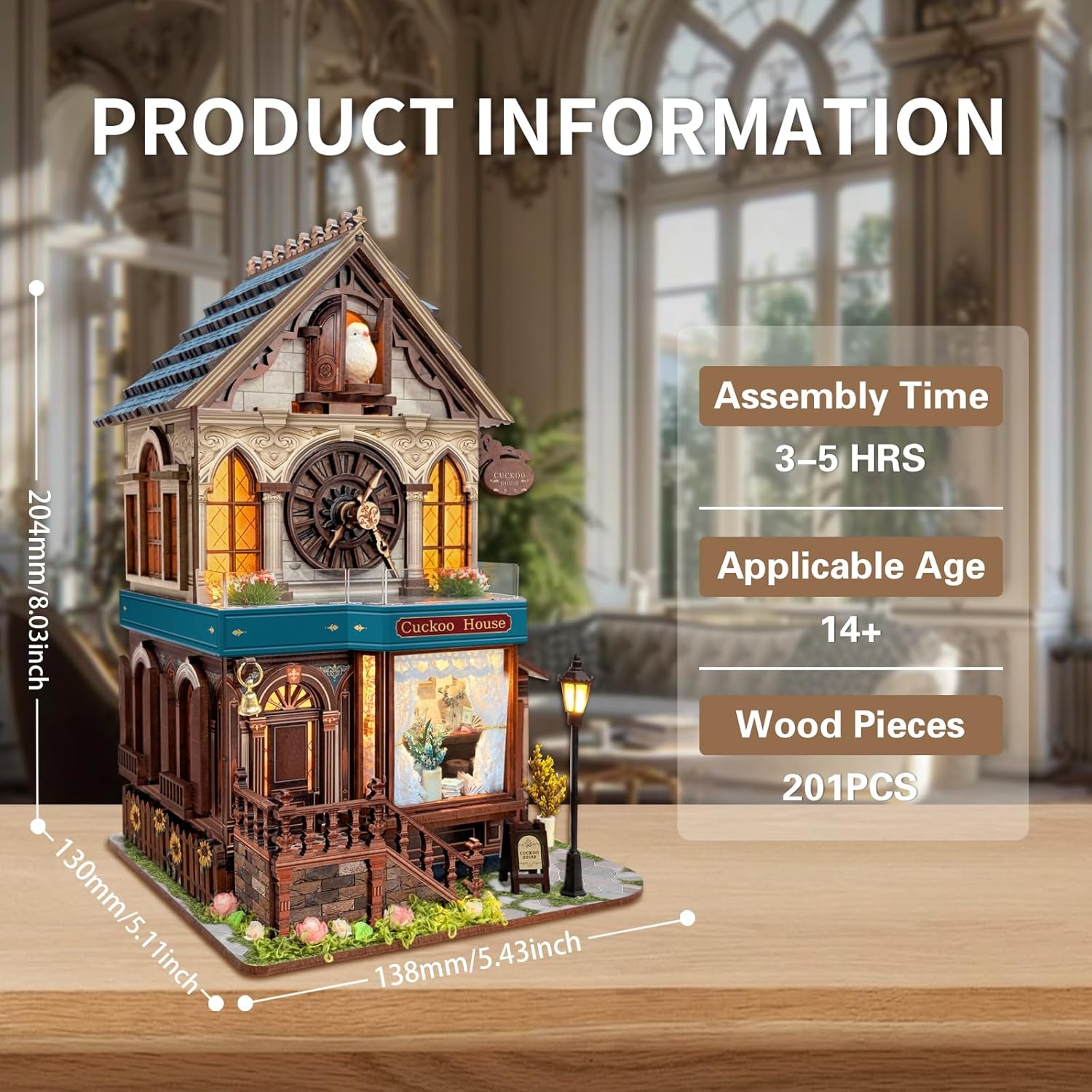
Image 4.1: Product dimensions and assembly details.
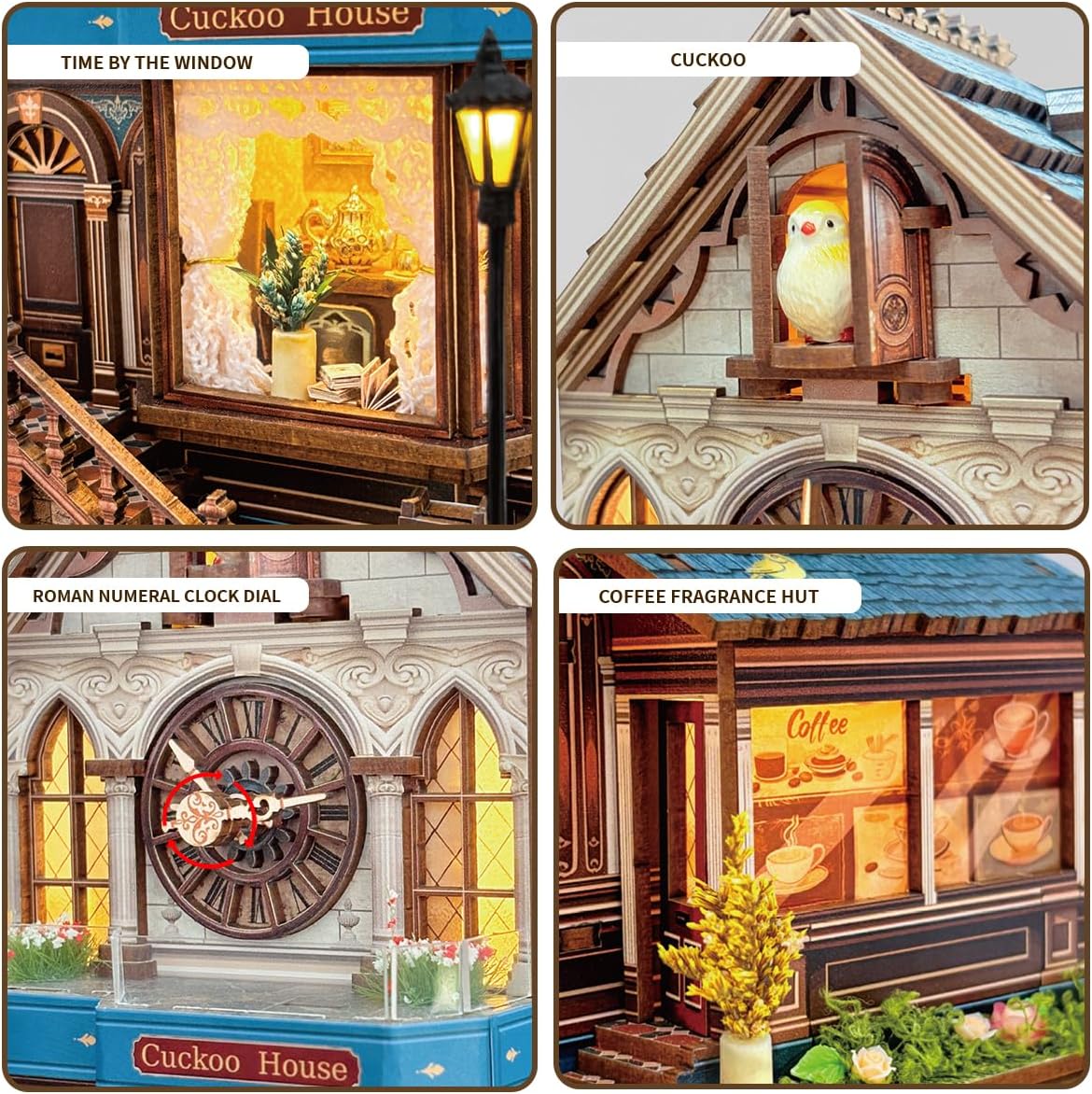
Image 4.2: Detailed views of the Cuckoo House features.
5. Operation
The Cuckoo House SQ-61 features a three-mode touch switch for interactive operation. The touch switch is typically located on the model's base or a designated area. Once batteries are installed, operate the model as follows:
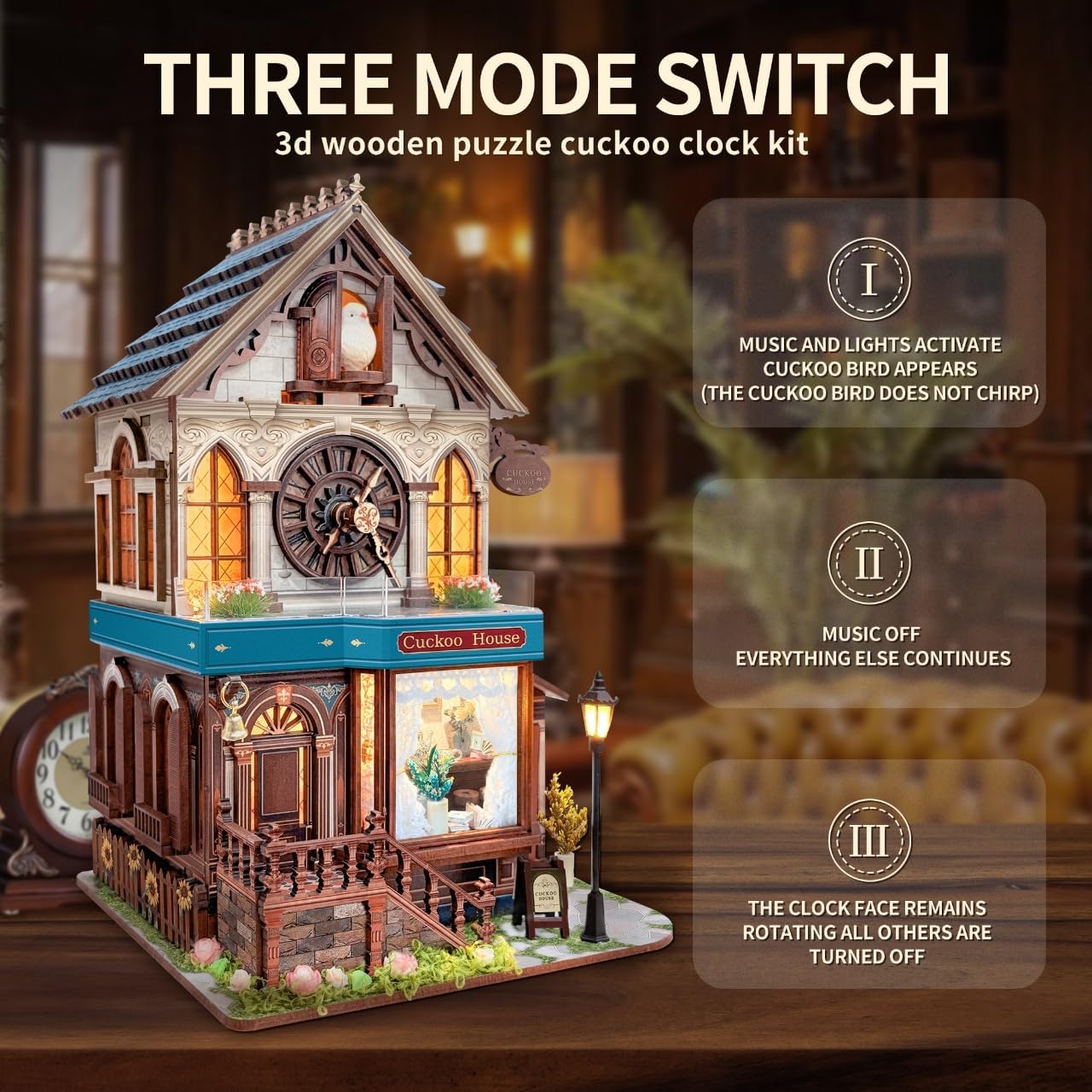
Image 5.1: Explanation of the three-mode touch switch.
- First Touch: Activates lights, music, and the cuckoo transmission mechanism. The cuckoo bird will appear, and the clock will operate with sound and illumination.
- Second Touch: The music will stop, but the lights and mechanical movements (cuckoo and clock) will continue to operate.
- Third Touch: All movements (cuckoo, lights, music) will stop, except for the clock face which continues to rotate silently.
- Fourth Touch: All functions will turn off.

Image 5.2: Detail of the silent clock movement.
6. Maintenance
To ensure the longevity and appearance of your Cuckoo House model, follow these maintenance guidelines:
- Cleaning: Gently dust the model with a soft, dry cloth. Avoid using liquid cleaners or abrasive materials, which can damage the wood or electronic components.
- Placement: Display the model in a stable, dry environment away from direct sunlight, extreme temperatures, and high humidity to prevent warping or fading of the wood.
- Battery Replacement: Replace batteries when the lights dim or the mechanical functions become sluggish. Ensure correct polarity when inserting new batteries.
- Handling: Handle the model carefully to avoid accidental damage to delicate parts.
7. Troubleshooting
If you encounter issues with your Cuckoo House model, refer to the following common problems and solutions:
| Problem | Possible Cause | Solution |
|---|---|---|
| Lights or cuckoo mechanism not working | Incorrect battery installation, dead batteries, loose connection. | Check battery polarity, replace with fresh batteries, ensure all wires are securely connected according to the assembly manual. |
| Music not playing | Model is in Mode II or III, or a connection issue. | Ensure the touch switch is pressed once for Mode I. Recheck music module connections. |
| Parts do not fit together | Incorrect piece, burrs on edges, misalignment. | Refer to the assembly manual to confirm the correct piece. Gently sand any rough edges. Ensure proper alignment before applying pressure. |
| Cuckoo bird does not appear or move smoothly | Obstruction, misaligned mechanism, low battery power. | Check for any obstructions in the cuckoo's path. Verify the mechanism is assembled correctly. Replace batteries. |
8. Specifications
- Model: SQ-61
- Brand: STRUCWOOD
- Product Dimensions: 5.4 x 5.1 x 8.03 inches (138mm x 130mm x 204mm)
- Item Weight: 2.7 pounds
- Number of Pieces: 201
- Recommended Age: 14 years and up
- Assembly Time: Approximately 3-5 hours
- Power Source: Requires 1x five-cell battery and 3x seven-cell batteries (not included)
9. Warranty & Support
STRUCWOOD is committed to customer satisfaction. We provide free replacement of broken parts. If you encounter any problems during assembly or with the functionality of your Cuckoo House model, please do not hesitate to contact us. Our customer support team is available to assist you.
For support, please refer to the contact information provided with your purchase or visit the official STRUCWOOD website.