
Introduction
Thank you for choosing the GPlus+ Universal Table Top TV Stand, model LDT03-26L. This stand is designed to provide a stable and adjustable base for most 23 to 75 inch LCD, LED, and Plasma flat-screen televisions. It supports TVs weighing up to 40 kg (88 lbs) and is compatible with VESA mounting patterns up to 800x600mm. This manual provides detailed instructions for assembly, operation, and maintenance to ensure safe and optimal use of your TV stand.
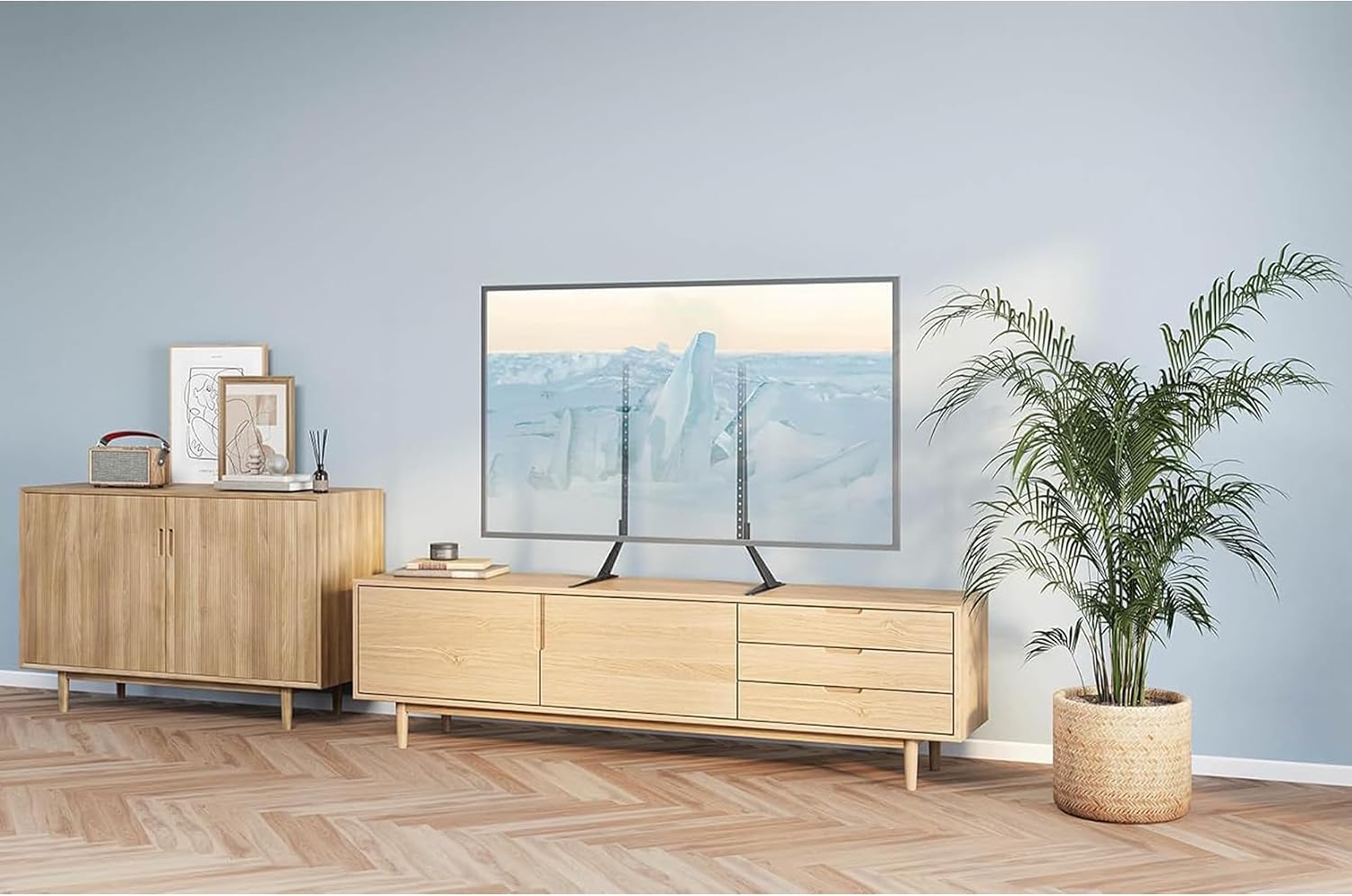
Image: The GPlus+ Universal Table Top TV Stand installed, providing a stable base for a large flat-screen television.
Safety Information
Please read all instructions carefully before assembly and use. Failure to follow these instructions may result in property damage, serious injury, or death.
- Weight Capacity: Do not exceed the maximum weight capacity of 40 kg (88 lbs). Ensure your TV's weight is within this limit.
- Screen Size: This stand is designed for TVs between 23 and 75 inches. Using a TV outside this range may compromise stability.
- VESA Compatibility: Verify your TV's VESA mounting pattern (distance between mounting holes) is compatible with the stand (up to 800x600mm).
- Stable Surface: Always place the TV stand on a flat, level, and stable surface that can support the combined weight of the stand and your television.
- Children and Pets: Keep children and pets away from the TV stand during assembly. Do not allow children to climb on or play with the stand or TV.
- Tools: Use appropriate tools as specified in the assembly instructions.
- Tighten Fasteners: Ensure all screws and bolts are securely tightened. Do not overtighten.
- Check Periodically: Periodically check all fasteners to ensure they remain tight and secure.
Package Contents
Before assembly, please verify that all parts listed below are present and undamaged. If any parts are missing or damaged, do not proceed with assembly and contact customer support.
- (A) Left Support Column
- (B) Right Support Column
- (C) Left Base Foot
- (D) Right Base Foot
- (E) VESA Mounting Brackets (2 pcs)
- (F) Connection Plate (for extending height, if applicable)
- (G) Various TV Screws (M4, M6, M8)
- (H) Washers and Spacers
- (I) Assembly Hardware (bolts, nuts, Allen key)
- (J) Anti-slip Pads

Image: Individual components of the GPlus+ TV stand, showing the support columns and base feet.
Specifications
| Model Number | LDT03-26L |
| Compatible TV Sizes | 23 to 75 inches |
| Maximum Weight Capacity | 40 kg (88 lbs) |
| VESA Compatibility | Up to 800x600mm |
| Mounting Type | Tabletop Mount |
| Movement Type | Fixed (Height Adjustable) |
| Material | Metal |
| Color | Black |
| Product Dimensions (approx.) | 38.9 x 17.1 x 5.9 cm (packaged) |
| Product Weight (approx.) | 2.3 kg (packaged) |

Image: Detailed dimensions of the TV stand's support columns and base feet.
Setup Instructions
Follow these steps carefully to assemble your GPlus+ Universal Table Top TV Stand.
Step 1: Assemble the Base
- Attach the Left Base Foot (C) to the bottom of the Left Support Column (A) using the provided bolts and Allen key. Ensure the foot is oriented correctly for stability.
- Repeat for the Right Base Foot (D) and Right Support Column (B).
- Apply the Anti-slip Pads (J) to the bottom of the base feet to prevent scratching surfaces and enhance stability.

Image: The assembled support columns with their respective base feet.
Step 2: Attach VESA Mounting Brackets to TV
- Carefully place your TV face down on a soft, clean surface to protect the screen.
- Identify the VESA mounting holes on the back of your TV.
- Select the appropriate TV Screws (G), Washers, and Spacers (H) that fit your TV's mounting holes. Refer to your TV's manual for correct screw size.
- Attach the VESA Mounting Brackets (E) to the back of your TV using the selected screws, washers, and spacers. Ensure the brackets are securely fastened and level. Do not overtighten.
Step 3: Mount TV to Stand
- With assistance, carefully lift your TV and align the VESA Mounting Brackets (E) with the mounting slots on the assembled Support Columns (A and B).
- Hook the brackets onto the columns. Ensure both sides are engaged securely.
- Secure the TV to the stand by tightening the safety screws or locking mechanisms on the VESA brackets, if provided.

Image: Key features of the stand, including height adjustment and cable management, relevant for mounting.
Step 4: Adjust Height (Optional)
The GPlus+ TV stand offers multiple height adjustment levels. To adjust the height:
- With the TV securely mounted, identify the adjustment holes on the support columns.
- Carefully lift the TV slightly (with assistance) and reposition the VESA brackets to the desired height level on the support columns.
- Ensure both sides are adjusted to the same height to keep the TV level. Re-engage any safety screws or locking mechanisms.
Operating Instructions
Once assembled, the GPlus+ TV stand provides a fixed, stable platform for your television. The primary operational adjustment is the height, as detailed in Step 4 of the Setup Instructions. Ensure the stand is always placed on a stable, level surface. For cable management, utilize any integrated clips or channels on the stand to keep cables tidy and prevent tripping hazards.

Image: The TV stand in use, providing an optimal viewing experience.
Maintenance
To ensure the longevity and continued safe operation of your TV stand, follow these maintenance guidelines:
- Cleaning: Wipe the stand with a soft, dry cloth. Do not use abrasive cleaners or solvents, as they may damage the finish.
- Fastener Check: Periodically (e.g., every 3-6 months) check all bolts and screws to ensure they are still securely tightened. Retighten if necessary, but do not overtighten.
- Stability Check: Ensure the stand remains on a stable, level surface. If the stand appears wobbly or unstable, re-check assembly and fastener tightness.
Troubleshooting
If you encounter issues with your TV stand, refer to the following common problems and solutions:
- Stand is Unstable/Wobbly:
- Ensure all assembly bolts and screws are securely tightened.
- Verify the stand is placed on a flat, level surface.
- Check that the TV's weight and VESA pattern are within the stand's specifications.
- TV Does Not Fit Brackets:
- Confirm your TV's VESA mounting pattern is compatible (up to 800x600mm).
- Ensure you are using the correct screws, washers, and spacers for your TV model.
- Missing Parts:
- Carefully re-check all packaging materials.
- Contact GPlus+ customer support for assistance.

Image: Visual comparison highlighting the stability of the GPlus+ stand.
Warranty Information
The GPlus+ Universal Table Top TV Stand (LDT03-26L) typically comes with a 1-year limited warranty from the date of purchase. This warranty covers manufacturing defects and material flaws under normal use. Please retain your proof of purchase for warranty claims. For specific terms and conditions, or to initiate a warranty claim, please refer to the official GPlus+ website or contact their customer support directly.
Customer Support
If you have any questions, require assistance with assembly, or need to report missing/damaged parts, please contact GPlus+ customer service. You can typically find contact information on the product packaging or the official GPlus+ website. Please have your model number (LDT03-26L) and proof of purchase ready when contacting support.
Manufacturer: G Plus+ Canada


