
1. Introduction
This manual provides essential information for setting up, operating, maintaining, and troubleshooting your ASUS ROG Strix Scar 18 G835 gaming laptop. Please read this manual thoroughly to ensure proper usage and to maximize the performance and longevity of your device.
The ASUS ROG Strix Scar 18 G835 is a high-performance gaming laptop designed for demanding applications and immersive gaming experiences. Key features include:
- High Speed RAM And Enormous Space: 64GB high-bandwidth DDR5 RAM and 2TB PCIe M.2 Solid State Drive for fast performance and ample storage.
- Powerful Processor: Intel Core Ultra 9 275HX (24 Cores, 24 Threads, up to 5.40GHz) with NVIDIA GeForce RTX 5090 (24GB GDDR7).
- Stunning Display: 18" ROG Nebula HDR Display, WQXGA (2560 x 1600), Mini LED, 240Hz, 3ms Response Time.
- Advanced Connectivity: 2 x Thunderbolt 5, 3 x USB 3.2 Gen 2 Type-A, RJ-45, HDMI, Wi-Fi 7 & Bluetooth.
- Operating System: Windows 11 Pro.
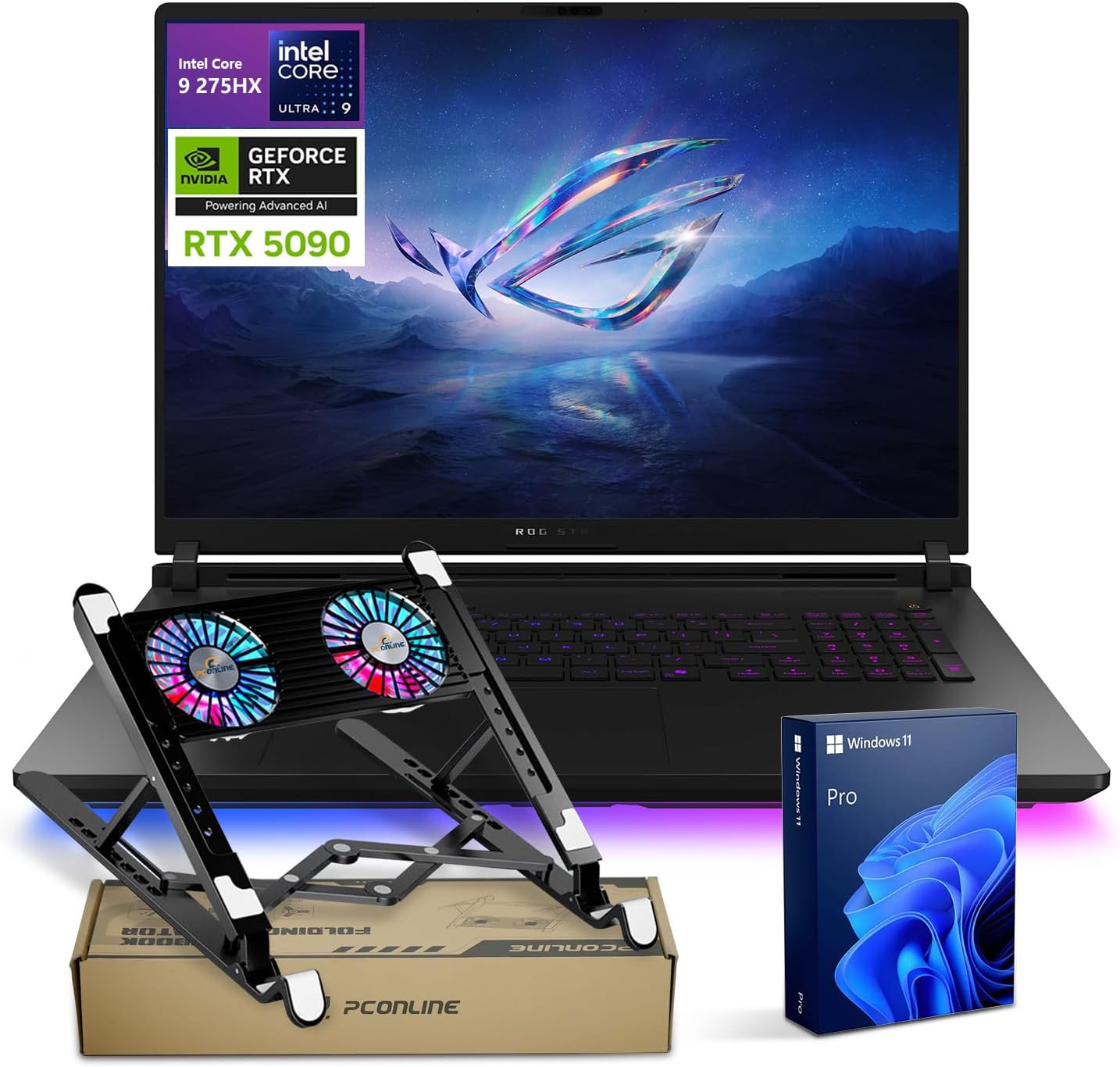
Image 1.1: ASUS ROG Strix Scar 18 G835 Gaming Laptop with included PCO Laptop Cooler and Windows 11 Pro software.
2. Product Features
2.1 Design and Display
The ROG Strix Scar 18 features a sleek design with a focus on performance and aesthetics. The 18-inch ROG Nebula HDR display provides exceptional visual clarity and color accuracy, crucial for both gaming and content creation.
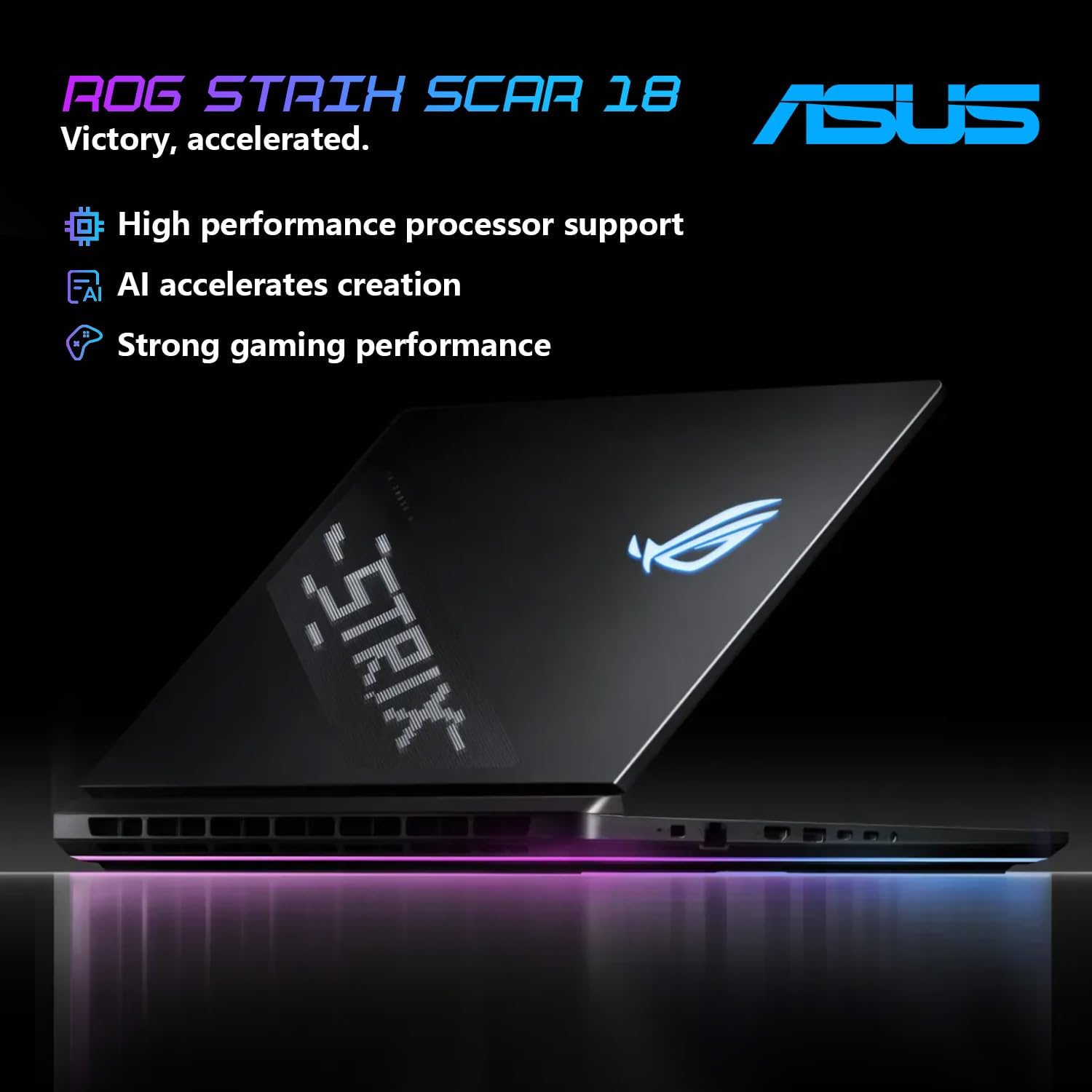
Image 2.1: Rear view of the ASUS ROG Strix Scar 18 laptop, emphasizing its design and core capabilities.
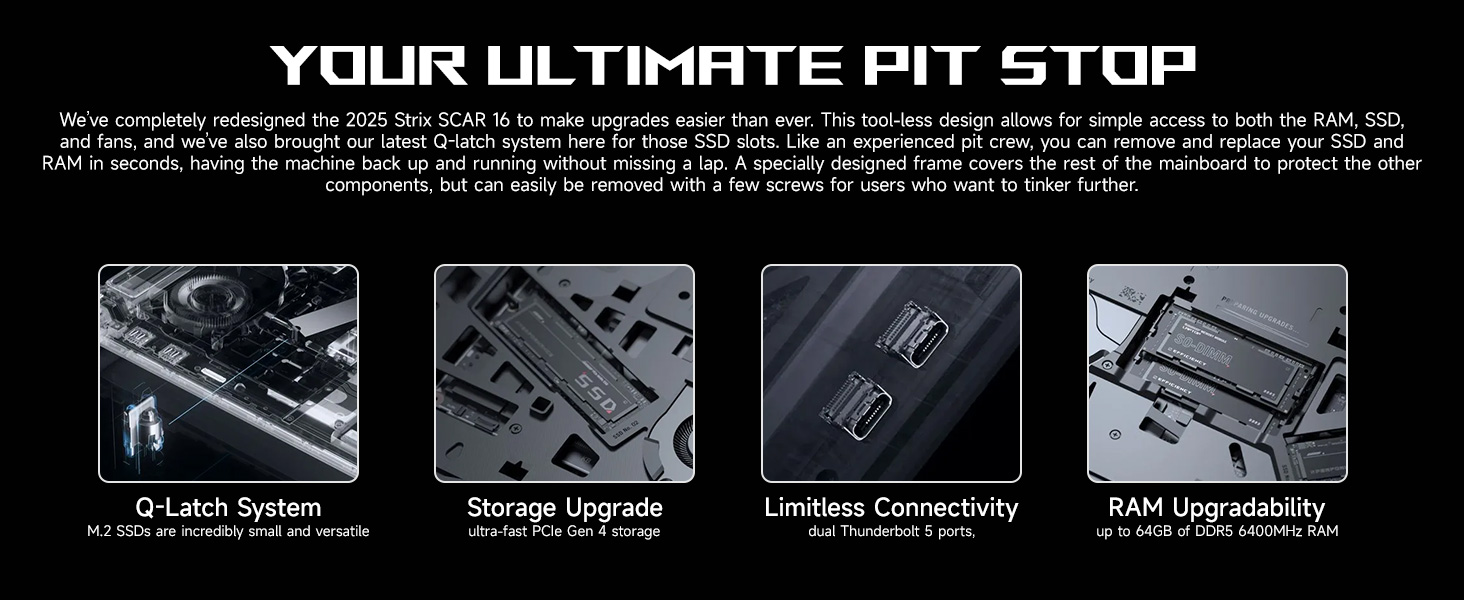
Image 2.2: ROG Nebula HDR Mini LED Panel with ACR Technology for superior viewing angles and contrast.
2.2 Performance Hardware
Equipped with cutting-edge components, the Strix Scar 18 delivers powerful performance for the most demanding tasks.

Image 2.3: Intel Core Ultra 9 275HX processor specifications.

Image 2.4: NVIDIA GeForce RTX 5090 Laptop GPU specifications.
Video 2.1: Official ASUS ROG Strix SCAR product overview video. This video highlights key features such as tool-less access for upgrades, intelligent cooling, and display technology.
2.3 Cooling System
The ROG Intelligent Cooling system is designed to maintain optimal temperatures during intense gaming sessions, ensuring stable performance and longevity of components.
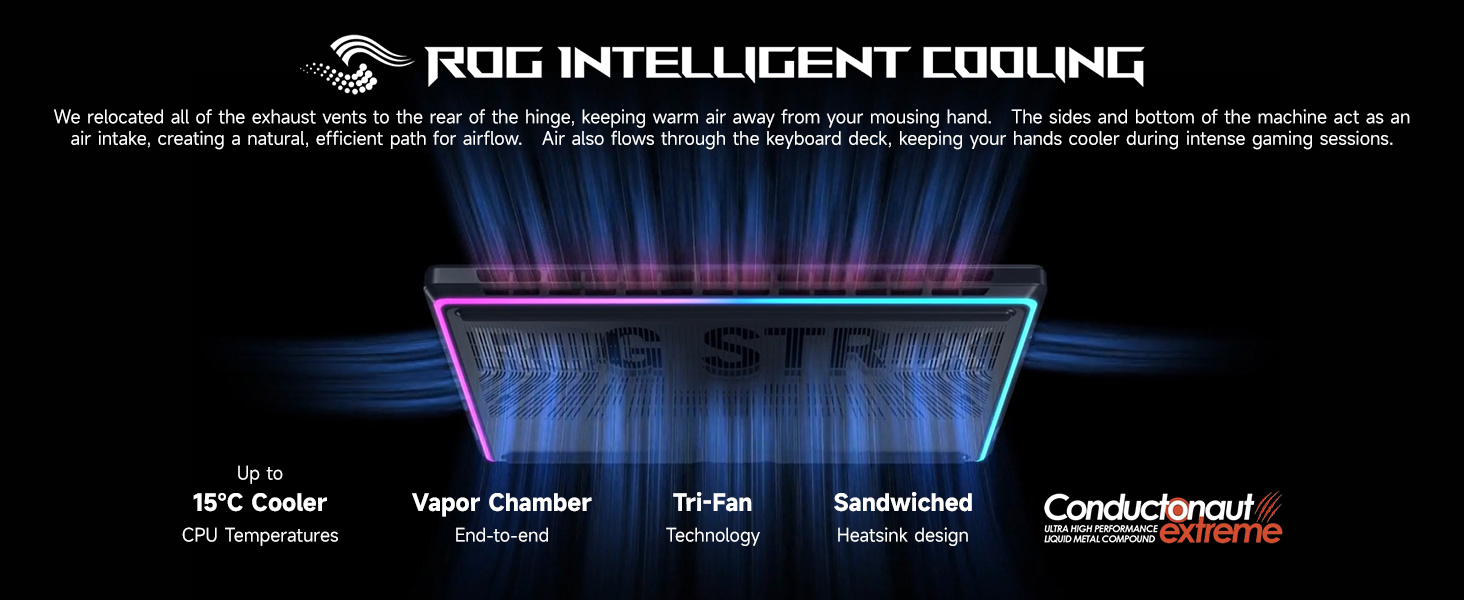
Image 2.5: ROG Intelligent Cooling system overview.
2.4 Connectivity
The laptop offers a comprehensive array of ports for connecting peripherals, external displays, and network devices.
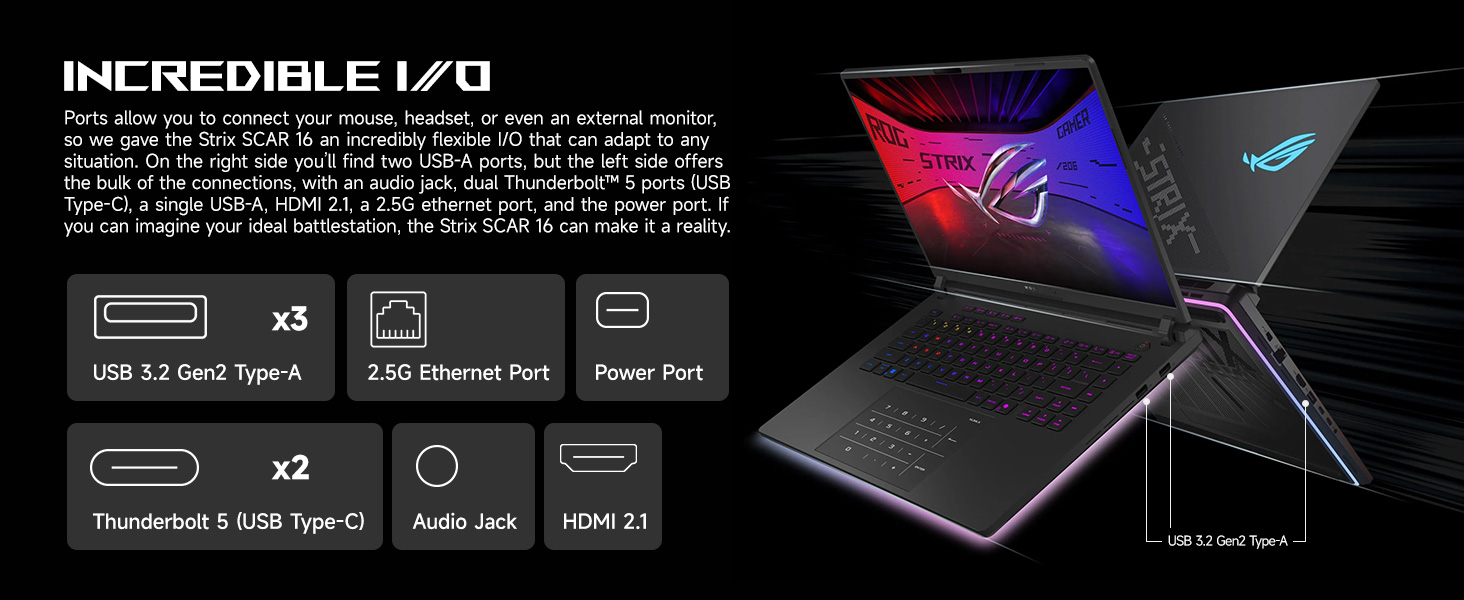
Image 2.6: Incredible I/O ports available on the laptop.
2.5 Keyboard and Touchpad
The Strix Scar 18 features a professional esports-grade keyboard with per-key RGB lighting and a large, responsive touchpad for precise control.
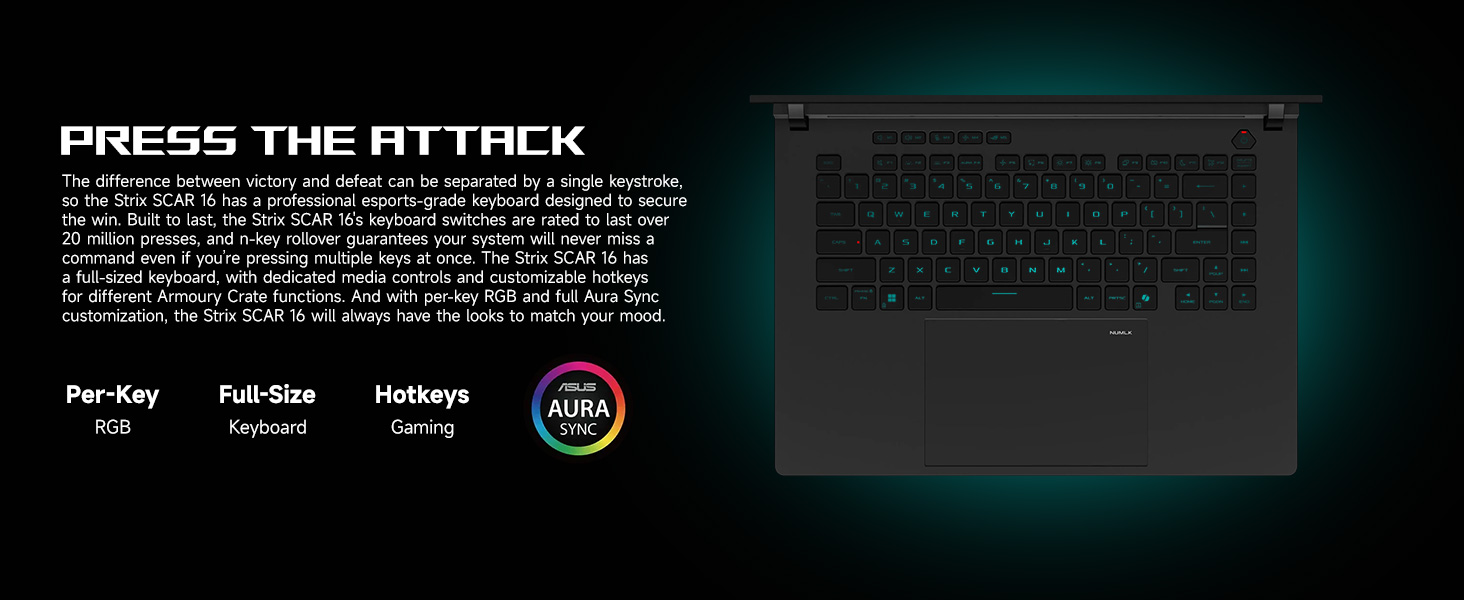
Image 2.7: Keyboard features of the Strix Scar 18.
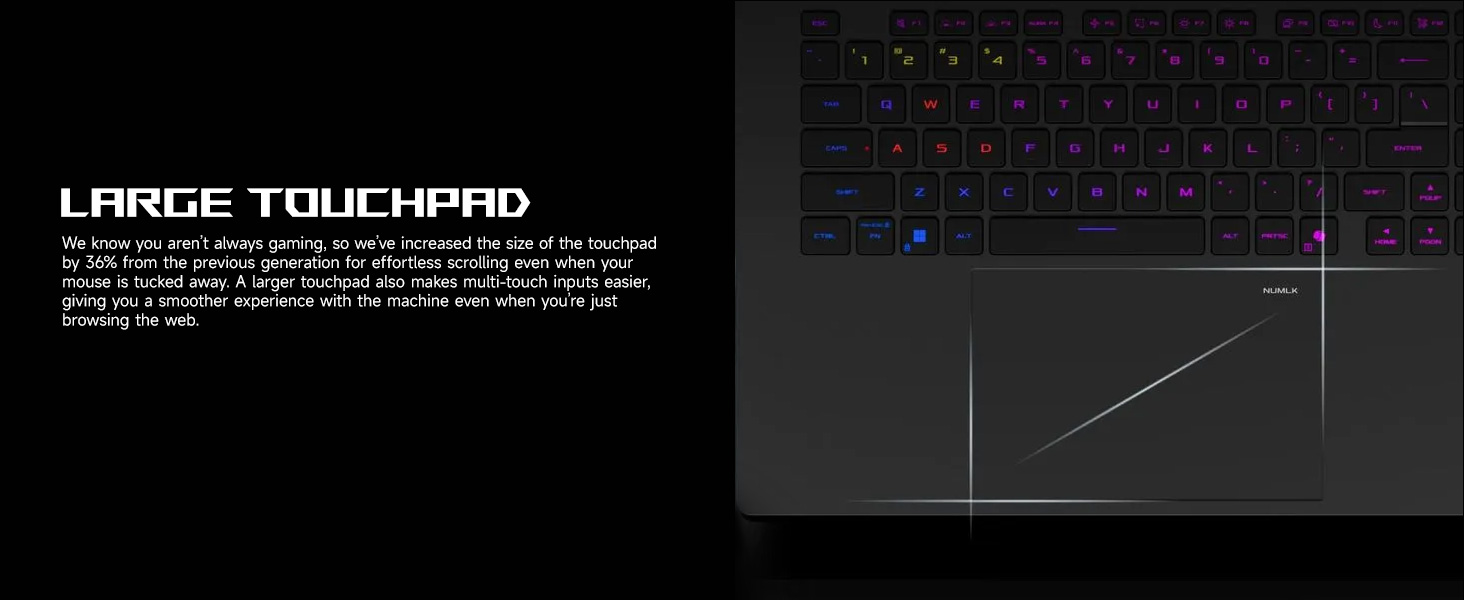
Image 2.8: Large touchpad for effortless navigation.
2.6 Audio System
Experience immersive sound with Dolby Atmos-powered speakers, featuring two tweeters and two downward-firing woofers, complemented by Two-Way AI Noise Cancelation.
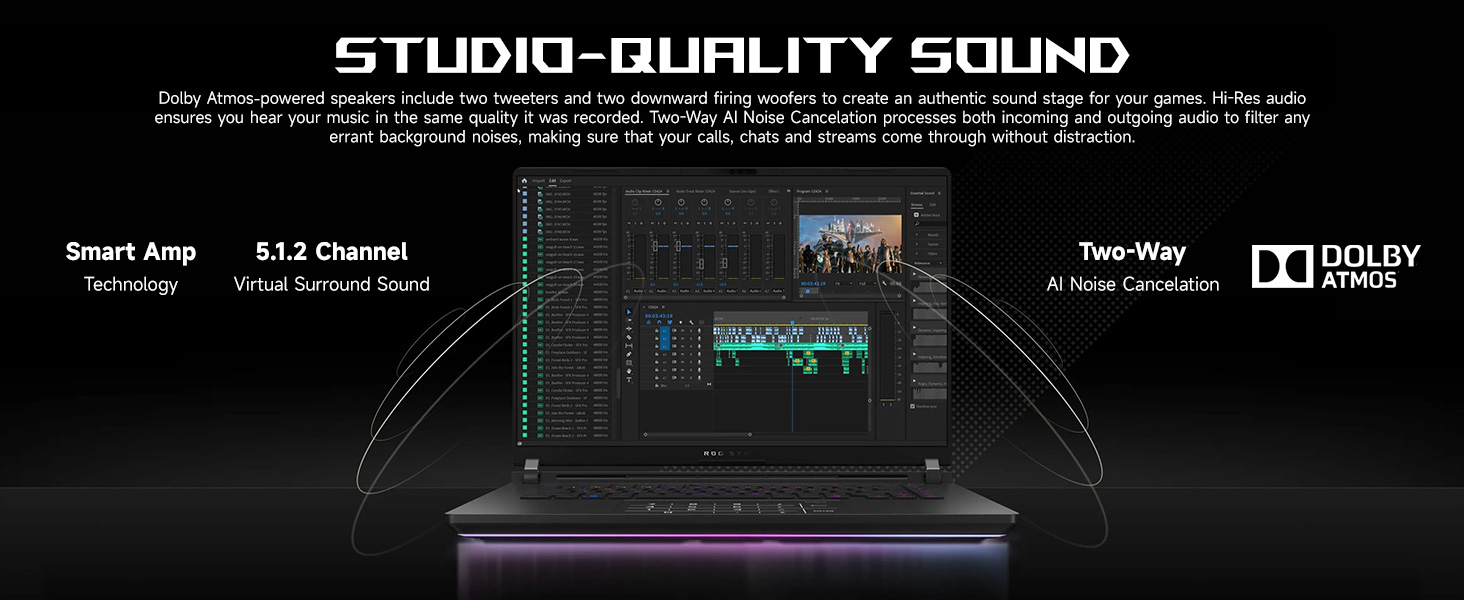
Image 2.9: Studio-Quality Sound system.
2.7 Battery and Power
The Strix Scar 18 is equipped with a 90Wh battery, providing extended usage time, and supports rapid Type-C charging for convenience.
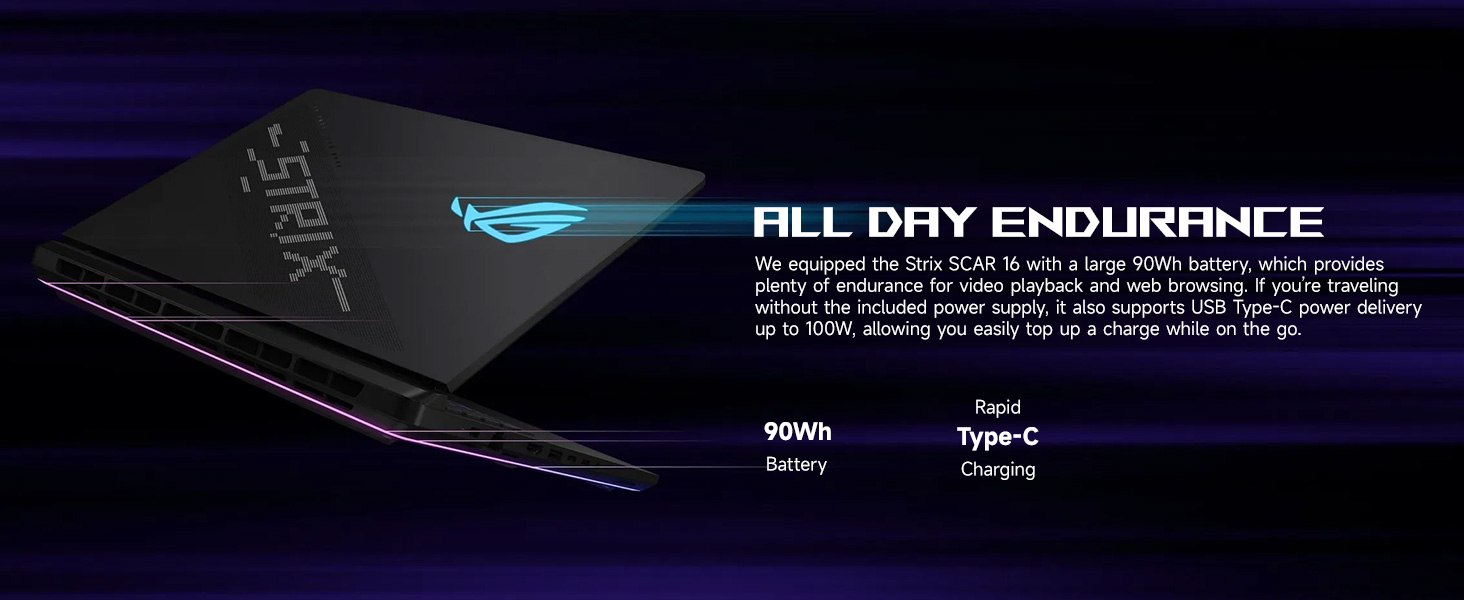
Image 2.10: Battery and charging features.
3. Initial Setup
3.1 Unboxing and Inspection
Carefully remove the laptop and all accessories from the packaging. Inspect all components for any signs of damage. The package should include the ASUS Gaming Laptop and the PCO Notebook Folding Radiator (Laptop Cooler).
3.2 Power Connection
- Connect the AC adapter to the laptop's power input port.
- Plug the power cord into a grounded electrical outlet.
- Ensure the battery is sufficiently charged before initial use.
3.3 Initial Boot and Operating System Setup
- Open the laptop lid and press the power button.
- Follow the on-screen instructions to complete the Windows 11 Pro setup process. This includes selecting your region, language, creating a user account, and connecting to a network.
- It is recommended to connect to the internet during setup to download the latest updates for Windows and drivers.
4. Operating Your Laptop
4.1 Basic Operation
Familiarize yourself with the keyboard and touchpad. The keyboard features RGB backlighting and a numeric keypad. The large touchpad supports multi-touch gestures for enhanced navigation.
4.2 Performance Modes
Your laptop supports various performance modes to optimize power consumption and performance. These modes can typically be adjusted via ASUS Armoury Crate software or dedicated function keys.
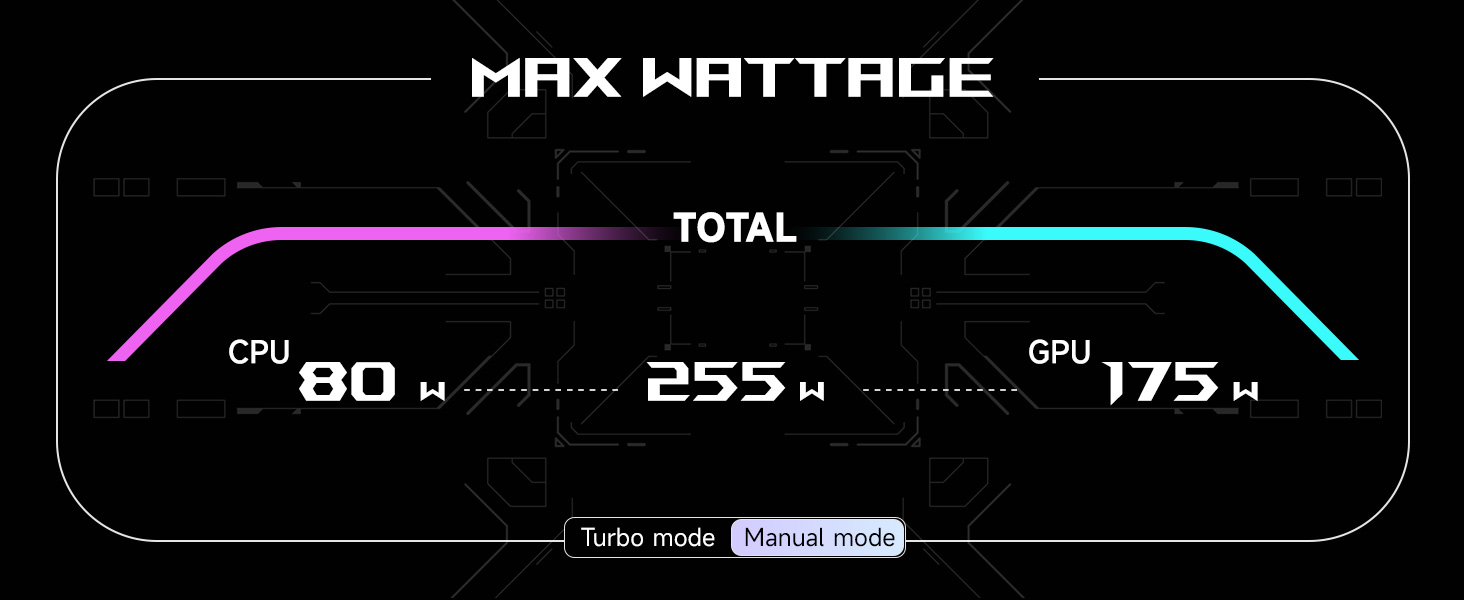
Image 4.1: Max Wattage distribution in different performance modes.
Refer to the Armoury Crate software for detailed control over CPU and GPU power limits, fan speeds, and other performance-related settings.
5. Maintenance and Upgrades
5.1 Cleaning
- Regularly clean the screen with a soft, lint-free cloth and a screen-safe cleaning solution.
- Use compressed air to clear dust from keyboard keys and ventilation grilles.
- Wipe the chassis with a slightly damp cloth. Avoid harsh chemicals.
5.2 Software Updates
Keep your operating system, drivers, and ASUS utilities (like Armoury Crate) updated to ensure optimal performance, security, and compatibility. Windows Update will handle OS updates, while ASUS provides driver and utility updates through their support website or dedicated software.
5.3 Hardware Upgrades
The ROG Strix Scar 18 is designed for easy upgrades, featuring tool-less access to key components.
Image 5.1: Tool-less access for RAM and SSD upgrades.
You can upgrade the RAM up to 64GB DDR5 and expand storage with additional PCIe M.2 SSDs. Refer to the official ASUS support resources for detailed instructions on hardware upgrades to avoid voiding your warranty.
6. Troubleshooting
This section provides solutions to common issues you might encounter with your laptop.
| Problem | Possible Cause | Solution |
|---|---|---|
| Laptop does not power on | No power, discharged battery, hardware issue | Ensure AC adapter is properly connected and outlet is working. Try charging for a few minutes. If issue persists, contact support. |
| Screen is blank or black | Display settings, external monitor connection, driver issue | Press Fn + F7 (or relevant display toggle key) to cycle display modes. Disconnect external monitors. Update graphics drivers. |
| Wi-Fi connection issues | Driver issue, router problem, Wi-Fi disabled | Ensure Wi-Fi is enabled (Fn + F2). Restart router and laptop. Update Wi-Fi drivers. |
| Overheating during use | Blocked vents, high-performance settings, dust buildup | Ensure vents are clear. Use the PCO Laptop Cooler. Adjust performance modes. Clean internal components if comfortable, or seek professional service. |
| Slow performance | Too many background applications, low disk space, outdated drivers | Close unnecessary applications. Free up disk space. Update all drivers and Windows. Check for malware. |
7. Technical Specifications
Detailed specifications for the ASUS ROG Strix Scar 18 G635LX laptop:
| Feature | Specification |
|---|---|
| Brand | ASUS |
| Model Name | G635LX |
| Standing Screen Display Size | 18 Inches |
| Max Screen Resolution | 2560x1600 Pixels |
| Processor | Intel Core Ultra 9 275HX (5.4 GHz max turbo frequency) |
| RAM | 64 GB DDR5 RAM (4800 MHz) |
| Hard Drive | 2 TB SSD (PCIE x 4 interface) |
| Graphics Coprocessor | NVIDIA GeForce RTX 5090 (Dedicated) |
| Wireless Type | Wi-Fi 7 (802.11ax) & Bluetooth |
| USB 3.0 Ports | 5 |
| Operating System | Windows 11 Pro |
| Item Weight | 49.8 pounds |
| Product Dimensions (LxWxH) | 15.71 x 11.73 x 0.93 inches |
| Color | Black |
| Power Source | AC & Battery |
| Batteries | 1 Lithium Ion batteries required (included) |
| Special Feature | Backlit Keyboard, Numeric Keypad |
8. Warranty and Support
Your ASUS ROG Strix Scar 18 G835 laptop comes with a standard manufacturer's warranty. Please refer to the warranty card included in your product packaging or visit the official ASUS support website for detailed warranty terms and conditions specific to your region.
For technical assistance, driver downloads, and further support, please visit the ASUS official support website. You may also contact ASUS customer service directly for personalized assistance.
Online Resources:
- ASUS Support Website: www.asus.com/support/
- ASUS ROG Community Forums: rog.asus.com/forum/


