
1. Introduction
The Logicom EZY 2 is a 4G Dual SIM Android smartphone designed for ease of use and everyday performance. Featuring a 5-inch FWVGA display, a quad-core 1.3 GHz processor, and 2 GB of RAM, it provides a smooth experience for essential applications. With 16 GB of internal storage, expandable up to 128 GB via microSDXC, you have ample space for your media and files. The device includes an 8 MP rear camera and a 5 MP front camera for capturing moments. Its 2000 mAh battery offers up to 6 hours of talk time and 200 hours of standby. Enjoy comprehensive connectivity with 4G, Wi-Fi, Bluetooth 4.2, and GPS. The dual nano SIM slots are ideal for managing personal and professional contacts. Lightweight and compact, the EZY 2 is a reliable and user-friendly smartphone.
2. What's in the Box
Verify that all items are present in the package:
- Logicom EZY 2 Smartphone
- USB Cable
- User Manual (this document)
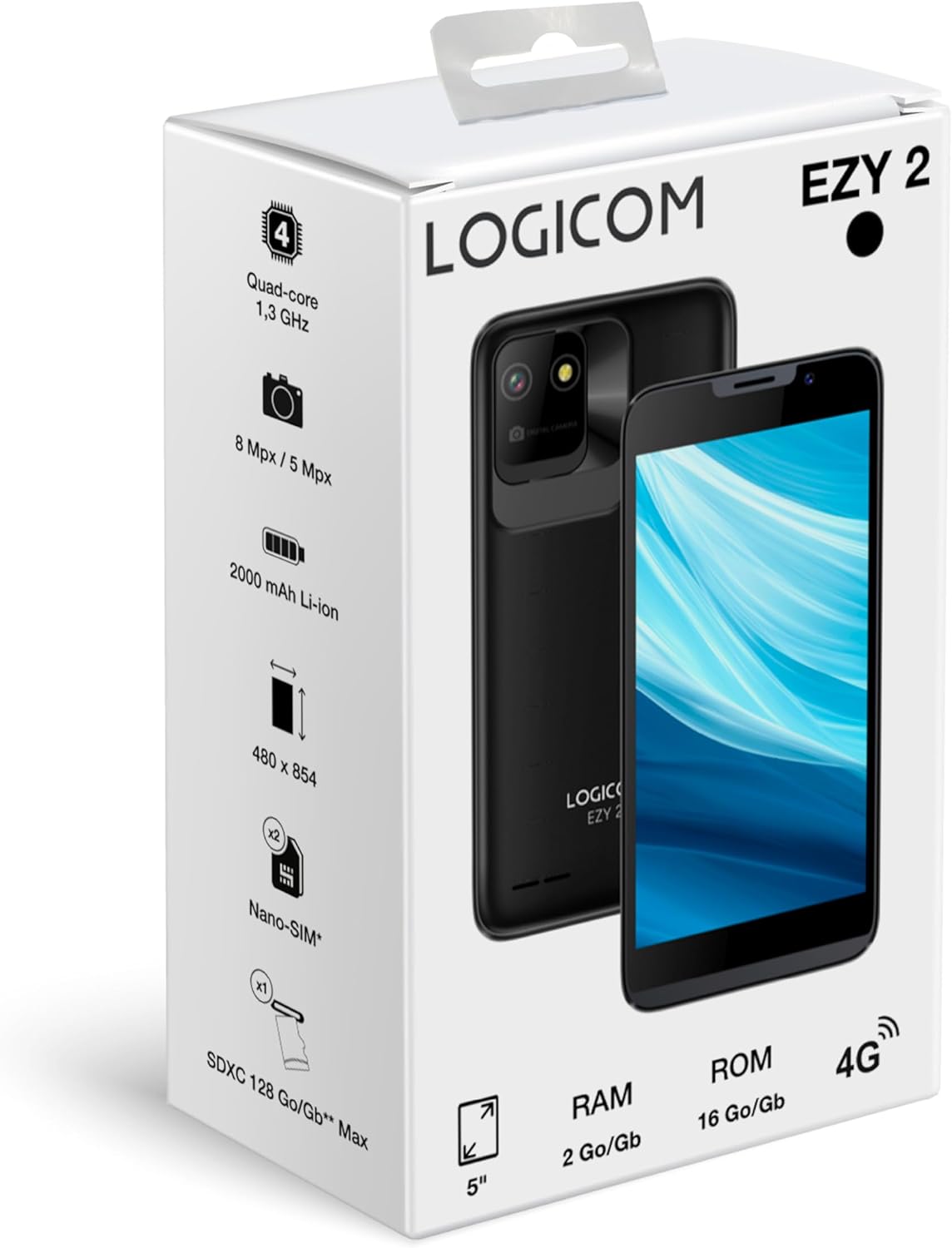
Image: Logicom EZY 2 Retail Packaging. This image displays the smartphone's box, highlighting key features and the device itself.
3. Device Overview
Familiarize yourself with the physical components of your Logicom EZY 2 smartphone.
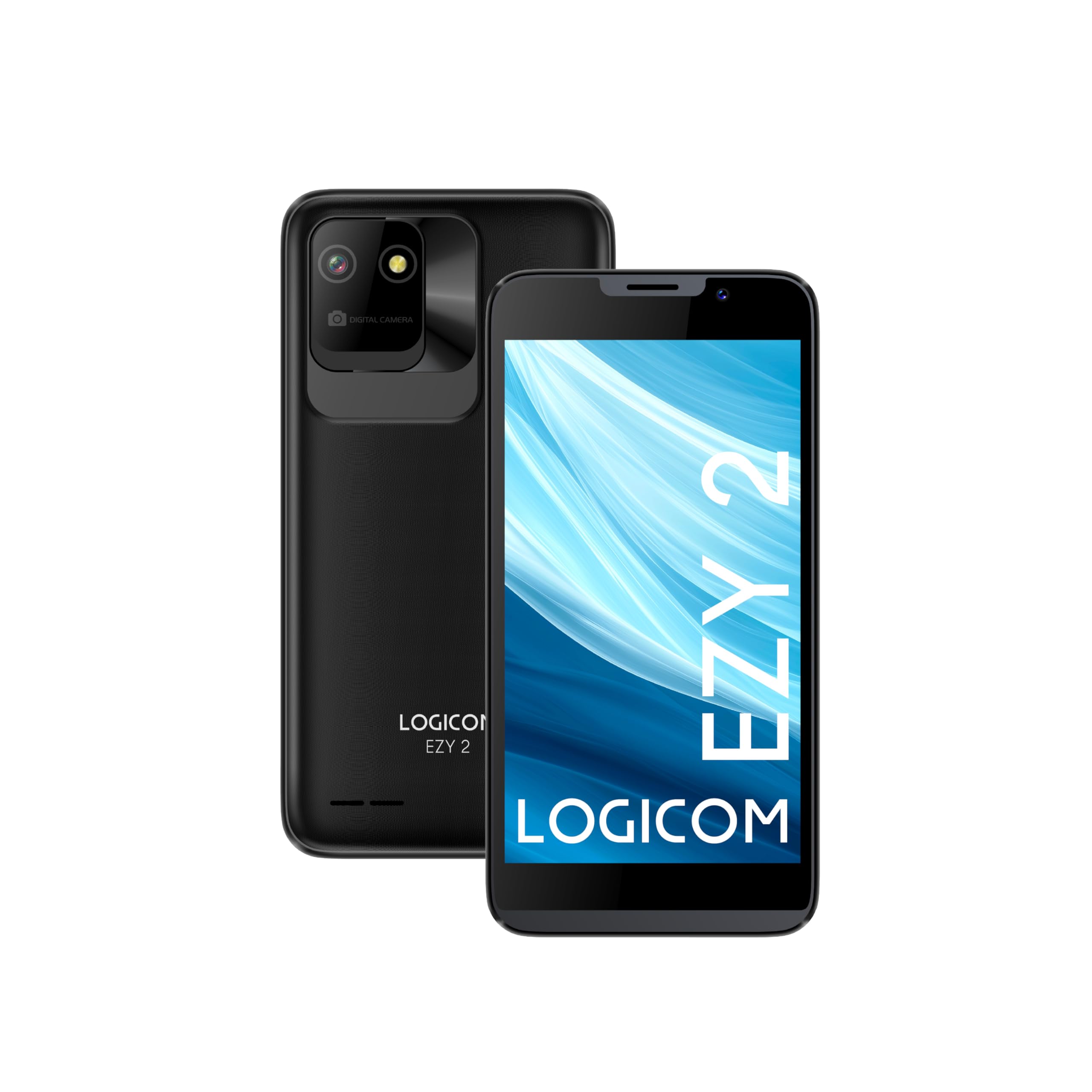
Image: Logicom EZY 2 Front View. This image shows the front of the smartphone with its 5-inch display and front camera.

Image: Logicom EZY 2 Rear View. This image displays the back of the smartphone, featuring the rear camera module and the Logicom EZY 2 branding.
Key Features at a Glance:
- Display: 5-inch FWVGA (480x854)
- Processor: Quad-core 1.3 GHz
- RAM: 2 GB
- Internal Storage: 16 GB (expandable up to 128 GB via microSDXC)
- Cameras: 8 MP Rear, 5 MP Front
- Battery: 2000 mAh Li-ION
- Operating System: Android 14 Go Edition
- Connectivity: 4G, Wi-Fi, Bluetooth 4.2, GPS
- SIM: Dual Nano SIM
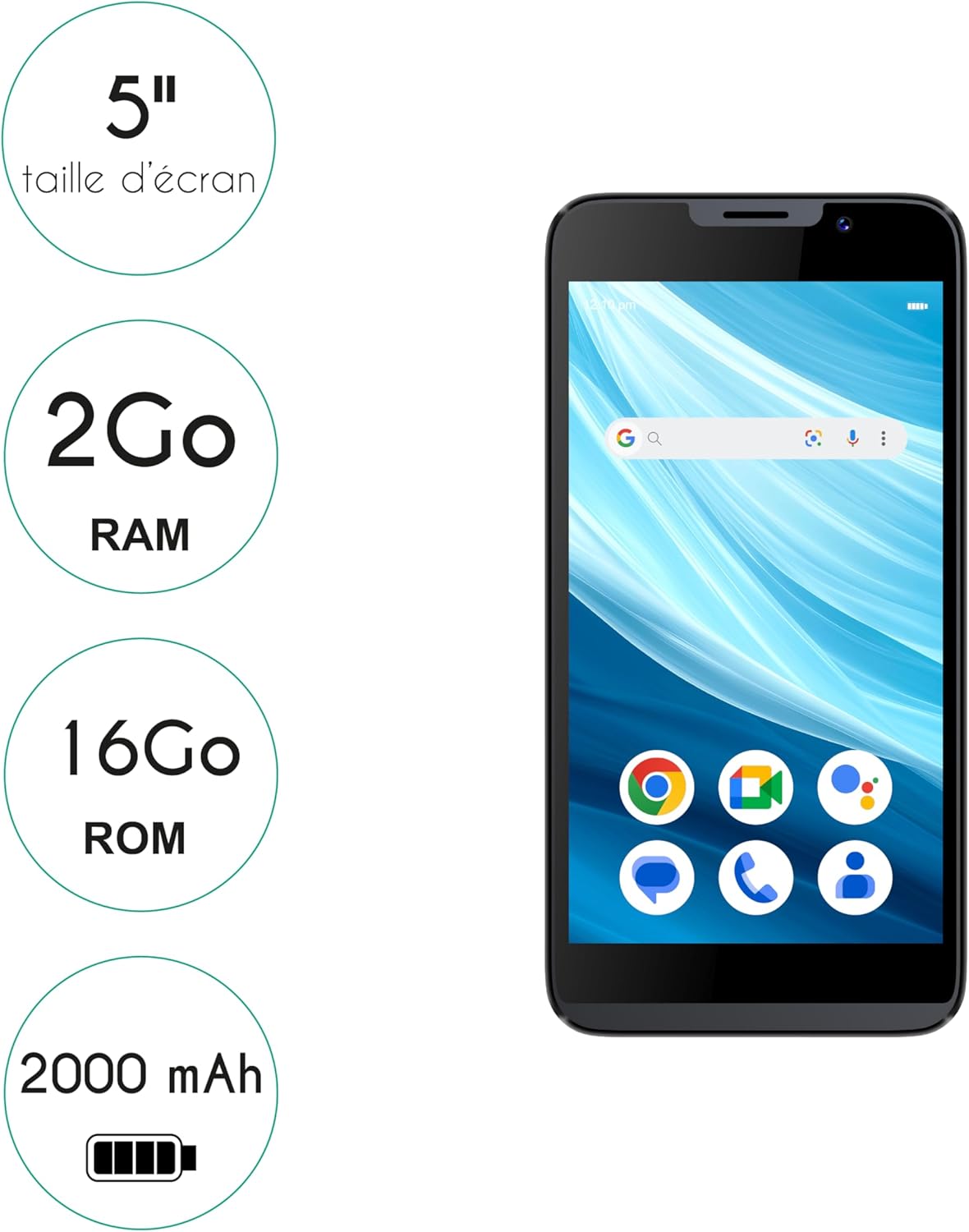
Image: Logicom EZY 2 Key Features. This graphic highlights the 5-inch screen size, 2GB RAM, 16GB ROM, and 2000 mAh battery capacity.

Image: Logicom EZY 2 Dimensions. This image illustrates the physical dimensions of the smartphone, showing a width of 71 mm and a height of 142 mm.
4. Setup
4.1. Inserting SIM and MicroSD Cards
- Carefully remove the back cover of the phone.
- If the battery is installed, remove it gently.
- Locate the SIM card slots (supports Dual Nano SIM) and the microSDXC card slot.
- Insert your Nano SIM card(s) into the designated slots with the gold contacts facing down.
- Insert your microSDXC card (up to 128 GB) into its slot.
- Reinsert the battery, ensuring it is properly seated.
- Replace the back cover until it clicks into place.
4.2. Charging the Battery
Before first use, fully charge the device battery.
- Connect the USB cable to the phone's USB-C port.
- Connect the other end of the USB cable to a compatible power adapter (not included) or a computer's USB port.
- The charging indicator will appear on the screen.
4.3. Powering On/Off
- To Power On: Press and hold the Power button until the screen lights up.
- To Power Off: Press and hold the Power button, then select 'Power off' from the options on the screen.
5. Basic Operation
5.1. Touchscreen Navigation
The Logicom EZY 2 features a capacitive touchscreen for intuitive interaction:
- Tap: Touch the screen once to select an item or open an application.
- Tap and Hold: Touch and hold an item to access additional options.
- Swipe: Drag your finger across the screen to scroll through lists or switch between home screens.
- Pinch: Use two fingers to zoom in or out on photos and web pages.
5.2. Making Calls and Sending Messages
- Calls: Open the 'Phone' application, enter the number, and tap the call icon.
- Messages: Open the 'Messages' application, tap 'Start chat', enter the recipient and your message, then tap send.
5.3. Using the Camera
The EZY 2 is equipped with an 8 MP rear camera and a 5 MP front camera.
- Open the 'Camera' application.
- Frame your subject on the screen.
- Tap the shutter button to take a photo.
- Switch between front and rear cameras using the camera switch icon.
6. Connectivity
6.1. Wi-Fi Connection
- Go to 'Settings' > 'Network & internet' > 'Wi-Fi'.
- Toggle Wi-Fi 'On'.
- Select your desired Wi-Fi network from the list.
- Enter the password if prompted, then tap 'Connect'.
6.2. Bluetooth Pairing
- Go to 'Settings' > 'Connected devices' > 'Bluetooth'.
- Toggle Bluetooth 'On'.
- Ensure the device you wish to pair with is in pairing mode.
- Select the device from the 'Available devices' list and follow the on-screen prompts to complete pairing.
6.3. 4G Mobile Data and GPS
- 4G Data: Ensure your SIM card is active and mobile data is enabled in 'Settings' > 'Network & internet' > 'Mobile network'.
- GPS: Location services can be enabled or disabled via 'Settings' > 'Location'. GPS functionality is integrated for navigation and location-based services.
7. Storage and Memory
The Logicom EZY 2 comes with 16 GB of internal storage, with approximately 14 GB available for user content. It also features 2 GB of RAM for smooth multitasking.
- Expandable Storage: You can expand the storage up to 128 GB using a microSDXC card.
- Managing Storage: To view and manage your storage, go to 'Settings' > 'Storage'.
8. Battery Management
The device is powered by a 2000 mAh Li-ION battery, offering:
- Up to 6 hours of talk time.
- Up to 200 hours of standby time.
Tips for Optimizing Battery Life:
- Reduce screen brightness.
- Turn off Wi-Fi, Bluetooth, and GPS when not in use.
- Close unused applications running in the background.
- Enable battery saver mode in 'Settings' > 'Battery'.
9. Maintenance and Care
- Cleaning: Use a soft, dry cloth to clean the device. Avoid liquid cleaners.
- Temperature: Do not expose the device to extreme temperatures (hot or cold).
- Water Exposure: This device is not waterproof. Avoid contact with liquids.
- Impact: Protect the device from drops and impacts to prevent damage.
10. Troubleshooting
Common Issues and Solutions:
- Device not turning on: Ensure the battery is charged. Press and hold the Power button for at least 10 seconds.
- Slow performance: Close unused apps, clear cache, or consider a factory reset (backup data first).
- Network issues: Check SIM card insertion, ensure mobile data is enabled, or restart the device.
- Screen unresponsive: Restart the device. If the issue persists, contact support.
11. Specifications
| Feature | Specification |
|---|---|
| Model Name | Ezy 2 |
| Operating System | Android 14 Go Edition |
| Display Size | 5 inches |
| Display Resolution | 480 x 854 FWVGA |
| CPU Model | Mediatek Dimensity 900 |
| CPU Speed | 1.3 GHz Quad-Core |
| RAM | 2 GB |
| Internal Storage | 16 GB |
| Expandable Storage | Up to 128 GB (microSDXC) |
| Rear Camera | 8 MP |
| Front Camera | 5 MP |
| Battery Capacity | 2000 mAh Li-ION |
| Talk Time | Up to 6 hours |
| Standby Time | Up to 200 hours |
| Connectivity | 4G, Wi-Fi, Bluetooth 4.2, GPS |
| SIM Type | Dual Nano SIM |
| Audio Jack | 3.5 mm |
| USB Port | USB-C |
| Device Weight | 158 g |
| Dimensions (approx.) | 142 mm x 71 mm |
12. Safety Information
- Do not attempt to disassemble or modify the device.
- Use only approved chargers and accessories.
- Avoid using the phone in extreme temperatures or high humidity.
- Keep the device away from medical implants and devices.
- Dispose of the device and battery responsibly according to local regulations.
13. Warranty and Support
The Logicom EZY 2 smartphone typically comes with a manufacturer's warranty. Please refer to your purchase documentation for specific warranty terms and conditions. For technical support or service inquiries, contact your retailer or the official Logicom customer service channels.
A 2-year warranty is generally provided for peace of mind regarding product defects.