
1. Introduction
Thank you for choosing the Oraolo BS02 Portable Bluetooth Speaker. This manual provides essential information for setting up, operating, and maintaining your speaker. Please read it thoroughly before use to ensure optimal performance and longevity of your device.
1.1 What's in the Box
- Oraolo BS02 Bluetooth Speaker ×1
- Type C Charging Cable ×1
- AUX IN Cable ×1
- User Manual ×1

Image: The Oraolo BS02 Portable Bluetooth Speaker, showcasing its waterproof design with water splashes around it.

Image: Two Oraolo BS02 speakers attached to a bicycle frame, demonstrating the product's portable design for outdoor activities.
2. Safety Information
Please observe the following safety guidelines to prevent damage to the device or injury to yourself:
- Do not expose the speaker to extreme temperatures or direct sunlight for prolonged periods.
- Avoid dropping or subjecting the speaker to strong impacts.
- Do not disassemble, repair, or modify the speaker yourself. Contact qualified service personnel if needed.
- Keep the speaker away from medical devices, as it may interfere with their operation.
- Use only the provided charging cable or a certified equivalent.
- Ensure the charging port cover is securely closed when near water to maintain IPX6 water resistance.
3. Product Overview
3.1 Speaker Components
The Oraolo BS02 speaker features advanced audio components for a rich sound experience.

Image: An exploded view of the Oraolo BS02 speaker, highlighting its internal 51mm full-range horn and RGB dynamic bass diaphragm, contributing to its powerful 24W stereo sound.
3.2 Input Ports
The speaker offers multiple connectivity options through its various input ports.

Image: A detailed view of the Oraolo BS02 speaker's input panel, showing the Type-C charging port, AUX-in port, TF Card slot, and USB port.
3.3 Button Functions
Familiarize yourself with the control buttons for easy operation.
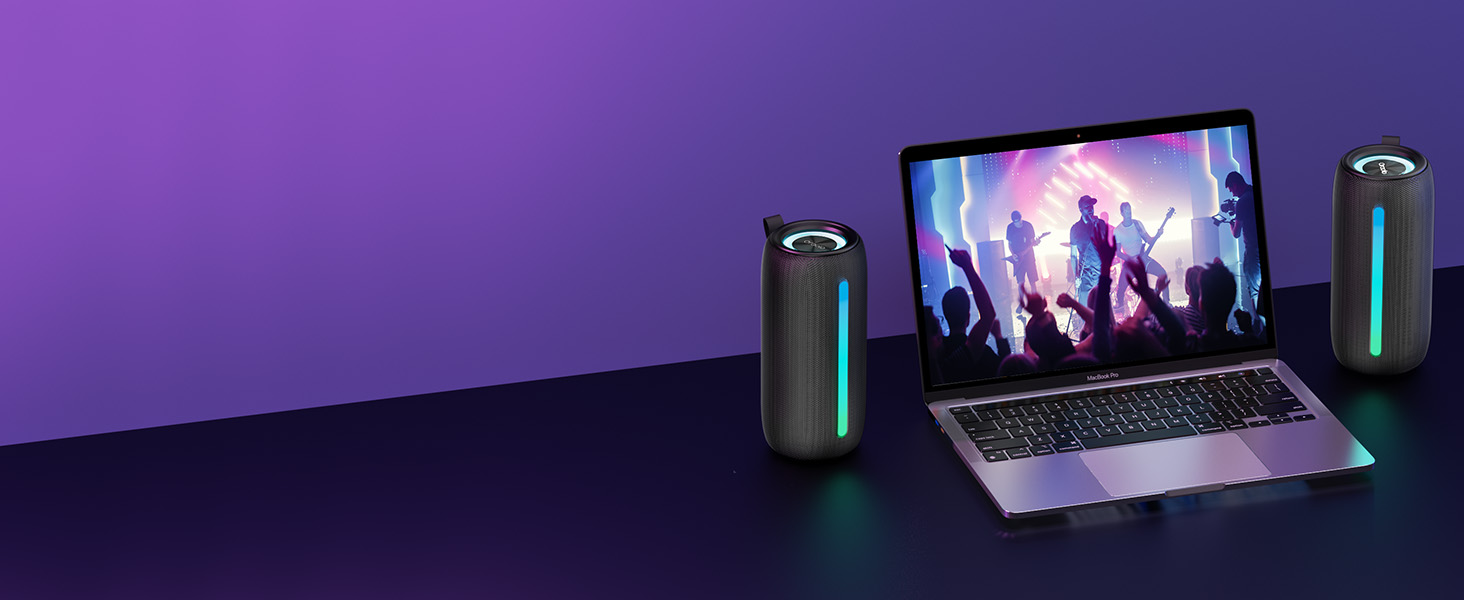
Image: A visual guide illustrating the control panel of the Oraolo BS02 speaker, detailing the function of each button with corresponding icons and descriptions.
| Button | Action | Function |
|---|---|---|
| Power Button | Long Press | Power ON / OFF |
| Short Press | Play / Pause | |
| Short Press (during call) | Phone Call Option | |
| + | Short Press | Volume Up |
| Long Press | Next Track | |
| - | Short Press | Volume Down |
| Long Press | Previous Track | |
| Light Button | Short Press | Light Change (cycle modes) |
| Long Press | Light ON / OFF | |
| M Button | Short Press | Input Mode (Bluetooth/AUX/TF Card) |
| Twice Press | TWS Pairing | |
| Long Press | Bluetooth Mode (disconnect/reconnect) |
4. Setup
4.1 Charging the Speaker
- Connect the provided Type-C charging cable to the speaker's Type-C port.
- Connect the other end of the cable to a USB power adapter (not included) or a computer's USB port.
- The charging indicator light will illuminate during charging and turn off when fully charged.
- A full charge typically takes approximately 3-4 hours.
4.2 Power On/Off
- Power On: Long press the Power button (⏸) for 2-3 seconds until you hear an audible prompt and the indicator light turns on.
- Power Off: Long press the Power button (⏸) for 2-3 seconds until you hear an audible prompt and the indicator light turns off.
5. Operating Instructions
5.1 Bluetooth Connection
- Ensure the speaker is powered on and in Bluetooth pairing mode (the Bluetooth indicator will flash).
- On your device (smartphone, tablet, computer), enable Bluetooth and search for available devices.
- Select "Oraolo BS02" from the list of devices.
- Once connected, you will hear a confirmation sound, and the Bluetooth indicator will remain solid.
5.2 True Wireless Stereo (TWS) Pairing
To achieve a powerful 48W 360° surround sound, you can pair two Oraolo BS02 speakers together.
- Ensure both Oraolo BS02 speakers are powered on and not connected to any other Bluetooth device.
- On one of the speakers (this will be the primary speaker), double-press the 'M' button. You will hear a pairing prompt.
- The two speakers will automatically search for and pair with each other. Once successfully paired, you will hear a confirmation sound.
- Now, connect your device to the primary speaker via Bluetooth as described in section 5.1. Both speakers will play audio simultaneously.

Image: Two Oraolo BS02 speakers wirelessly connected to each other and a smartphone, illustrating the True Wireless Stereo (TWS) pairing feature for enhanced sound.
5.3 AUX Input
- Connect one end of the provided AUX IN cable to the speaker's AUX port.
- Connect the other end to the audio output jack of your device (e.g., MP3 player, computer).
- The speaker will automatically switch to AUX mode, or you can short press the 'M' button to cycle to AUX mode.
5.4 TF Card Playback
- Insert a TF (MicroSD) card with pre-loaded audio files into the TF card slot.
- The speaker will automatically switch to TF card mode and begin playing audio, or you can short press the 'M' button to cycle to TF card mode.
5.5 RGB Lighting Modes
The speaker features dynamic RGB lighting effects that can be customized.
- Change Mode: Short press the Light button (🔆) to cycle through different lighting modes (Lights Off, Solid Color, Breath Gradient, Lights Blink).
- Turn On/Off: Long press the Light button (🔆) to turn the RGB lights ON or OFF.

Image: The Oraolo BS02 speaker displaying various RGB lighting effects, including Lights Off, Solid Color, Breath Gradient, and Lights Blink, demonstrating its party light show feature.
5.6 Hands-free Calling
When connected via Bluetooth to a smartphone, the speaker can be used for hands-free calls.
- Answer Call: Short press the Power button (⏸) when an incoming call rings.
- End Call: Short press the Power button (⏸) during a call.
- Reject Call: Long press the Power button (⏸) when an incoming call rings.
5.7 Battery Life
The Oraolo BS02 provides extended playtime for your enjoyment.
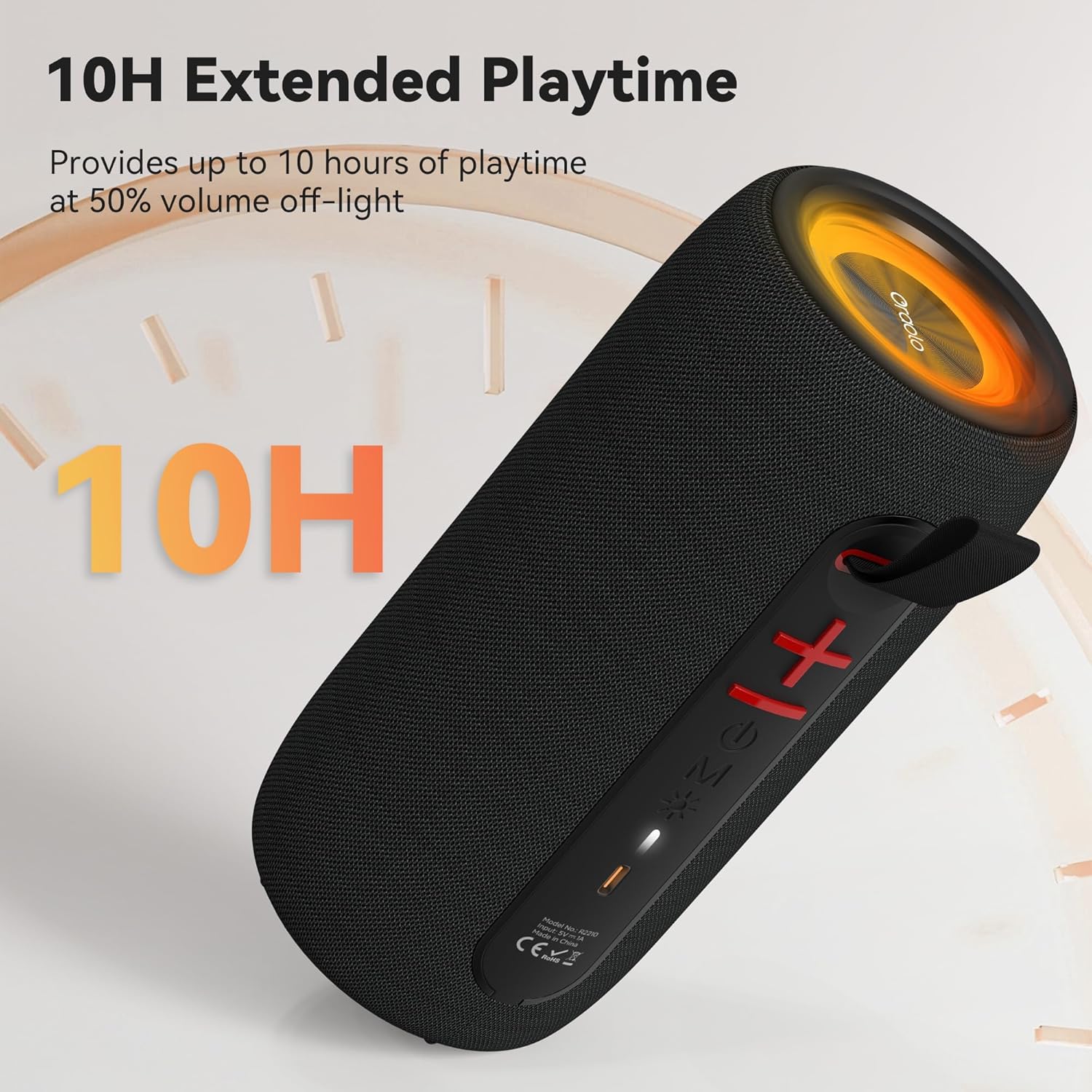
Image: The Oraolo BS02 speaker with an overlay indicating '10H Extended Playtime', signifying its long-lasting battery performance.
6. Maintenance
6.1 Cleaning
- Wipe the speaker with a soft, dry cloth.
- Do not use abrasive cleaners, alcohol, or chemical solvents, as these may damage the surface.
- Ensure all port covers are sealed before cleaning with a damp cloth, and dry thoroughly afterward.
6.2 Storage
- Store the speaker in a cool, dry place away from direct sunlight and extreme temperatures.
- If storing for an extended period, charge the battery to approximately 50% every three months to preserve battery life.
7. Troubleshooting
If you encounter issues with your Oraolo BS02 speaker, refer to the following table for common problems and solutions.
| Problem | Possible Cause | Solution |
|---|---|---|
| Speaker does not power on | Low battery | Charge the speaker fully. |
| Power button not pressed correctly | Long press the Power button for 2-3 seconds. | |
| Cannot pair via Bluetooth | Speaker not in pairing mode | Ensure the speaker is powered on and the Bluetooth indicator is flashing. |
| Device's Bluetooth is off | Enable Bluetooth on your device. | |
| Speaker already connected to another device | Disconnect from the previous device or long press the 'M' button to reset Bluetooth. | |
| No sound | Volume too low | Increase volume on both the speaker and your connected device. |
| Incorrect input mode | Short press the 'M' button to cycle to the correct input mode (Bluetooth, AUX, TF Card). | |
| TWS pairing fails | Speakers already connected to other devices | Ensure both speakers are disconnected from all devices before initiating TWS pairing. |
| Poor sound quality / Distortion | Device too far from speaker | Move your device closer to the speaker (within 10 meters). |
| Interference | Move away from other wireless devices or obstacles. |
8. Specifications
| Feature | Detail |
|---|---|
| Model Name | Oraolo BS02 |
| Speaker Type | Portable Speaker |
| Connectivity Technology | Bluetooth 5.4 |
| Speaker Maximum Output Power | 24 Watts |
| Special Features | RGB Lights, AUX/TF Card Support, True Wireless Stereo (TWS), Built-in Mic, 10H Playtime, Hands-free Calling |
| Water Resistance Level | IPX6 Water Resistant |
| Product Dimensions | 3.9"D x 3.9"W x 7.8"H (10cm x 10cm x 20cm approx.) |
| Item Weight | 1.39 pounds (0.63 kg approx.) |
| Color | Black |
| Material | Plastic |
| Batteries | 1 A battery required (included) |
9. Warranty and Support
9.1 Warranty Information
The Oraolo BS02 Portable Bluetooth Speaker comes with a limited warranty. Please refer to the warranty card included in your package or visit the official Oraolo website for detailed terms and conditions regarding warranty coverage and duration.
9.2 Customer Support
For technical assistance, troubleshooting, or any questions regarding your Oraolo BS02 speaker, please contact our customer support team:
- Email: support@oraolo.com (Example email, please check official website for actual contact)
- Website: www.oraolo.com/support (Example URL, please check official website for actual support page)
When contacting support, please have your product model (Oraolo BS02) and purchase information ready.


