
1. Product Overview
The Passau Portable Bluetooth Speaker S225B delivers crystal-clear stereo sound with 15W of power, featuring deep bass, rich mids, and sparkling highs. Equipped with the latest Bluetooth 5.4 technology, it ensures faster pairing and a stable connection up to 40 feet. Enhance your listening experience with dazzling RGB lights offering 4 dynamic modes that pulse with your music. Its compact, lightweight design with a built-in wristband makes it highly portable for any indoor or outdoor activity. Enjoy extended playtime with its long-lasting battery.
Key Features:
- 15W Crystal-Clear Stereo Sound: Delivers zero-distortion audio with powerful bass and clear highs.
- Bluetooth 5.4 Connectivity: Ensures fast pairing and stable wireless streaming up to 40 feet.
- Dazzling RGB Light Show: Features 4 dynamic lighting modes that synchronize with your music.
- Portable Design: Compact, lightweight, and includes a built-in wristband for easy transport.
- Extended Playtime: Designed for all-day use on a single charge.
- Water Resistant: Built to withstand splashes, making it suitable for various environments.
2. What's in the Box
- 1 x Passau Portable Bluetooth Speaker S225B
- 1 x User Manual
- 1 x Charging Cable (USB-C)
Video: Unboxing the Passau S225B Speaker. This video demonstrates the contents of the product packaging, including the speaker, user manual, and charging cable.
3. Setup
3.1 Charging the Speaker
- Locate the charging port on the back of the speaker, usually protected by a rubber flap.
- Connect the provided USB-C charging cable to the speaker's charging port.
- Plug the other end of the charging cable into a compatible USB power adapter (not included) or a computer's USB port.
- The LED indicator will show charging status. A full charge typically takes approximately 2 hours and provides up to 24 hours of playtime.

Image: Close-up view of the Passau S225B speaker's side, highlighting the Type-C charging port and USB disk input, both protected by a rubber cover.
3.2 Bluetooth Pairing
- Ensure the speaker is fully charged.
- Press and hold the Power button (usually marked with a power symbol) on the speaker until you hear an audible prompt or see a flashing blue LED indicator, indicating it's in pairing mode.
- On your device (smartphone, tablet, laptop), go to Bluetooth settings and turn Bluetooth on.
- Search for "S225B" or "Passau Speaker" in the list of available devices.
- Select the speaker to connect. Once connected, you will hear a confirmation sound, and the LED indicator will turn solid blue.

Image: Graphic representation of the Bluetooth 5.4 chip, symbolizing the speaker's advanced connectivity for stable and fast pairing.
3.3 True Wireless Stereo (TWS) Pairing
For an enhanced stereo experience, you can pair two Passau S225B speakers together.
- Ensure both speakers are powered on and not connected to any other Bluetooth device.
- On one speaker (this will be the primary speaker), press and hold the TWS pairing button (refer to the speaker's control layout for exact button).
- The primary speaker will search for the secondary speaker. Once connected, you will hear a confirmation sound, and both speakers will play audio in stereo.
- Connect your device to the primary speaker via Bluetooth as described in section 3.2.

Image: Two Passau S225B speakers shown wirelessly connected, illustrating the True Wireless Stereo (TWS) pairing feature for a wider soundstage.
4. Operating the Speaker
4.1 Basic Controls
- Power On/Off: Press and hold the Power button.
- Play/Pause: Short press the Play/Pause button.
- Volume Up: Short press the '+' button.
- Volume Down: Short press the '-' button.
- Next Track: Long press the '+' button.
- Previous Track: Long press the '-' button.
Image: Side view of the Passau S225B speaker, clearly showing the control buttons for power, play/pause, and volume adjustment.
4.2 Dazzling RGB Light Modes
The speaker features multiple RGB light modes to enhance your audio experience. To cycle through the light modes:
- Locate the Light Mode button (often marked with a lightbulb icon).
- Short press the Light Mode button to switch between the 4 available dynamic lighting modes.
- The lights will pulse and change colors in sync with your music.

Image: The Passau S225B speaker illuminated with vibrant RGB lights, showcasing its dynamic light show feature.
Video: Demonstration of the Passau Portable Bluetooth Speaker's RGB lights. This video shows the speaker cycling through various colorful light modes.
5. Maintenance
5.1 Water Resistance
The Passau S225B speaker is water resistant, making it suitable for outdoor use and environments where it might be exposed to splashes. Ensure the rubber flap covering the charging and auxiliary ports is securely closed to maintain water resistance.
Note: While water resistant, it is not designed for prolonged submersion. Avoid submerging the speaker in water for extended periods.
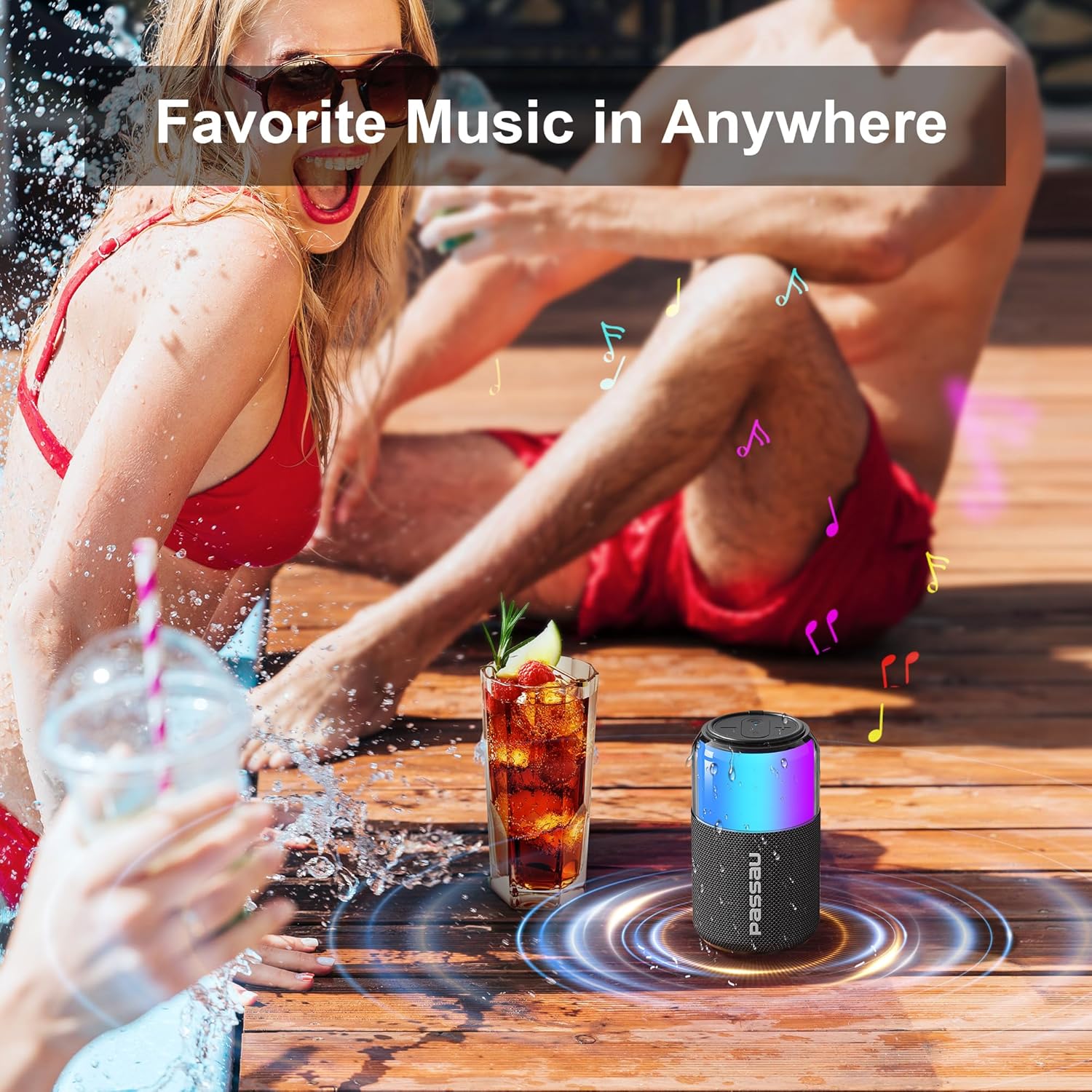
Image: The Passau S225B speaker placed near a swimming pool, illustrating its water-resistant design for outdoor enjoyment.
5.2 Cleaning
To clean your speaker, use a soft, damp cloth. Avoid using harsh chemicals or abrasive cleaners, as these may damage the speaker's finish or components.
6. Troubleshooting
6.1 No Power
- Ensure the speaker is fully charged. Connect it to a power source using the provided USB-C cable.
- Press and hold the Power button for a few seconds to ensure it's not just in standby mode.
6.2 Cannot Pair via Bluetooth
- Make sure the speaker is in pairing mode (flashing blue LED).
- Ensure your device's Bluetooth is turned on and within 40 feet of the speaker.
- Forget the speaker from your device's Bluetooth list and try pairing again.
- Restart both the speaker and your Bluetooth device.
6.3 No Sound or Low Volume
- Increase the volume on both the speaker and your connected device.
- Ensure the speaker is properly paired with your device.
- Check if the audio source on your device is playing.
6.4 TWS Pairing Issues
- Ensure both speakers are powered on and not connected to any other Bluetooth device before initiating TWS pairing.
- Keep the speakers close to each other during the TWS pairing process.
7. Specifications
| Feature | Detail |
|---|---|
| Model Name | S225B |
| Brand | Passau |
| Speaker Type | Portable Speaker |
| Connectivity Technology | Bluetooth |
| Wireless Communication Technology | Bluetooth 5.4 |
| Speaker Maximum Output Power | 20 Watts (15W per speaker, 30W TWS) |
| Audio Output Mode | Stereo |
| Frequency Response | 20 Hz |
| Control Method | Touch |
| Power Source | Battery Powered (1 9V battery included) |
| Battery Life | Up to 24 hours (typical usage) |
| Charging Time | Approx. 2 hours |
| Is Waterproof | True (Water Resistant) |
| Water Resistance Level | Water Resistant |
| Maximum Range | 40 Feet (12 Meters) |
| Product Dimensions | 3.3"D x 5.7"W x 3.3"H |
| Item Weight | 1.23 pounds |
| Material | Plastic |
| Special Feature | Bass Boost, Hi Res Audio, LED Light, Portable, Stereo Pairing |
| Compatible Devices | Desktop, Laptop, Smartphone, Tablet, Television |
8. Warranty & Support
Passau offers a Lifetime Warranty for this product. As a valued customer, you are entitled to lifetime after-sales service.
If you have any queries, require technical assistance, or need support, please contact us via Amazon messages or refer to the contact information provided in this user manual.
