
1. Compatibility
This CarPlay screen is designed for specific BMW 3/4 Series models and systems. Please verify your vehicle's compatibility before installation.
- BMW 3 Series: F30, F31, F34, F35 (2012-2017 models with NBT System and 6 LVDS plug).
- BMW 4 Series: F32, F33, F36 (2012-2017 models with NBT System and 6 LVDS plug).
- BMW 3/4 Series: F30-F36 (2018-2020 models with EVO ID6 system and 6 LVDS plug).
To confirm your iDrive system, check your car's original screen main menu interface and the LVDS port. Refer to the image below for visual guidance.

Figure 1: BMW iDrive System Compatibility Chart. This image illustrates different BMW iDrive systems (CCC, CIC, NBT, EVO) and their corresponding LVDS plugs, indicating which systems are compatible with the CarPlay screen.
2. What's in the Box
Your package should contain the following items:
- CarPlay Screen (12.3-inch EVO 4+32GB)
- Cable Set (all necessary wiring harnesses)
- Installation Guide
3. Key Features
The WEIAV CarPlay screen enhances your driving experience with advanced multimedia capabilities while retaining original car functions.
- Wireless & Wired CarPlay/Android Auto: Seamlessly integrate your smartphone for navigation, music, calls, and more.
- HD Resolution: 1920 x 720 HD touchscreen for clear visuals.
- Original Function Retention: Preserves your original car radio, amplifier, factory joystick control, and original camera functionality.
- Built-in Bluetooth 5.0: For hands-free calling and audio streaming.
- Dual USB Ports: For media playback and device charging.
- GPS Navigation: Supports Google Maps, Igo, and other online/offline maps.
- Network Connectivity: Supports 3G, 4G, and WiFi.
- Split Screen Functionality: Run two applications simultaneously, such as navigation and video.
- Built-in DSP: Digital Sound Processor for enhanced audio experience.
- Reversing System Support: Compatible with factory original reversing camera and aftermarket cameras.
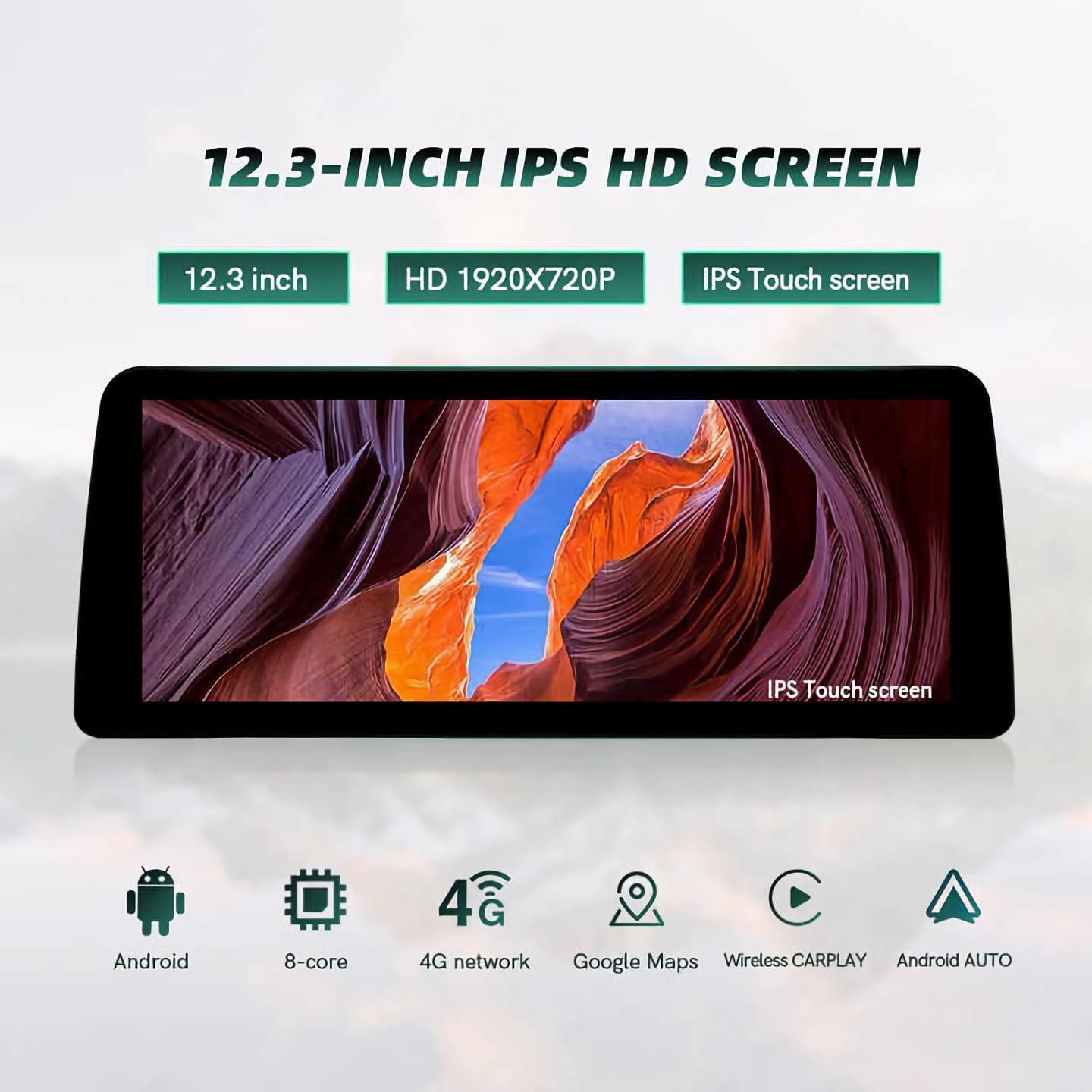
Figure 2: Overview of the 12.3-inch IPS HD Screen features, including Android OS, 8-core processor, 4G network, Google Maps, Wireless CarPlay, and Android Auto.
Video 1: Details for 12.3 inch Ultra-Narrow Touchscreen. This video provides a closer look at the design and features of the ultra-thin touchscreen.
4. Setup and Installation
The installation process involves removing existing components and connecting the new screen with the provided wiring harness. It is recommended to consult a professional if you are unsure about any steps.
4.1 Installation Steps Overview
- Remove the decorative cover of the air conditioning vent.
- Disconnect the wiring harness from the back of the air conditioning vent.
- Remove the bottom cover to expose and unscrew the fixing screws of the air conditioning control panel.
- Remove the air conditioning control panel and disconnect its wiring harness.
- Unscrew the display screen fixing screws and carefully remove the original display screen, disconnecting its wiring harness.
- Unscrew the fixing screws on both sides of the main unit (radio/CD player).
- Remove the main unit and disconnect its power cord and fiber optic audio cable.
- Connect the new power adapter cable to the original power cable and the original fiber optic audio cable.
- Route the new power cable and USB cable to the top layer where the new screen will be installed.
- If applicable, connect the rearview camera line to the wiring harness.
- Connect the LVDS cable, USB cable, and power cable to the new CarPlay screen.
- Align the new screen with the dashboard holes and secure it.
- Start the car and test all functions.
- Reinstall the air conditioning control panel and decorative covers.
4.2 Installation Videos
Video 2: Install video For BMW 3&4 Series with NBT System. This video provides a detailed guide on installing the CarPlay screen in BMW 3 and 4 Series vehicles with NBT systems.
Video 3: Fits For BMW F30 NBT installation Guide. A specific installation guide for BMW F30 models with NBT systems.
Video 4: How to Install the BMW Car stereo Screen. This video demonstrates the general installation process for the BMW car stereo screen.
5. Operating Instructions
This section covers basic operation of your new CarPlay screen, including switching between the new Android system and the original BMW iDrive system.
5.1 Switching Between Systems
- From New System to Original: On the new system interface, click the