
Introduction
Thank you for choosing the WATTSMART Portable Dehumidifier. This appliance is designed to efficiently remove excess moisture from the air, creating a more comfortable and healthier environment in your home. This manual provides essential information for the safe and effective operation, maintenance, and troubleshooting of your dehumidifier. Please read it thoroughly before use and retain it for future reference.
Safety Instructions
To reduce the risk of fire, electric shock, or injury, always follow these basic precautions:
- Ensure the power supply matches the voltage specified on the rating label.
- Do not operate the dehumidifier with a damaged cord or plug.
- Do not place the unit near heat sources or in direct sunlight.
- Keep the unit upright during operation and transport.
- Do not block air inlets or outlets. Maintain at least 8 inches (20 cm) clearance around the unit.
- Unplug the dehumidifier before cleaning, maintenance, or when not in use.
- Do not use the unit in wet areas such as bathrooms without proper ventilation.
- This appliance is not intended for use by persons (including children) with reduced physical, sensory or mental capabilities, or lack of experience and knowledge, unless they have been given supervision or instruction concerning use of the appliance by a person responsible for their safety.
Product Overview
The WATTSMART dehumidifier is designed for efficient moisture removal in spaces up to 2500 sq ft. Key features include a high-efficiency compressor, 74 oz (2.2L) water tank, 24-hour timer, and three operating modes.
Components
- Control Panel with Digital Display
- Air Inlet Grille
- Air Outlet
- Water Tank (74 oz / 2.2 L capacity)
- Drain Hose Connection Port
- Washable Air Filter
- Foldable Handle
- Rotatable Wheels
- Power Cord
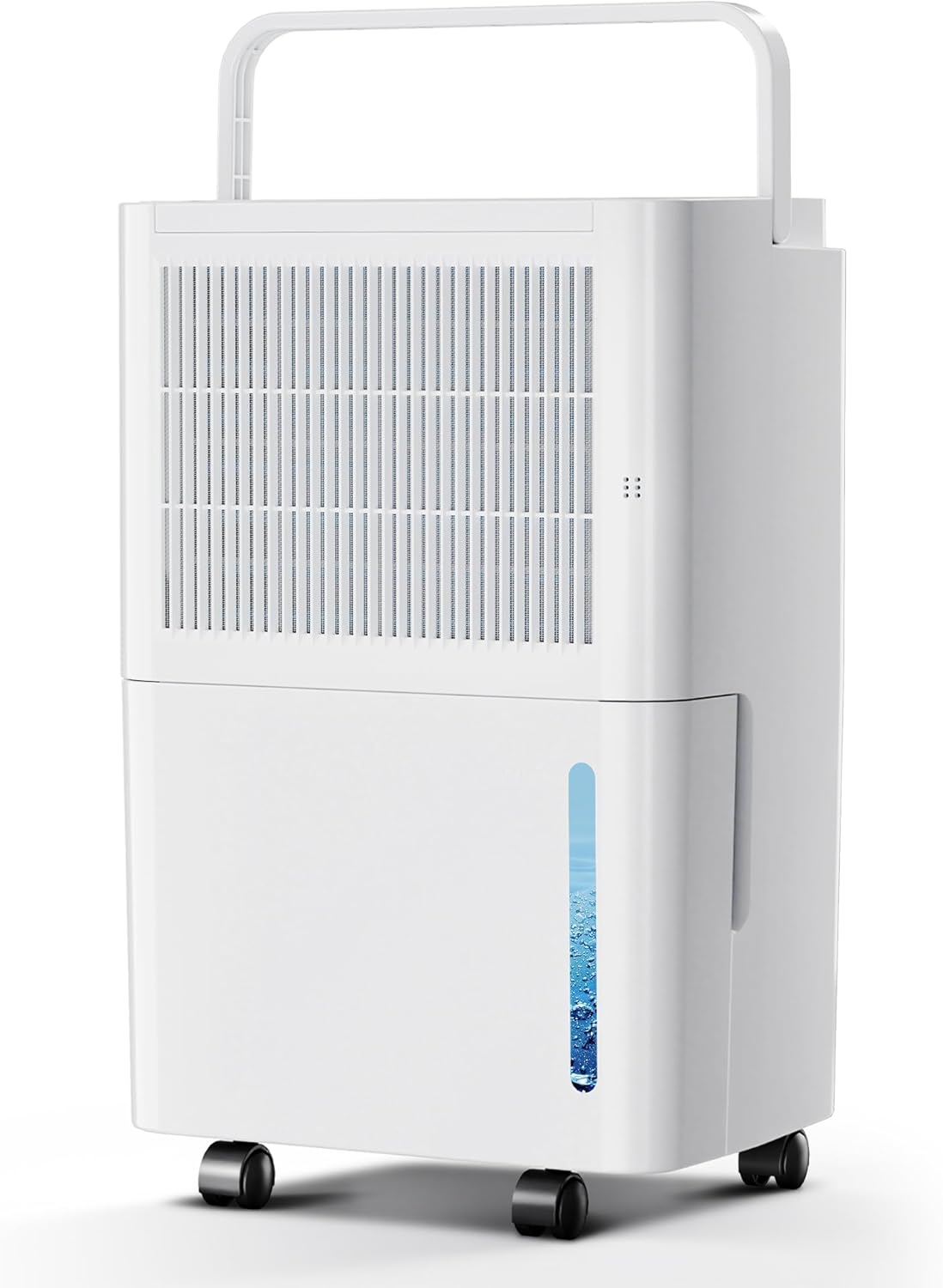
Figure 1: Front view of the WATTSMART Portable Dehumidifier, showing the water tank and air grille.

Figure 2: Side view illustrating the dimensions (10.63"W x 8.07"D x 15.96"H) and the foldable handle design for portability.
Setup
Unpacking
- Carefully remove the dehumidifier from its packaging.
- Remove all packing materials, tapes, and protective films.
- Inspect the unit for any damage. If damaged, do not operate and contact customer support.
Placement
- Place the dehumidifier on a flat, stable surface.
- Ensure there is at least 8 inches (20 cm) of clear space around all sides of the unit for proper airflow.
- Avoid placing the unit in direct sunlight or near heat-generating appliances.
- For optimal performance, close all doors and windows in the room where the dehumidifier is operating.
Drainage Options
Your dehumidifier offers two drainage methods: manual tank emptying or continuous drainage.
1. Manual Drainage (Water Tank)
- The unit will automatically shut off when the water tank is full.
- Carefully remove the water tank from the front of the unit.
- Empty the collected water.
- Replace the water tank securely into the unit. The dehumidifier will resume operation.
2. Continuous Drainage (Drain Hose)
- Locate the drain hose connection port on the back of the unit.
- Attach the included drain hose to this port, ensuring a secure connection.
- Direct the other end of the hose to a suitable drain (e.g., floor drain, large bucket) ensuring it is lower than the dehumidifier's drain port for gravity flow.
- This method allows for continuous operation without needing to empty the water tank.
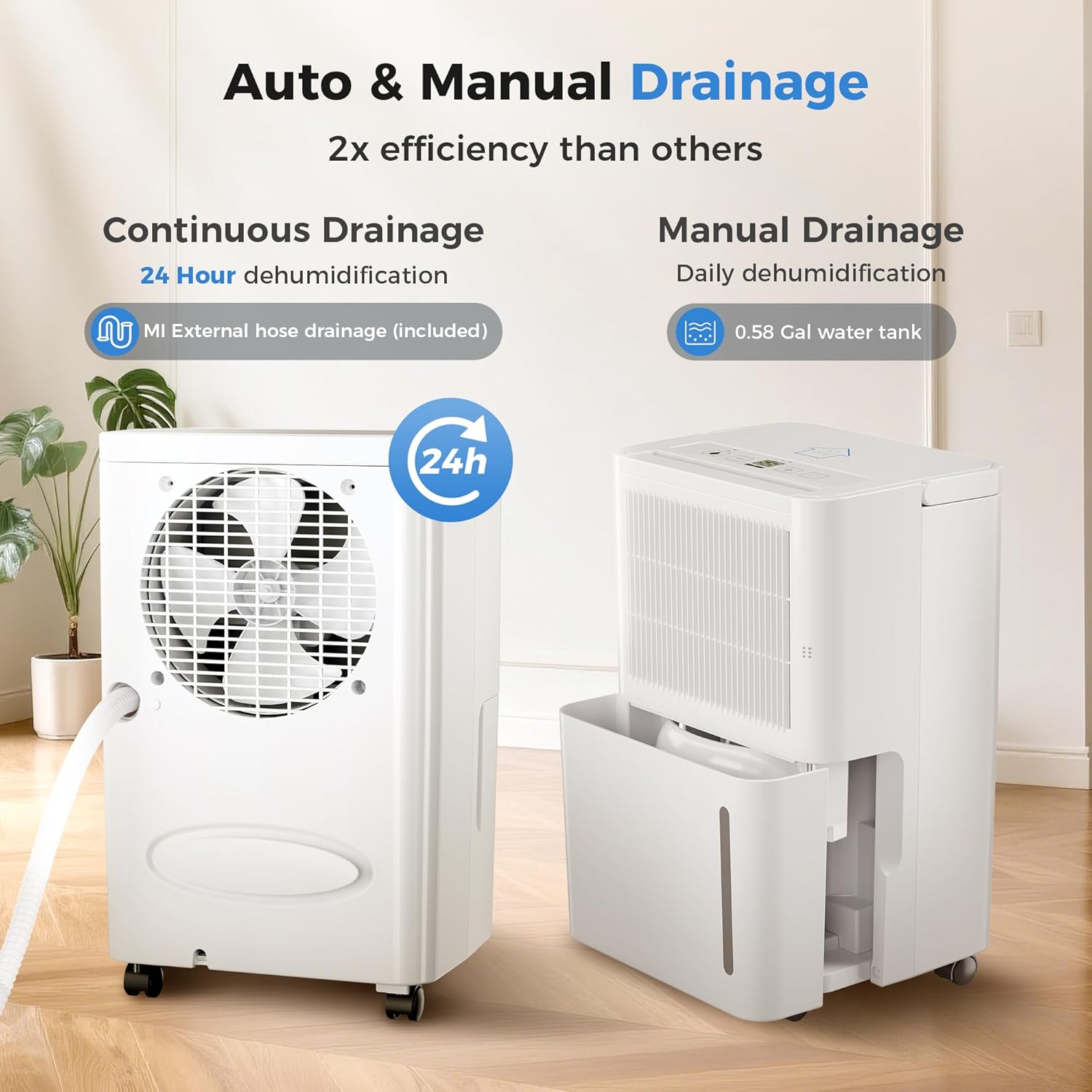
Figure 3: Illustration of both continuous drainage via hose and manual drainage using the water tank.
Operating Instructions
Control Panel
The control panel allows you to manage all functions of your dehumidifier. Refer to the diagram below for button identification.

Figure 4: Detailed view of the smart control panel, showing ambient humidity display and function buttons.
- ON/OFF Button: Powers the unit on or off.
- MODE Button: Cycles through operating modes: Dehumidify, Dry, Continuous.
- TIME Button: Sets the 24-hour timer for automatic on/off.
- AUTO Button: Activates automatic humidity control.
- CONTINUOUS Button: Engages continuous dehumidification mode.
- Humidity Adjustment Buttons (+/-): Adjusts the desired humidity level.
- WATER FULL Indicator: Illuminates when the water tank is full.
Operating Modes
- Dehumidify Mode: The unit operates to reach and maintain a set humidity level.
- Dry Mode: Designed for faster drying, often used in laundry rooms.
- Continuous Mode: The unit runs continuously regardless of the ambient humidity level, ideal for very damp environments.
Setting the Timer
The 24-hour timer allows you to schedule the unit to turn on or off automatically.
- Press the "TIME" button.
- Use the humidity adjustment buttons (+/-) to set the desired number of hours (1-24) for the unit to turn on or off.
- The timer will activate after a few seconds of inactivity.

Figure 5: The dehumidifier operating in a bedroom, highlighting its quiet operation (below 38dB) and 24-hour timer feature.
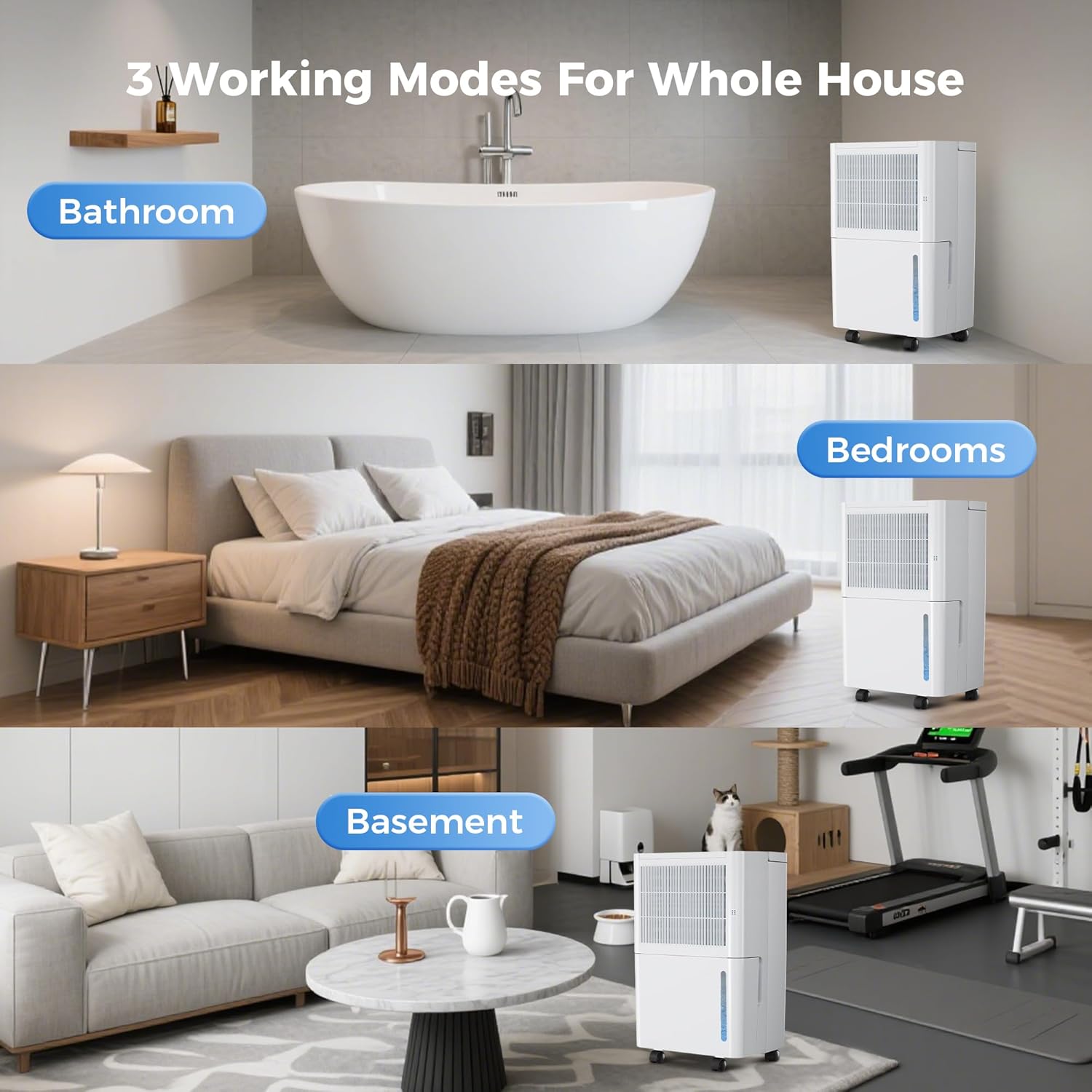
Figure 6: Visual representation of the three working modes (Dehumidify, Dry, Continuous) suitable for various environments like bathrooms, bedrooms, and basements.
Maintenance
Regular maintenance ensures optimal performance and extends the lifespan of your dehumidifier.
Emptying the Water Tank
- When the "WATER FULL" indicator lights up, the unit will stop operating.
- Gently pull out the water tank from the front of the dehumidifier.
- Pour out the collected water.
- Slide the empty tank back into its position until it clicks securely. The unit will then resume operation.
Cleaning the Air Filter
Clean the air filter every two weeks or more frequently if the unit is used in a dusty environment.
- Turn off the dehumidifier and unplug it from the power outlet.
- Locate the air filter, typically behind the front grille.
- Remove the filter.
- Wash the filter with warm, soapy water. Rinse thoroughly.
- Allow the filter to air dry completely before reinstalling.
- Reinsert the dry filter into the unit.

Figure 7: An overview of thoughtful design features, including the washable filter, rotatable wheels, handle, portable water tank, and easy control panel.
Storage
- If storing the unit for an extended period, ensure the water tank is empty and clean.
- Clean the air filter.
- Store the dehumidifier in an upright position in a cool, dry place.
Troubleshooting
Before contacting customer support, please refer to the following troubleshooting guide for common issues.
| Problem | Possible Cause | Solution |
|---|---|---|
| Dehumidifier does not turn on. | No power, power cord loose, water tank full or not properly seated. | Check power connection. Empty and re-seat water tank. |
| Unit is running but not collecting water. | Room humidity too low, temperature too low, air filter clogged. | Ensure room humidity is above 40%. Clean air filter. Ensure room temperature is above 41°F (5°C). |
| Unit is noisy. | Unit not on a level surface, air filter clogged. | Place on a flat surface. Clean air filter. |
| Water leaks from the unit. | Water tank not properly seated, continuous drain hose loose or blocked. | Re-seat water tank. Check drain hose connection and ensure it's not blocked. |
Specifications
| Feature | Detail |
|---|---|
| Brand | WATTSMART |
| Model Number | HK-DE003 |
| Coverage Area | Up to 2500 Sq Ft |
| Water Tank Capacity | 2.2 Liters (74 oz / 0.58 Gallons) |
| Dehumidification Capacity | 30 Pints per Day (13 Liters per Day) |
| Product Dimensions (D x W x H) | 8.07" x 10.63" x 15.96" |
| Item Weight | 55.1 pounds |
| Wattage | 230 watts |
| Operation Modes | Dehumidify, Dry, Continuous |
| Special Features | Adjustable Humidity Control, Automatic Moisture Removal, Automatic Restart, Automatic Shutoff, Portable, Quiet Operation (<38dB) |
| Included Components | Dehumidifier, Drain Hose |
Warranty and Support
Warranty Information
Specific warranty details are typically provided with your purchase documentation. Please refer to the warranty card or contact the seller for information regarding your product's warranty period and terms.
Protection plans are available for purchase separately:
- 3-Year Protection Plan: $23.99
- 4-Year Protection Plan: $32.99
- Complete Protect: $16.99/month (covers all eligible past and future purchases)
Customer Support
For technical assistance, questions, or concerns not addressed in this manual, please contact WATTSMART customer support or the seller directly. You can often find contact information on the product packaging or the retailer's website.
Seller: Alpha Tec US
Returnable until: January 31, 2026