
1. Introduction
This manual provides essential instructions for the safe and effective use of your NOUKAJU Magnetic USB Charging Cable, specifically designed for MONODEAL X8 PRO Bone Conduction Headphones. Please read this manual thoroughly before use and retain it for future reference.
2. Product Overview
2.1. Components
The NOUKAJU Magnetic USB Charging Cable consists of a USB-A connector on one end and a magnetic charging interface with four pins on the other, designed to securely attach to your MONODEAL X8 PRO Bone Conduction Headphones.

Image 2.1: The NOUKAJU Magnetic USB Charging Cable shown alongside the compatible MONODEAL X8 PRO Bone Conduction Headphones. The cable features a standard USB-A connector and a magnetic charging head.
2.2. Key Features
- Compatibility: Specifically designed for MONODEAL X8 PRO Bone Conduction Headphones.
- Magnetic Connection: Ensures easy and secure attachment, preventing damage to ports.
- High Durability: Constructed from high-quality materials for flexibility and longevity.
- Portability: Lightweight and compact (60cm length) for convenient travel and storage.
- Advanced Safety Protections: Includes overheat, short circuit, overvoltage, overcharge, electromagnetic field, and over-discharge protection.

Image 2.2: This diagram illustrates the multiple safety protections integrated into the charging cable, including overheat, short circuit, overvoltage, overcharge, electromagnetic field, and over-discharge protection. It also shows the internal construction with tin copper wires, insulation, woven net, and TPE outer layer.

Image 2.3: The magnetic charging cable is shown automatically attaching to the MONODEAL X8 PRO Bone Conduction Headphones, highlighting the ease of connection.
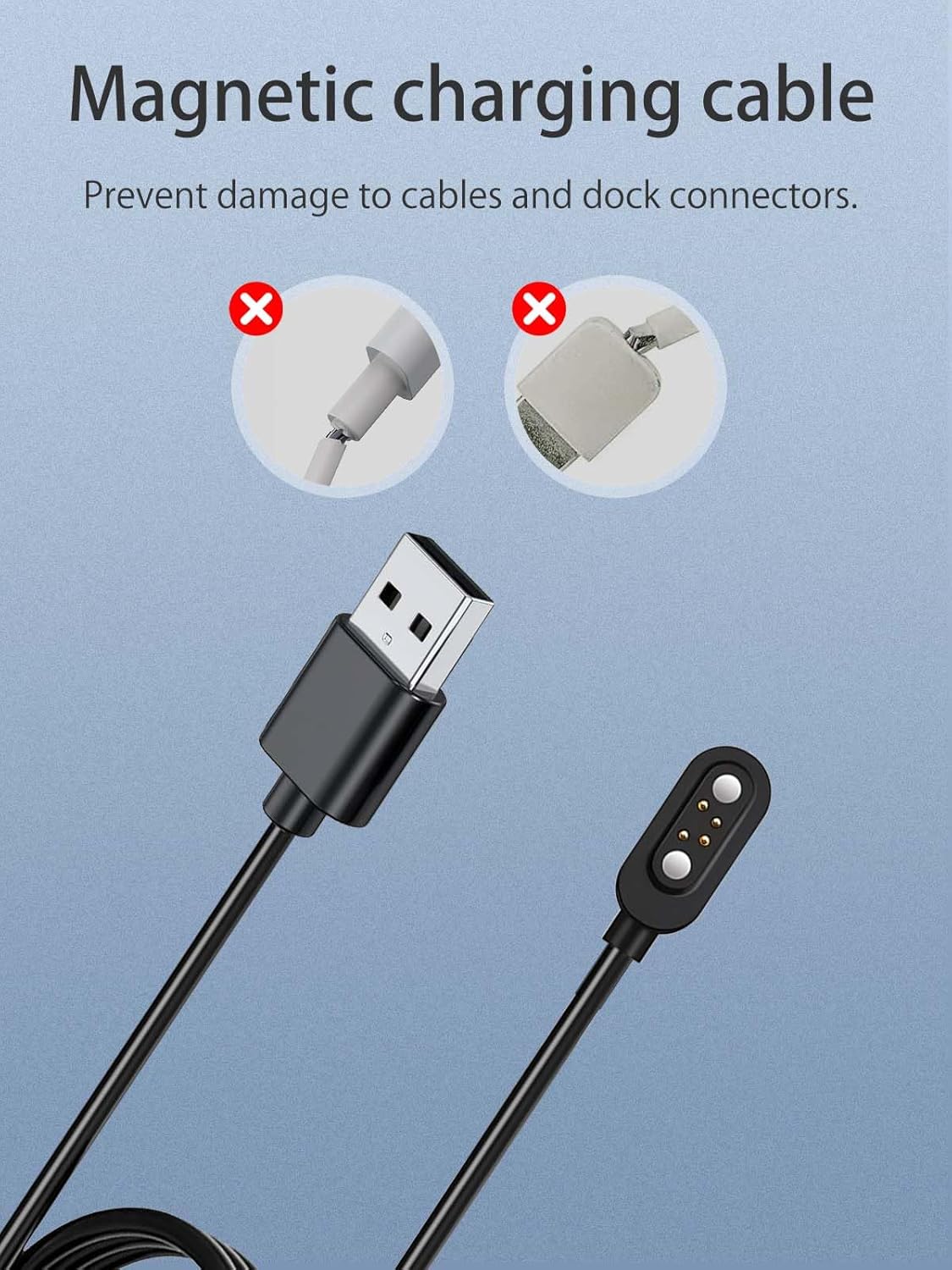
Image 2.4: This image contrasts the magnetic charging cable with examples of damaged traditional charging cables, emphasizing how the magnetic design helps prevent wear and tear on both the cable and the device's charging port.
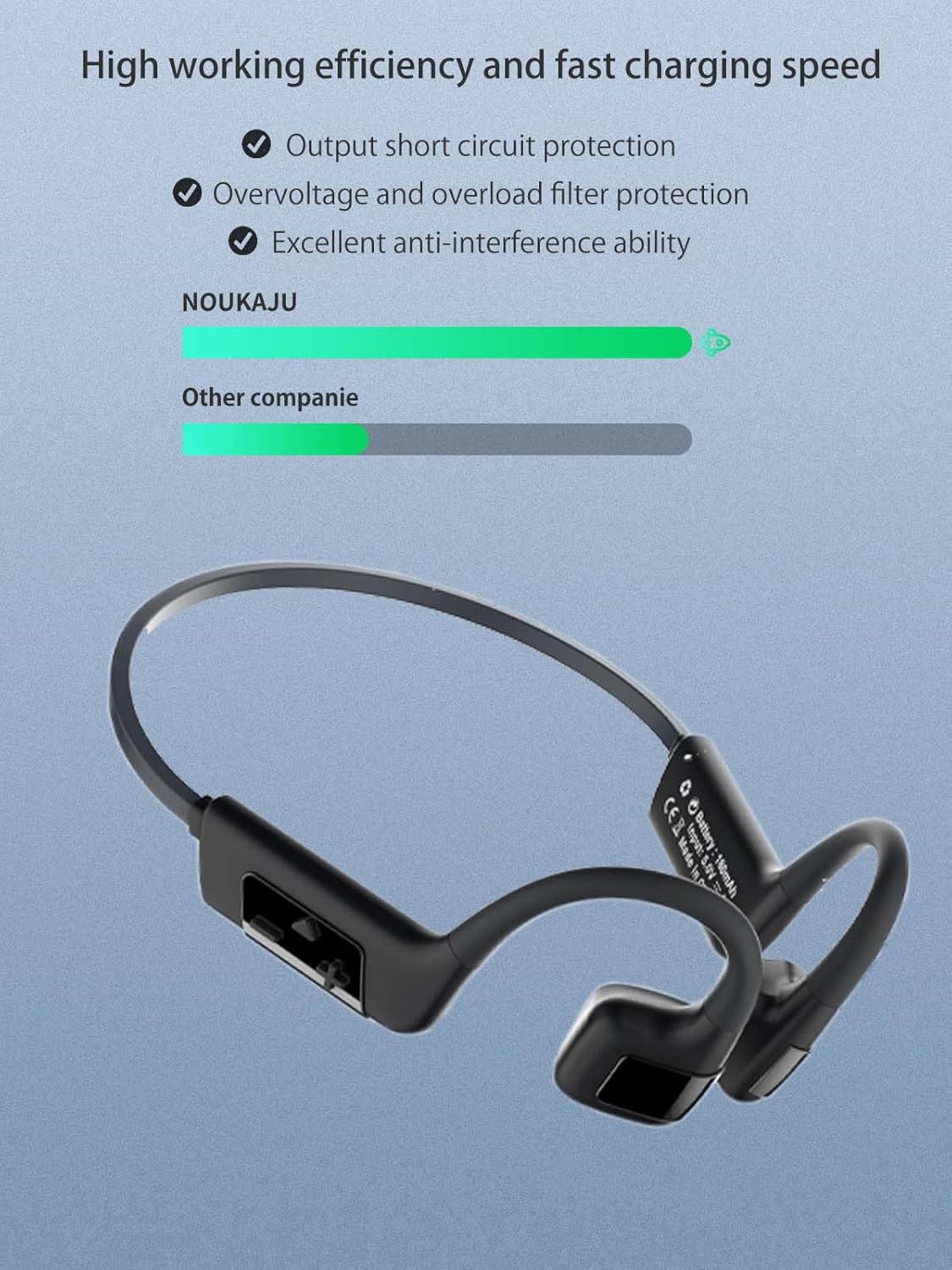
Image 2.5: A bar chart illustrating the high working efficiency and fast charging speed of the NOUKAJU cable compared to other companies, alongside the MONODEAL X8 PRO headphones.
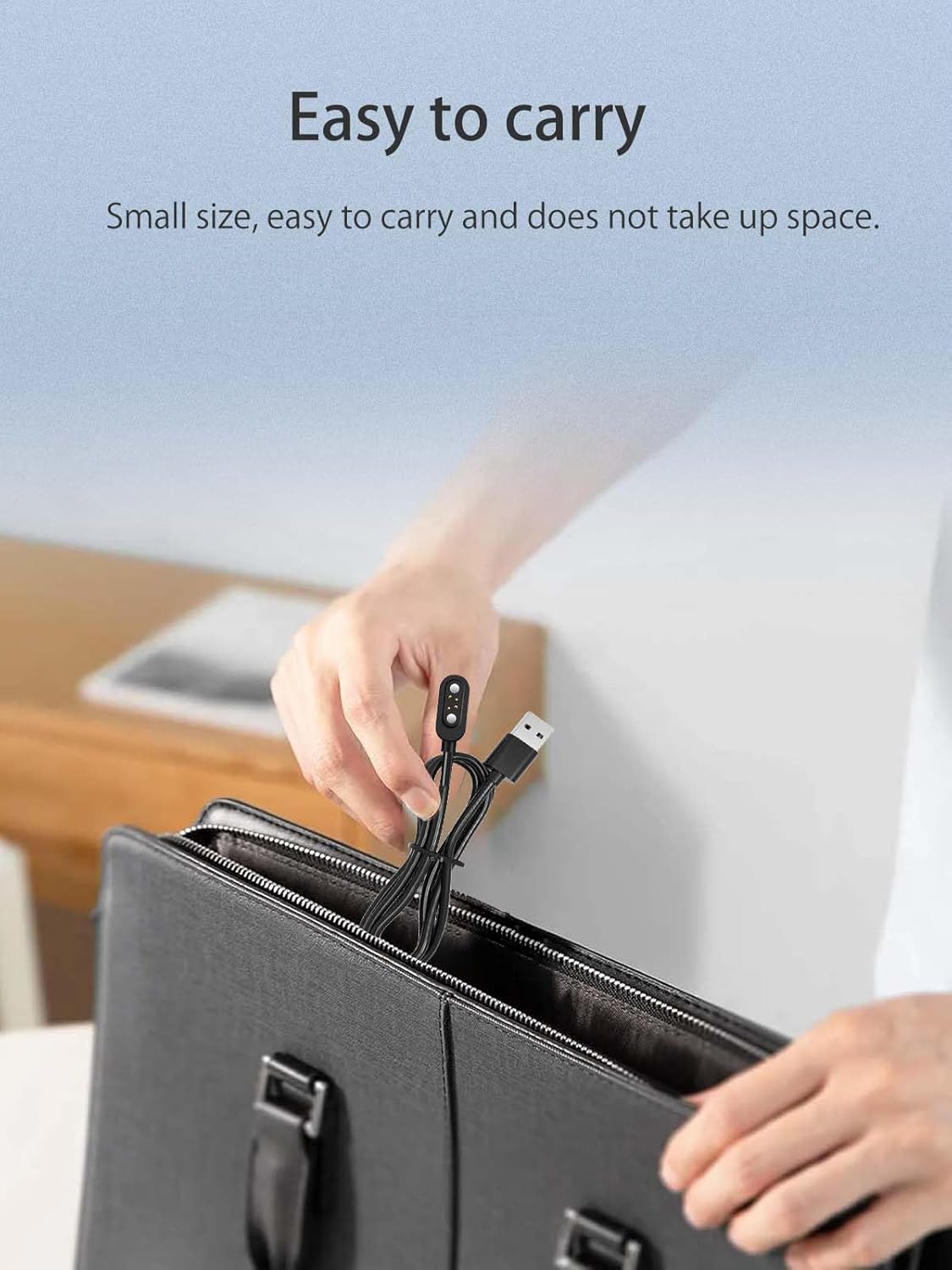
Image 2.6: The charging cable is shown being easily stored in a bag, highlighting its small size and portability for travel.

Image 2.7: This image depicts various environments where the charging cable can be used, including office, travel, car, and gym settings, emphasizing its versatility.
3. Setup
3.1. Connecting the Charger
- Insert the USB-A connector of the charging cable into a compatible USB power source (e.g., computer USB port, USB wall adapter, power bank).
- Ensure the power source is active and providing power.
4. Operating Instructions
4.1. Charging Your Headphones
- With the USB-A end connected to a power source, bring the magnetic charging head close to the charging port on your MONODEAL X8 PRO Bone Conduction Headphones.
- The magnetic connection will automatically align and secure the charging head to the headphones.
- Charging will commence automatically. Refer to your headphone's indicator lights for charging status.
- Once charging is complete, gently detach the magnetic charging head from the headphones.
4.2. Safety Features
The NOUKAJU Magnetic USB Charging Cable incorporates several safety mechanisms to protect your device and ensure reliable charging:
- Overheat Protection: Automatically protects the battery if it reaches high temperatures during charging.
- Short Circuit Protection: Automatically shuts down the current output in case of a short circuit and restores it once the fault is resolved.
- Overvoltage Protection: Effectively manages high primary charge and discharge voltages to prevent damage.
- Overcharge Protection: Prevents the battery from being overcharged, extending its lifespan.
- Electromagnetic Field Protection: Blocks external magnetic fields to ensure normal operation and prevent interference.
- Over-discharge Protection: Prevents the battery from being fully discharged, which can degrade battery health.
5. Maintenance
5.1. Care and Storage
- Keep the charging cable clean and free from dust and debris. Use a soft, dry cloth for cleaning.
- Avoid bending the cable sharply or applying excessive force, despite its durable construction.
- Store the cable in a cool, dry place when not in use.
- Do not expose the cable to extreme temperatures or direct sunlight for prolonged periods.
- Ensure the magnetic contacts are clean to maintain optimal connection.
6. Troubleshooting
6.1. Common Issues
| Problem | Possible Cause | Solution |
|---|---|---|
| Headphones not charging. | Loose connection, faulty power source, dirty contacts. | Ensure the USB-A connector is fully inserted. Try a different USB port or power adapter. Clean the magnetic contacts on both the cable and headphones. |
| Magnetic connection is weak. | Debris on contacts, misalignment. | Clean the magnetic contacts. Ensure the cable is correctly aligned with the headphone's charging port. |
| Cable appears damaged. | Physical stress, improper handling. | Discontinue use immediately. Contact customer support for assistance. |
7. Specifications
7.1. Technical Details
- Brand: NOUKAJU
- Compatible Devices: MONODEAL X8 PRO Bone Conduction Headphones
- Connector Type: USB-A to Magnetic 4-pin
- Cable Type: ABS
- Cable Length: 1.96ft / 60cm
- Special Feature: Magnetic Charging, Multiple Safety Protections
- ASIN: B0FC1RMZY8
8. Warranty and Support
8.1. Product Warranty
This product comes with a warranty. For any questions or issues, please contact us. We are committed to your satisfaction.
8.2. How to Contact Support
To contact customer support, please follow these steps:
- Log in to your account on the platform where you purchased the product.
- Navigate to "Account Services" → "Order History".
- Locate your order for this product.
- Click on the "Seller" name and then select "Ask a Question" to send a message directly to us.