Introduction to Your iPhone 16 Guide
This guide is designed to help seniors and beginners confidently use their iPhone 16. It provides clear, step-by-step instructions with large print and full-color images to simplify learning. Whether you are new to smartphones or upgrading, this manual aims to make using your iPhone 16 enjoyable and stress-free.
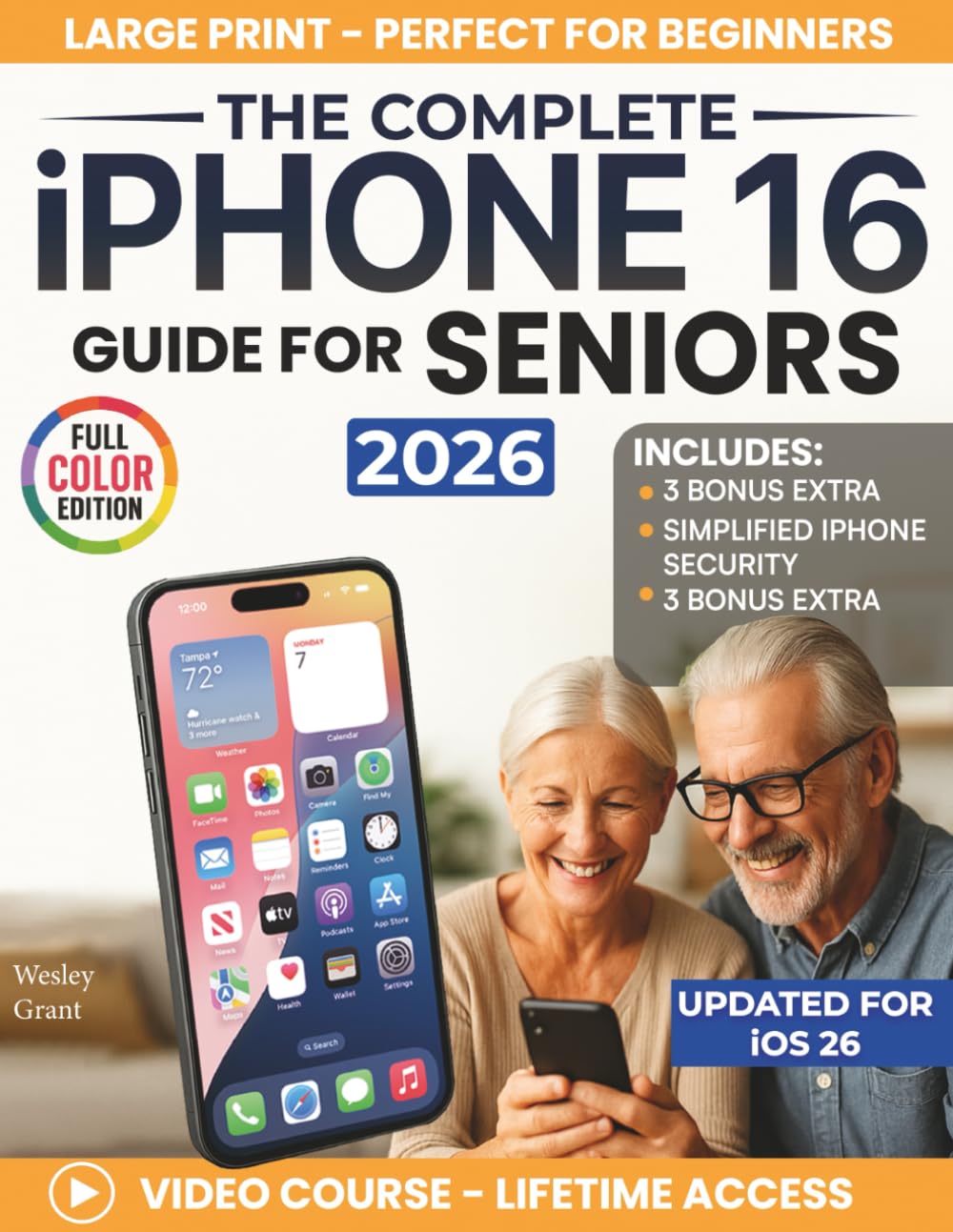
Image: Front cover of the guide, highlighting its large print and full-color edition for seniors.
Getting Started: Initial Setup
The guide begins with the fundamentals, ensuring you understand how to power on your iPhone 16, charge it, and complete the initial setup process. It covers essential first steps to get your device ready for use.
- Powering On/Off: Simple instructions for turning your iPhone on and off.
- Charging Your Device: How to properly connect your iPhone to its charger.
- Basic Navigation: Understanding the home screen and essential gestures.

Image: An illustration of the guide's focus on solving common problems seniors face with their iPhones, emphasizing step-by-step guidance and large print.
Operating Your iPhone 16
This section details the core functionalities of your iPhone 16, enabling you to communicate, capture memories, and utilize various applications.
Communication Essentials
- Making Calls: Step-by-step instructions for initiating and receiving phone calls.
- Sending Texts: How to compose and send messages, including emojis.
- FaceTime: Using video calls to connect with family and friends.
Photography and Apps
- Taking Photos: Simple steps to capture stunning photos and videos.
- Organizing Your Home Screen: Customizing your app layout for easy access.
- Exploring Apps: Discovering and using applications for various interests.
Using Siri
Learn how to use Siri, your iPhone's voice assistant, to perform tasks, set reminders, and get information hands-free.

Image: Visual representation of the guide's coverage, including security, communication, app discovery, and photography tips.
Maintenance and Security
This section provides guidance on keeping your iPhone 16 running smoothly and protecting your personal information.
- Simple Maintenance Tips: Advice for optimal device performance.
- Managing Settings: How to adjust various settings to suit your preferences.
- Data and Privacy Protection: Understanding and utilizing simplified security and privacy features.
Troubleshooting Common Issues
While this guide aims to prevent frustration, occasional issues may arise. The book provides clear, step-by-step solutions for common problems, empowering you to resolve them independently. For more complex issues, consulting Apple's official support resources or a trusted technician is recommended.
Specifications of the Guide Book
This section outlines the physical and publication details of 'The Complete iPhone 16 Guide for Seniors'.
| Feature | Detail |
|---|---|
| Publisher | Independently published |
| Publication Date | June 3, 2025 |
| Language | English |
| Print Length | 101 pages |
| ISBN-13 | 979-8286217960 |
| Item Weight | 11.5 ounces |
| Dimensions | 8.5 x 0.23 x 11 inches |
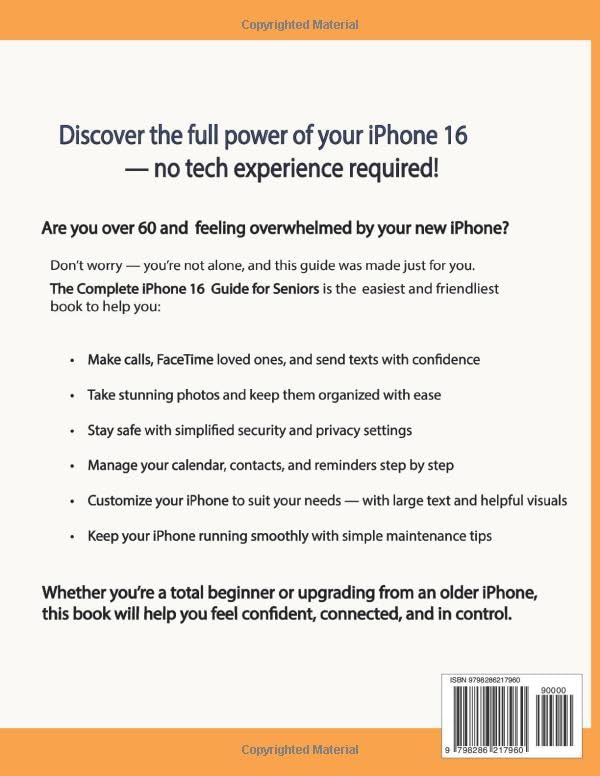
Image: Back cover of the guide, summarizing its benefits and features for seniors.
Additional Support and Resources
Beyond the pages of this guide, additional resources are available to enhance your learning experience and keep you updated.
- Lifetime Video Tutorials: Access to video courses demonstrating key tasks.
- Apple Updates Newsletter: Stay informed about the latest Apple changes, features, and tips.
- Bonus Sections: Includes advanced photo/video tips, must-have apps, and information on other Apple devices.

Image: Overview of supplementary materials provided with the guide, such as video tutorials and bonus content.
Official Product Videos
No official product videos from the seller are available for embedding in this manual.
Warranty Information
This instruction manual, being a published guide, does not come with a traditional product warranty. Its value lies in the clarity and accuracy of the information provided. For any concerns regarding the content, please refer to the publisher's contact information typically found within the book or on the author's official channels.