
crecolife KJ402F
crecolife KJ402F Smart Air Purifier User Manual
Model: KJ402F (CL-470)
Introduction
Thank you for choosing the crecolife KJ402F Smart Air Purifier. This manual provides essential information for the safe and efficient operation, maintenance, and troubleshooting of your device. Please read it thoroughly before use and retain it for future reference.
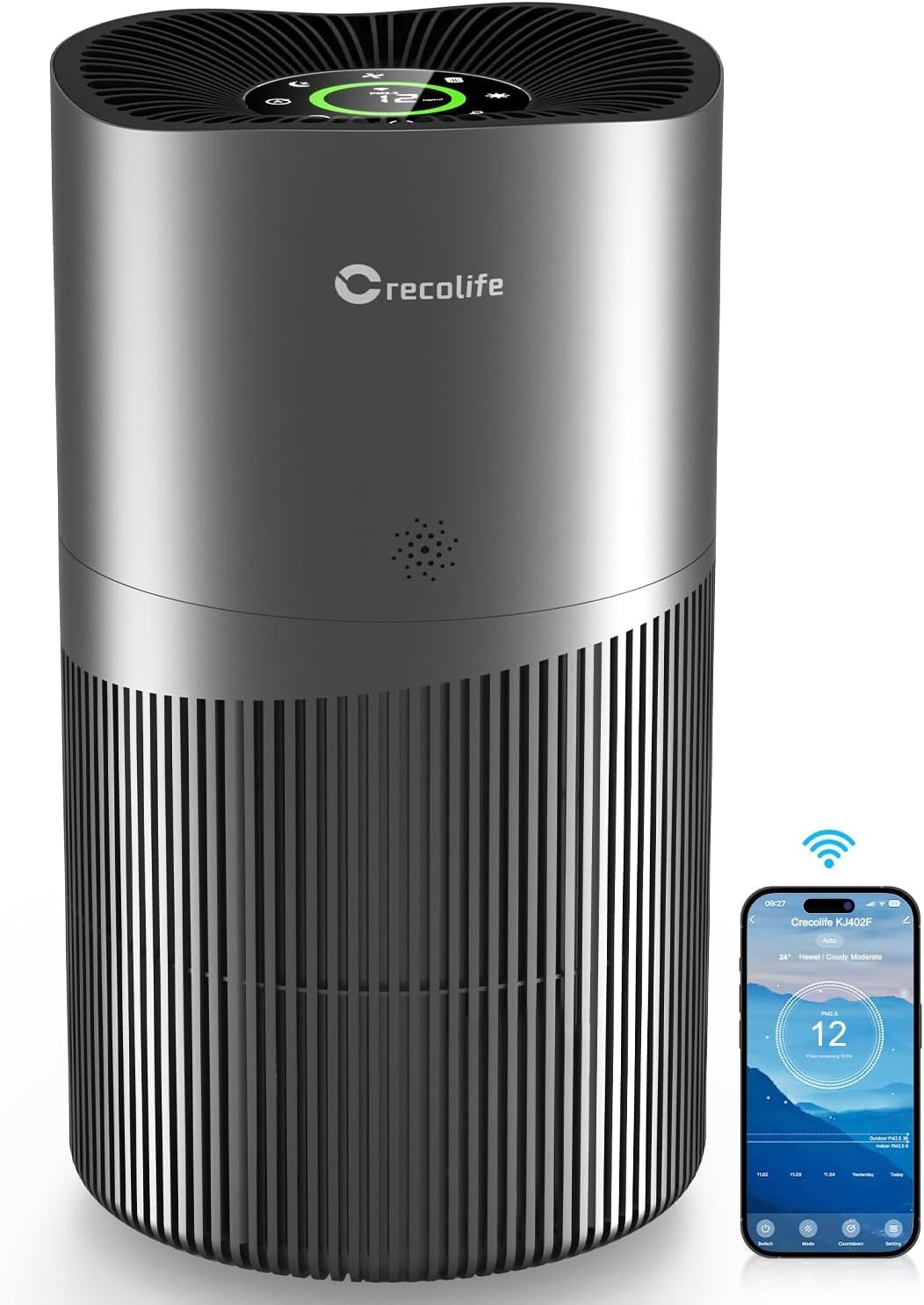
Image: crecolife KJ402F Smart Air Purifier, a sleek cylindrical device with a silver-grey finish and a control panel on top, shown next to a smartphone displaying its app interface.
Product Features
- High CADR: Clean Air Delivery Rate of 450m³/h, suitable for large rooms up to 2015 sq ft.
- 3-Stage Filtration: Includes a Pre-filter, H13 True HEPA filter, and Activated Carbon filter to capture various airborne particles and odors.
- Smart Control: WiFi-enabled for app control, allowing remote operation, filter life checks, and scheduling.
- PM2.5 Display: Real-time air quality monitoring with a digital PM2.5 display.
- Auto Mode: Automatically adjusts fan speed based on detected air quality.
- Quiet Operation: Features a Sleep Mode with a noise level as low as 25dB.
- Child Lock: Prevents unintended changes to settings.
- Certifications: ETL, Intertek, FC, UK CA, RoHS, Ca Prop 65 certified.
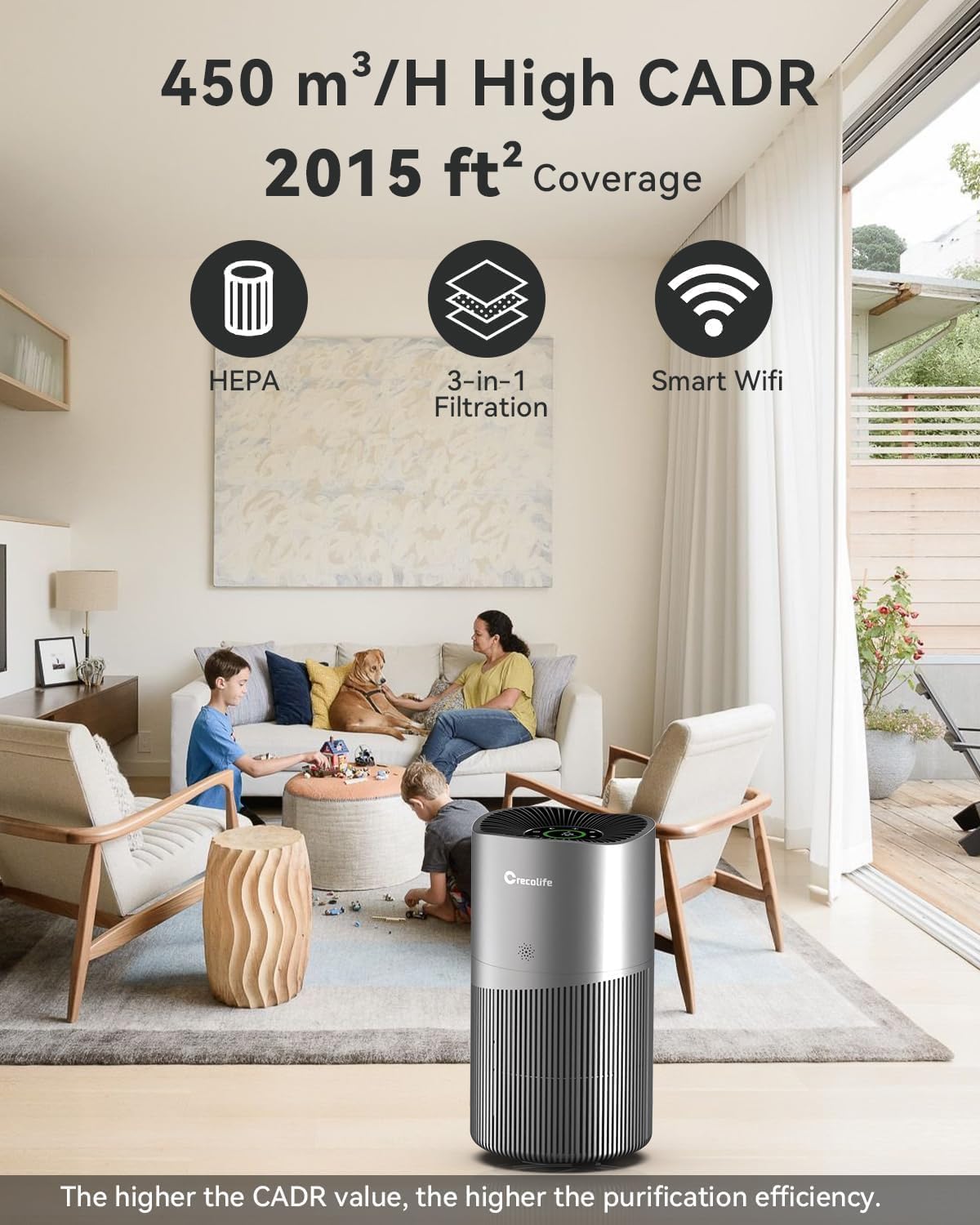
Image: An air purifier in a living room setting, highlighting its 450 m³/h CADR and 2015 sq ft coverage capabilities. Icons for HEPA, 3-in-1 Filtration, and Smart Wifi are displayed.
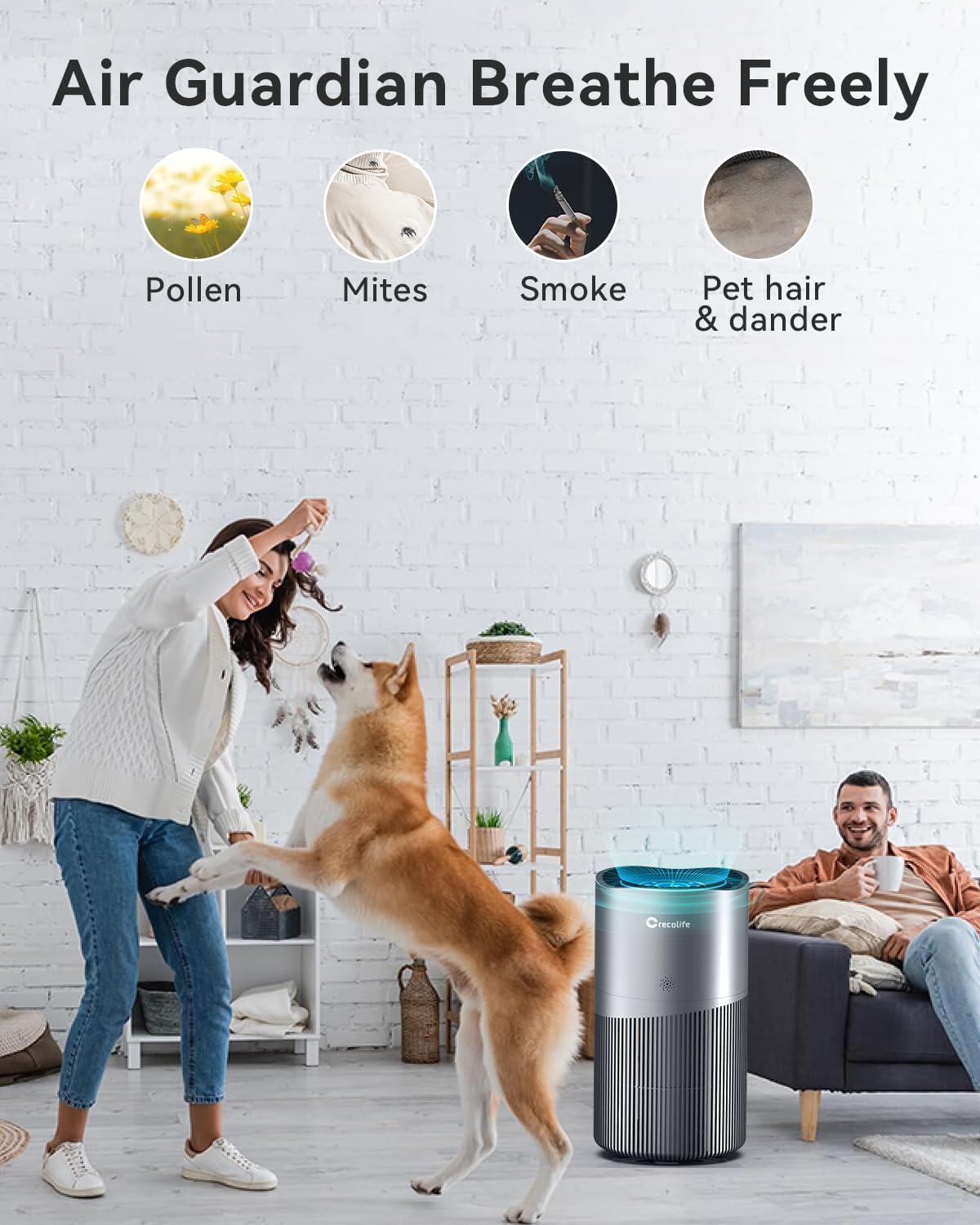
Image: An air purifier in a home setting, illustrating its effectiveness against pollen, mites, smoke, and pet hair/dander with corresponding icons.

Image: A detailed diagram illustrating the 3-stage filtration system, including the Pre-filter for pet hair/lint, HEPA filter for pollen/smoke/pet dander, and Activated Carbon filter for odors/VOCs.
Setup Instructions
1. Unpacking and Filter Installation
- Carefully remove the air purifier from its packaging.
- Before first use, the filter must be unwrapped. Locate the filter compartment at the bottom of the unit.
- Rotate the bottom cover counter-clockwise to unlock and remove it.
- Remove the filter from its plastic packaging.
- Insert the unwrapped filter back into the air purifier.
- Replace the bottom cover and rotate it clockwise to lock it securely.

Image: A four-step visual guide demonstrating how to rotate the filter cover, remove the filter, unwrap it, place it back, and lock the cover.
2. Placement
Place the air purifier on a flat, stable surface. Ensure there is adequate space (at least 6 inches) around all sides for optimal air circulation. Avoid placing it directly against walls or furniture that could obstruct airflow.
The air purifier is suitable for various rooms including living rooms, bedrooms, kitchens, basements, and offices.
Operating Instructions
1. Control Panel Overview
The control panel is located on the top of the air purifier. It features a digital display for PM2.5 readings and touch-sensitive buttons for various functions.

Image: A close-up of the air purifier's top control panel, showing buttons for Fan Speed, Sleep Mode, Auto Mode, Timer, ON/OFF, Filter Replacement, Light OFF, and Child Lock, along with a PM2.5 display.
- ON/OFF Button: Press to power the unit on or off.
- Fan Speed: Adjusts the fan speed (multiple levels available).
- Sleep Mode: Activates quiet operation and dims display lights.
- Auto Mode: Automatically adjusts fan speed based on real-time PM2.5 levels.
- Timer: Sets the operating duration (e.g., 1-12 hours).
- Light OFF: Turns off the display lights for undisturbed sleep.
- Child Lock: Press and hold to activate/deactivate, preventing accidental changes.
- Filter Replacement Indicator: Illuminates when the filter needs to be replaced.
2. PM2.5 Display and Air Quality Sensor
The integrated laser sensor detects PM2.5 particles (smaller than 2.5 microns) with high accuracy. The real-time PM2.5 reading is displayed on the control panel, providing immediate feedback on your indoor air quality.

Image: A diagram illustrating the air purifier's laser sensor detecting PM2.5 particles in the air, emphasizing its precision.

Image: A graphical representation of PM2.5 levels over time, with corresponding color codes (green for good, yellow for moderate, red for poor) displayed on the air purifier's screen.
3. Smart App Control (WiFi)
Download the dedicated crecolife app from the Apple App Store or Google Play Store to control your air purifier remotely. The app allows you to:
- Monitor real-time air quality updates.
- Adjust fan speed and operating modes.
- Check filter life and receive replacement reminders.
- Set purification schedules and timers (1-12 hours).
- Activate/deactivate Child Lock.

Image: A person using a smartphone to control the air purifier, with icons representing real-time air quality updates, filter life check, and timer settings.

Image: An air purifier in a living room with a child playing nearby, illustrating the Child Lock feature to prevent accidental changes to settings.

Image: An air purifier operating in a bedroom at night, demonstrating its quiet 25dB Sleep Mode and the option to turn off the display lights for undisturbed rest.

Image: Three scenarios showing the air purifier in different rooms (living room, bedroom, entryway) with icons indicating the 1-12 hour timer function, useful for energy conservation.
Maintenance
1. Filter Replacement
The filter replacement indicator light on the control panel will illuminate when it's time to replace the filter. For optimal performance, replace the filter every 6-8 months, depending on usage and air quality.
- Unplug the air purifier from the power outlet.
- Rotate the bottom cover counter-clockwise to unlock and remove it.
- Remove the old filter and dispose of it properly.
- Insert a new, unwrapped crecolife replacement filter.
- Replace the bottom cover and rotate it clockwise to lock it securely.
- Plug in the air purifier. Press and hold the "Filter Replacement" button on the control panel for 3 seconds to reset the filter life indicator.
Image: A four-step visual guide demonstrating how to rotate the filter cover, remove the filter, unwrap it, place it back, and lock the cover, followed by resetting the filter indicator.
2. Cleaning the Exterior
Wipe the exterior of the air purifier with a soft, dry cloth. Do not use abrasive cleaners or solvents. Ensure the unit is unplugged before cleaning.
Troubleshooting
| Problem | Possible Cause | Solution |
|---|---|---|
| Unit does not turn on. | Not plugged in; power outlet issue; filter not installed correctly. | Ensure power cord is securely plugged in. Check power outlet. Verify filter is unwrapped and installed correctly, and the bottom cover is locked. |
| Poor air purification performance. | Clogged filter; unit placed in an obstructed area; room size exceeds coverage. | Replace the filter if the indicator is on or if it appears dirty. Ensure unit is placed with clear space around it. Confirm room size is within the specified coverage area. |
| Unusual noise. | Obstruction in fan; unit not on a stable surface; filter not seated correctly. | Unplug and check for any foreign objects. Place on a stable, flat surface. Re-seat the filter. |
| App control not working. | WiFi connectivity issue; incorrect app setup. | Ensure the air purifier is connected to a 2.4GHz WiFi network. Check app settings and follow pairing instructions. Restart the app and the air purifier. |
If the problem persists after attempting these solutions, please contact customer support.
Specifications
| Model Number | KJ402F (CL-470) |
| Brand | crecolife |
| CADR | 450 m³/h |
| Coverage Area | Up to 2015 sq ft |
| Filtration Type | 3-Stage (Pre-filter, H13 True HEPA, Activated Carbon) |
| Noise Level | 25dB (Sleep Mode) |
| Connectivity | WiFi (2.4GHz) |
| Product Dimensions | 9.84 x 9.84 x 17.79 inches |
| Item Weight | 9.95 Pounds |
| Certifications | ETL, Intertek, FC, UK CA, RoHS, Ca Prop 65 |

Image: The air purifier displaying its various certifications (ETL, FC, UK CA, RoHS, Ca Prop 65) and key dimensions (9.8 inches width, 17.8 inches height).
Warranty and Support
For warranty information, please refer to the documentation included with your purchase or contact the seller directly. If you encounter any issues or have questions regarding your crecolife KJ402F Smart Air Purifier, please reach out to crecolife customer support for assistance.
Additional protection plans may be available for purchase from your retailer.
Ask a question about this manual
Ask about setup, troubleshooting, compatibility, parts, safety, or missing instructions. Manuals+ will review the question and use this page’s manual context to help answer it.