
1. Introduction
Thank you for choosing the RECCI REP-W88 Wireless Earbuds. These earbuds combine wireless freedom with advanced Active Noise Cancellation (ANC) technology, providing a superior audio experience free from distractions. This manual will guide you through the setup, operation, and maintenance of your new earbuds to ensure optimal performance and longevity.
2. Important Safety Information
Please read all safety instructions carefully before using this product. Keep this manual for future reference.
- Hearing Protection: Avoid listening at high volume levels for extended periods to prevent hearing damage.
- Driving Safety: Do not use earbuds while driving or cycling, or in any situation where your ability to hear ambient sounds is crucial for safety.
- Water Resistance: The earbuds are water-resistant, but not waterproof. Do not submerge them in water. Avoid exposure to excessive moisture or liquids.
- Temperature: Store and operate the earbuds within recommended temperature ranges (0°C to 45°C). Avoid extreme heat or cold.
- Disposal: Dispose of the product and its battery responsibly according to local regulations. Do not dispose of batteries in fire.
- Choking Hazard: This product contains small parts and is not suitable for children under 3 years old.
3. Package Contents
Verify that all items are present in your package:
- RECCI REP-W88 Wireless Earbuds (Left and Right)
- Charging Case
- USB Charging Cable
- User Manual

Image: Front view of the RECCI REP-W88 earbuds packaging, showing the earbuds and charging case.

Image: Side view of the RECCI REP-W88 earbuds packaging, highlighting features and model number.
4. Product Overview
Familiarize yourself with the components of your RECCI REP-W88 earbuds and charging case.
4.1 Earbuds and Charging Case
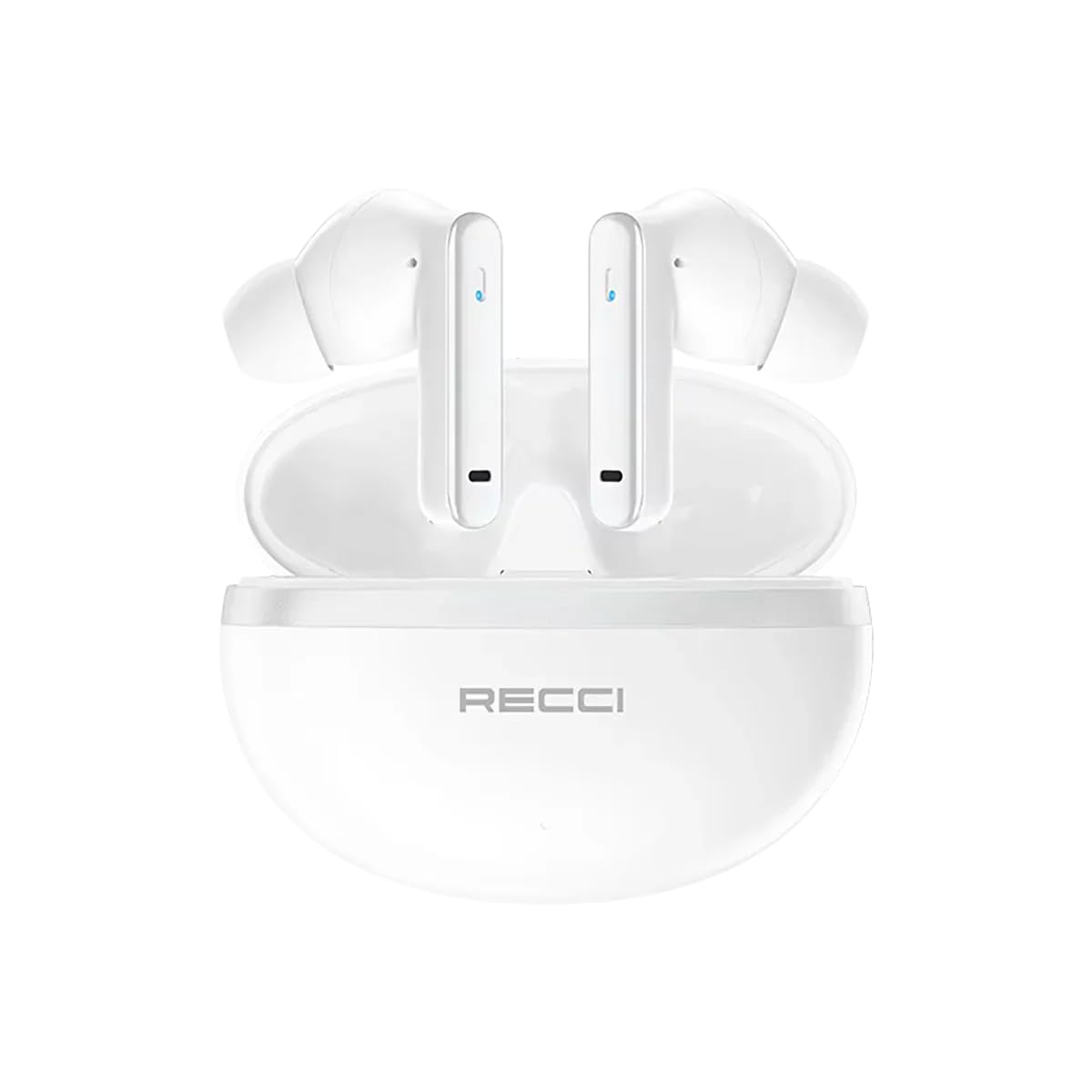
Image: The RECCI REP-W88 earbuds resting inside their open charging case.
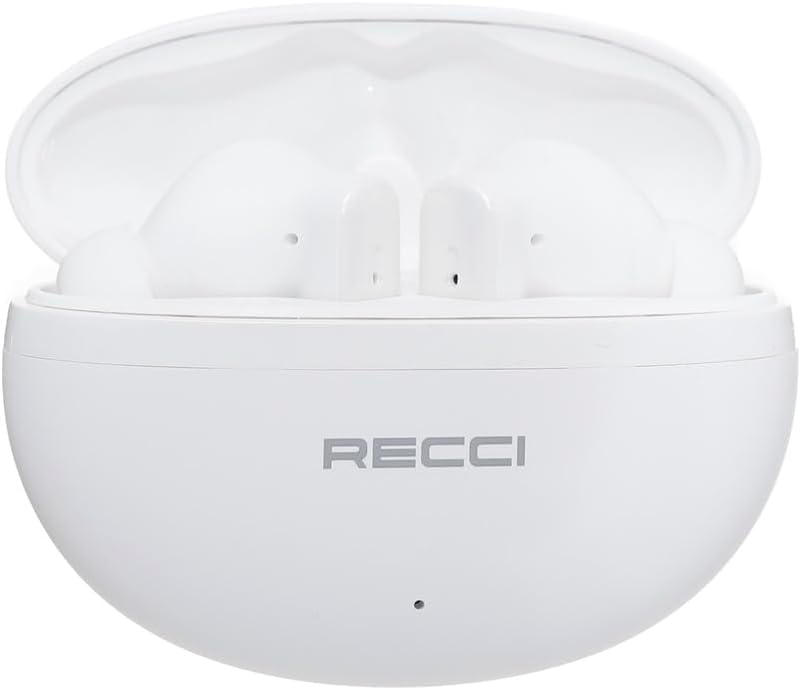
Image: Front view of the two RECCI REP-W88 earbuds, showing their design and touch control areas.

Image: Side view of the two RECCI REP-W88 earbuds, highlighting their ergonomic shape.
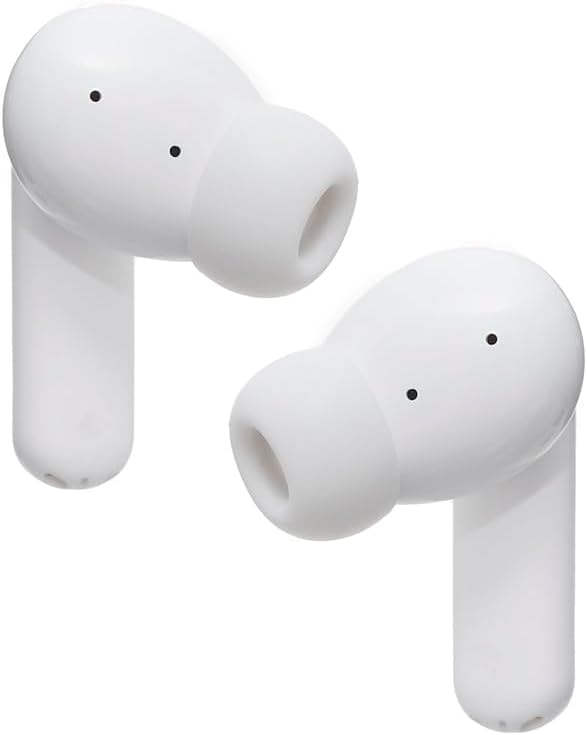
Image: Angled view of the two RECCI REP-W88 earbuds, showing the ear tips and microphone placement.

Image: The RECCI REP-W88 charging case in a closed position, displaying the brand logo.
5. Setup
5.1 Charging the Earbuds and Case
Before first use, fully charge the earbuds and the charging case.
- Place the earbuds into the charging case. Ensure they are correctly seated.
- Connect the USB charging cable to the charging port on the case and to a power source (e.g., USB wall adapter, computer USB port).
- The indicator light on the charging case will show the charging status. A full charge typically takes approximately 1-2 hours.
- Once fully charged, disconnect the charging cable.

Image: A close-up of the USB charging cable with Type-C and standard USB-A connectors.
5.2 Bluetooth Pairing
To connect your earbuds to a device:
- Ensure the earbuds are charged.
- Open the charging case. The earbuds will automatically enter pairing mode, indicated by a flashing LED light on the earbuds.
- On your device (smartphone, tablet, etc.), enable Bluetooth.
- Search for available Bluetooth devices and select "RECCI REP-W88" from the list.
- Once connected, the LED indicator on the earbuds will stop flashing or change color (refer to specific LED behavior in the full manual if available).
- The earbuds will automatically reconnect to the last paired device when taken out of the case, if Bluetooth is enabled on the device.
6. Operating Instructions
6.1 Power On/Off
- Power On: Open the charging case, and the earbuds will automatically power on.
- Power Off: Place the earbuds back into the charging case and close the lid. They will automatically power off and begin charging.
6.2 Touch Controls
The RECCI REP-W88 earbuds feature intuitive touch controls. The specific functions may vary slightly, but common controls include:
- Play/Pause: Single tap on either earbud.
- Next Track: Double tap on the right earbud.
- Previous Track: Double tap on the left earbud.
- Volume Up: Triple tap on the right earbud.
- Volume Down: Triple tap on the left earbud.
- Answer/End Call: Single tap on either earbud during an incoming call or active call.
- Reject Call: Press and hold either earbud for 2 seconds during an incoming call.
- Activate Voice Assistant: Press and hold either earbud for 2 seconds (when not on a call).
- ANC/Transparency Mode: Press and hold the touch area for 3 seconds to cycle through Active Noise Cancellation, Transparency Mode, and Normal Mode.
6.3 Active Noise Cancellation (ANC)
The Active Noise Cancellation feature reduces ambient noise for a more immersive listening experience. Transparency Mode allows you to hear your surroundings while still enjoying your audio.
- To switch between ANC, Transparency Mode, and Normal Mode, press and hold the touch sensor on either earbud for approximately 3 seconds.
- A voice prompt will confirm the mode change.
7. Maintenance
7.1 Cleaning
- Regularly clean the earbuds and charging case with a soft, dry, lint-free cloth.
- Do not use harsh chemicals, cleaning solvents, or strong detergents.
- Gently clean the charging contacts on both the earbuds and the case to ensure proper charging.
- Remove ear tips and clean them with water and mild soap if necessary, then dry thoroughly before reattaching.
7.2 Storage
- When not in use, always store the earbuds in their charging case to protect them and keep them charged.
- Store the product in a cool, dry place, away from direct sunlight and extreme temperatures.
8. Troubleshooting
If you encounter issues with your RECCI REP-W88 earbuds, try the following solutions:
| Problem | Solution |
|---|---|
| Earbuds not pairing with device |
|
| No sound from earbuds |
|
| Earbuds not charging |
|
| ANC not working effectively |
|
9. Specifications
| Feature | Detail |
|---|---|
| Brand Name | RECCI |
| Model Name | REP-W88 (Wireless Earphone) |
| Color | White |
| Ear Placement | In Ear |
| Headphone Form Factor | In Ear |
| Noise Control | Active Noise Cancellation |
| Connectivity Technology | Wireless |
| Wireless Communication Technology | Bluetooth |
| Audio Driver Type | Dynamic Driver |
| Special Features | Microphone Included |
| Materials | Plastic |
| Compatible Devices | Bluetooth-enabled devices, USB charging devices |
| Water Resistance Level | Water Resistant |
| Age Range Description | Adult |
| Number of Items | 1 |
10. Warranty and Support
RECCI products are designed and manufactured to the highest quality standards. For detailed warranty information, please refer to the warranty card included in your product packaging or visit the official RECCI website.
If you experience any issues or have questions regarding your RECCI REP-W88 Wireless Earbuds, please contact RECCI customer support through the retailer where you purchased the product or via the contact information provided on the official RECCI website.