
Sanorum B0FBF72DQW
Sanorum Smart Watch User Manual
Model: B0FBF72DQW
Introduction
Thank you for choosing the Sanorum Smart Watch. This device is designed to enhance your daily life by providing comprehensive fitness tracking, smart notifications, and convenient communication features. Please read this manual carefully to ensure proper use and optimal performance of your new smart watch.
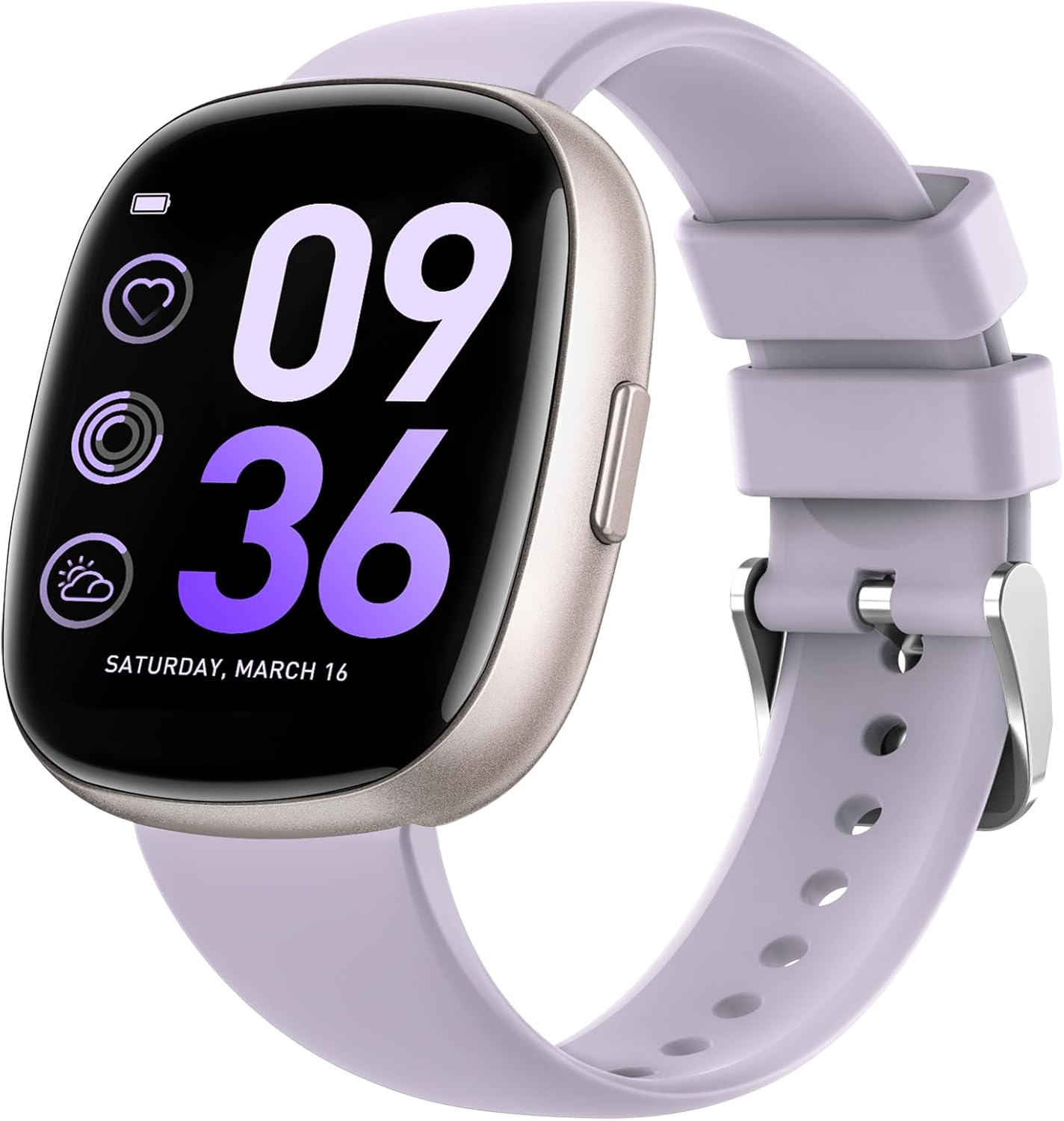
The Sanorum Smart Watch in purple, featuring a clear display with time and health tracking indicators.
What's in the Box
Upon opening your Sanorum Smart Watch package, please verify that all the following items are included:
- Sanorum Smart Watch (1 unit)
- Sport Strap (1 unit)
- Regular Strap (1 unit)
- Charging Cable (1 unit)
- User Manual (this document)

An illustration detailing the components included in the Sanorum Smart Watch packaging.
Setup
1. Charging Your Smart Watch
Before first use, fully charge your Sanorum Smart Watch. Connect the magnetic charging cable to the charging points on the back of the watch and plug the USB end into a standard USB power adapter (not included) or a computer USB port. A full charge typically takes approximately 2 hours.

The smart watch charging, highlighting its extended battery life of 7-10 days with normal use and up to 30 days standby.
2. App Installation and Pairing
To unlock the full potential of your Sanorum Smart Watch, download and install the GloryFit app on your smartphone. The watch is compatible with iOS 9.0+ and Android 6.0+ devices.
- Scan the QR code in the watch's manual or search for "GloryFit" in your phone's app store (App Store for iOS, Google Play Store for Android).
- Install the app and open it.
- Follow the on-screen instructions to create an account or log in.
- In the GloryFit app, navigate to the "Device" section and select "Add Device" or "Bind Device".
- The app will search for nearby Bluetooth devices. Select your Sanorum Smart Watch from the list (it may appear as its model number or a generic name).
- Confirm the pairing request on both your phone and the smart watch.
- Once paired, ensure that message and call notifications are enabled within the GloryFit app settings to receive alerts on your watch. For iOS users, keep the "GloryFit" app running in the background. For Android users, enable background app permissions for "GloryFit."
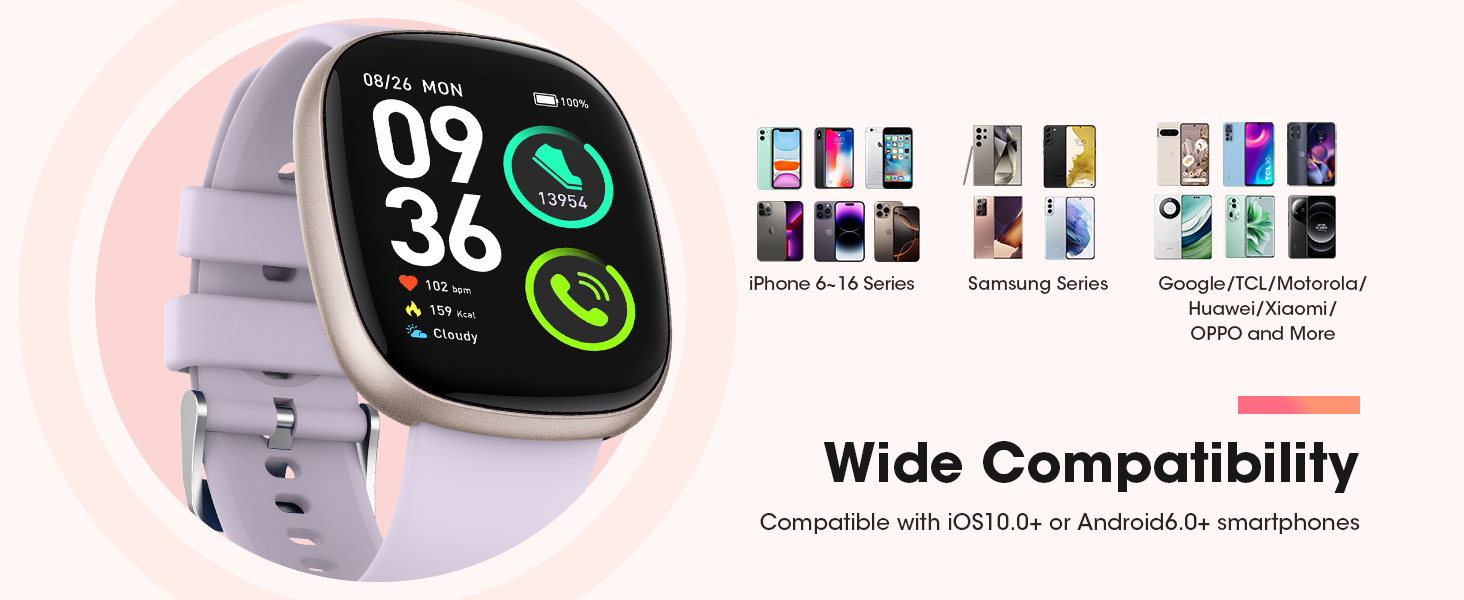
The smart watch offers wide compatibility with both iOS (iPhone 6-16 Series) and Android (Samsung, Google, TCL, Motorola, Huawei, Xiaomi, OPPO, and more) smartphones.
Operating Your Smart Watch
Basic Navigation
- Touch Screen: Swipe left, right, up, or down to navigate through menus and features. Tap to select an option.
- Side Button: Press the side button to return to the home screen or to wake the device.
Bluetooth Calls & Notifications
Once paired with your smartphone, the Sanorum Smart Watch allows you to make and answer Bluetooth calls directly from your wrist. You can also receive SMS and app notifications.
- Making Calls: Access the dial pad or contacts list on your watch to initiate a call.
- Answering Calls: When a call comes in, tap the green answer icon on your watch screen.
- Notifications: Swipe down from the top of the watch face to view recent notifications from apps like Facebook, WhatsApp, Twitter, etc.

The smart watch enables seamless communication, allowing users to make/answer calls and receive messages directly on their wrist.
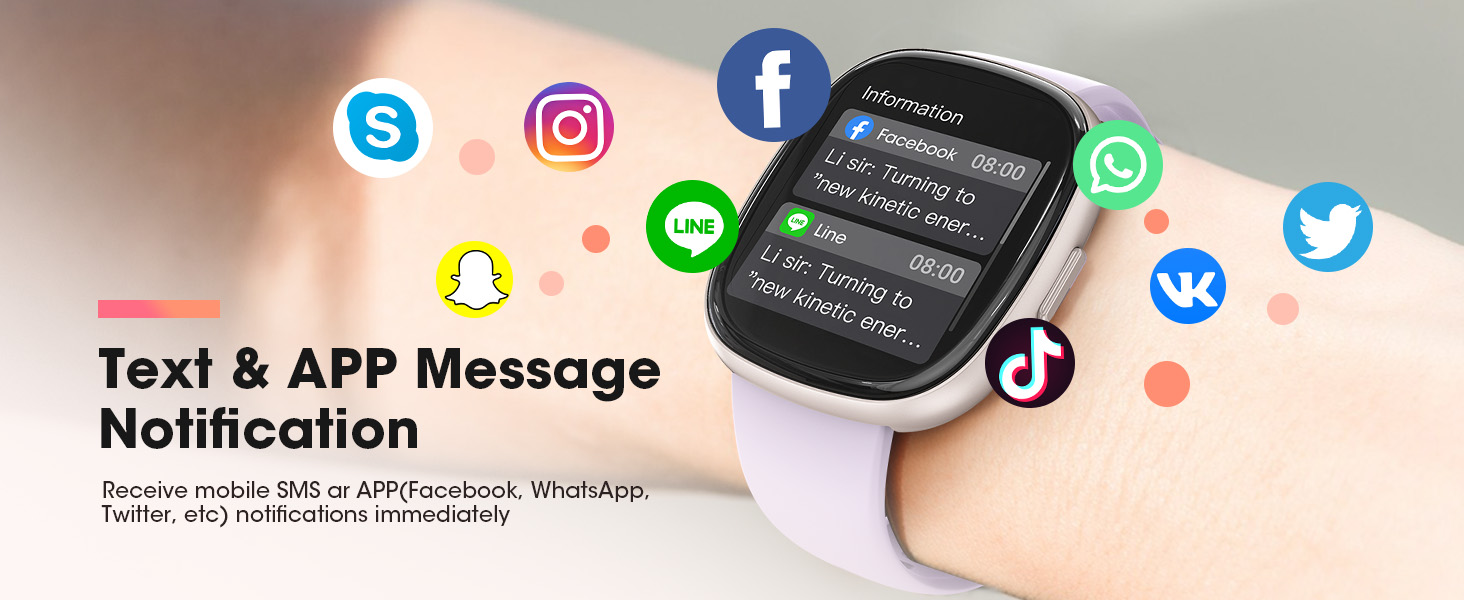
Receive instant mobile SMS and APP notifications from popular platforms directly on your smart watch.
Health Monitoring
The Sanorum Smart Watch provides comprehensive health tracking features to help you monitor your well-being.
- Heart Rate Monitoring: The watch continuously monitors your heart rate throughout the day. View real-time data and historical trends in the GloryFit app.
- Blood Oxygen (SpO2) Monitoring: Track your blood oxygen levels to gain insights into your respiratory health.
- Sleep Monitoring: The watch automatically tracks your sleep patterns, including deep sleep, light sleep, REM, and awake times. Analyze your sleep quality in the app to develop better sleep habits.
- Breathing Training: Utilize guided breathing exercises to help you relax and manage stress.
- Women's Health Tracking: For female users, the watch can help track menstrual regularity and predict cycles when configured in the app.
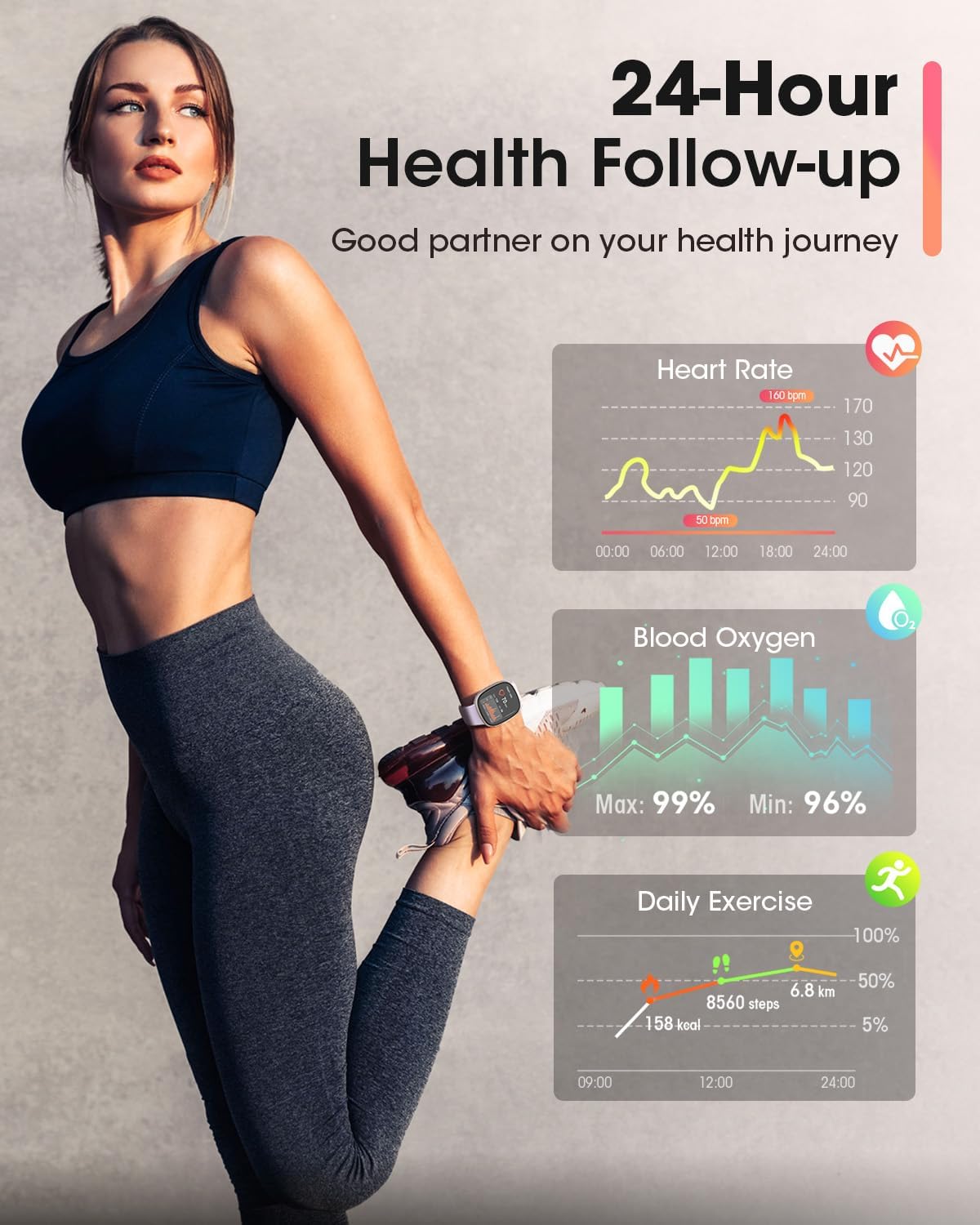
The smart watch serves as a good partner for your health journey, offering 24-hour health follow-up including heart rate, blood oxygen, and daily exercise tracking.

The watch provides detailed sleep quality analysis to help users develop better sleep habits.
Sport Modes & Activity Tracking
The Sanorum Smart Watch supports over 120 sport modes, allowing you to accurately track various physical activities. It records calories burned, steps taken, and distance traveled 24 hours a day.
- Selecting a Sport Mode: Navigate to the "Sport" section on your watch and choose the activity you are about to perform (e.g., running, cycling, swimming).
- Activity Data: During and after your workout, view real-time metrics on your watch and detailed summaries in the GloryFit app.
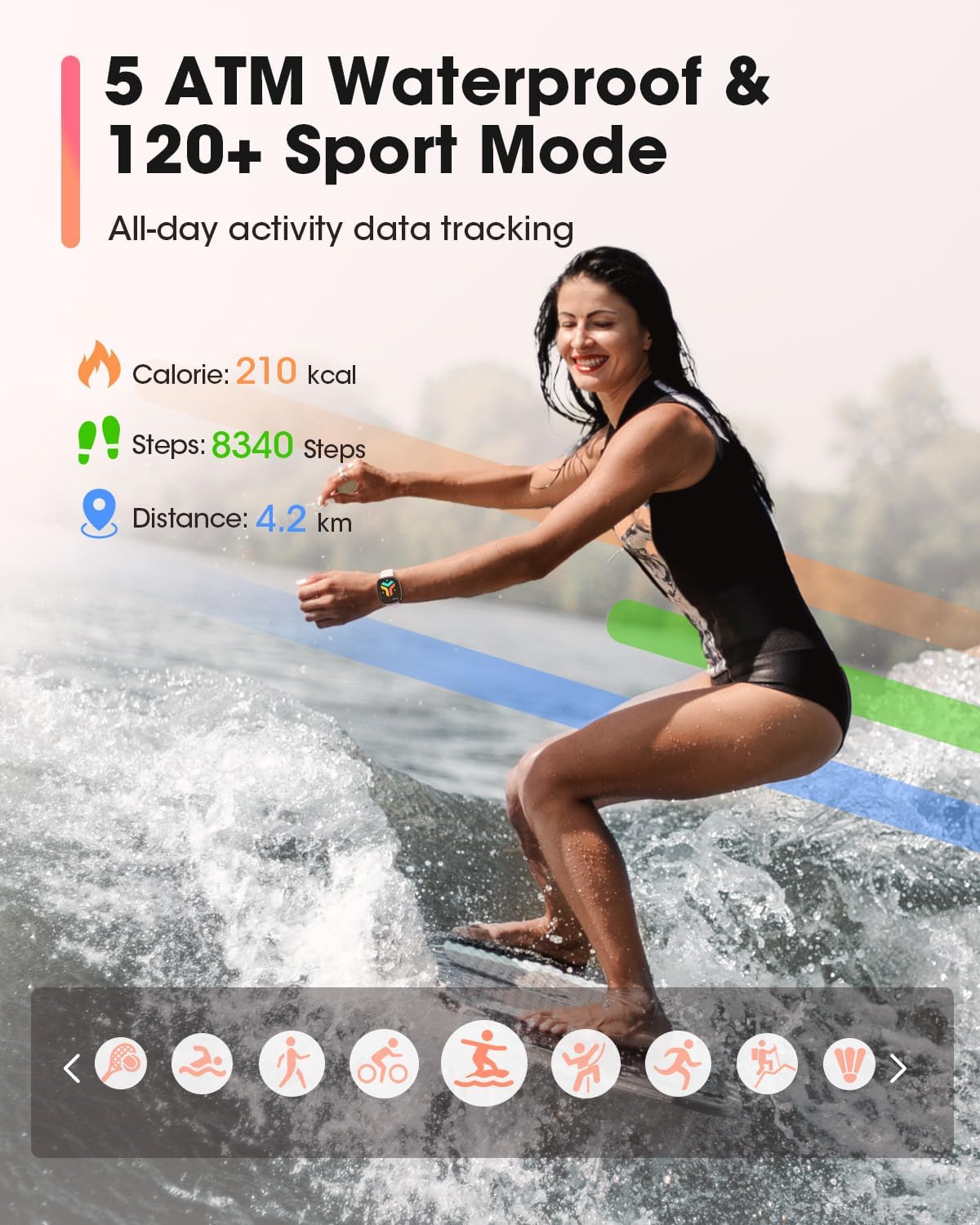
The smart watch offers 5 ATM waterproofing and over 120 sport modes for comprehensive all-day activity data tracking.

Explore over 120 sport modes to track your diverse physical activities.
Customization
Personalize your Sanorum Smart Watch with a wide variety of watch faces.
- Changing Dials: Access the watch face settings on your watch or through the GloryFit app to choose from over 500 available dials.
- Custom Dials: You can also upload your own photos to create personalized watch faces.

The 1.83-inch HD display offers a wide range of over 500 customizable dials, including options to upload personal photos.
Other Features
- Voice Assistant: Interact with your phone's voice assistant (e.g., Siri) directly from your watch for hands-free control.
- Music Control: Control music playback on your smartphone (play, pause, skip tracks) from your watch.
- Remote Camera Control: Use your watch as a remote shutter button for your phone's camera.
- Weather Forecast: View current weather conditions and future forecasts directly on your watch.

Enjoy a smarter, more convenient life with the integrated voice assistant feature.

Control your music playback directly from your wrist.
Maintenance
Cleaning
Regularly clean your smart watch and strap to prevent skin irritation and maintain device longevity. Use a soft, lint-free cloth. If necessary, dampen the cloth with a small amount of water. Do not use harsh chemicals or abrasive materials.
Water Resistance
The Sanorum Smart Watch features a 5 ATM waterproof rating, meaning it can withstand pressures equivalent to a depth of 50 meters. This makes it suitable for swimming and showering. However, it is not recommended for diving, high-pressure water activities, or use in hot water, saunas, or steam rooms, as high humidity and corrosive environments can affect its sealing.

The powerful 5 ATM waterproof feature allows you to exercise freely, even in water. Note: Not applicable to high humidity and corrosive places such as spa and seawater.
Battery Care
To maximize battery life, avoid fully discharging the watch frequently. Charge it when the battery level is low. Store the watch in a cool, dry place if not used for extended periods, and charge it periodically to prevent deep discharge.
Troubleshooting
If you encounter issues with your Sanorum Smart Watch, please refer to the following common solutions:
| Problem | Possible Solution |
|---|---|
| Watch won't turn on | Ensure the watch is fully charged. Connect it to the charger for at least 30 minutes. |
| Cannot pair with phone | Ensure Bluetooth is enabled on your phone. Make sure the watch is within range. Restart both the watch and your phone. Check if the GloryFit app has necessary permissions. |
| Notifications not received | Verify that notifications are enabled in the GloryFit app settings for specific apps. Ensure the app is running in the background (iOS) or has background permissions (Android). Check phone's notification settings. |
| Inaccurate health data | Ensure the watch is worn snugly on your wrist, not too tight or too loose. Clean the sensor on the back of the watch. Avoid excessive movement during measurements. |
| Short battery life | Reduce screen brightness. Limit continuous heart rate monitoring or frequent use of power-intensive features. Ensure the watch is fully charged. |
Specifications
| Feature | Detail |
|---|---|
| Model | B0FBF72DQW |
| Brand | Sanorum |
| Screen Size | 1.83 Inches |
| Display Type | HD Color Screen |
| Shape | Square |
| Connectivity Technology | Bluetooth |
| Operating System Compatibility | iOS 9.0+ and Android 6.0+ |
| Memory Storage Capacity | 128 MB |
| Battery Type | Lithium Polymer (Nonstandard Battery) |
| Battery Life (Normal Use) | 7-10 Days |
| Standby Time | Up to 30 Days |
| Water Resistance Rating | 5 ATM |
| Item Weight | 3.84 ounces |
| Package Dimensions | 10.83 x 3.58 x 0.75 inches |
| Special Features | Activity Tracker, Bluetooth Call, Heart Rate Monitor, Sleep Monitor, 120+ Sport Modes, Message Notifications, Voice Assistant, Music Control, Remote Camera |
Warranty and Support
Return Policy
Your Sanorum Smart Watch is eligible for a 30-day return policy from the date of purchase. Please refer to the retailer's specific return guidelines for detailed instructions on initiating a return or exchange.
Customer Support
For any technical assistance, troubleshooting beyond this manual, or warranty inquiries, please contact Sanorum customer support through the contact information provided on the product packaging or the official Sanorum website. Please have your model number (B0FBF72DQW) and purchase details ready when contacting support.
Related documentsB0FBF72DQW

Ask a question about this manual
Ask about setup, troubleshooting, compatibility, parts, safety, or missing instructions. Manuals+ will review the question and use this page’s manual context to help answer it.