
1. Introduction
Thank you for choosing the Kesguar Magnetic Portable Charger (Model B13). This manual provides essential information for the safe and efficient use of your new power bank. Please read it thoroughly before use and keep it for future reference.
What's in the Box
- Kesguar 10,000mAh Magnetic Wireless Power Bank x 1
- USB-C to USB-C Cable x 1
- User Manual x 1
2. Product Overview
The Kesguar Magnetic Portable Charger is designed for convenient and fast charging of compatible devices. It features a 10,000mAh capacity, 22.5W PD fast charging, and strong magnetic attachment for MagSafe-compatible iPhones.
Key Features
- MagSafe Compatibility: Features 13N ultra-strong magnets for secure attachment and wireless charging with iPhone 12-17 series.
- High Capacity: 10,000mAh battery provides multiple charges for smartphones.
- Fast Charging: Supports 22.5W Power Delivery (PD) via USB-C and 15W wireless charging.
- Dual Charging: Simultaneously charge one device wirelessly and another via the USB-C port.
- Safety Features: Built-in 10-layer protection with smart temperature control, meeting FCC/CE/ROHS/PSE standards.
- Compact Design: Ultra-slim and lightweight (4.2 x 2.7 x 0.7 inches, 0.43 lbs) for easy portability.
Product Diagram
Below are images illustrating the product's design and key features.

Image: Kesguar Magnetic Portable Charger attached to an iPhone, demonstrating its compact size and 22.5W quick charge capability.
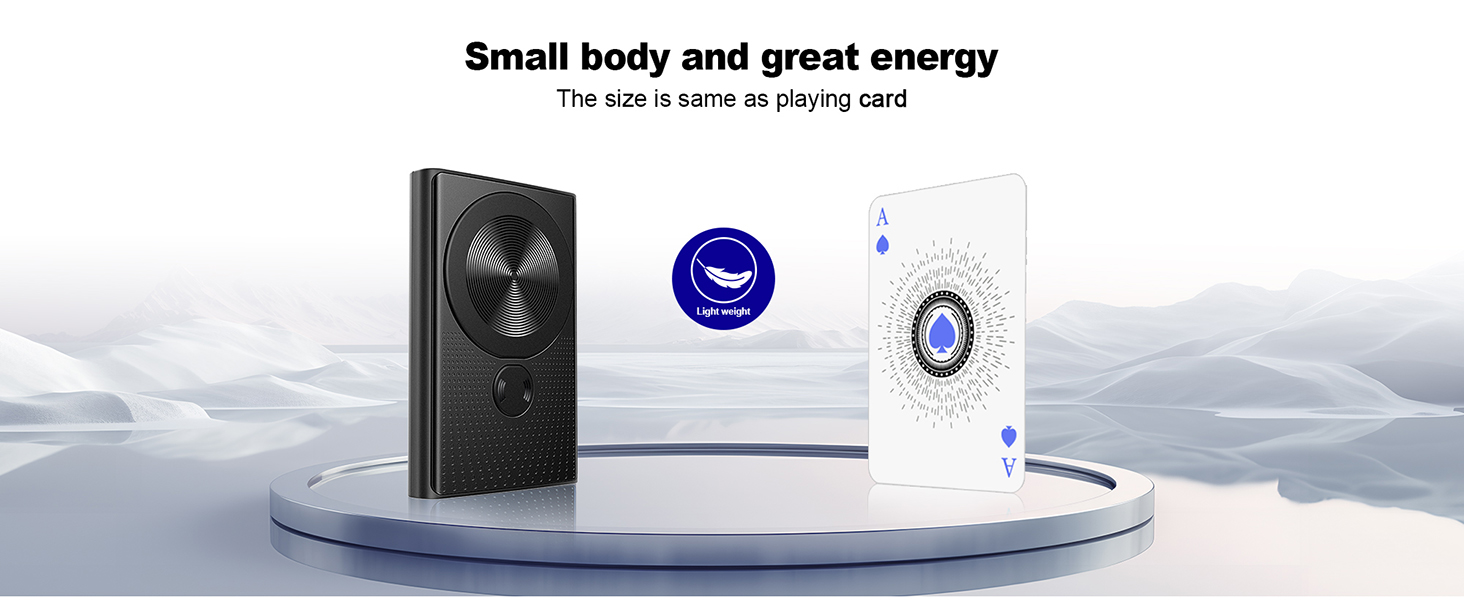
Image: Diagram illustrating the strong magnetic attraction and charging speeds (15W wireless, 22.5W wired).
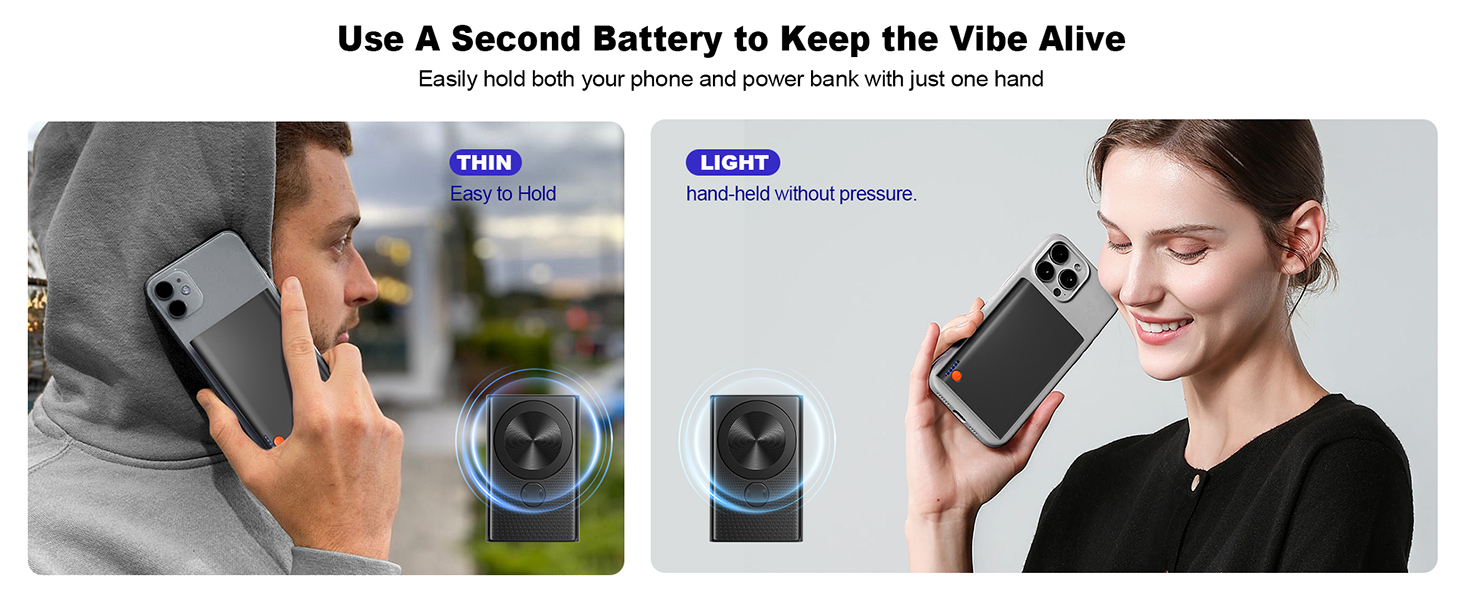
Image: The power bank's slim dimensions and light weight, highlighting its portability.
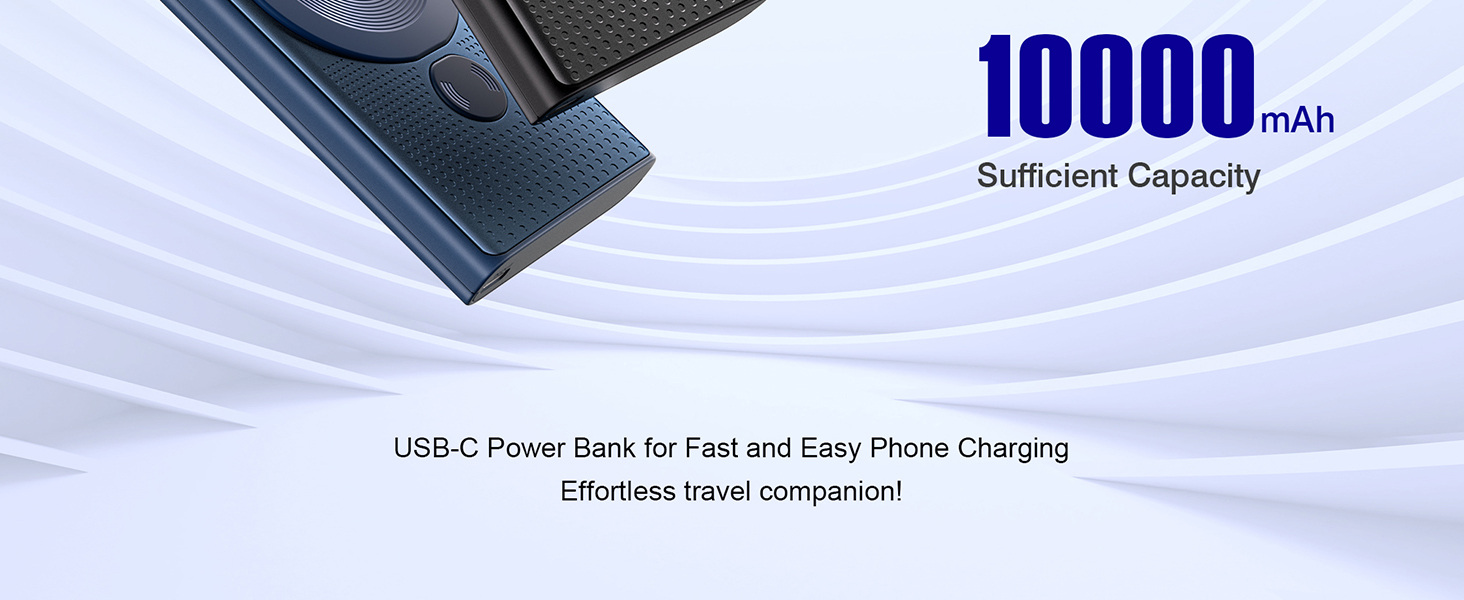
Image: Temperature comparison between the Kesguar aluminum shell and plastic casing power banks during charging.
3. Setup
Charging the Power Bank
- Connect the provided USB-C cable to the USB-C input/output port on the power bank.
- Connect the other end of the USB-C cable to a compatible USB power adapter (not included).
- The LED indicators on the power bank will illuminate to show the charging status. A full charge is indicated when all LEDs are solid.
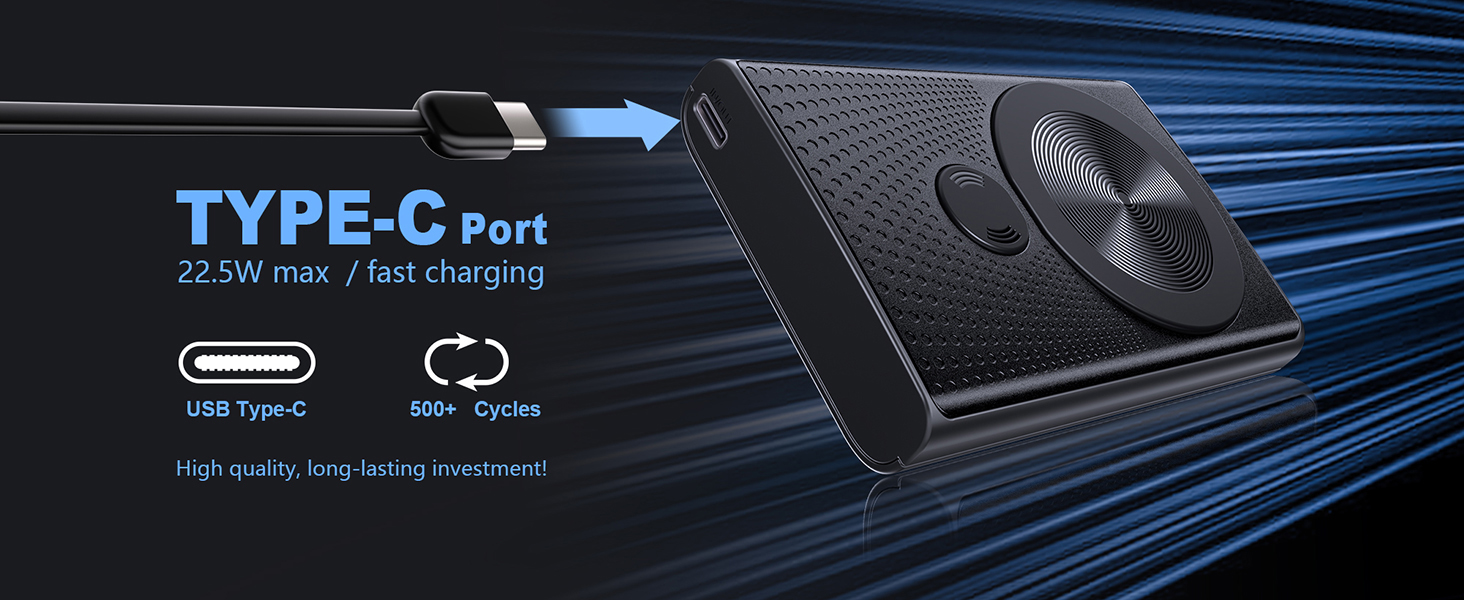
Image: Charging the power bank via its USB-C port.
Checking Battery Level
Press the power button once to view the current battery level indicated by the LED lights.
4. Operating Instructions
Wireless Charging (MagSafe Compatible)
- Ensure the power bank is sufficiently charged.
- Align the back of your MagSafe-compatible iPhone (iPhone 12-17 series) with the magnetic charging area on the power bank.
- The magnets will securely attach the phone to the power bank, and wireless charging will begin automatically.
- The power bank's LED indicators may show charging activity.
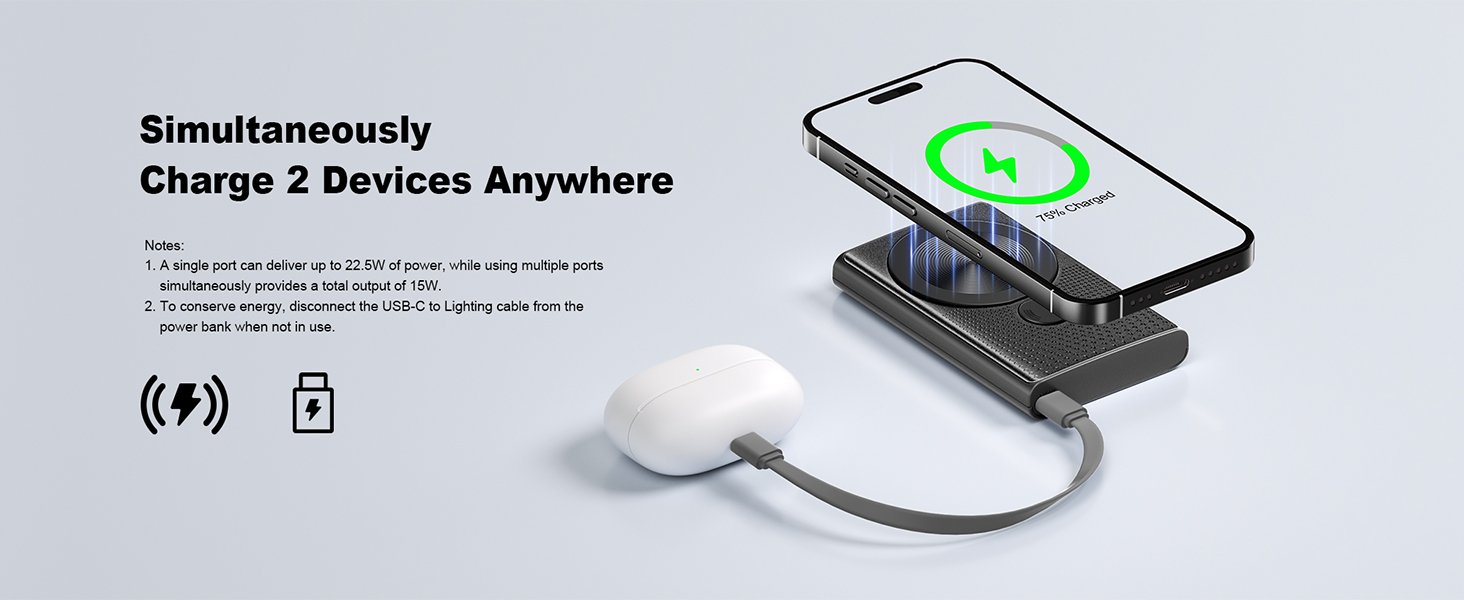
Image: Magnetic wireless charging in progress.
Wired Charging (USB-C)
- Ensure the power bank is sufficiently charged.
- Connect one end of a USB-C cable (provided or compatible) to the USB-C port on the power bank.
- Connect the other end of the USB-C cable to your device's charging port.
- Charging will begin automatically.
Simultaneous Charging
The Kesguar power bank supports charging two devices simultaneously: one wirelessly via MagSafe and another via the USB-C port. Note that when charging multiple devices, the total output is 15W.
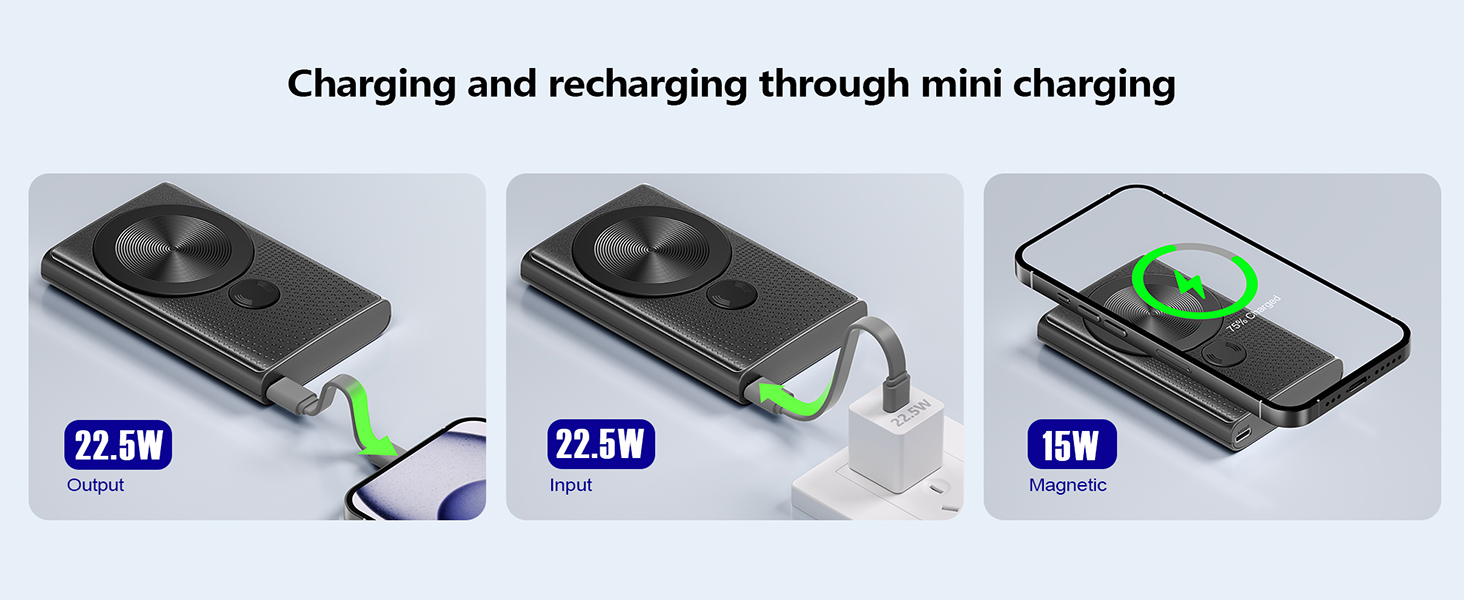
Image: Simultaneous wireless and wired charging.
5. Maintenance
- Keep the power bank away from water, fire, and extreme temperatures.
- Avoid dropping or subjecting the device to strong impacts.
- Clean the surface with a soft, dry cloth. Do not use harsh chemicals or abrasive materials.
- Store in a cool, dry place when not in use.
6. Troubleshooting
Device Not Charging
- Ensure the power bank is turned on and has sufficient charge.
- For wireless charging, ensure your device is MagSafe compatible and properly aligned with the power bank's magnetic area.
- For wired charging, check that the USB-C cable is securely connected to both the power bank and your device. Try a different cable if necessary.
- Remove any thick phone cases that might interfere with wireless charging.
Slow Charging
- Ensure your device supports fast charging.
- When charging multiple devices simultaneously, the total output is shared, which may result in slower charging speeds for individual devices.
- Verify that the USB-C cable and wall adapter used to charge the power bank itself support fast charging.
7. Specifications
| Feature | Detail |
|---|---|
| Model Number | B13 |
| Battery Capacity | 10000mAh / 3.85V / 38.5Wh |
| Input (USB-C) | 5V/2.4A, 9V/2A, 12V/1.5A (Max 18W) |
| Output (USB-C) | 5V/2.4A, 9V/2A, 12V/1.5A (Max 22.5W) |
| Wireless Output | 5W, 7.5W, 10W, 15W |
| Dimensions (L x W x Thickness) | 4.25" x 2.75" x 0.71" |
| Weight | 0.43 lbs (approx. 195g) |
| Compatible Devices | iPhone 12, 13, 15, 16, 17 All Series (MagSafe) |
| Safety Certifications | FCC, CE, ROHS, PSE |
8. Warranty and Support
The Kesguar Magnetic Portable Charger comes with an industry-leading 3-year warranty for your peace of mind. If you encounter any issues or have questions regarding your product, please contact Kesguar customer support for immediate solutions.
For support, please visit the Kesguar Store on Amazon or refer to the contact information provided with your purchase.
9. Product Videos
Watch these official product videos for a visual guide on using your Kesguar Magnetic Portable Charger.
Wireless Power Bank Overview
Video: A brief overview of the Kesguar Magnetic Portable Charger, demonstrating its features and ease of use.
Kesguar Magnetic Power Bank Demonstration
Video: A detailed demonstration of the Kesguar Magnetic Power Bank, showcasing its magnetic attachment, charging capabilities, and compact design.