
Brightown MH-20
Brightown 800W Plug-in Space Heater with Remote (Model MH-20) - User Manual
1. Introduction
This manual provides essential information for the safe and efficient operation of your Brightown 800W Plug-in Space Heater with Remote, Model MH-20. Please read all instructions carefully before use and retain this manual for future reference.
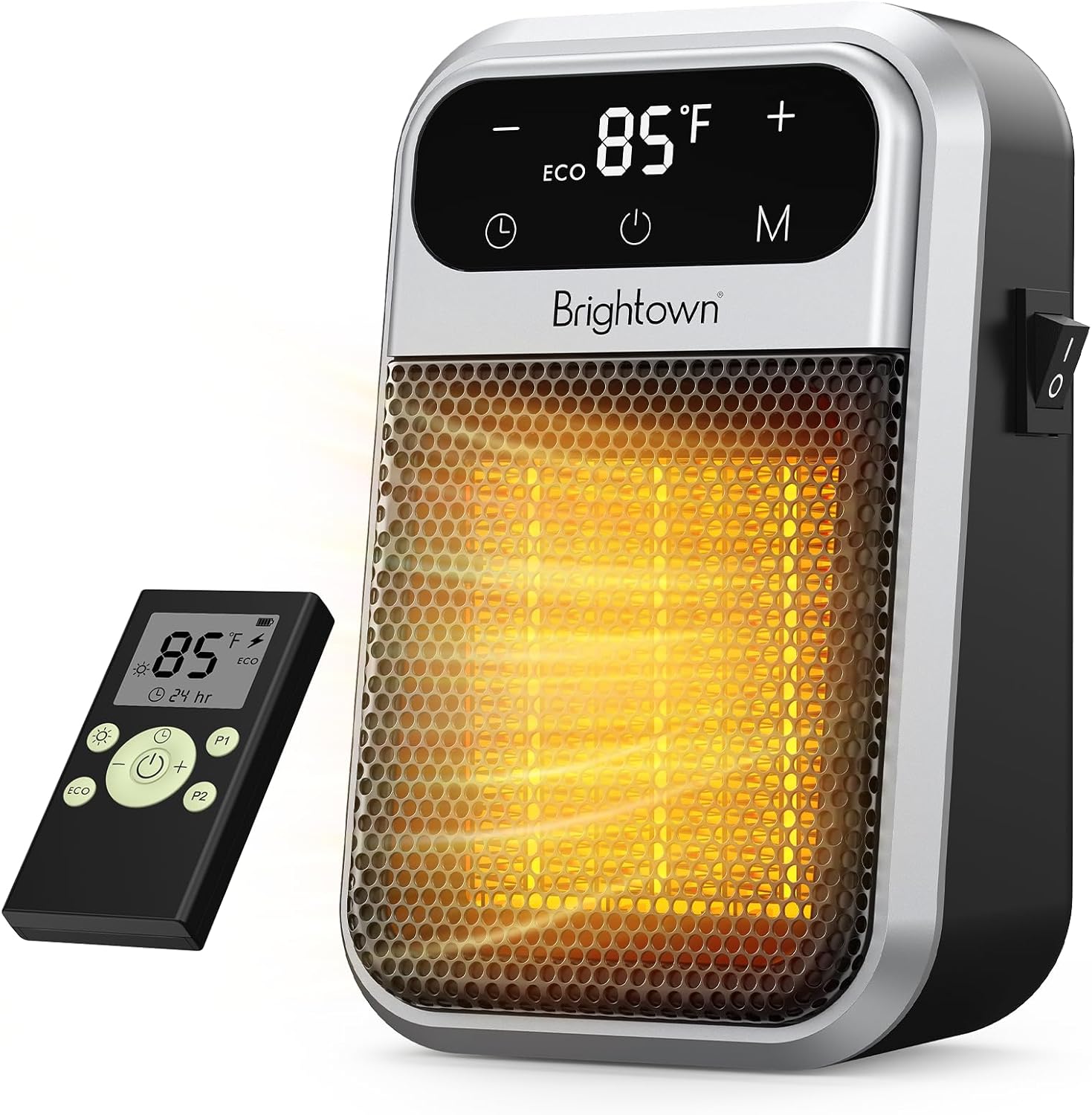
The Brightown 800W Plug-in Space Heater with its remote control, showcasing its compact design and digital display.
2. Important Safety Warnings
- CAUTION: This heater is intended for indoor use only. Do not use this heater in bathrooms, laundry rooms, or other moist locations. Moisture can create an electrical hazard.
- Always plug the heater directly into a wall outlet. Never use with an extension cord or relocatable power tap.
- Do not cover the heater. Covering the heater can cause overheating and fire.
- Keep combustible materials, such as furniture, pillows, bedding, papers, clothes, and curtains at least 3 feet (0.9 m) from the front of the heater and keep them away from the sides and rear.
- This heater is hot when in use. To avoid burns, do not let bare skin touch hot surfaces.
- Close supervision is necessary when any heater is used by or near children or invalids and whenever the heater is left operating and unattended.
- The heater features overheat protection, which automatically shuts off the unit if it detects overheating.
- Constructed with flame-retardant materials for enhanced safety.
3. Package Contents
- Brightown 800W Plug-in Space Heater (Model MH-20)
- Remote Control
- User Manual (this document)
4. Setup
4.1. Plugging in the Heater
The Brightown space heater features a unique 180° rotating plug design for flexible positioning. This allows the heater to be plugged into any standard wall outlet, whether upright or inverted, without obstructing other outlets or requiring additional space.
- Locate a standard 120V AC wall outlet.
- If needed, press the button on the back of the heater to rotate the plug to the desired orientation (180° rotation is possible).
- Firmly insert the heater into the wall outlet. Ensure it is securely seated.
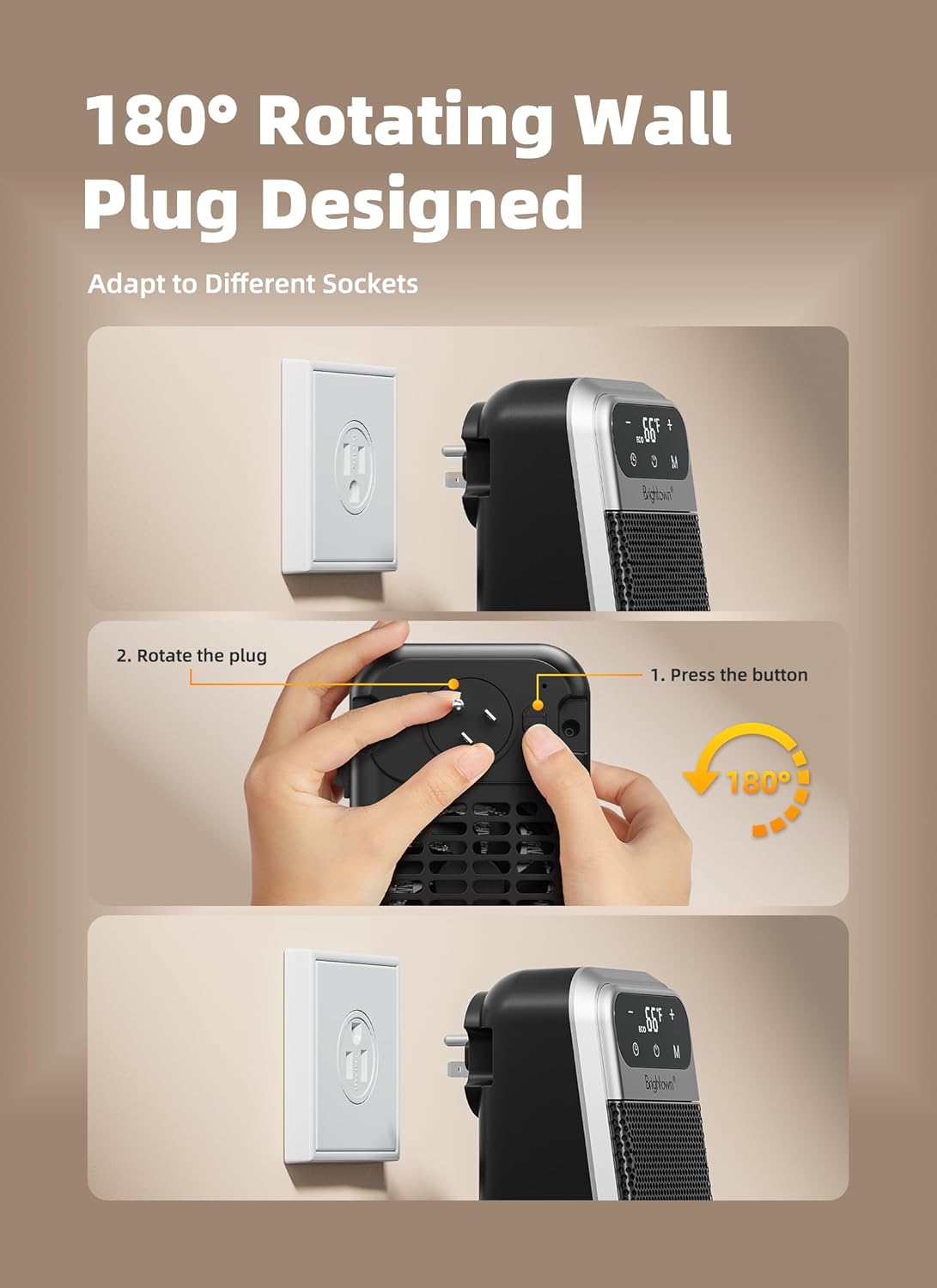
An illustration detailing the 180-degree rotating plug feature, allowing flexible orientation when plugged into a wall outlet.
The compact design eliminates cord strain and saves floor space.
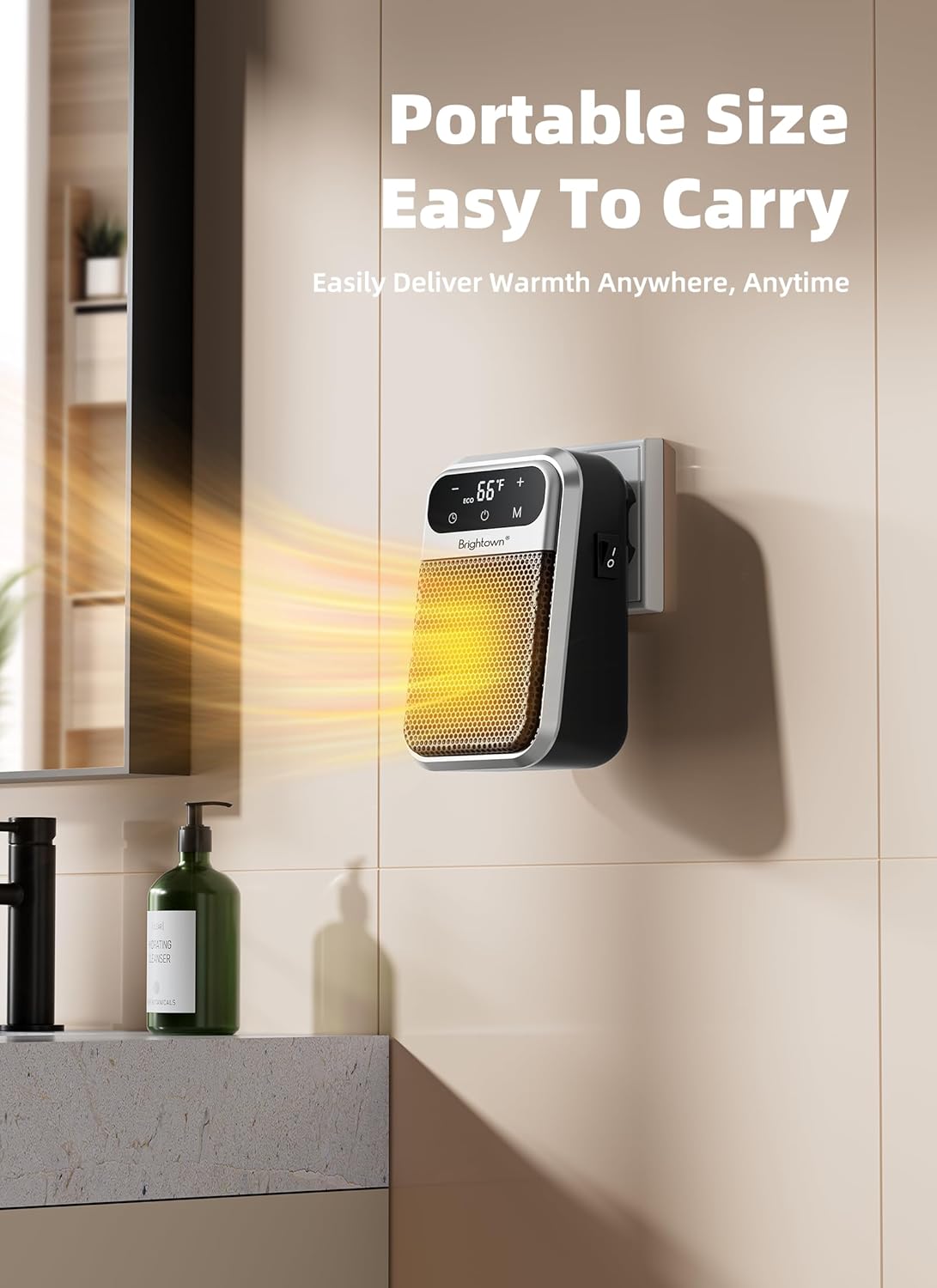
The compact Brightown space heater plugged into a wall outlet, demonstrating its portable and space-saving design in a bathroom setting.
5. Operating Instructions
Your Brightown space heater can be operated using the touch controls on its LED display or via the included remote control.
5.1. Power On/Off
- Once plugged in, press the Power button (U) on the heater's display or the remote control to turn the unit on or off.
5.2. Temperature Adjustment
The heater features an adjustable thermostat. You can set your desired temperature between 60°F and 90°F.
- Use the '+' and '-' buttons on the display or remote to increase or decrease the target temperature.
- The heater will automatically cycle on and off to maintain the set temperature.
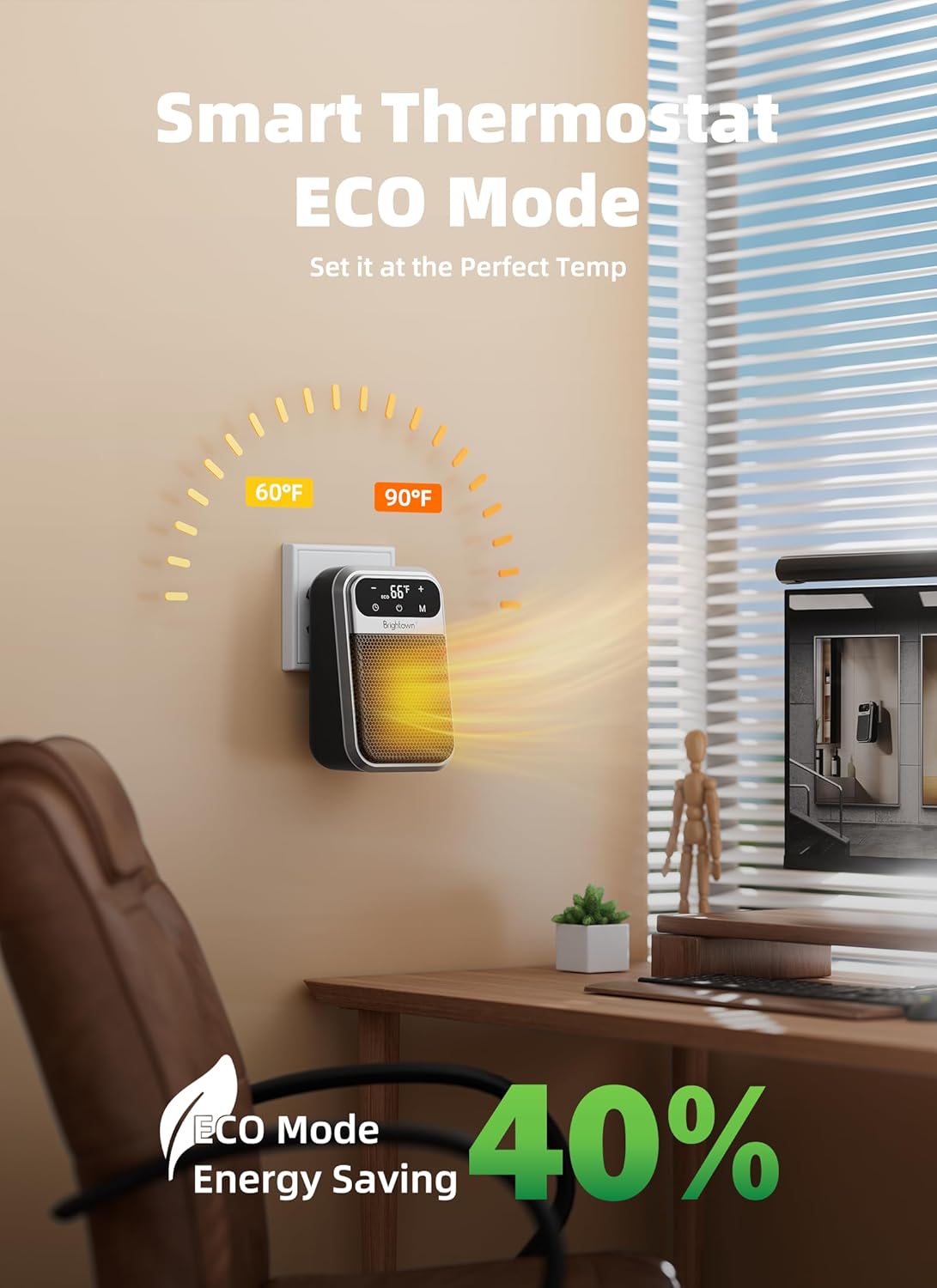
The Brightown space heater in an office environment, illustrating its smart thermostat and ECO mode for energy saving, with an adjustable temperature range.
5.3. Heating Modes
The heater offers different heating modes:
- Press the 'M' (Mode) button on the display or remote to cycle through available modes (P1, P2, Fan Only).
- P1: Low heat setting (e.g., 400W).
- P2: High heat setting (e.g., 800W).
- ECO Mode: This mode automatically adjusts the wattage to maintain the set temperature, optimizing energy consumption. Activate via the 'ECO' button on the remote.
5.4. Timer Function
The 12-hour timer allows you to set a duration for the heater to operate before automatically shutting off.
- Press the Timer button (Clock icon) on the display or remote.
- Use the '+' and '-' buttons to set the desired operating time from 1 to 12 hours.
5.5. Remote Control
The remote control provides convenient operation from a distance. Ensure the remote has working batteries (not included) and is pointed towards the heater's display.
This video demonstrates the compact size and ease of use of the Brightown wall outlet heater, highlighting its suitability for small spaces and safety features.
6. Maintenance
Regular maintenance ensures optimal performance and longevity of your heater.
6.1. Cleaning
- Always unplug the heater and allow it to cool completely before cleaning.
- Use a soft, damp cloth to wipe the exterior surfaces. Do not use abrasive cleaners or solvents.
- Gently vacuum the air intake and exhaust grilles to remove dust and lint.
- Do not immerse the heater in water or allow water to drip into the interior.
6.2. Storage
- Store the heater in a cool, dry place when not in use.
- Keep it in its original packaging to protect it from dust and damage.
7. Troubleshooting
If your heater is not operating correctly, please refer to the following common issues and solutions:
- Heater does not turn on:
- Ensure the heater is securely plugged into a working wall outlet.
- Check if the power switch on the side of the unit is in the 'ON' position.
- Verify that the wall outlet is receiving power (test with another appliance).
- Heater turns off unexpectedly:
- The overheat protection may have activated. Unplug the heater, allow it to cool for 30 minutes, and then plug it back in. Ensure there are no obstructions blocking the air intake or exhaust.
- The timer function may have reached its set duration. Reset the timer if continuous operation is desired.
- The room temperature may have reached the set temperature, causing the heater to cycle off. It will resume heating when the temperature drops.
- Remote control is not working:
- Check and replace the batteries in the remote control.
- Ensure there are no obstructions between the remote and the heater's display.
8. Specifications
| Feature | Detail |
|---|---|
| Brand | Brightown |
| Model Number | MH-20 |
| Heat Output | 800 Watts |
| Voltage | 120 Volts |
| Amperage | 6.67 Amps |
| Heating Coverage | Up to 100 square feet |
| Product Dimensions | 3.5"D x 3.9"W x 6.5"H |
| Item Weight | 1.28 pounds |
| Special Features | Adjustable Speed, Digital Display, Fast Heating, On/Off Timer, Remote Control, 180° Rotating Plug |
| Safety Features | Overheat Protection, Flame-Retardant Material, ETL Listed |
9. Warranty and Support
Brightown is committed to ensuring a pleasant experience with your electric heater. For any issues or questions you might have with the product, please contact our customer support line. Our product experts are available 24/7 to assist you.
Please refer to the product packaging or Brightown's official website for specific warranty details and contact information.
Ask a question about this manual
Ask about setup, troubleshooting, compatibility, parts, safety, or missing instructions. Manuals+ will review the question and use this page’s manual context to help answer it.