
Introduction
This manual provides detailed instructions for the safe and effective use of your TIMBER RIDGE Oversized Heated Camping Chair with Lumbar Support. Please read all instructions carefully before use and retain this manual for future reference. This chair is designed for outdoor use, offering comfort and warmth in various conditions.
Important Safety Information
- WARNING: Do not exceed the maximum weight capacity of 450 pounds.
- Keep the heated chair at least 3 feet away from flammable materials.
- Always turn off the heating function before folding or unfolding the chair to prevent burns or damage to the chair.
- Always follow the instructions for proper assembly and use to ensure safety.
Product Features
- Heated Comfort: Dual heating zones for back and seat warm up to 131°F in 10 seconds. Three heat settings (104°F, 122°F, 131°F) are available. (Battery not included).
- Cold-Weather Comfort: Padded design transfers warmth to your back and hips for extended outdoor stays.
- Lumbar Support: Adjustable lumbar support, cushioned seating, and ergonomic design for enhanced comfort.
- Spacious Seating: Roomy 22” x 17.5” seat with a 27.5” back height.
- Heavy Duty Construction: Sturdy steel frame supports up to 450 lbs.
- Portability: Easy to carry at 13.5 lbs, with two portability options.
- Multifunctional Storage: Includes a large cup holder and versatile side pockets for beverages, snacks, and essentials.
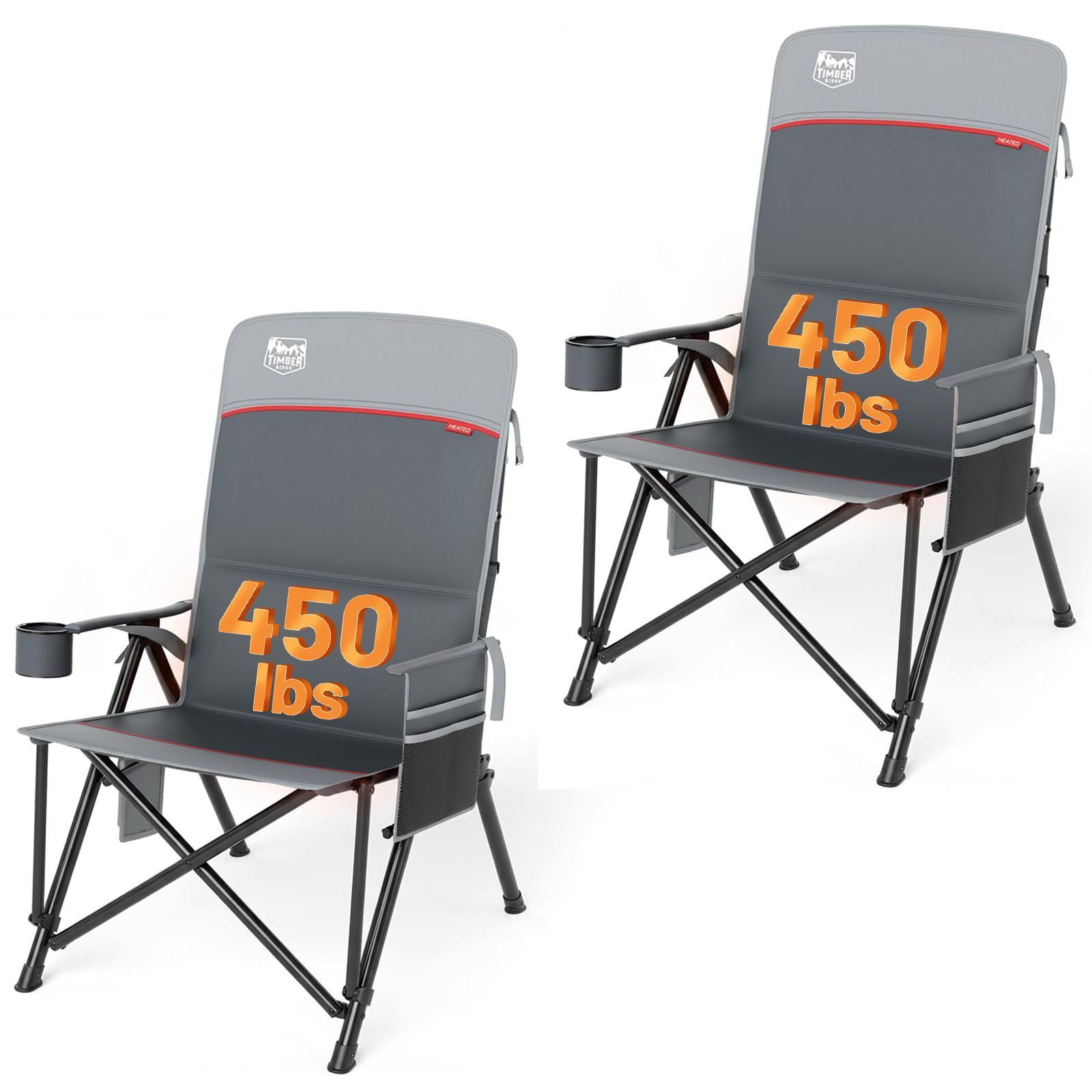
Image: The TIMBER RIDGE Oversized Heated Camping Chair set up in a snowy outdoor environment next to a campfire and a camper.
Setup and Unfolding
- Remove the chair from its carrying bag.
- Grasp the top of the chair frame and the armrests, then pull outwards to extend the chair.
- Ensure all four legs are fully extended and stable on the ground.
- Verify that any locking mechanisms are securely engaged to prevent accidental folding during use.

Image: The unfolded TIMBER RIDGE Heated Camping Chair positioned in a snowy outdoor setting, with a tent and campfire in the background.
Operating Instructions
Heating Function
- Locate the power bank pocket and the heating control button on the chair.
- Connect a 5V/2.4A power bank (not included) to the chair's internal USB cable. Note: The chair is not compatible with 5V/2A power banks.
- Press and hold the heating control button for a few seconds to turn on the heating function. The button will illuminate.
- Press the button briefly to cycle through the three heat settings: Low (104°F), Medium (122°F), and High (131°F). The button's color will change to indicate the current setting.
- To turn off the heating function, press and hold the button again until the light turns off.
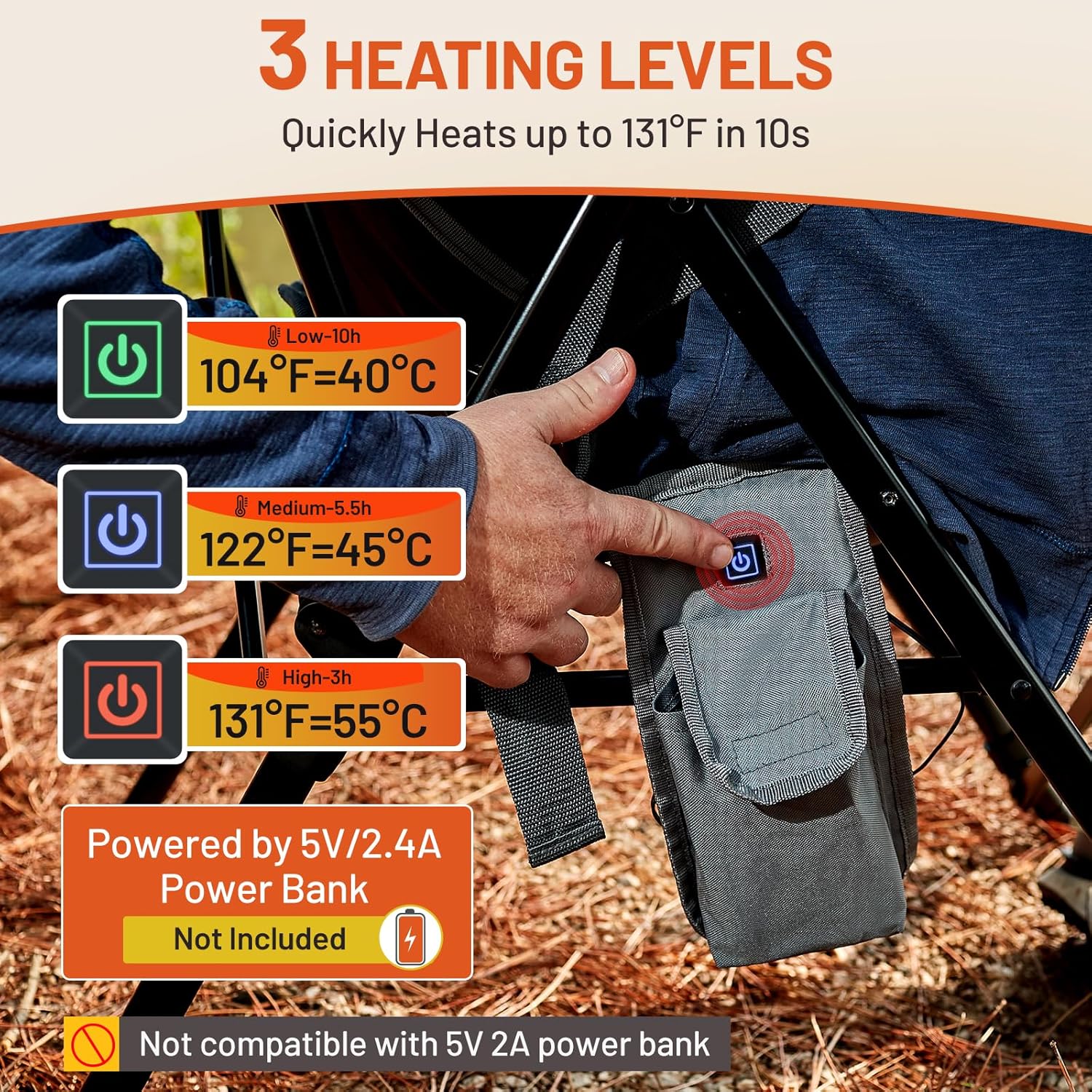
Image: A close-up view of the heating control panel on the chair, showing the power button and indicators for Low (104°F), Medium (122°F), and High (131°F) heat settings, powered by a 5V/2.4A power bank (not included).
Lumbar Support Adjustment
The chair features adjustable lumbar support. Locate the straps on the back of the chair. Adjust these straps to find your preferred level of lumbar support, enhancing your sitting comfort.
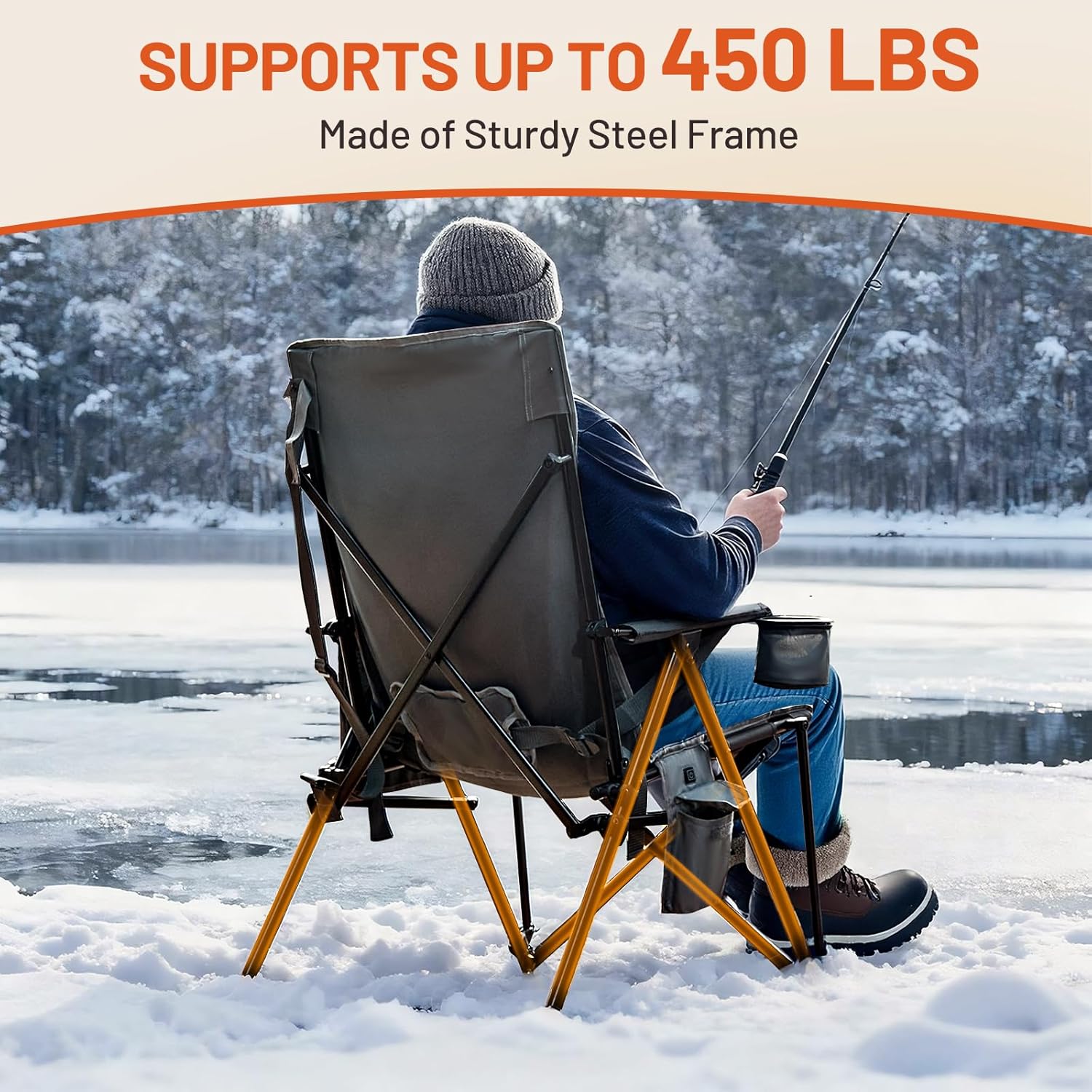
Image: A person seated in the chair, with an overlay illustrating how the adjustable lumbar support straps can be manipulated to find a comfortable position.
Storage and Portability
To fold the chair for storage or transport, ensure the heating function is off. Grasp the chair frame and push inwards to collapse it. Secure the chair with any integrated straps or place it into the provided carrying bag. The chair offers two portability options: carrying it in its bag or using the integrated shoulder strap.

Image: Two individuals demonstrating the chair's portability. One person carries the folded chair in its storage bag, while another carries it using a shoulder strap.
Additional Features
The chair includes a swiveling cup holder to securely hold beverages and side pockets for convenient storage of small items like cell phones, books, or snacks. The sturdy steel armrests provide additional support.

Image: A detailed view highlighting the chair's features, including the swiveling cup holder, a multi-compartment side pocket, and the sturdy steel armrest.
Care and Maintenance
- Clean the fabric with a damp cloth and mild soap. Do not use harsh chemicals or abrasive cleaners.
- Allow the chair to air dry completely before folding and storing.
- Store the chair in a dry place to prevent rust on metal components and mildew on fabric.
- Regularly inspect the frame and fabric for any signs of wear or damage.
Troubleshooting
- Heating function not working: Ensure the power bank is fully charged and is a 5V/2.4A model. Check that the USB cable is securely connected to both the power bank and the chair. Press and hold the control button to activate.
- Chair feels unstable: Verify that all legs are fully extended and the chair's frame is locked into position. Some users have noted that the locking latch may require a firm check to ensure it is fully engaged.
- Difficulty folding/unfolding: Ensure no fabric or objects are obstructing the frame's movement. Apply gentle, even pressure.
Specifications
| Brand | TIMBER RIDGE |
| Model Number | 844093084093 |
| Color | Heated Gray |
| Product Dimensions | 17.5"D x 22"W x 40"H |
| Weight Capacity | 450 lbs |
| Item Weight | 13.5 lbs (per chair) / 27 lbs (2-pack) |
| Material | Metal frame, Foam fill |
| Back Style | High Back |
| Heating Levels | 3 (104°F, 122°F, 131°F) |
| Power Requirement | 5V/2.4A Power Bank (not included) |
Product Video
Video: An official product video from TIMBER RIDGE OUTDOORS showcasing the features and use of the Heated Camping Chair in various outdoor and indoor settings.
Warranty and Support
For warranty information or technical support, please refer to the contact details provided with your purchase or visit the official TIMBER RIDGE website. Keep your purchase receipt for any warranty claims.