
Product Overview
This manual provides instructions for the WDZP RC82V Remote Control Replacement, designed for use with DirecTV AT&T TV Now RC82V 2nd Generation Gemini Stream C71KW-200 & C71KW-400 Osprey Receiver Set-Top Boxes. This remote offers advanced two-way communication and an enhanced RF mode for reliable operation without direct line of sight.
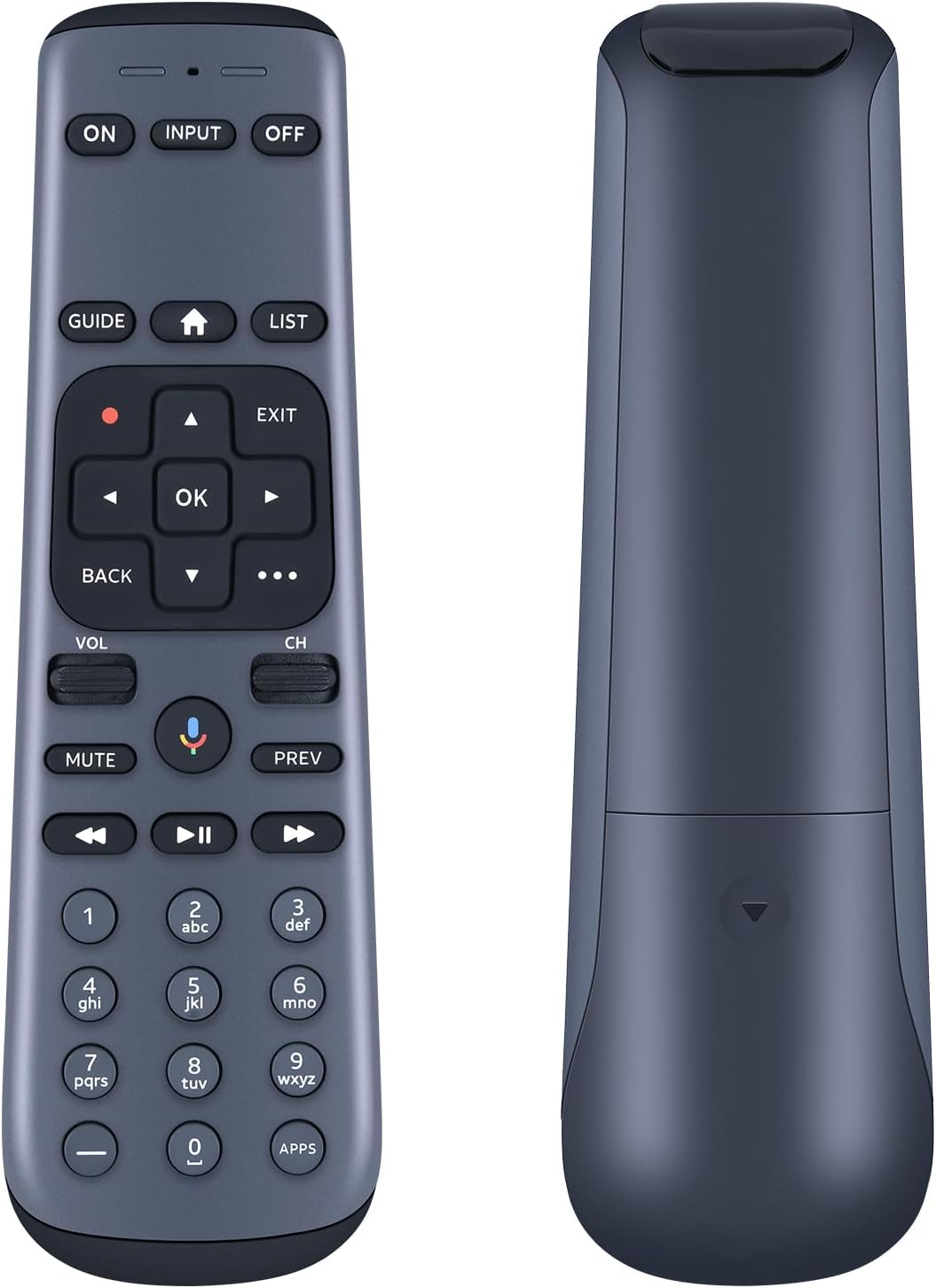
Image: Front and back view of the WDZP RC82V remote control, showcasing its ergonomic design.
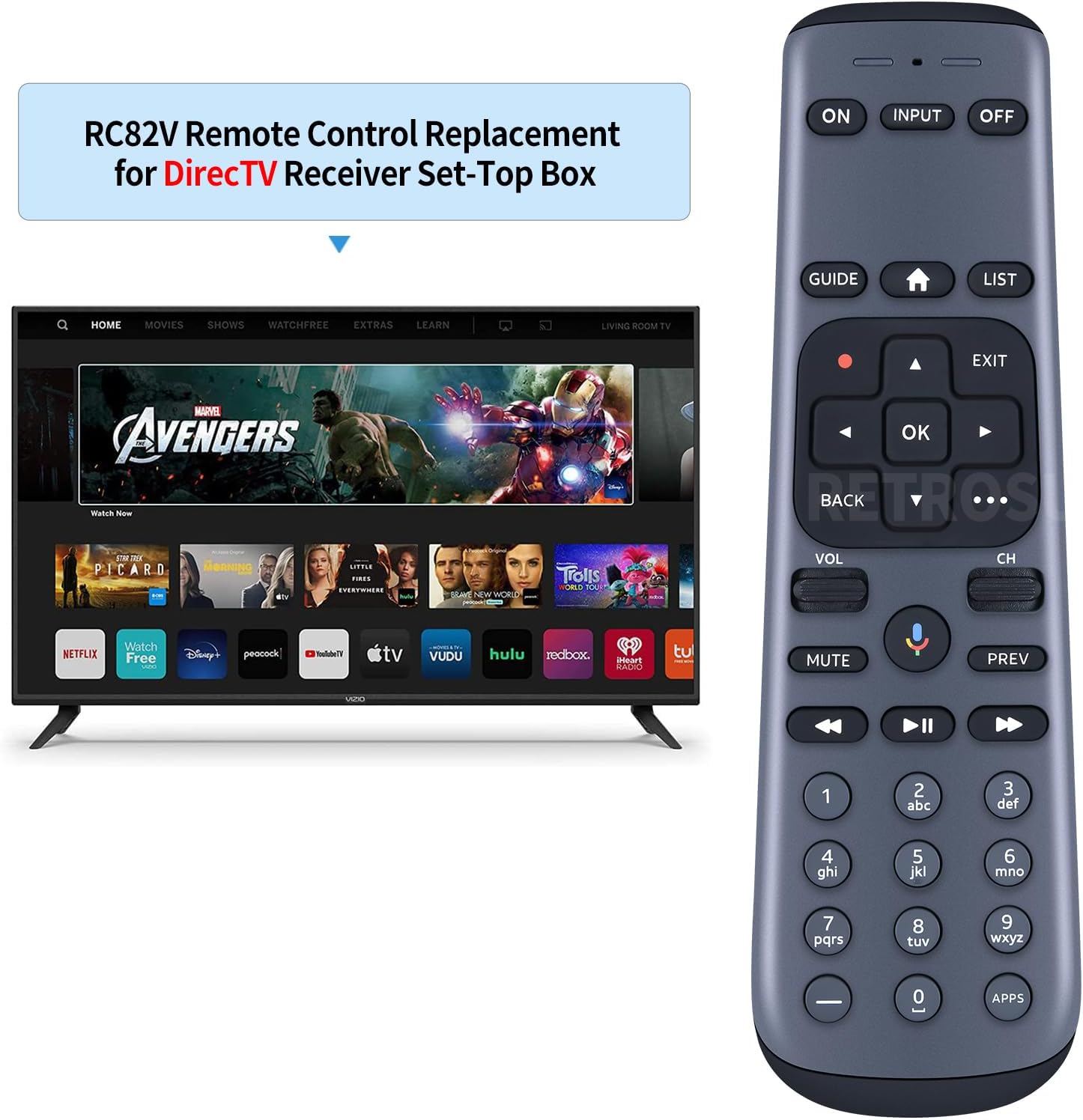
Image: The RC82V remote control positioned next to a television, illustrating its intended use with a set-top box.
Key Features
- Compatibility: Specifically designed for DirecTV AT&T TV Now RC82V 2nd Generation Gemini Stream C71KW-200 & C71KW-400 Osprey Receiver Set-Top Boxes.
- Advanced Two-Way Communication: Utilizes two-way communication with AT&T TV and Bluetooth for connection, eliminating the need for line of sight.
- Enhanced RF Mode: Provides reliable remote functionality without requiring a direct line of sight between the remote and paired devices.
- Easy Navigation: Features a directional pad for simple and intuitive navigation, allowing basic operations by selecting directions and confirming with OK.
- Durable Construction: Made with soft plastic buttons and ABS material for longevity.
Setup
Battery Installation
The RC82V remote control requires two (2) 1.5V AAA batteries (not included). Follow these steps to install the batteries:
- Locate the battery compartment on the back of the remote control.
- Slide the battery cover downwards to open it.
- Insert two AAA batteries, ensuring the positive (+) and negative (-) terminals align correctly with the indicators inside the compartment.
- Slide the battery cover back into place until it clicks securely.

Image: Diagram showing the correct orientation for inserting two AAA batteries into the remote's battery compartment.
Initial Connection
The WDZP RC82V remote control is designed for immediate use with compatible DirecTV AT&T TV Now Gemini Stream C71KW-200 & C71KW-400 Osprey Receiver Set-Top Boxes. In most cases, no complex setup or pairing is required. The remote utilizes Bluetooth and RF (Radio Frequency) technology for connection, which means it does not require a direct line of sight to operate your device.

Image: Visual representation emphasizing the plug-and-play nature of the remote, its soft plastic buttons, and durable ABS material construction.
Operating Instructions
Button Functions
Familiarize yourself with the various buttons on your RC82V remote control and their corresponding functions:

Image: A comprehensive layout of the remote control's buttons, with clear labels indicating the purpose of each control.
- ON/OFF: Turns both TV and AT&T TV on/off.
- INPUT: Selects the equipment connected to your TV.
- GUIDE: Displays the program guide.
- HOME (House Icon): Displays the HOME screen.
- LIST: Displays My Library - DVR Recordings.
- RECORD (Red Dot): Records content currently playing or highlighted in the on-screen guide.
- DIRECTIONAL PAD (Up, Down, Left, Right, OK): Navigates menus and selects options.
- EXIT: Exits the menu and returns to previous content viewed. Stops playback while viewing on-demand or recorded content.
- BACK: Returns to the previous screen or menu.
- OVERFLOW (...): Signifies more content or actions are available within a menu.
- VOL UP/DOWN: Increases/decreases the volume level.
- MUTE: Mutes the sound.
- MICROPHONE: Press and hold to talk for voice commands.
- PREV: Tunes to the previous channel.
- REWIND (<<): Rewinds at increasing speeds - up to 4 times.
- PLAY/PAUSE (►▮▮): Plays or pauses current content.
- FAST-FORWARD (>>): Fast-forwards at increasing speeds - up to 4 times.
- Number Pad (0-9): Used for direct channel entry.
- DASH (-): Used when unpairing remote.
- APPS (Diamond Icon): Opens the APPS menu.
Long Distance Control
Thanks to its enhanced RF mode, the RC82V remote provides strong signal transmission, allowing for precise control from a distance of up to 10 meters (33 feet) without needing to point directly at the receiver. This feature ensures reliable operation even when the set-top box is out of sight.
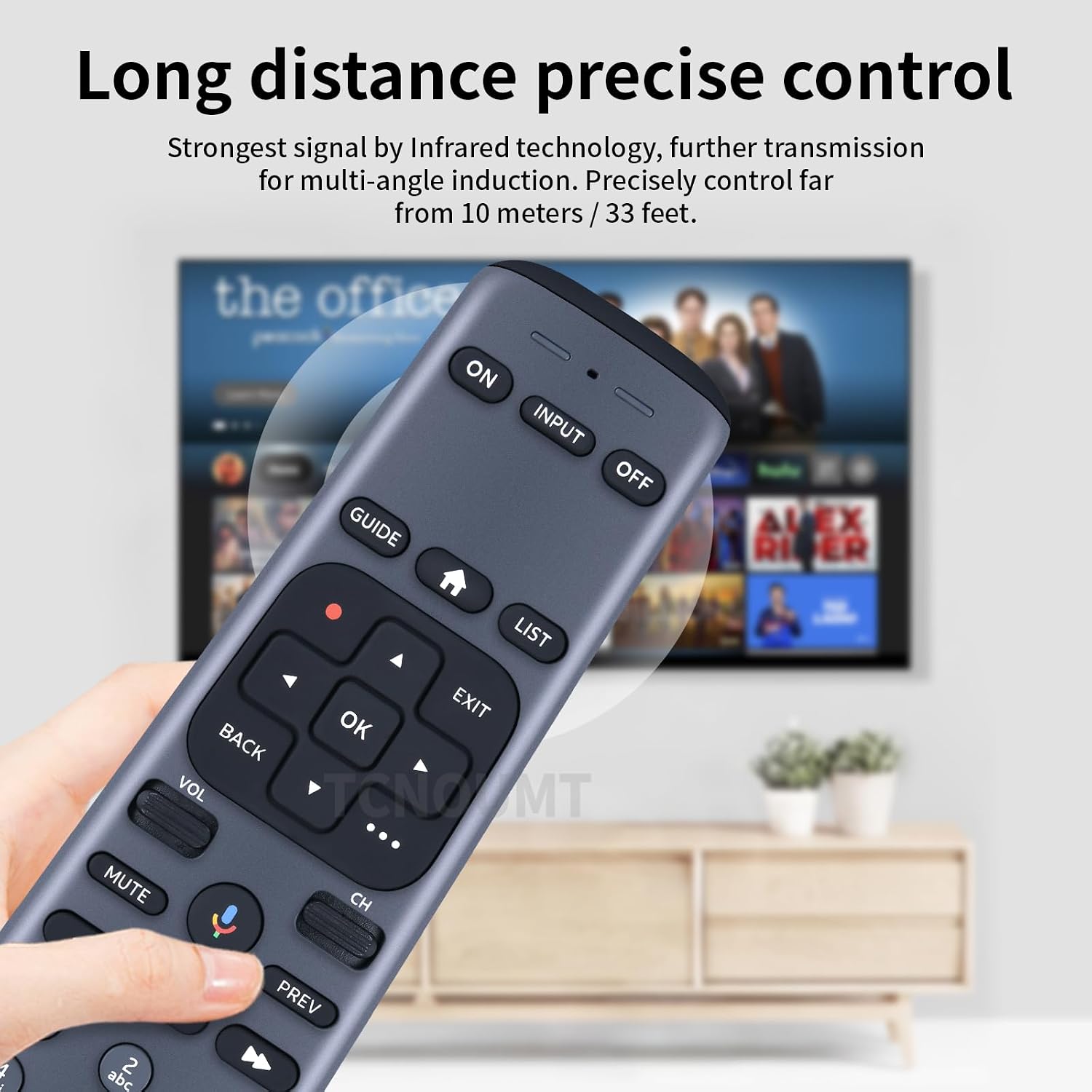
Image: A user holding the remote, demonstrating its capability for long-distance and multi-angle control via RF technology.
Maintenance
To ensure the longevity and optimal performance of your RC82V remote control, follow these simple maintenance guidelines:
- Cleaning: Wipe the remote control regularly with a soft, dry cloth. For stubborn dirt, slightly dampen the cloth with water or a mild, non-abrasive cleaner. Avoid using harsh chemicals or abrasive materials, as they can damage the remote's surface and buttons.
- Battery Replacement: Replace batteries promptly when the remote's performance diminishes or it stops responding. Always replace both batteries at the same time with new 1.5V AAA batteries. Do not mix old and new batteries, or different types of batteries.
- Storage: Store the remote in a cool, dry place away from direct sunlight, extreme temperatures, and high humidity.
- Handling: Avoid dropping the remote or subjecting it to strong impacts, which can damage internal components.
Troubleshooting
If you encounter issues with your RC82V remote control, try the following troubleshooting steps:
- Remote Not Responding:
- Check if the batteries are correctly installed with the correct polarity (+/-).
- Replace the batteries with fresh 1.5V AAA batteries.
- Ensure there are no obstructions between the remote and the set-top box, although the RF mode reduces this concern.
- Intermittent Operation:
- This could indicate low battery power. Replace the batteries.
- Ensure no other electronic devices are causing significant interference.
- Specific Button Not Working:
- Gently press the button multiple times to dislodge any debris.
- If the issue persists after battery replacement, the button may be faulty.
If these steps do not resolve the issue, please refer to the Warranty and Support section for further assistance.
Specifications
Detailed specifications for the WDZP RC82V Remote Control Replacement:
| Feature | Detail |
|---|---|
| Model | RC82V |
| Compatibility | DirecTV AT&T TV Now RC82V 2nd Generation Gemini Stream C71KW-200 & C71KW-400 Osprey Receiver Set-Top Boxes |
| Power Source | 2 x 1.5V AAA Batteries (not included) |
| Communication | Bluetooth, RF (Radio Frequency) |
| Material | ABS Material, Soft Plastic Buttons |
| Color | Black/White |
| Package Dimensions | 4.37 x 1.65 x 0.71 inches |
| Item Weight | 1.13 ounces |

Image: Visual representation of the remote control's dimensions (length, width, thickness).
Warranty and Support
WDZP offers a comprehensive warranty and support for your RC82V Remote Control Replacement:
- Warranty Period: This product comes with a 6-MONTH warranty from the date of purchase.
- Coverage: The warranty covers manufacturing defects and quality problems.
- Service: In case of a covered issue, WDZP offers free exchange or a full refund.
For warranty claims or technical support, please contact WDZP customer service through the platform where you purchased the product. Provide your order details and a description of the issue for prompt assistance.


