
Introduction
Welcome to your new IMFRCHCS Fitness Tracker Smart Watch B6. This manual provides essential information for setting up, operating, and maintaining your device. Please read it carefully to ensure optimal performance and longevity of your smart watch.
What's in the Box
- IMFRCHCS Fitness Tracker Smart Watch B6
- Charging Cable
- User Manual
Setup
Charging Your Device
Before first use, fully charge your IMFRCHCS B6 Smart Watch. Connect the magnetic charging cable to the charging contacts located on the back of the watch. Ensure the magnetic connection is secure and the charging icon appears on the screen.
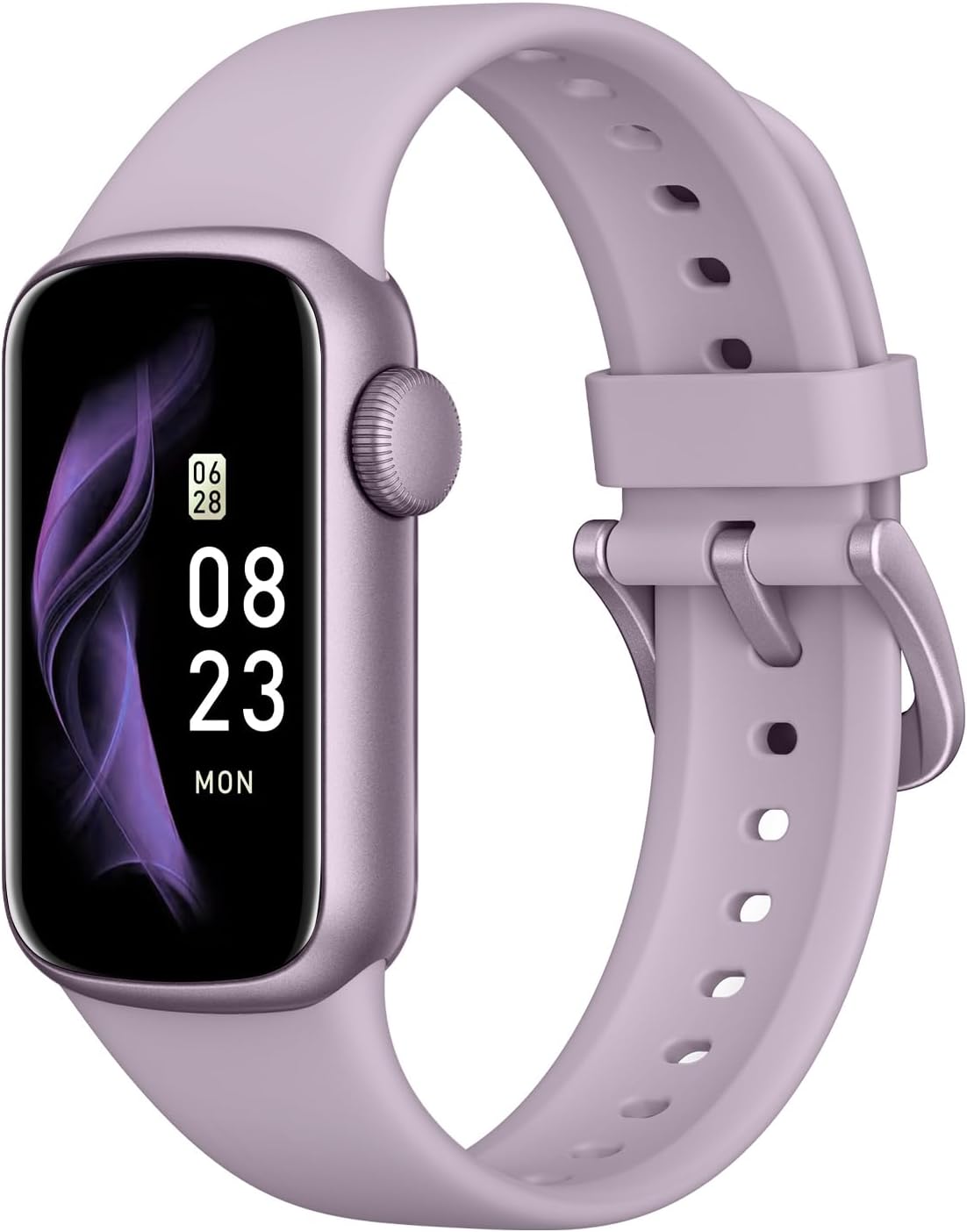
Image description: A close-up of the IMFRCHCS Fitness Tracker Smart Watch B6 showing the charging icon on its screen, indicating it is connected to a charger. The watch band is light purple.
A full charge typically takes approximately 2 hours and provides up to 5 days of usage, depending on usage patterns.
App Download and Pairing
To unlock all features and synchronize data, download the companion application on your smartphone. The recommended application is "JYouPro".
Scan the QR code below with your smartphone's camera or visit http://download.keeprapid.com/apps/smartband/keepfit/index.html to download the app.
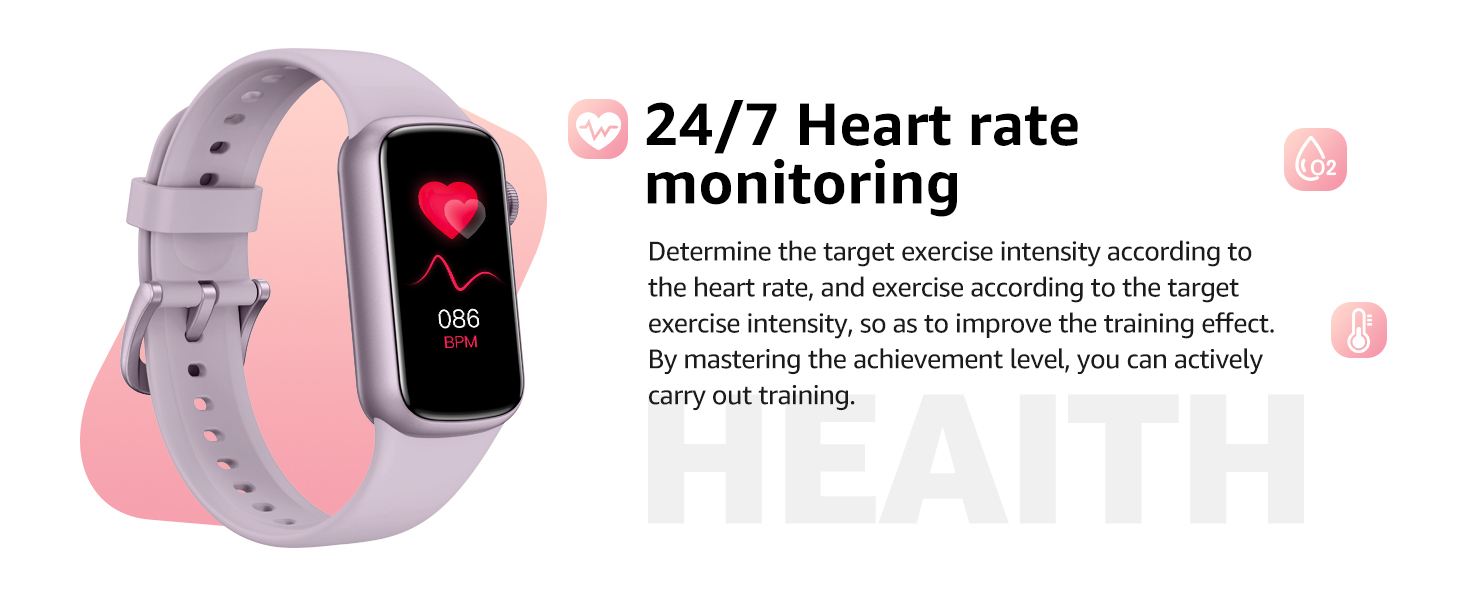
Image description: A smartphone displaying the JYouPro app interface next to the IMFRCHCS Fitness Tracker Smart Watch B6. A QR code is shown for app download, along with text indicating compatibility with iOS 10.1 and above, and Android 9.0 and above.
Ensure your smartphone's Bluetooth is enabled. Open the JYouPro app, navigate to the device section, and follow the on-screen instructions to search for and pair your B6 Smart Watch. Confirm the pairing request on both your phone and the watch.
Operating the Device
Display and Navigation
The B6 Smart Watch features a 1.47-inch TFT touch display for intuitive interaction. Swipe up, down, left, or right on the screen to navigate through menus, view notifications, and access various functions. Tap to select an option.

Image description: A close-up of the IMFRCHCS Fitness Tracker Smart Watch B6 display, highlighting its 1.47-inch HD screen with a resolution of 172*320 and TFT technology.
Custom Watch Faces
Personalize your watch by choosing from a variety of pre-installed watch faces. You can also upload your own photos through the JYouPro app to create custom designs, allowing for a unique look.
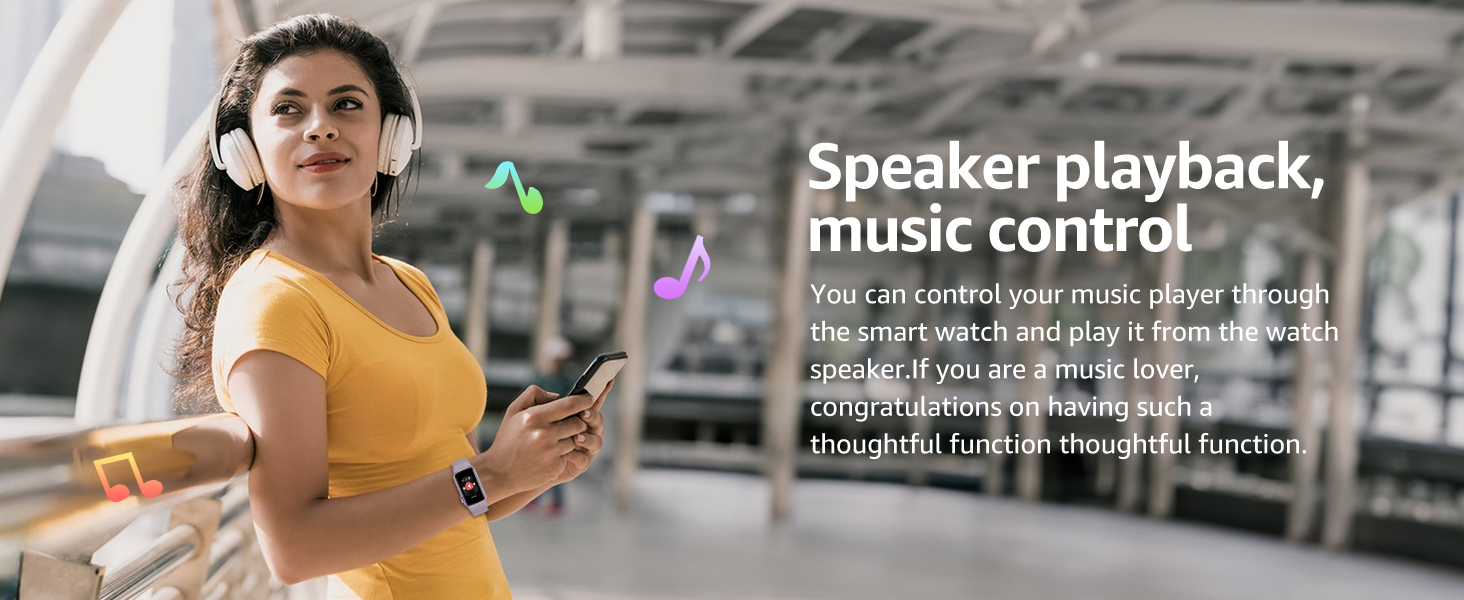
Image description: A collage showing various personalized watch faces available for the IMFRCHCS Fitness Tracker Smart Watch B6, including options to display time, date, steps, and heart rate, as well as custom photo backgrounds.
Smart Notifications
Once paired with your smartphone, the B6 Smart Watch can display notifications for incoming calls, messages, and alerts from various applications (e.g., Twitter, Instagram, Facebook, WhatsApp, Line, Telegram). Ensure app notifications are enabled in the JYouPro app settings.
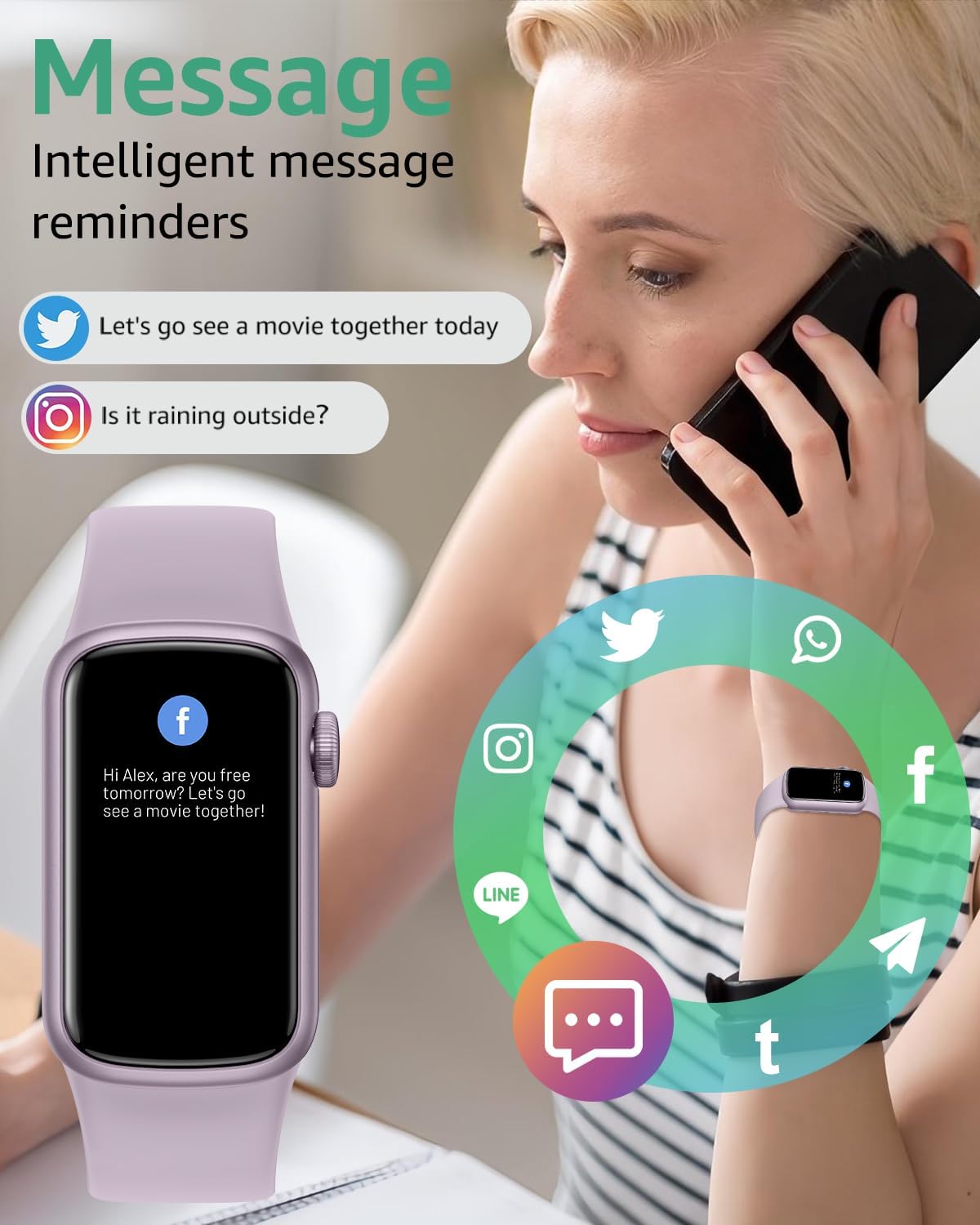
Image description: A woman talking on a phone while her IMFRCHCS Fitness Tracker Smart Watch B6 displays a Facebook message notification. Various social media app icons are shown around the watch.
Music Control
Control your smartphone's music playback directly from your watch. This includes functions such as play, pause, skip tracks, and volume adjustment, providing convenience during workouts or daily activities.
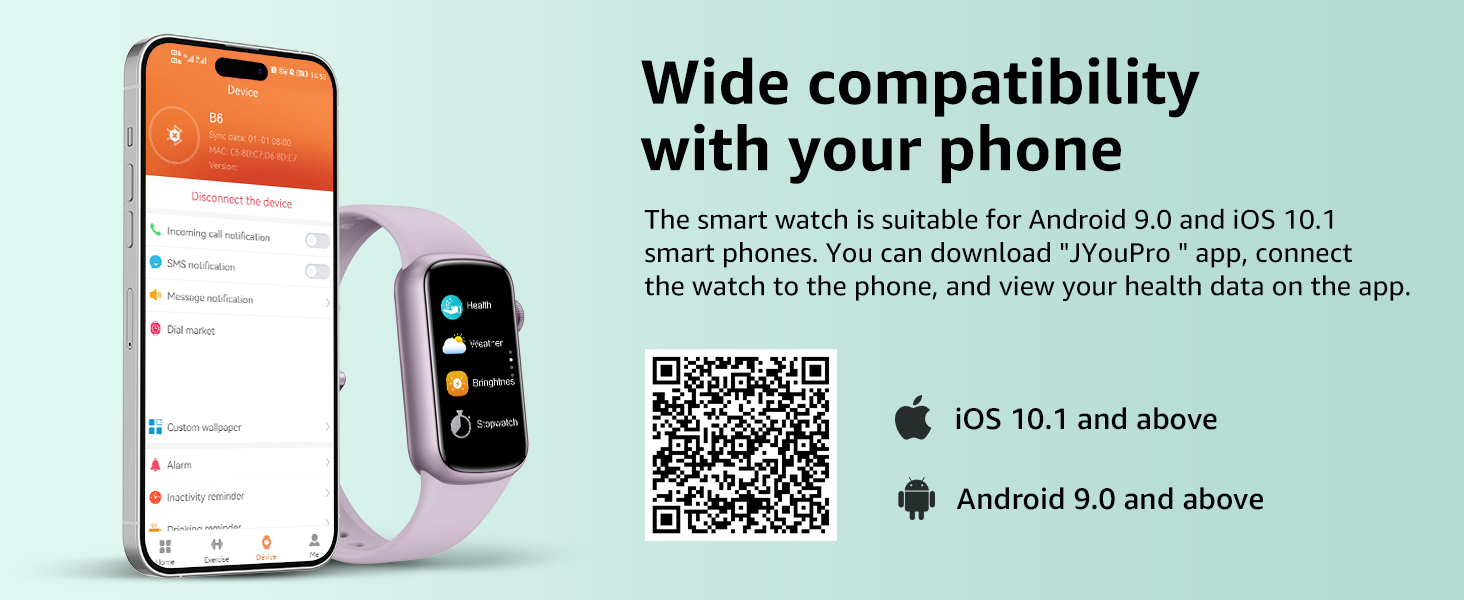
Image description: A woman wearing headphones and the IMFRCHCS Fitness Tracker Smart Watch B6, holding a smartphone, with musical notes floating around, illustrating the music control feature.
Other Convenient Features
The B6 Smart Watch also includes a remote camera shutter function, weather reminders, an alarm clock, and a "find your phone" feature to help locate your paired smartphone.
Fitness Tracking
Sport Modes
The B6 activity tracker supports over 130 sport modes, including 7 professional modes such as walking, running, cycling, and swimming. Select your specific activity from the watch menu to track relevant metrics like duration, distance, steps, and calories burned.

Image description: A woman running outdoors, wearing the IMFRCHCS Fitness Tracker Smart Watch B6, which displays activity metrics like steps, distance, and heart rate. Icons for various sports modes are also shown.
Heart Rate Monitoring
The device provides 24/7 heart rate monitoring, allowing you to track your heart rate throughout the day and during workouts. This data can assist in understanding your exercise intensity and overall cardiovascular health trends.

Image description: A couple sitting together, both wearing IMFRCHCS Fitness Tracker Smart Watches B6. The image highlights the watch's ability to monitor heart rate, blood oxygen, and blood pressure, with a heart rate reading of 90 BPM displayed.
Sleep Monitoring
The B6 Smart Watch monitors your sleep patterns, including deep sleep, light sleep, and REM stages. This detailed analysis helps you understand your sleep quality and can assist in developing healthier sleep habits.
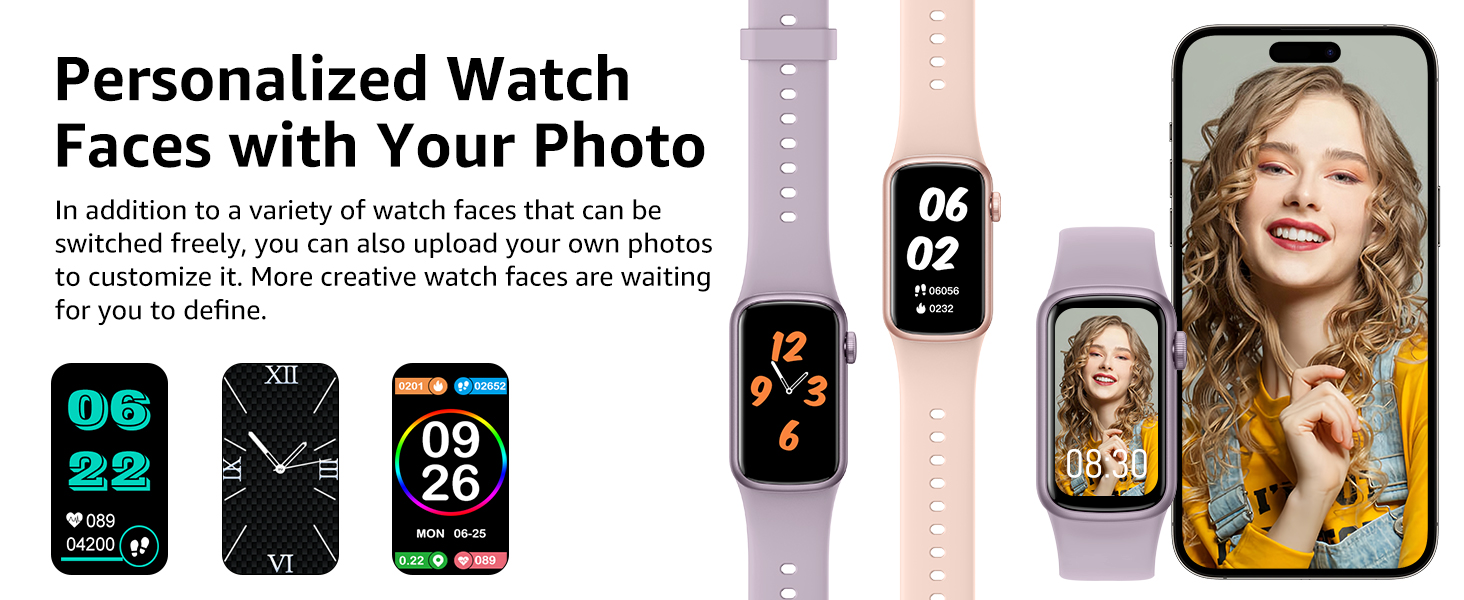
Image description: A woman sleeping peacefully, with an overlay showing the IMFRCHCS Fitness Tracker Smart Watch B6's sleep tracking data, categorizing sleep into awake, light sleep, and deep sleep with durations.
Step Counter and Other Metrics
The watch accurately tracks your daily steps, distance traveled, and calories burned. It also provides estimates for blood oxygen (SpO2) and blood pressure.
Note: The blood oxygen and blood pressure measurements are for reference only and should not be used for medical diagnosis or treatment. Consult a medical professional for accurate health assessments.
Water Resistance
The IMFRCHCS B6 Smart Watch is rated IP68 waterproof. This means it is resistant to sweat, splashes, and can be worn during swimming in shallow water or in the rain. It is designed to withstand daily exposure to water.
Caution: The watch is not suitable for hot water, diving, or high-pressure water activities such as showering with hot water or using in a sauna.

Image description: The IMFRCHCS Fitness Tracker Smart Watch B6 shown with water splashing around it, illustrating its IP68 waterproof capability for activities like sweating, washing hands, swimming, and rain.
Maintenance
- Cleaning: Regularly clean your watch and strap with a soft, damp cloth. Ensure the charging contacts are free of dust and debris to maintain efficient charging.
- Drying: After exposure to water, dry the watch thoroughly before charging or prolonged use.
- Storage: Store the device in a cool, dry place away from direct sunlight and extreme temperatures.
- Avoid Chemicals: Do not use harsh chemicals, cleaning solvents, or strong detergents to clean the watch, as this may damage the materials.
Troubleshooting
Device Not Charging
- Ensure the charging cable is securely connected to both the watch and a functional USB power source.
- Clean the charging contacts on both the watch and the cable with a dry cloth to remove any dirt or oxidation.
- Try using a different USB power adapter or port.
- Verify that the magnetic connection between the cable and watch is strong and unobstructed.
Connectivity Issues (Bluetooth)
- Ensure Bluetooth is enabled on your smartphone.
- Make sure the watch is within Bluetooth range (typically 10 meters or 33 feet) of your phone.
- Restart both your smartphone and the B6 Smart Watch.
- In your phone's Bluetooth settings, try forgetting the device and then re-pairing it through the JYouPro app.
- Ensure the JYouPro app is updated to its latest version.
App Crashing or Not Opening
- Verify that you have downloaded the correct application, "JYouPro".
- Ensure your smartphone's operating system meets the minimum requirements (iOS 10.1 and above, or Android 9.0 and above).
- Clear the app's cache and data through your phone's settings, then restart the app.
- If issues persist, try uninstalling and reinstalling the JYouPro app.
Inaccurate Health Readings
- Ensure the watch is worn snugly on your wrist, but not too tight, allowing the sensors to make proper contact with your skin.
- Avoid excessive movement during measurements, especially for heart rate and blood oxygen readings.
- Remember that the IMFRCHCS B6 is a fitness tracker and not a medical device. Readings for blood oxygen and blood pressure are for general wellness reference only and should not be used for medical diagnosis, treatment, or monitoring of medical conditions. Consult a medical professional for accurate health assessments.
Specifications
| Feature | Specification |
|---|---|
| Display Size | 1.47 Inches |
| Operating System | Wear OS 3.0 (Note: Functionality primarily managed via JYouPro app) |
| Connectivity Technology | Bluetooth |
| Battery Capacity | 150 Milliamp Hours |
| Estimated Battery Life | Up to 5 days |
| Charging Time | Approximately 2 hours |
| Water Resistance Rating | IP68 |
| Memory Storage Capacity | 64 MB |
| Item Weight | 2.89 ounces |
| Package Dimensions | 10.98 x 2.83 x 0.67 inches |
| Manufacturer | IMFRCHCS |
For a complete list of features and up-to-date specifications, please refer to the product packaging or the JYouPro application.
Warranty and Support
Your IMFRCHCS Fitness Tracker Smart Watch B6 comes with a standard manufacturer's warranty. Please refer to the warranty card included in your product packaging for specific terms, conditions, and duration of coverage.
For technical support, troubleshooting assistance, or any other inquiries, please contact IMFRCHCS customer service through their official website or the contact information provided with your purchase. Please have your model number (B6) and purchase details ready when contacting support.