
1. Introduction
The Aomiun BKV310 is a GPS-enabled wireless bicycle computer designed to accurately track and display essential cycling data. It features a 2.4-inch FSTN backlit screen for clear visibility, an IPX7 rainproof rating for all-weather use, and supports multiple languages. This manual provides instructions for setup, operation, maintenance, and troubleshooting to ensure optimal performance of your device.
2. Package Contents
Before proceeding with the setup, please verify that all items are present in the package:
- 1 x Aomiun BKV310 Bike Computer
- 1 x Silicone Pad
- 1 x Bracket
- 2 x Silicone Gasket
- 1 x Charging Cable
- 1 x User Manual (this document)
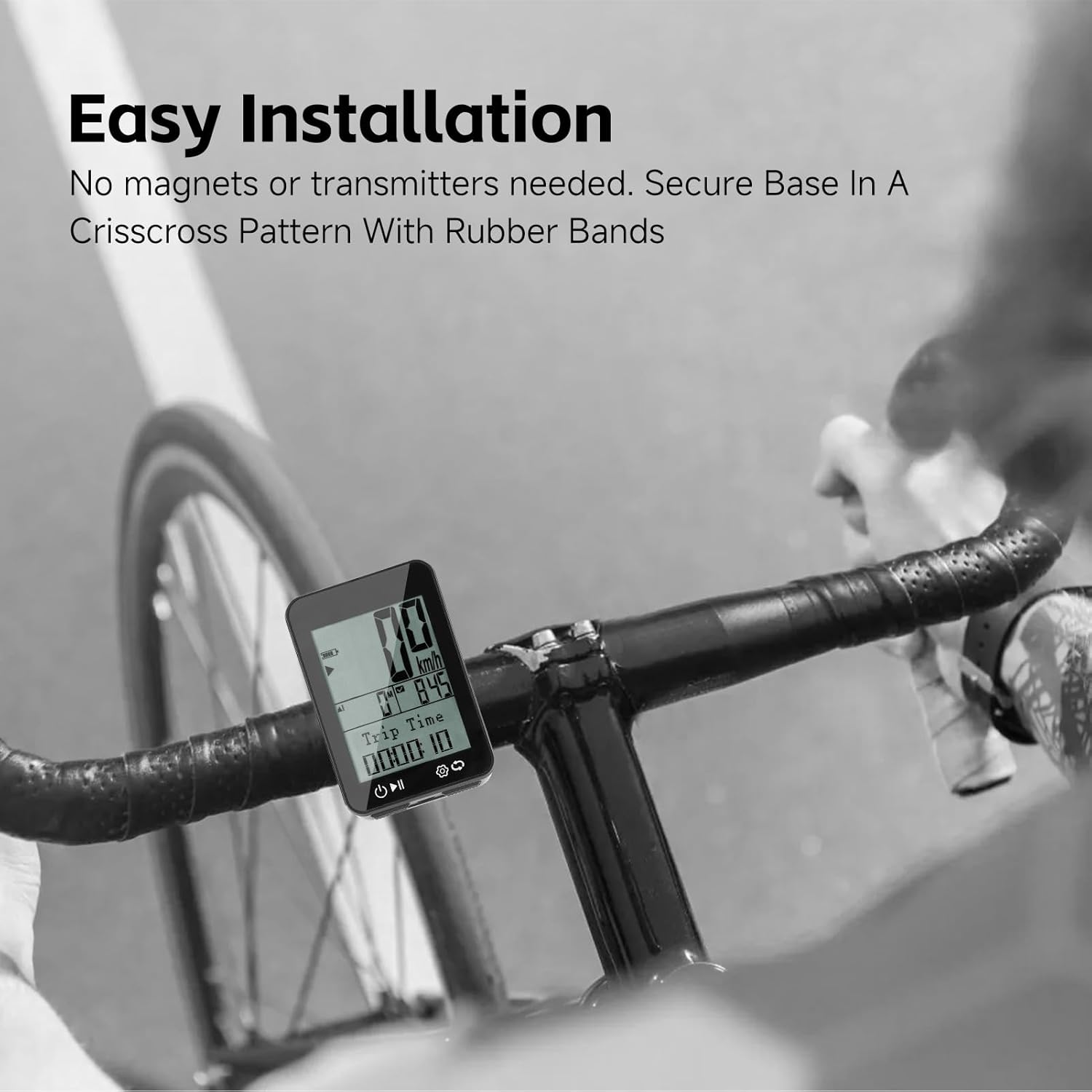
Image: Contents of the Aomiun BKV310 package, showing the bike computer, charging cable, mounting bracket, and silicone gaskets.
3. Setup and Installation
3.1 Charging the Device
Before first use, fully charge the Aomiun BKV310. Connect the provided charging cable to the device's charging port and a standard USB power source (e.g., computer USB port, USB wall adapter). The battery indicator on the screen will show charging status.

Image: The Aomiun BKV310 bike computer with an illustration of its rechargeable battery and charging input (3.7V, 650mAh, Input DC5V).
3.2 Mounting the Bike Computer
The BKV310 features an easy, magnet-free installation process. Follow these steps to mount the device on your bicycle handlebars or stem:
- Place the silicone pad on your handlebar or stem at the desired location.
- Position the bracket on top of the silicone pad.
- Secure the bracket using the provided silicone gaskets (rubber bands) in a crisscross pattern around your handlebar/stem and the bracket. Ensure it is firmly attached.
- Align the back of the BKV310 bike computer with the bracket and twist it clockwise until it locks securely into place.
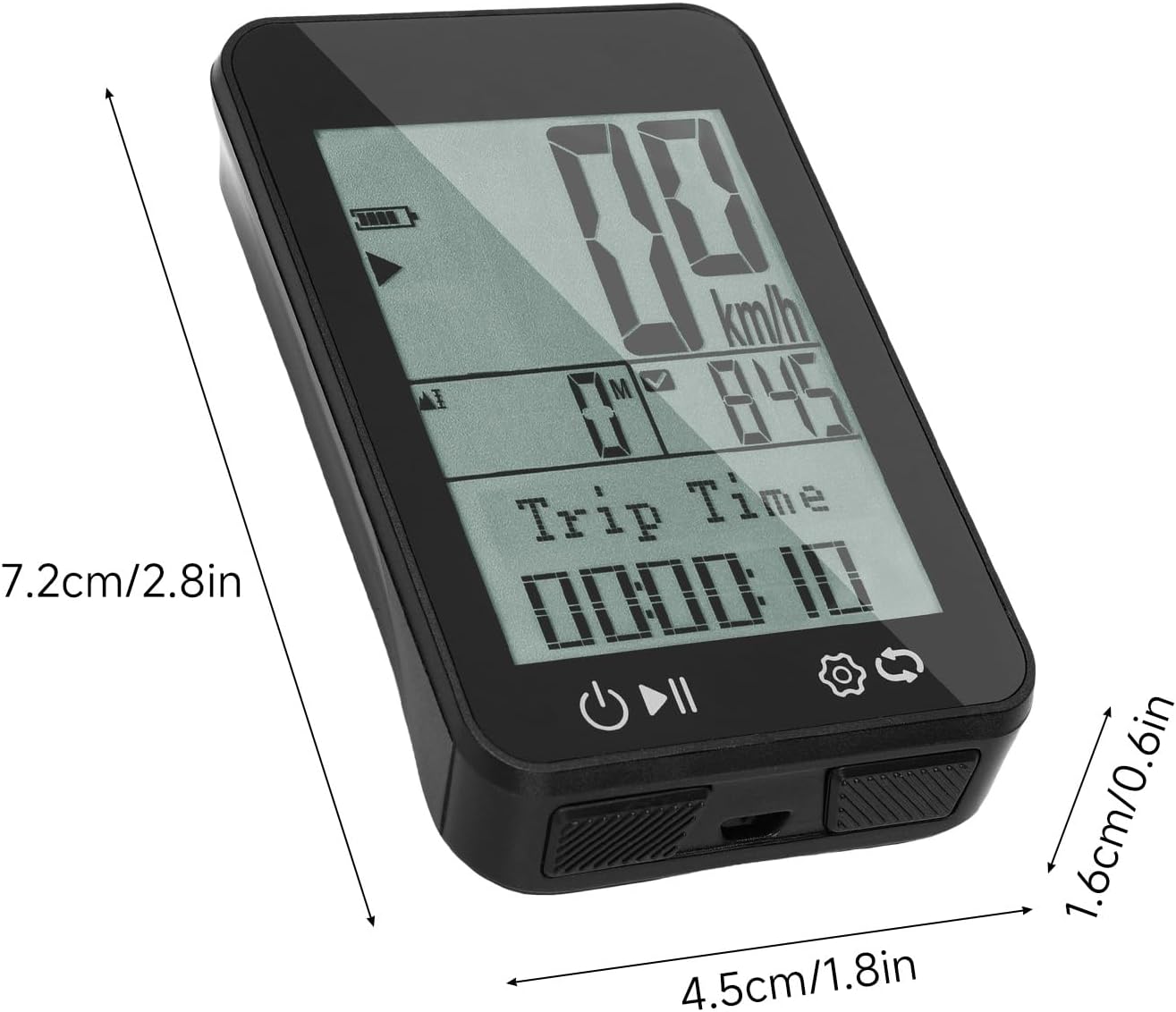
Image: The Aomiun BKV310 bike computer securely mounted on bicycle handlebars, demonstrating the easy installation process without magnets or transmitters.
3.3 Initial Settings
After powering on for the first time, you may need to configure basic settings:
- Language Selection: The device supports 9 languages: English, German, Chinese, Czech, Polish, French, Spanish, Korean, and Italian. Navigate through the settings menu to select your preferred language.
- Unit System: Choose between metric (km/h, km) or imperial (mph, miles) units for speed and distance.
- Time Zone: Set your local time zone for accurate time display.

Image: The Aomiun BKV310 bike computer screen showing various language options, including English, German, Chinese, Czech, Polish, French, Spanish, Korean, and Italian.
4. Operating the Device
4.1 Power On/Off
- Power On: Press and hold the power button (usually the leftmost button) until the screen illuminates.
- Power Off: Press and hold the power button until the device powers down.
4.2 GPS Functionality
The BKV310 uses GPS to track your riding routes and provide accurate data. For best GPS signal acquisition, ensure you are in an open area away from tall buildings or dense tree cover when starting your ride.
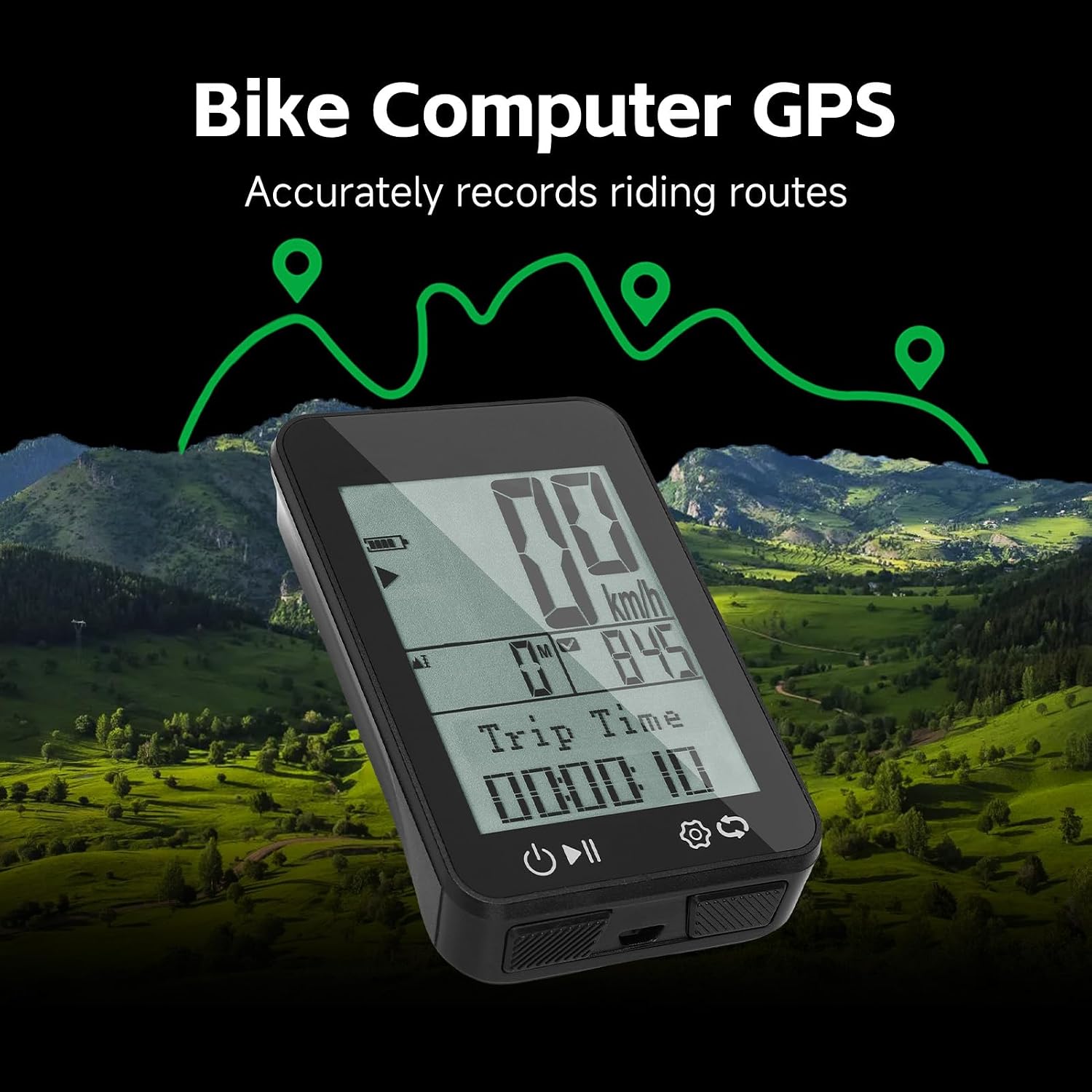
Image: The Aomiun BKV310 bike computer shown with a graphical representation of GPS accurately recording riding routes over a scenic landscape.
4.3 Display and Data Fields
The 2.4-inch FSTN screen displays various cycling metrics. You can typically cycle through different data screens or customize the displayed information via the settings menu. Common data fields include:
- Current Speed (km/h or mph)
- Distance (Trip Distance, Total Odometer)
- Riding Time (Trip Time)
- Elevation
- Battery Level

Image: The Aomiun BKV310 bike computer's main display, showing current speed in km/h, total distance, and trip time.
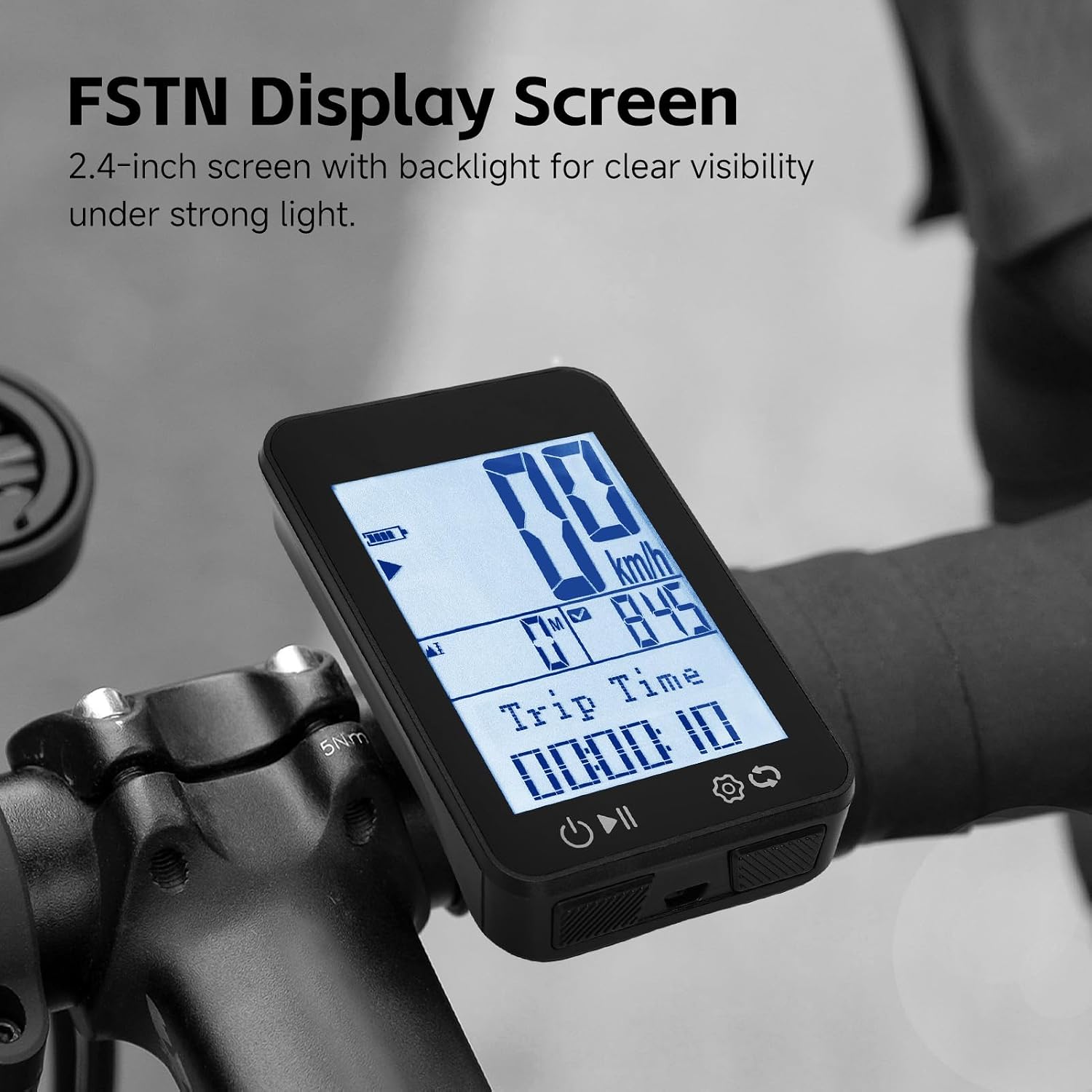
Image: Close-up of the Aomiun BKV310's 2.4-inch FSTN display screen, emphasizing its clear visibility under various lighting conditions.
4.4 Auto Backlight
The BKV310 features an auto backlight function that adjusts to ambient light conditions, ensuring readability during day and night rides. This feature is typically enabled by default and can be managed in the device settings.
5. Maintenance
5.1 Cleaning
To clean the device, wipe it with a soft, damp cloth. Avoid using abrasive cleaners, solvents, or chemical agents, as these can damage the screen or casing. Ensure the charging port cover is securely closed before cleaning to maintain its IPX7 rainproof rating.
5.2 Battery Care and Charging
The BKV310 is equipped with a 650mAh rechargeable battery. To prolong battery life:
- Charge the device regularly, avoiding complete discharge.
- Store the device in a cool, dry place when not in use for extended periods.
- Use only the provided charging cable or a compatible USB cable.
5.3 Rainproof Rating (IPX7)
The device has an IPX7 rainproof rating, meaning it can withstand immersion in water up to 1 meter for 30 minutes. This protects it from rain and splashes during cycling. However, it is not designed for prolonged underwater use. Always ensure the charging port cover is sealed to maintain water resistance.

Image: The Aomiun BKV310 bike computer shown with water splashing over it, illustrating its IPX7 rainproof capability for stable operation in all weather conditions.
6. Troubleshooting
6.1 No Power / Device Not Turning On
- Ensure the device is fully charged. Connect it to a power source and allow it to charge for at least 30 minutes before attempting to power on again.
- Try a different charging cable or USB port.
6.2 GPS Signal Not Acquired
- Ensure you are in an open outdoor area with a clear view of the sky.
- Avoid starting your ride near tall buildings, dense forests, or indoors, as these can obstruct GPS signals.
- Allow a few minutes for the device to acquire a signal after powering on.
6.3 Inaccurate Speed/Distance Readings
- Verify that the GPS signal is strong and stable.
- Check that the correct unit system (metric/imperial) is selected in the settings.
6.4 Screen Not Responding / Frozen
- Attempt a soft reset by pressing and holding the power button for approximately 10-15 seconds until the device restarts.
- If the issue persists, allow the battery to fully discharge and then recharge it.
7. Specifications
| Feature | Specification |
|---|---|
| Material | ABS + Electronic Components |
| Display | 2.4-inch FSTN Screen with Backlight |
| Rainproof Rating | IPX7 |
| Battery | 603040 Rechargeable Battery, 650mAh |
| Languages Supported | 9 Languages (English, German, Chinese, Czech, Polish, French, Spanish, Korean, Italian) |
| Dimensions (L x W x H) | 7.2 x 4.5 x 1.6 cm / 2.8 x 1.8 x 0.6 inches |
| Weight | Approx. 80g / 2.8oz |
| Model Number | BKV310 (Note: Product specifications also listed BKV200, but BKV310 is consistent with product title and size/style specifications) |
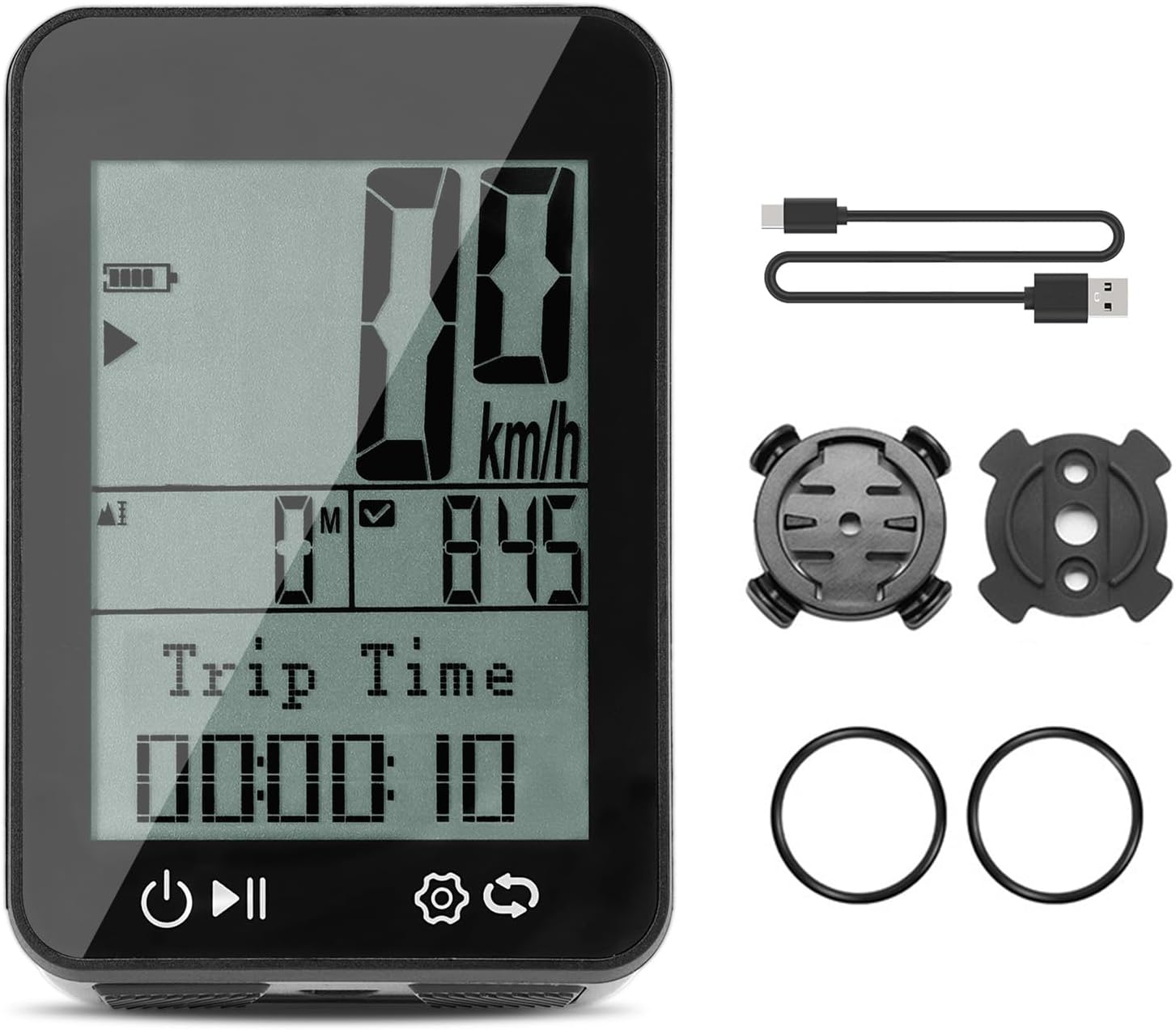
Image: The Aomiun BKV310 bike computer with its physical dimensions clearly indicated.
8. Warranty and Support
For warranty information, technical support, or customer service inquiries, please refer to the retailer where the product was purchased or visit the official Aomiun website. Keep your purchase receipt as proof of purchase for any warranty claims.