
Introduction
Thank you for choosing the Xtreme Bluetooth Earbuds. This manual provides essential information for setting up, operating, and maintaining your earbuds to ensure optimal performance and longevity. Please read these instructions carefully before use.
What's in the Box
- Xtreme Bluetooth Earbuds (Left and Right)
- Charging Case with LED Display
- USB-C Charging Cable
- User Manual
Setup
1. Charging the Earbuds and Case
Before first use, fully charge the earbuds and charging case. Place the earbuds into the charging case. Connect the USB-C charging cable to the case's charging port and the other end to a USB power source (e.g., wall adapter, computer USB port).
The LED display on the charging case indicates the battery level. When fully charged, the display will show 100. The earbuds will charge automatically when placed in the case.

Image: Xtreme Bluetooth Earbuds and Charging Case. The image shows the earbuds resting in their open charging case, which features an LED display indicating '100' for full charge. Key features like Bluetooth connectivity, playtime, True Wireless Stereo, comfort design, play/pause & calls, and charging case functionality are highlighted around the product.
2. Bluetooth Pairing
- Ensure the earbuds are charged. Open the charging case. The earbuds will automatically enter pairing mode, indicated by a flashing LED light on the earbuds.
- On your device (smartphone, tablet, etc.), enable Bluetooth.
- Search for available Bluetooth devices and select "Xtreme Earbuds" from the list.
- Once connected, a voice prompt will confirm successful pairing, and the earbud LED lights will stop flashing.
The earbuds support True Wireless Stereo (TWS), allowing them to be used simultaneously as a pair or individually. They will automatically reconnect to the last paired device when removed from the case and within range.
Operating Instructions
Power On/Off
- Power On: Open the charging case, and the earbuds will power on automatically. Alternatively, press and hold the touch control area on both earbuds for 3 seconds.
- Power Off: Place the earbuds back into the charging case and close the lid. They will power off automatically. Alternatively, press and hold the touch control area on both earbuds for 5 seconds.
Music Playback
Use the one-touch controls on either earbud to manage music:
- Play/Pause: Single tap on either earbud.
- Next Track: Double tap the right earbud.
- Previous Track: Double tap the left earbud.
- Volume Up: Triple tap the right earbud.
- Volume Down: Triple tap the left earbud.

Image: Xtreme Bluetooth Earbuds in use with a smartphone displaying a music player. The image highlights the ability to activate voice assistant and use one-touch controls for play, pause, and answering calls.
Call Management
The built-in microphone allows for hands-free calling. Use the one-touch controls:
- Answer Call: Single tap on either earbud.
- End Call: Single tap on either earbud during a call.
- Reject Call: Press and hold on either earbud for 2 seconds.
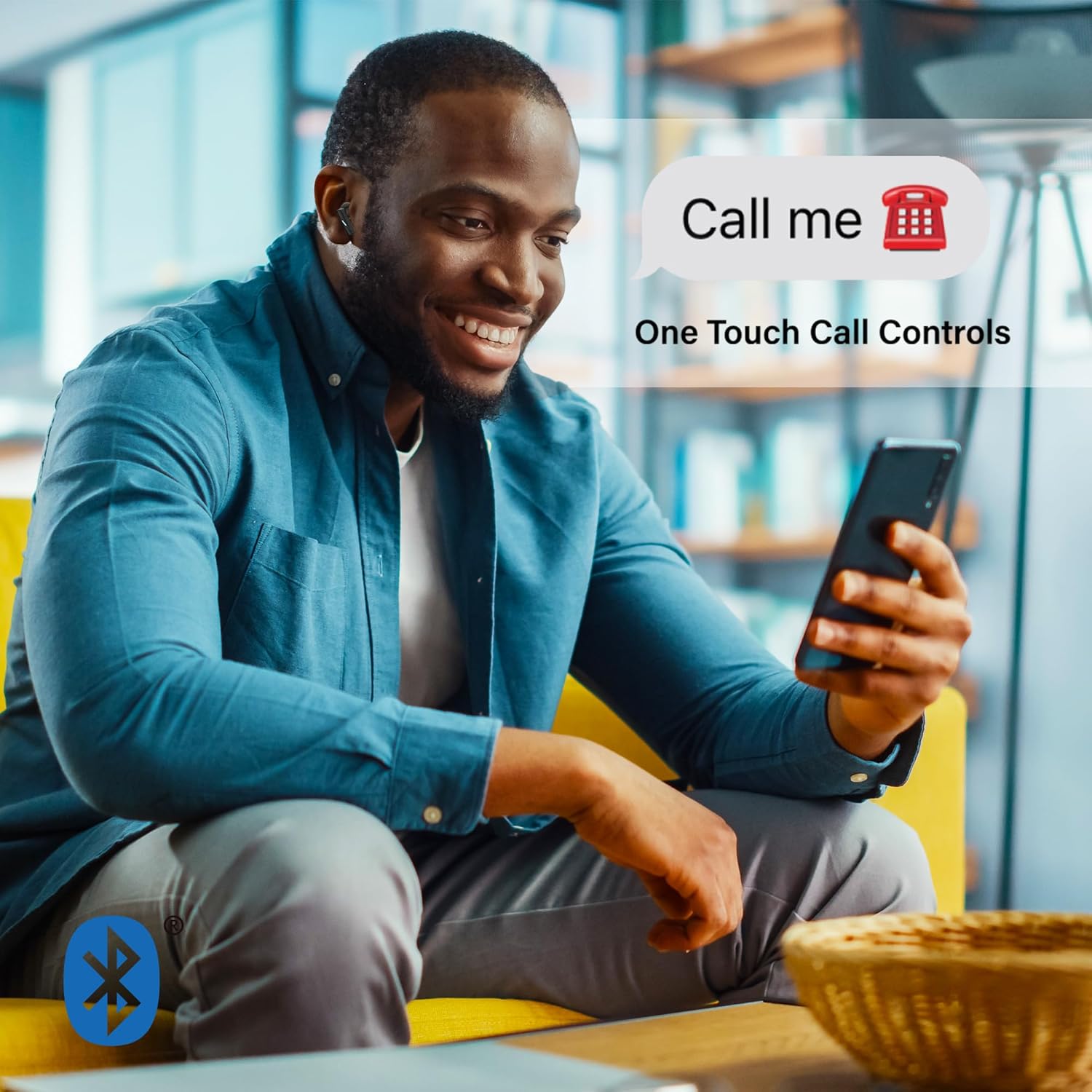
Image: A man smiling and looking at his phone while wearing Xtreme Bluetooth Earbuds. A speech bubble above his head says "Call me" with a phone icon, illustrating the one-touch call controls feature.
Active Noise Cancellation (ANC)
The earbuds feature Active Noise Cancellation to reduce ambient sounds.
- Activate/Deactivate ANC: Press and hold the touch control area on the left earbud for 2 seconds. A voice prompt will confirm the mode change.

Image: A woman in athletic wear stretching outdoors while wearing Xtreme Bluetooth Earbuds. The image features text overlay "ISOLATE YOUR MUSIC WITH ACTIVE NOISE CANCELLING", emphasizing the ANC feature for focused listening during activities.
Voice Assistant
Activate your device's voice assistant (e.g., Siri, Google Assistant) directly from the earbuds.
- Activate Voice Assistant: Press and hold the touch control area on the right earbud for 2 seconds.
Maintenance
Cleaning
- Regularly clean the earbuds and charging case with a soft, dry, lint-free cloth.
- Do not use harsh chemicals, cleaning solvents, or strong detergents.
- Avoid getting moisture in any openings.
Storage
- When not in use, store the earbuds in their charging case to protect them and keep them charged.
- Store in a cool, dry place away from extreme temperatures and direct sunlight.
Troubleshooting
- Earbuds not pairing: Ensure both earbuds are charged. Turn off Bluetooth on your device, then turn it back on. Forget "Xtreme Earbuds" from your device's Bluetooth list and try pairing again.
- Only one earbud working: Place both earbuds back into the charging case, close the lid, wait a few seconds, then open the lid and remove them. This should re-sync them.
- No sound: Check the volume level on your device and on the earbuds. Ensure the earbuds are properly connected to your device.
- Charging case not charging: Ensure the USB-C cable is securely connected to both the case and the power source. Try a different USB-C cable or power adapter.
- ANC not working: Ensure ANC is activated by pressing and holding the left earbud's touch control area for 2 seconds.
Specifications
| Feature | Specification |
|---|---|
| Model Number | XBE9-0137-BLK |
| Bluetooth Version | 5.4 |
| Wireless Range | Up to 33 feet (10 meters) |
| Playtime (per charge) | Up to 4 hours |
| Charging Port | USB-C |
| Noise Control | Active Noise Cancellation (ANC) |
| Control Type | Touch |
| Microphone | Built-in |
| Ear Placement | In Ear |
| Water Resistance Level | Waterproof |
| Frequency Range | 20Hz - 20,000Hz |
Warranty Information
Xtreme products are designed for reliability and performance. For specific warranty details, including coverage period and terms, please refer to the warranty card included with your purchase or visit the official Xtreme website. Keep your proof of purchase for any warranty claims.
Support
If you encounter any issues or have questions not covered in this manual, please contact Xtreme customer support. Contact information can typically be found on the product packaging, the official Xtreme website, or your purchase receipt.


