
1. Introduction
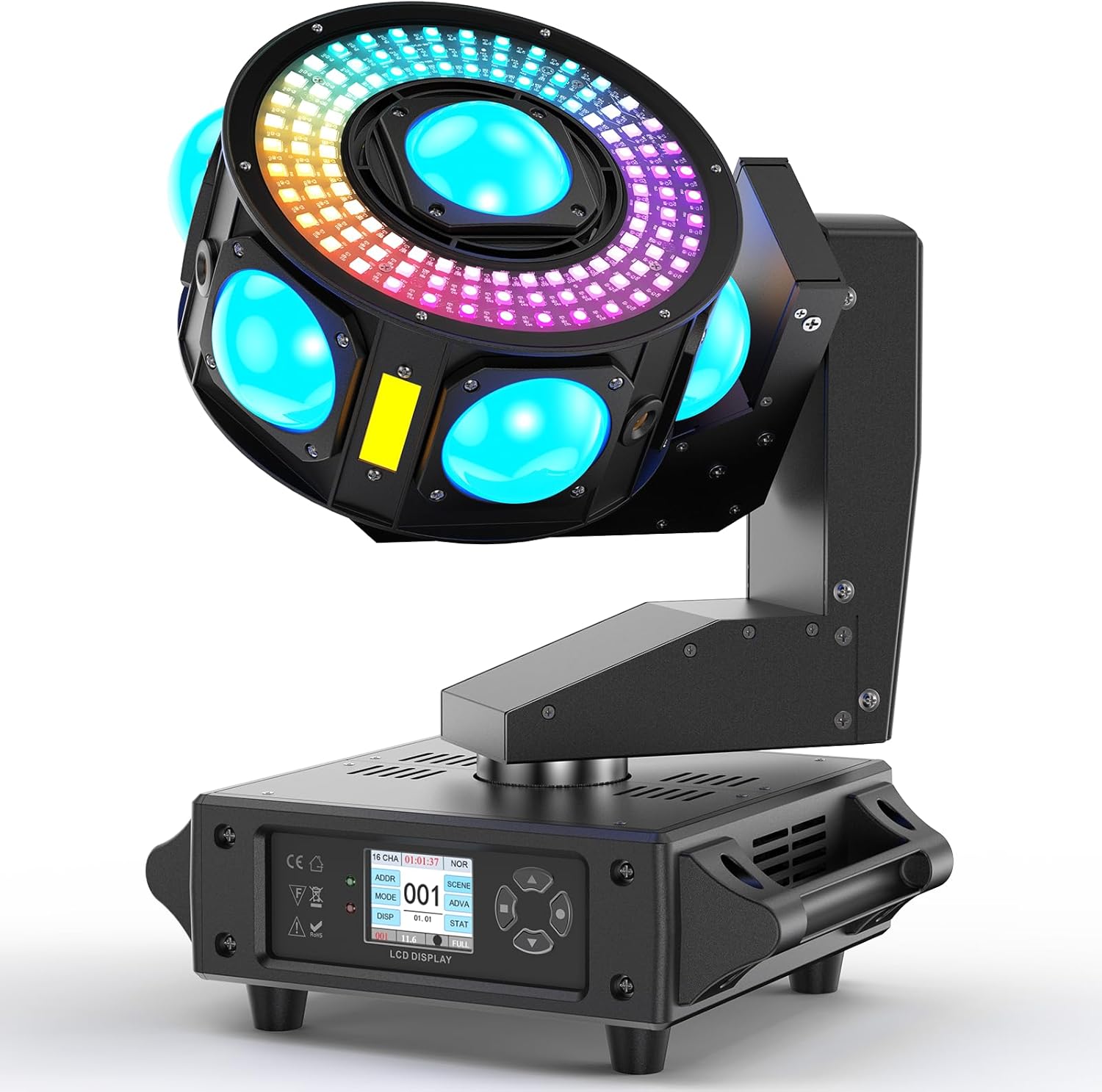
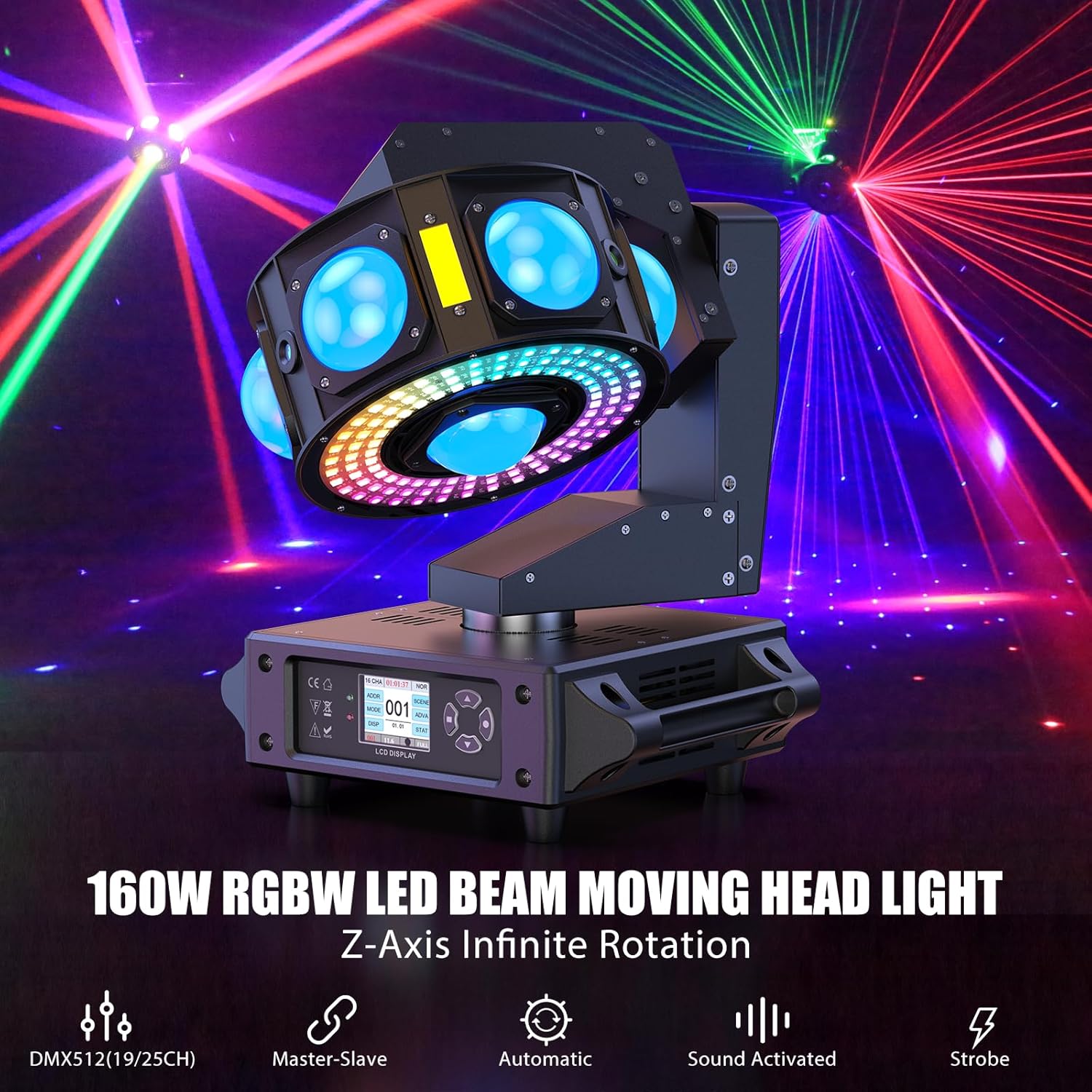
The Kiinsehtoq DJ Moving Head Light is a versatile stage lighting fixture designed to create dynamic and immersive light displays. Featuring 3-axis omnidirectional scanning, multiple LED beams, starry sky effects, and amber strobe effects, this light is suitable for various events including parties, bars, gyms, and clubs. Its robust construction and user-friendly interface ensure reliable performance and ease of operation.
2. What's in the Box
Upon unboxing your Kiinsehtoq DJ Moving Head Light, please ensure all the following components are present:
- Moving Head Light (x1)
- Power Cord (x1)
- Hook Accessory (x1)
- Instruction Manual (x1)
- Safety Rope (x1)

3. Specifications
| Feature | Detail |
|---|---|
| Brand | Kiinsehtoq |
| Model Number | ZQ02621 |
| Color | Black |
| Material | Acrylonitrile Butadiene Styrene (ABS) |
| Light Source Type | Light Emitting Diode (LED) |
| Power Source | Corded Electric |
| Item Weight | 7.1 Pounds |
| Product Dimensions | 10"L x 11.6"W x 13"H |
| Wattage | 200 watts |
| Output Angle | 2 Degree |
| LED Lifespan | 20000h |
| Strobe Frequency | 0-20Hz |
| Control Channels | 19CH/25CH |
| Display | 1.77-inch Color LCD |
4. Setup
Before operating the DJ Moving Head Light, ensure it is placed on a stable, level surface or securely mounted using the provided hook accessory and safety rope. Connect the power cord to the 'POWER IN' port and plug it into a suitable power outlet. For DMX control, connect your DMX controller to the 'DMX IN' port. The unit features a 1.77-inch color LCD display for easy navigation and setting adjustments.
Watch the official product video for a visual guide on setup and initial operation:
5. Operating Modes
The DJ Moving Head Light offers multiple operating modes to suit various event requirements:
- Self-Propelled Mode: The light operates automatically through pre-programmed sequences.
- Sound-Activated Mode: The light reacts to ambient sound, synchronizing effects with music or audio.
- Master-Slave Mode: Multiple units can be linked, with one acting as the master controlling the others.
- DMX Mode: Provides full control over all light functions via a DMX512 controller.
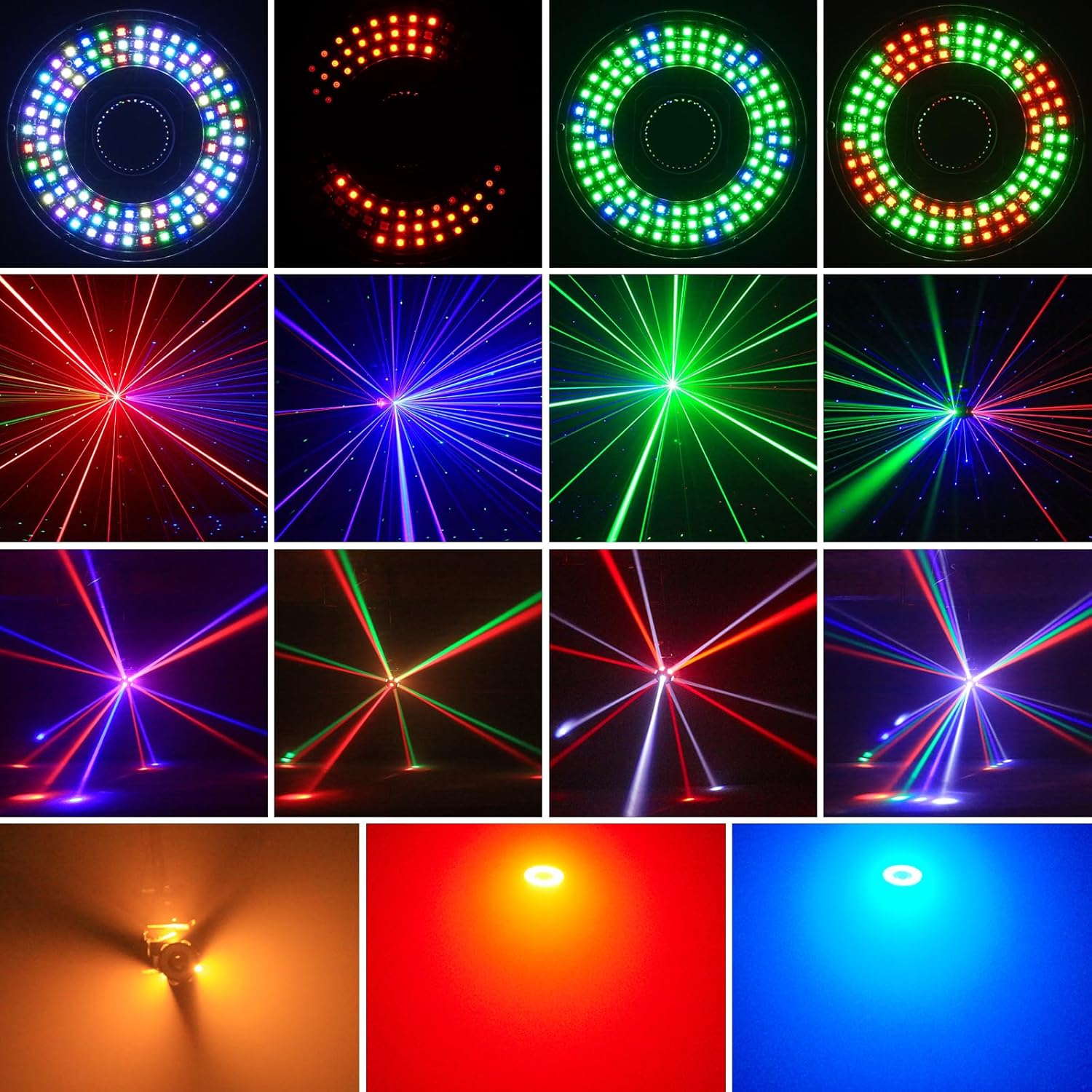
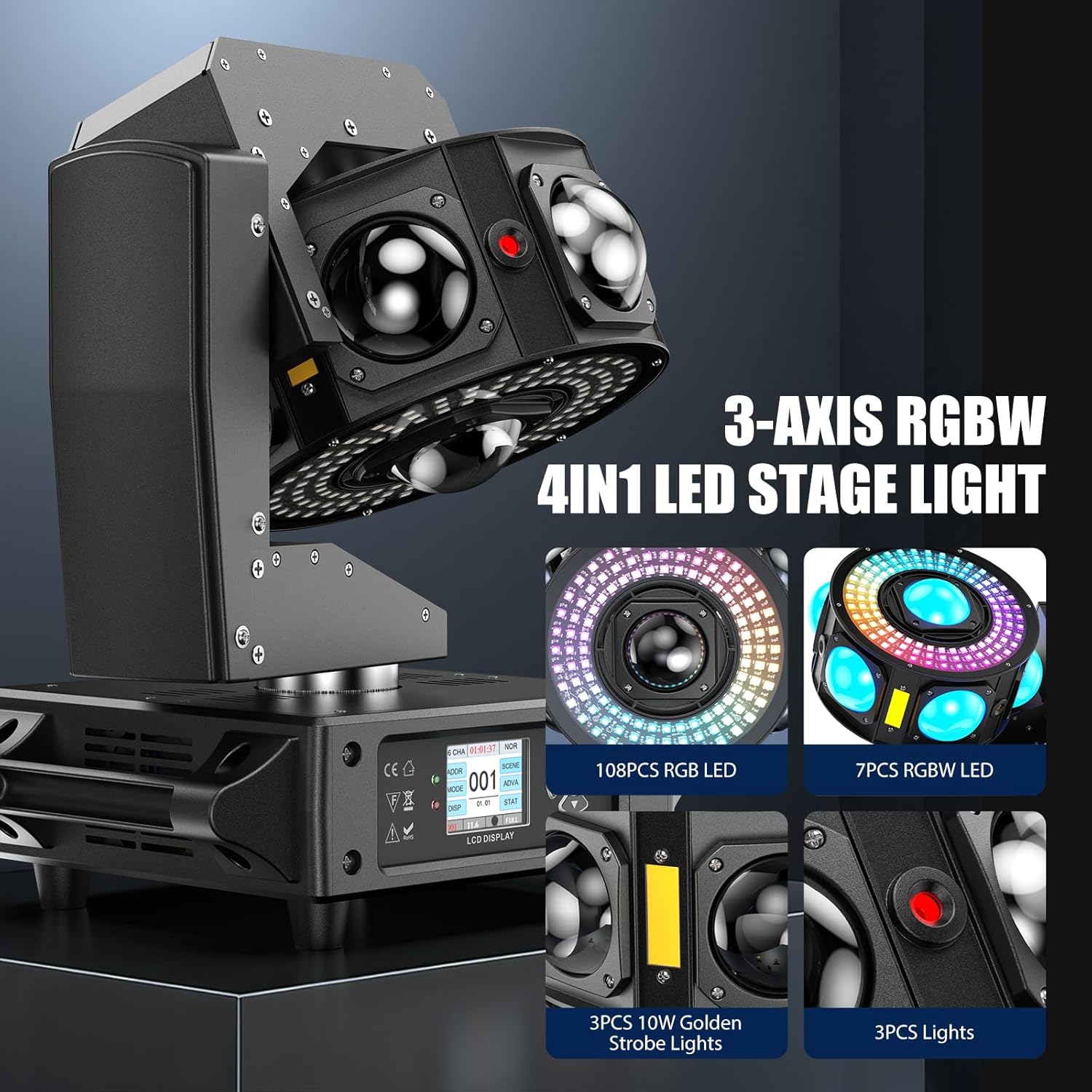
The light combines 7 beams of 2° angle LED lights (red/green/blue/white), red/green/blue starry sky effects, and amber strobe effects. The infinite rotating disk is surrounded by 108 LEDs forming a circular colorful ring with 30 built-in light chasing effects. All effects can be independently controlled.
6. DMX Control
For advanced control, the DJ Moving Head Light supports DMX512 and RDM protocols with 19CH/25CH control channels. Refer to the detailed DMX channel chart in the full instruction manual for specific parameter values and functions. The 1.77-inch color LCD display allows for easy DMX address setting and mode selection.

7. Maintenance
To ensure the longevity and optimal performance of your DJ Moving Head Light, regular maintenance is recommended:
- Cleaning: Regularly wipe the exterior with a soft, dry cloth. For lenses, use a specialized lens cleaning solution and cloth to avoid scratches. Ensure the unit is unplugged before cleaning.
- Ventilation: Keep ventilation openings clear of dust and debris to prevent overheating.
- Storage: When not in use, store the light in a cool, dry place, away from direct sunlight and extreme temperatures.
- Inspection: Periodically check all cables and connections for any signs of wear or damage.
8. Troubleshooting
If you encounter any issues with your DJ Moving Head Light, refer to the following common problems and solutions:
- No Power: Ensure the power cord is securely connected to both the unit and the power outlet. Check the ON/OFF switch and the fuse.
- No Light Output: Verify the operating mode and DMX settings. Ensure the dimmer is not set to 0%.
- No Movement: Check DMX connections and settings if in DMX mode. In other modes, ensure the unit is not in a paused state.
- Erratic Behavior: This could be due to DMX signal interference or incorrect DMX addressing. Check your DMX chain and address settings.
- Overheating: Ensure proper ventilation and that no vents are blocked. Allow the unit to cool down before restarting.
For persistent issues not covered here, please contact customer support.
9. Warranty & Support
The Kiinsehtoq DJ Moving Head Light comes with a standard manufacturer's warranty. Please refer to the warranty card included in your packaging for specific terms and conditions. For technical support, troubleshooting assistance, or warranty claims, please visit the official Kiinsehtoq store on Amazon or contact their customer service directly.
Kiinsehtoq Store: Visit the Kiinsehtoq Store on Amazon