
Introduction
Thank you for choosing the Yoever IDW28 Smartwatch. This manual provides essential information for setting up, operating, and maintaining your device. Please read it thoroughly to ensure optimal performance and a complete understanding of its features.
What's in the Box
- Smart Watch (1 unit)
- Charging Cable (1 unit)
- User Manual (1 unit)
- Additional Watch Band (1 unit)
Setup Guide
1. Charging the Smartwatch
Before initial use, fully charge your smartwatch. Connect the magnetic charging cable to the charging points on the back of the watch. Ensure the cable is securely attached. A full charge typically takes approximately 2.5 hours.

Image: Smartwatch connected to its magnetic charging cable, displaying charging status.
2. Pairing with Your Smartphone
The Yoever IDW28 Smartwatch is compatible with Android 6.0+ and iOS 9.0+ devices. To pair:
- Download the 'Veryfit' app from your smartphone's app store.
- Ensure Bluetooth is enabled on your smartphone.
- Open the 'Veryfit' app and follow the on-screen instructions to search for and connect to the 'IDW28' device.
- Confirm the pairing request on both your smartphone and the smartwatch.

Image: Visual steps for connecting the smartwatch to a smartphone via Bluetooth using the Veryfit app.
Operating the Smartwatch
Basic Navigation
- Touchscreen: Swipe left, right, up, or down to navigate through menus and features on the 1.85" HD dynamic display.
- Rotatable Crown: Use the functional crown on the side to scroll through menus or return to the home screen. A long press typically functions as the power on/off button.

Image: Close-up of the smartwatch highlighting the metal frame and rotatable crown for navigation.
Communication Features
- Bluetooth Calls: Answer or make calls directly from your wrist when connected to your phone via Bluetooth 5.3.
- Message Notifications: Receive texts and app notifications directly on your smartwatch. Note: Message sending/reply functions are not supported.
- AI Voice Assistant: Utilize the integrated AI voice assistant for various commands and information retrieval.
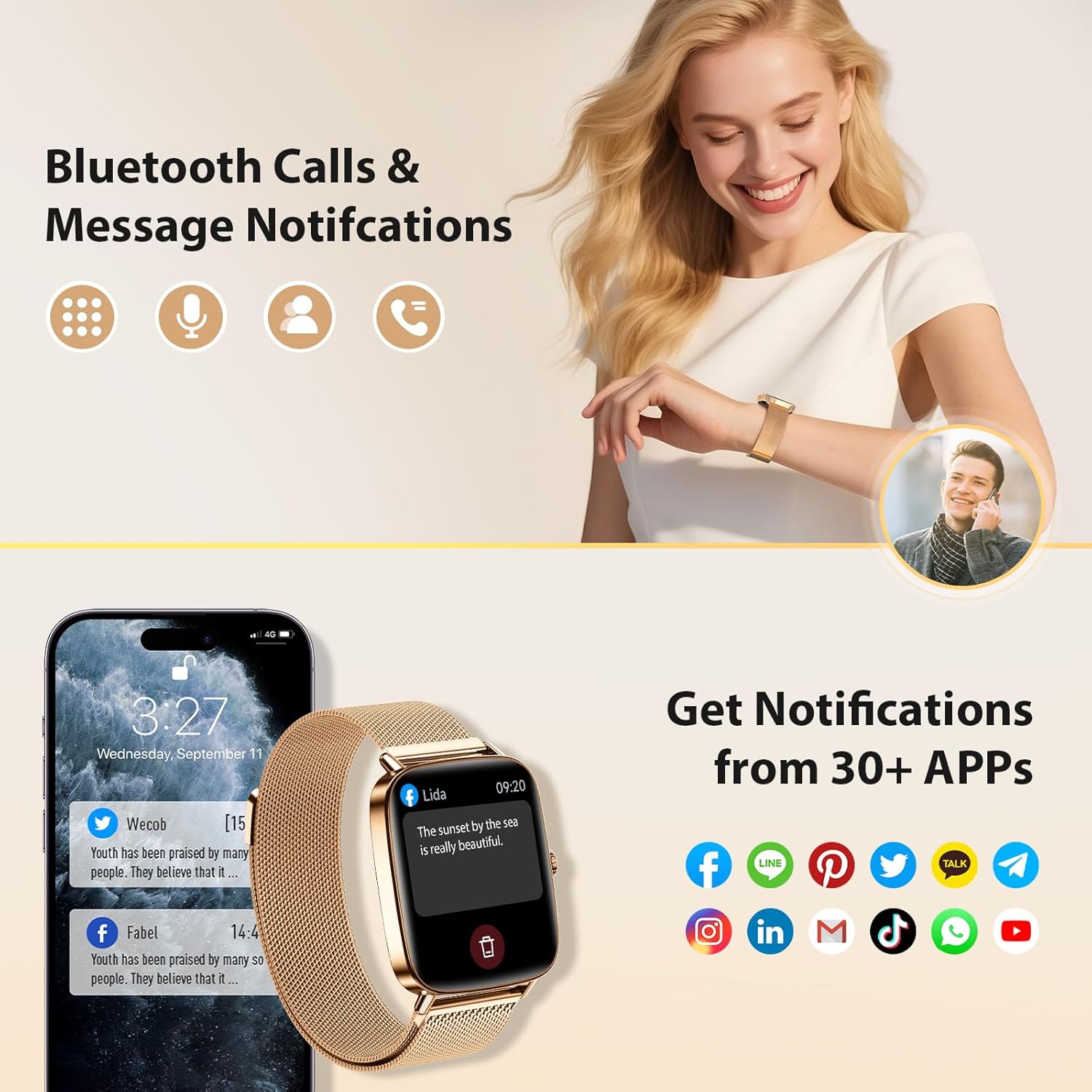
Image: Smartwatch screen showing icons for Bluetooth calls and notifications from various apps.
Other Functions
The smartwatch includes various utilities such as calculator, calendar, weather forecasts, music control, remote camera control, flashlight, and a 'find phone' feature.

Image: Smartwatch interface showing icons for multiple functions including music, alarm, stopwatch, calculator, and weather.
Health Monitoring
The IDW28 Smartwatch features high-precision sensors for continuous health tracking:
- Heart Rate Monitoring: 24/7 tracking of your heart rate.
- SpO2 Monitoring: Measures blood oxygen levels.
- Stress Level Monitoring: Provides insights into your stress levels.
- Sleep Quality Tracking: Monitors deep sleep, light sleep, and wake times to analyze and improve sleep patterns.
- Women's Health Tracking: Continuously monitors menstrual cycles and provides timely reminders.
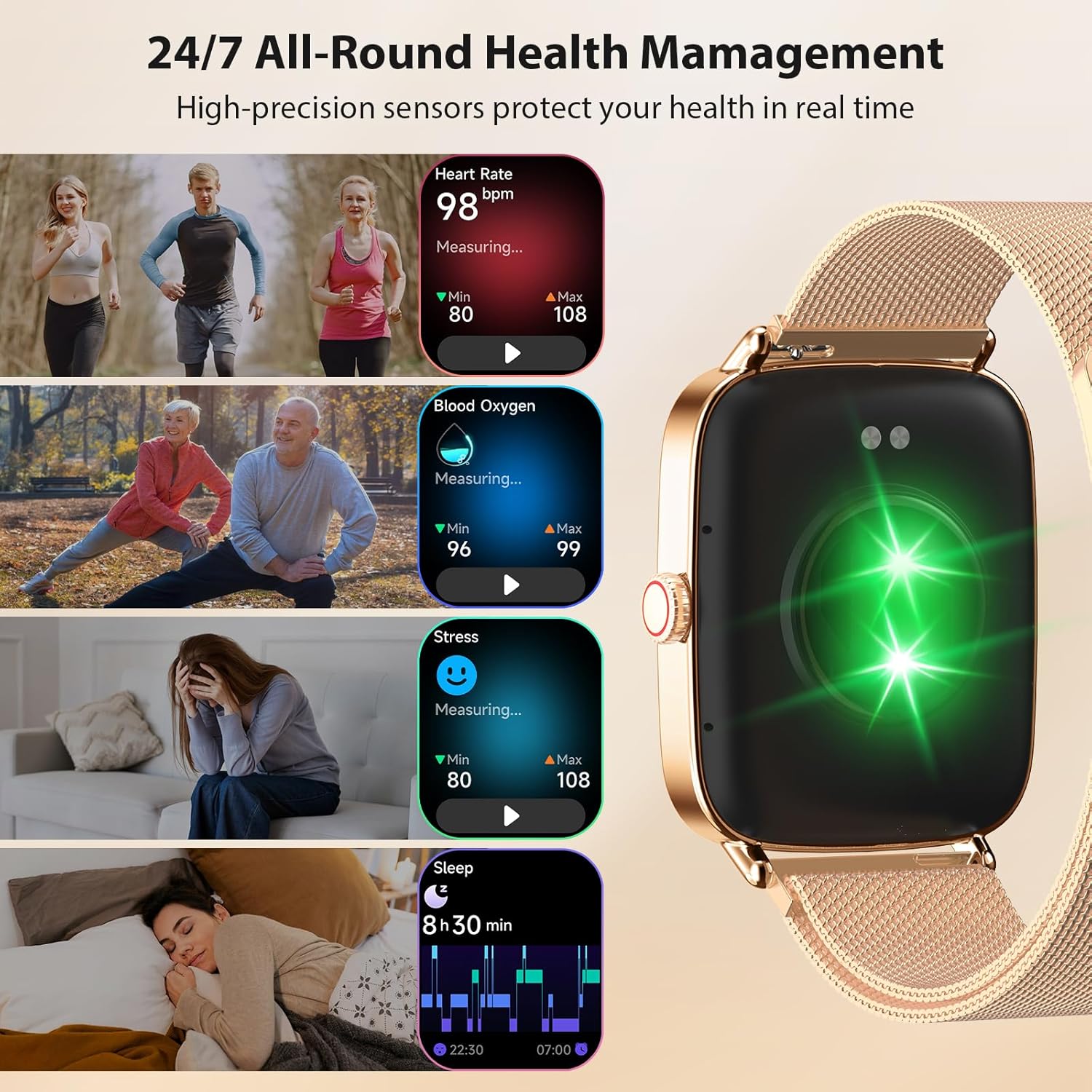
Image: Smartwatch screen showing real-time data for heart rate, blood oxygen, stress, and sleep tracking.
Fitness Tracking
- 110+ Sports Modes: Supports a wide range of exercise modes, providing advanced metrics and tracking workout intensity.
- Activity Recording: 24/7 data tracking for calories, heart rate, steps, and distance.
- IP68 Waterproof: The watch is IP68 rated, making it suitable for swimming, showering, and daily use without concern for water damage.
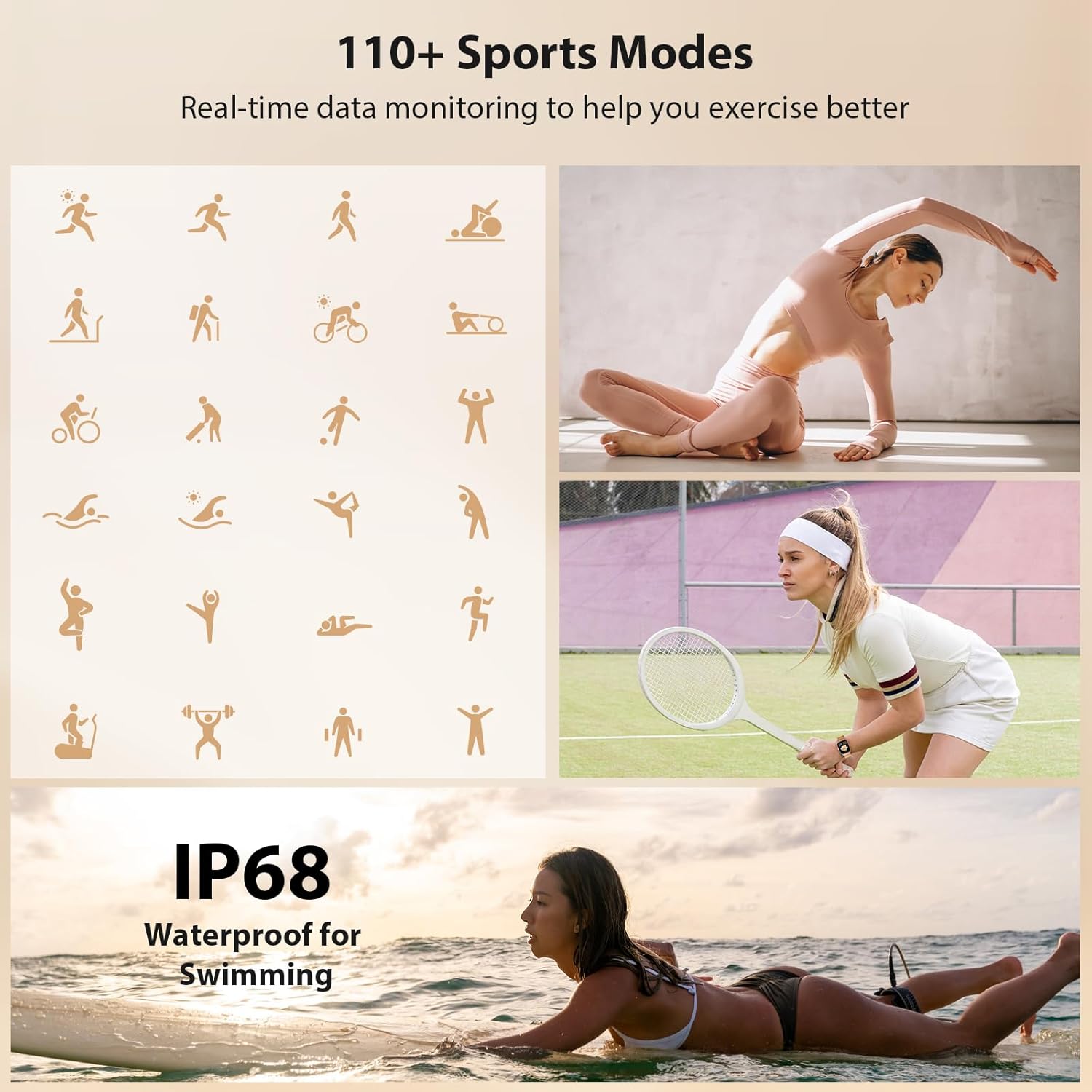
Image: Various sports icons representing 110+ sports modes, with an emphasis on the IP68 waterproof feature.

Image: Smartwatch and phone app interface displaying daily activity data including calories, heart rate, steps, and distance.
Specifications
| Screen Size | 1.85 Inches |
| Operating System | Android 6.0+ / iOS 9.0+ |
| Connectivity Technology | Bluetooth 5.3 |
| Battery Capacity | 350 Milliamp Hours |
| Battery Life | 7-10 days (typical use), 40 days (standby) |
| Charging Time | Approx. 2.5 hours |
| Waterproof Rating | IP68 |
| Memory Storage Capacity | 1024 MB |
| Item Weight | 6.4 ounces (0.18 Kilograms) |
Maintenance
- Cleaning: Regularly wipe the watch screen and strap with a soft, dry cloth. For stubborn dirt, use a slightly damp cloth and mild soap, then dry thoroughly.
- Water Resistance: The IP68 rating means the watch is resistant to dust and can withstand submersion in water up to 1 meter for 30 minutes. Avoid prolonged exposure to hot water, steam, or high-pressure water jets.
- Storage: Store the watch in a cool, dry place away from direct sunlight and extreme temperatures.
Troubleshooting
- Watch not turning on: Ensure the watch is fully charged. Connect it to the charger for at least 10 minutes.
- Unable to pair with phone: Check that Bluetooth is enabled on your phone and the watch. Ensure the 'Veryfit' app is installed and updated. Try restarting both devices.
- Inaccurate health data: Ensure the watch is worn snugly on your wrist, not too tight or too loose. Clean the sensor on the back of the watch.
- Notifications not received: Verify that app notifications are enabled in your phone's settings and within the 'Veryfit' app. Ensure the watch is connected via Bluetooth.
Warranty and Support
The Yoever IDW28 Smartwatch comes with a 10-year warranty and lifetime technical support. For any inquiries or assistance, please contact Yoever customer service.