
1. Safety Information
Please read all safety instructions carefully before operating your STGAubron Gaming PC Desktop. Failure to follow these instructions may result in electric shock, fire, or damage to the product.
- Power Supply: Use only the provided power cable and connect to a grounded outlet. Ensure the voltage matches your region's requirements.
- Ventilation: Do not block any ventilation openings. Ensure adequate airflow around the PC to prevent overheating. Maintain at least 10 cm (4 inches) clearance on all sides.
- Liquid and Moisture: Keep the PC away from water, humidity, and other liquids. Do not operate with wet hands.
- Placement: Place the PC on a stable, flat surface. Avoid placing it near heat sources or in direct sunlight.
- Servicing: Do not attempt to service the PC yourself. Refer all servicing to qualified service personnel. Opening the chassis may void your warranty.
2. Package Contents
Verify that all items listed below are included in your package. If any items are missing or damaged, please contact STGAubron customer support.
- STGAubron Gaming PC Desktop
- RGB Gaming Mouse
- RGB Gaming Keyboard
- RGB Mouse Pad
- RGB Bluetooth Headphone
- RGB Bluetooth Sound Bar
- Power Cable
- User Manual and Documentation
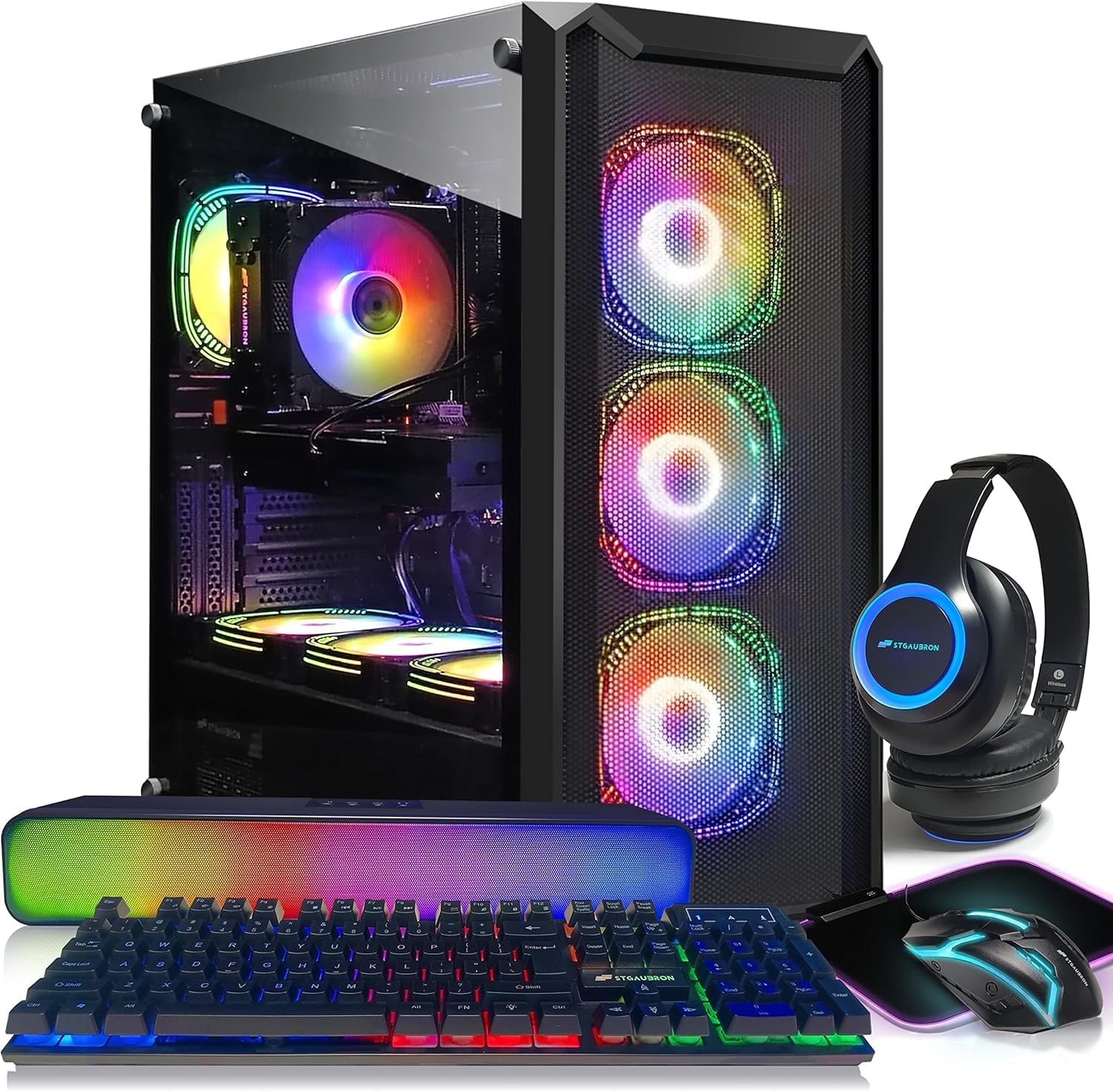
Image 2.1: The STGAubron Gaming PC Desktop shown with its full suite of included RGB accessories, including a keyboard, mouse, mouse pad, headphones, and sound bar.
3. Product Overview
The STGAubron Gaming PC Desktop is a high-performance system designed for gaming, streaming, video editing, and business applications. It features an Intel Core i7-11700F processor, NVIDIA GeForce RTX 3060 Ti graphics, 16GB DDR4 RAM, and a 1TB SSD.
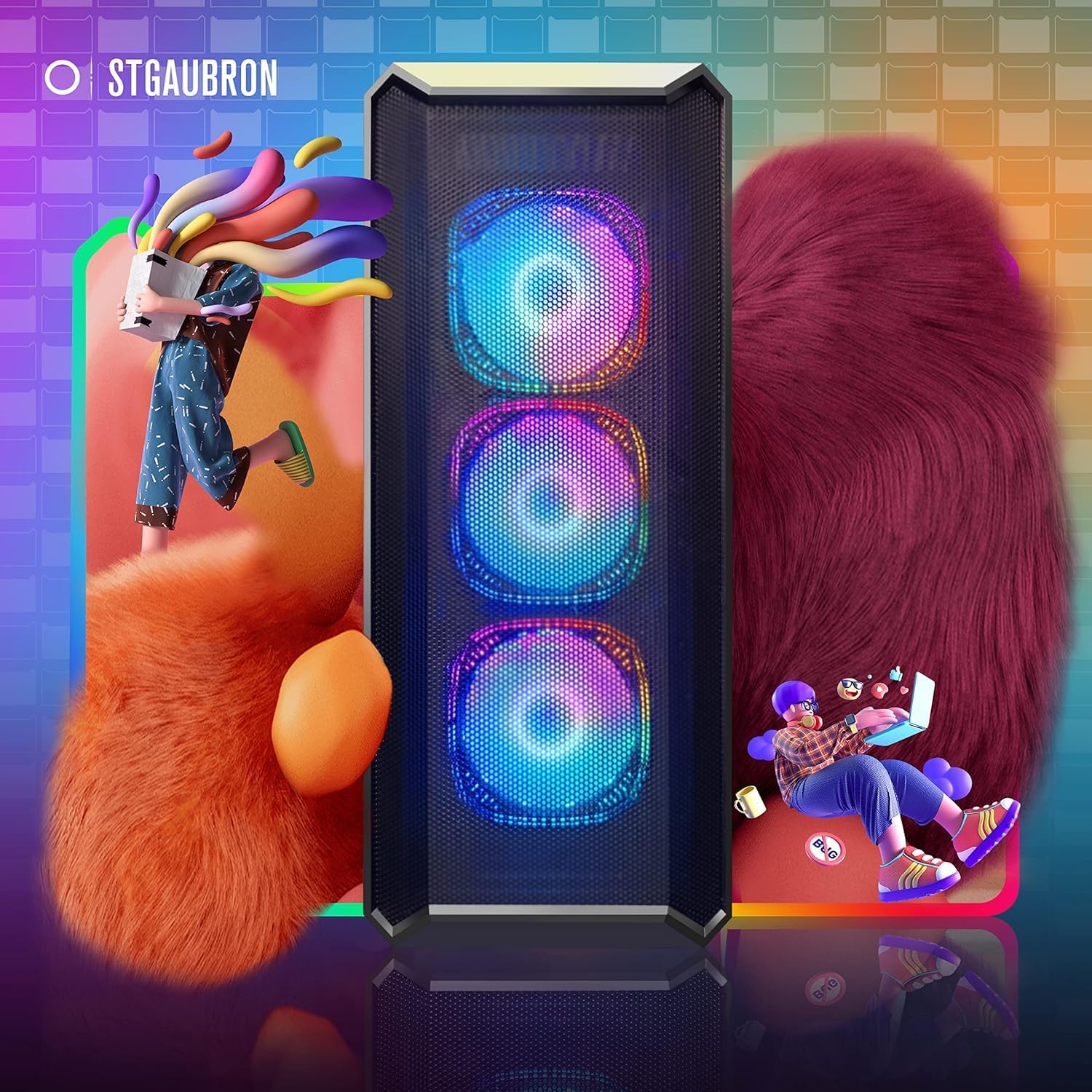
Image 3.1: Front view of the STGAubron Gaming PC Desktop tower, showcasing the mesh front panel and three RGB cooling fans.
Front Panel Ports and Buttons
The front panel provides convenient access to essential ports and controls.

Image 3.2: Detailed diagram of the front panel, indicating the Power Button, USB 2.0 ports, Audio Port, Microphone Port, and USB 3.0 port.
- Power Button: Press to turn the PC on or off.
- USB 2.0 Ports: For connecting peripherals such as keyboards, mice, or other low-bandwidth devices.
- Audio Port: For connecting headphones or speakers.
- Microphone Port: For connecting a microphone.
- USB 3.0 Port: For connecting high-speed devices like external hard drives or USB flash drives.
4. Setup Guide
4.1 Initial Setup
- Unpack: Carefully remove the PC and all accessories from the packaging. Retain packaging for future transport or warranty claims.
- Placement: Place the PC on a flat, stable surface with adequate ventilation. Ensure no vents are obstructed.
4.2 Connecting Peripherals
Connect your monitor, keyboard, mouse, and other devices to the appropriate ports.
- Monitor: Connect your monitor to one of the available video output ports on the graphics card (HDMI or DisplayPort) located at the rear of the PC.
- Keyboard & Mouse: Connect the RGB Gaming Keyboard and Mouse to any available USB ports on the front or rear of the PC.
- Audio: The RGB Bluetooth Sound Bar and Headphone can be connected via Bluetooth (refer to their respective manuals for pairing instructions) or via USB/audio jack if applicable.
- Network: For wired internet, connect an Ethernet cable to the RJ-45 port on the rear. For wireless internet, the PC includes USB Wi-Fi and Bluetooth 5.0.
- Power: Connect the power cable to the power supply unit (PSU) at the rear of the PC, then plug it into a grounded electrical outlet.

Image 4.1: An example setup of the STGAubron Gaming PC Desktop connected to a monitor, keyboard, mouse, and headphones, demonstrating a typical user environment.
4.3 Powering On
Once all peripherals are connected, press the Power Button on the front panel of the PC. The system will boot up, and you will see the Windows 11 Home operating system load.
5. Operating System & Software
Your STGAubron Gaming PC Desktop comes pre-installed with Genuine Windows 11 Home 64-bit. Upon first boot, you will be guided through the initial Windows setup process, which includes setting up your user account, network connection, and privacy settings.
- Windows Updates: It is recommended to regularly check for and install Windows updates to ensure system stability and security.
- Drivers: All necessary drivers for your hardware are pre-installed. For optimal performance, especially for the NVIDIA GeForce RTX 3060 Ti graphics card, consider updating drivers periodically through the NVIDIA GeForce Experience application or NVIDIA's official website.
- Included Accessories: The RGB Gaming Mouse, Keyboard, Headphone, and Sound Bar are designed to work seamlessly with your PC. Refer to their individual documentation for specific RGB lighting controls or advanced features.
6. Maintenance
Regular maintenance helps ensure the longevity and optimal performance of your STGAubron Gaming PC Desktop.
- Cleaning: Use a soft, dry cloth to clean the exterior of the PC. For dust accumulation inside the chassis or on fan blades, use compressed air. Ensure the PC is powered off and unplugged before cleaning.
- Ventilation: Periodically check that all ventilation openings are clear of dust and obstructions. Good airflow is crucial for cooling.
- Software Updates: Keep your operating system, drivers, and applications updated to benefit from performance improvements and security patches.
- Data Backup: Regularly back up important data to an external drive or cloud storage to prevent data loss.
7. Troubleshooting
This section addresses common issues you might encounter. For more complex problems, please contact technical support.
- No Power:
- Ensure the power cable is securely connected to both the PC and the wall outlet.
- Verify the wall outlet is functional by plugging in another device.
- Check the power switch on the PSU (if present) at the rear of the PC is in the 'ON' position.
- No Display on Monitor:
- Ensure the monitor is powered on and correctly connected to the graphics card's video output port (HDMI or DisplayPort).
- Try a different video cable or monitor if available.
- Ensure the monitor's input source is set correctly (e.g., HDMI 1, DisplayPort).
- Peripherals Not Responding:
- Ensure USB devices are securely plugged into the correct ports. Try different USB ports.
- For Bluetooth devices, ensure they are charged, powered on, and correctly paired with the PC.
- Restart the PC.
- System Slowdown/Freezing:
- Close unnecessary applications running in the background.
- Check for malware or viruses using antivirus software.
- Ensure adequate ventilation to prevent overheating.
8. Specifications
Detailed technical specifications for your STGAubron Gaming PC Desktop.

Image 8.1: A visual summary of the STGAubron Gaming PC's core specifications, including CPU, RAM, storage, connectivity, and graphics card.
| Component | Specification |
|---|---|
| Brand | STGAubron |
| Operating System | Windows 11 Home (64-bit) |
| CPU Model | Intel Core i7-11700F (8-Core, up to 4.9GHz) |
| RAM | 16GB DDR4 |
| Storage | 1TB Solid State Drive (SSD) |
| Graphics Card | NVIDIA GeForce RTX 3060 Ti 8G GDDR6 |
| Connectivity | USB Wi-Fi, Bluetooth 5.0, 1x RJ-45 Ethernet, 1x Serial Port, Multiple USB Ports (2.0 & 3.0) |
| Video Outputs | 1x HDMI, 3x DisplayPort |
| Special Features | 7x RGB Fans, RGB Bluetooth Sound Bar, RGB Gaming Mouse & Keyboard, RGB Mouse Pad, RGB Bluetooth Headphone |
9. Warranty and Support
Your STGAubron Gaming PC Desktop is covered by a comprehensive warranty and includes dedicated technical support.
- Warranty: 1 Year parts & labor warranty. This covers defects in materials and workmanship under normal use.
- Technical Support: Free lifetime technical support is provided for your product.
For warranty claims, technical assistance, or any questions regarding your product, please refer to the contact information provided on the STGAubron official website or your purchase documentation.