
Introduction
Thank you for choosing the Amposei 1080P HD Mini WiFi Camera. This compact device is designed for discreet surveillance, offering 1080P high-definition video, 160-degree wide-angle viewing, and night vision capabilities. It supports remote monitoring via Wi-Fi, motion detection, and audio recording, making it suitable for various environments such as homes, offices, and warehouses. Please read this manual carefully to ensure proper setup and operation of your camera.
Package Contents
Please verify that all items are present in your package:
- 1 x Amposei Mini Camera
- 1 x Charging Cable
- 1 x User Manual
Product Overview
The Amposei Mini WiFi Camera is designed for portability and discreet placement. It features a compact body with a 160-degree wide-angle lens, infrared LEDs for night vision, and a built-in microphone for audio recording. The camera also includes a magnetic rotating bracket for flexible positioning.

Setup
1. Charging the Camera
Before initial use, fully charge the camera. Connect the provided charging cable to the camera's charging port and a standard USB power adapter (not included) or a power bank. The charging indicator light will typically show the charging status and turn off or change color when fully charged.
2. Inserting a Micro SD Card
The camera supports Micro SD cards from 8GB to 128GB for local video storage. A Micro SD card is not included with the camera. Locate the Micro SD card slot on the camera. Gently insert the Micro SD card with the gold contacts facing down until it clicks into place. To remove, push the card in again until it springs out.

3. Powering On/Off
To power on the camera, press and hold the power button for a few seconds until an indicator light illuminates. To power off, press and hold the power button again until the indicator light turns off.
4. App Installation and Connection
Download the dedicated mobile application from your smartphone's app store (compatible with Android and iOS). Follow the in-app instructions to add your camera. You can connect the camera via:
- AP Hotspot Mode: Connect your phone directly to the camera's Wi-Fi hotspot for local viewing without an internet connection.
- Wi-Fi Router Mode: Connect the camera to your home or office Wi-Fi network for remote viewing from anywhere with an internet connection.

Operating Instructions
1. Remote Monitoring
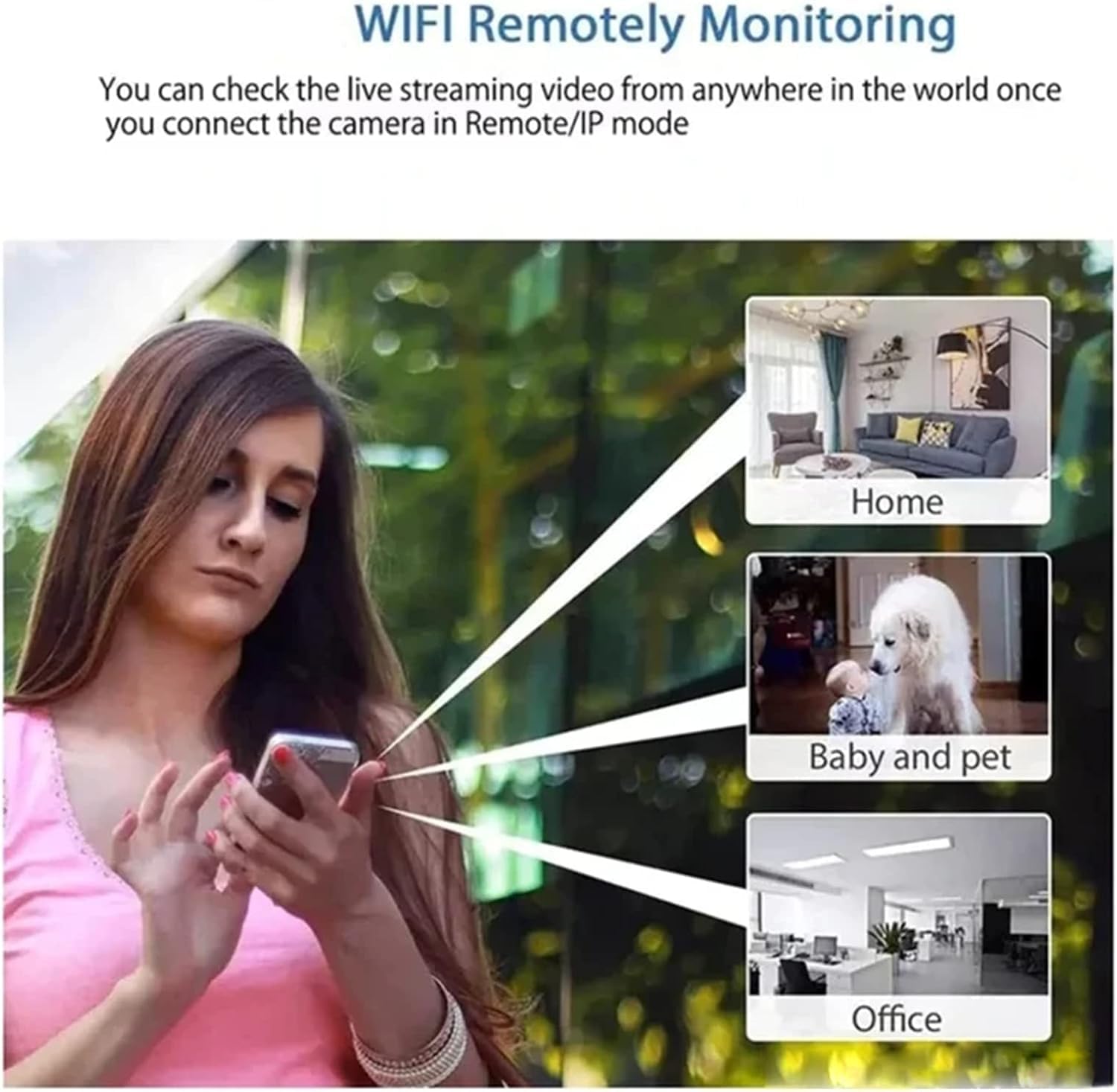
Once the camera is connected to your Wi-Fi network, you can access the live video stream from your smartphone application from any location with internet access. This allows you to monitor your home, office, or other areas remotely.

2. Motion Detection
Enable motion detection in the app settings. The camera features 360-degree radar reconnaissance. When motion is detected, the camera can automatically start recording and send notifications to your smartphone, alerting you to activity in the monitored area.
3. Night Vision
The camera is equipped with infrared night vision, allowing it to capture clear video footage up to 10 meters (32 feet) in complete darkness. The infrared lights operate discreetly without emitting visible light.
4. Audio Recording
The camera supports audio-visual synchronization, meaning it records both video and audio. This feature can be enabled or disabled through the mobile application settings. The recorded audio is clear and can serve as additional evidence.
5. User Sharing
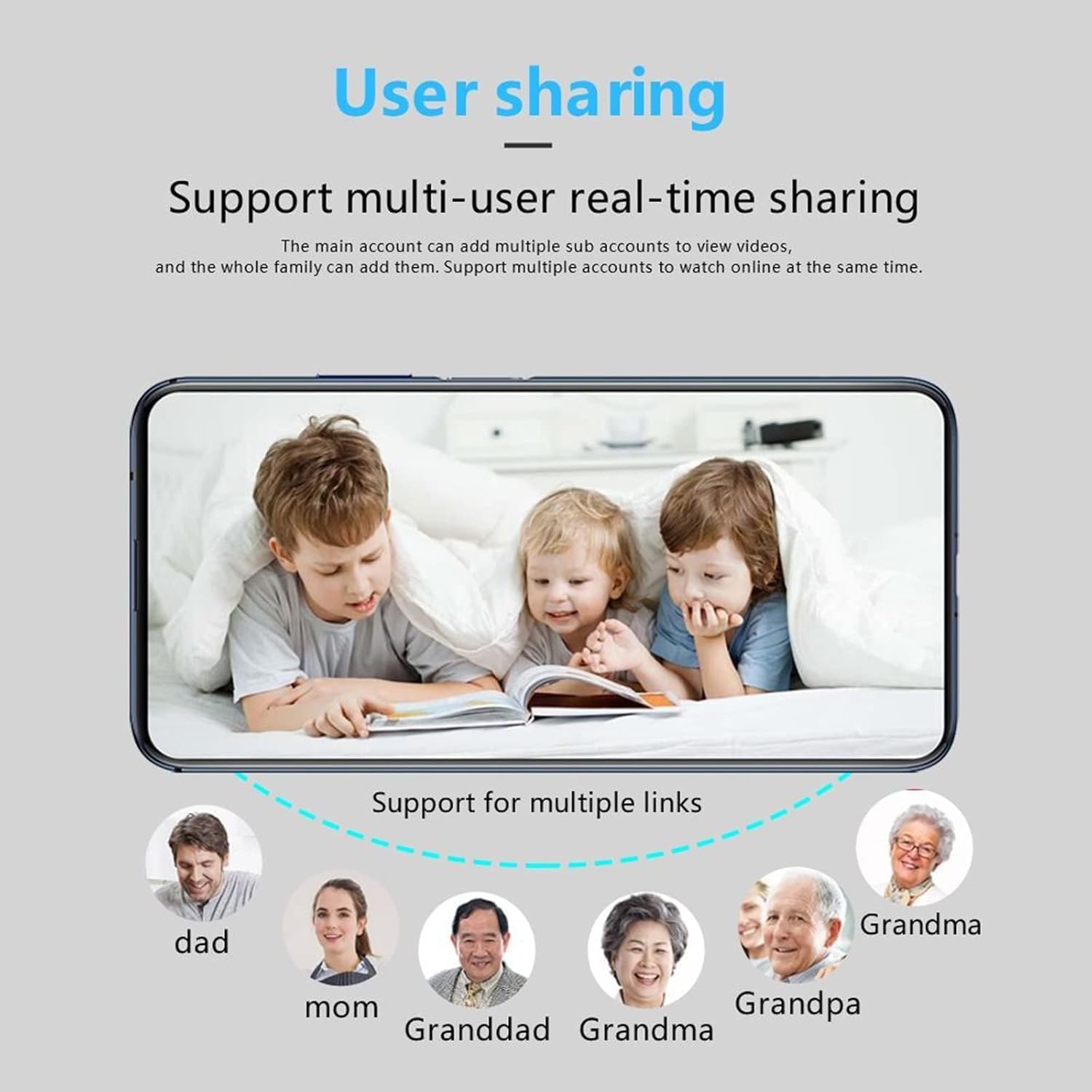
The camera supports multi-user real-time sharing. The main account holder can add multiple sub-accounts, allowing family members or trusted individuals to view the video feed simultaneously. This feature is managed within the mobile application.

6. Video Recording and Playback
When a Micro SD card is inserted, the camera will automatically record video in a loop recording mode. You can access and play back recorded footage directly through the mobile application. The resolution of recorded video is 1920*1080P.
Maintenance
To ensure optimal performance and longevity of your Amposei Mini WiFi Camera, follow these maintenance guidelines:
- Cleaning: Use a soft, dry cloth to clean the camera lens and body. Avoid using liquid cleaners or abrasive materials that could damage the device.
- Storage: When not in use for extended periods, store the camera in a cool, dry place away from direct sunlight and extreme temperatures.
- Firmware Updates: Periodically check the mobile application for any available firmware updates to ensure your camera has the latest features and security enhancements.
Troubleshooting
If you encounter issues with your camera, please refer to the following common problems and solutions:
- Camera not powering on: Ensure the camera is fully charged. Connect it to a power source and try again.
- Unable to connect to Wi-Fi: Verify that your Wi-Fi network is 2.4GHz (5GHz networks are typically not supported). Ensure the camera is within range of your router. Restart both the camera and your router.
- No video recording: Check if a Micro SD card is properly inserted and has sufficient free space. Ensure loop recording is enabled in the app settings.
- Poor image quality: Ensure the camera lens is clean. Check your internet connection speed if viewing remotely, as a slow connection can affect streaming quality.
- Motion detection not working: Verify that motion detection is enabled in the app settings and that the sensitivity is adjusted appropriately.
Specifications
| Feature | Specification |
|---|---|
| Model Number | AMTL0023 |
| Resolution | 1920*1080P |
| Lens Angle | 160 Degrees Wide-angle |
| Night Vision Range | Up to 10 meters (32 feet) |
| Storage | Supports 8GB-128GB Micro SD Card (not included) |
| Operating System | Android/iOS |
| Power Supply Mode | Power bank or household power supply |
| Recording Video Format | AVI |
| Product Dimensions | 0.9 x 1.2 x 0.9 inches |
| Item Weight | 8.1 ounces |
Warranty Information
Amposei products are manufactured to high-quality standards. This product is covered by a limited warranty against defects in materials and workmanship from the date of purchase. Please retain your proof of purchase for warranty claims. For specific warranty terms and conditions, refer to the product packaging or contact customer support.
Support
For further assistance, technical support, or inquiries regarding your Amposei Mini WiFi Camera, please visit the official Amposei store or contact their customer service department. You can find more information and contact details on the brand's official website or through your purchase platform.
Visit the Amposei Store: Amposei Official Store