
OUKITEL C60Pro
OUKITEL C60 PRO Android 15 Smartphone User Manual
Model: C60Pro | Brand: OUKITEL
1. Introduction
Welcome to the OUKITEL C60 PRO Android 15 Smartphone user manual. This guide provides essential information to help you get started with your new device, understand its features, and ensure optimal performance. Please read this manual thoroughly before using your smartphone.

Image 1.1: OUKITEL C60 PRO Android 15 Smartphone, showcasing its large display and rear camera module with a powerful speaker and flashlight.
2. What's in the Box
Upon opening the package, ensure all the following items are present:
- 1x OUKITEL C60 PRO Smartphone
- 1x 18W Charger
- 1x Data Cable
- 1x Card Needle (SIM ejector tool)
- 1x Packing Box
3. Setup
3.1. SIM Card and TF Card Installation
The OUKITEL C60 PRO supports dual Nano SIM cards or one Nano SIM card and one TF (microSD) card for expandable storage up to 1TB.
- Locate the SIM card tray on the side of your phone.
- Insert the provided card needle into the small hole next to the tray to eject it.
- Place your Nano SIM card(s) and/or TF card into the designated slots on the tray. Ensure the gold contacts are facing down and the cards are correctly oriented.
- Carefully reinsert the tray into the phone until it clicks into place.

Image 3.1: Illustration of Dual SIM card slots and supported network types.
3.2. Initial Power On
Press and hold the Power button (usually on the right side of the device) until the OUKITEL logo appears. Follow the on-screen prompts to complete the initial setup, including language selection, Wi-Fi connection, and Google account login.
3.3. Network Compatibility
This phone supports the following frequency bands:
- GSM: B2/3/5/8
- WCDMA: B1/2/4/5/8
- TDD: 34/38/39/40/41
- FDD: B1/2/3/4/5/7/8/12/17/18/19/20/25/26/28A/28B/66
The OUKITEL C60 PRO is compatible with T-Mobile carriers. It does not support AT&T and Verizon networks. Please verify your carrier's compatibility before use.
4. Operating Your Smartphone
4.1. Android 15 System
Your OUKITEL C60 PRO operates on the latest Android 15 system, offering an optimized user experience with enhanced security features and privacy controls. Enjoy seamless multitasking and quick application launches.

Image 4.1: Visual representation of the Android 15 operating system interface.
4.2. Display
The device features a 6.88-inch HD+ display with a 90Hz refresh rate, providing clear visuals and smooth scrolling. With 450 nits brightness, the screen offers good visibility even in direct sunlight.
- Resolution: 1640 x 720 pixels
- Refresh Rate: 90Hz
- Brightness: 450 nits
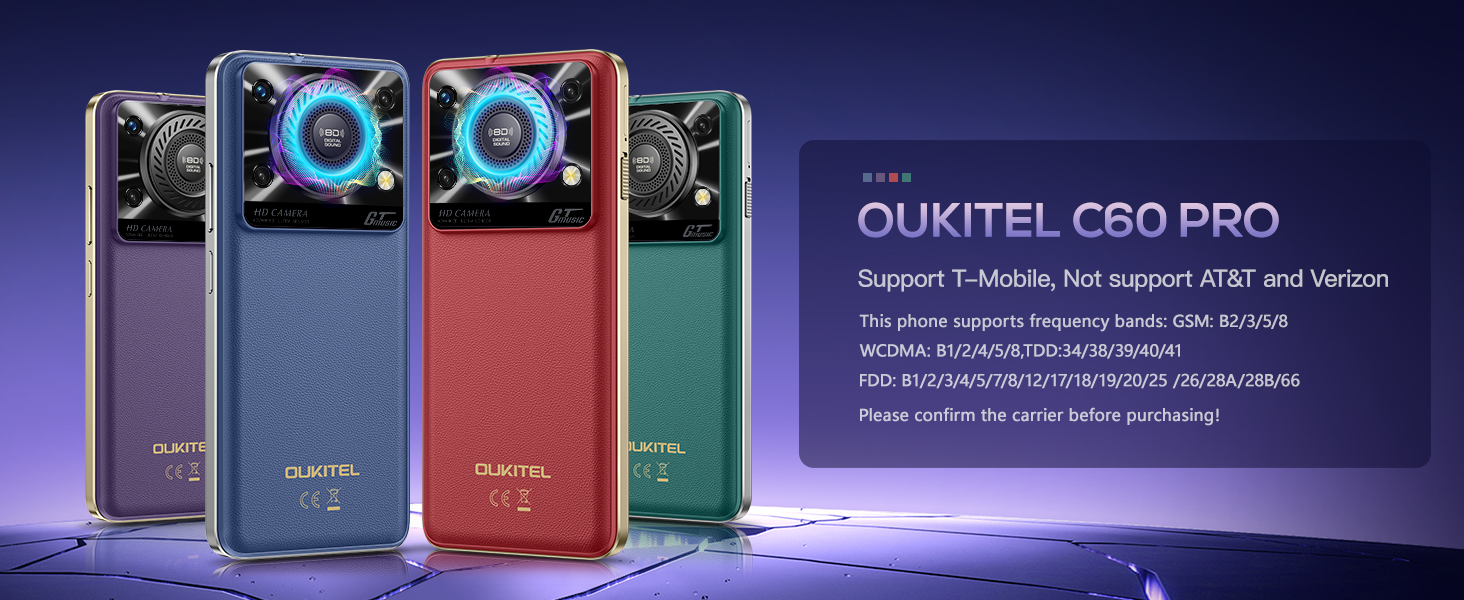
Image 4.2: The 6.88-inch HD+ display with 90Hz refresh rate.
4.3. Camera
Capture moments with the integrated camera system:
- Main Camera: 13MP for high-speed shooting and accurate color reproduction.
- Front Camera: 5MP with a beauty selfie mode for clear self-portraits.
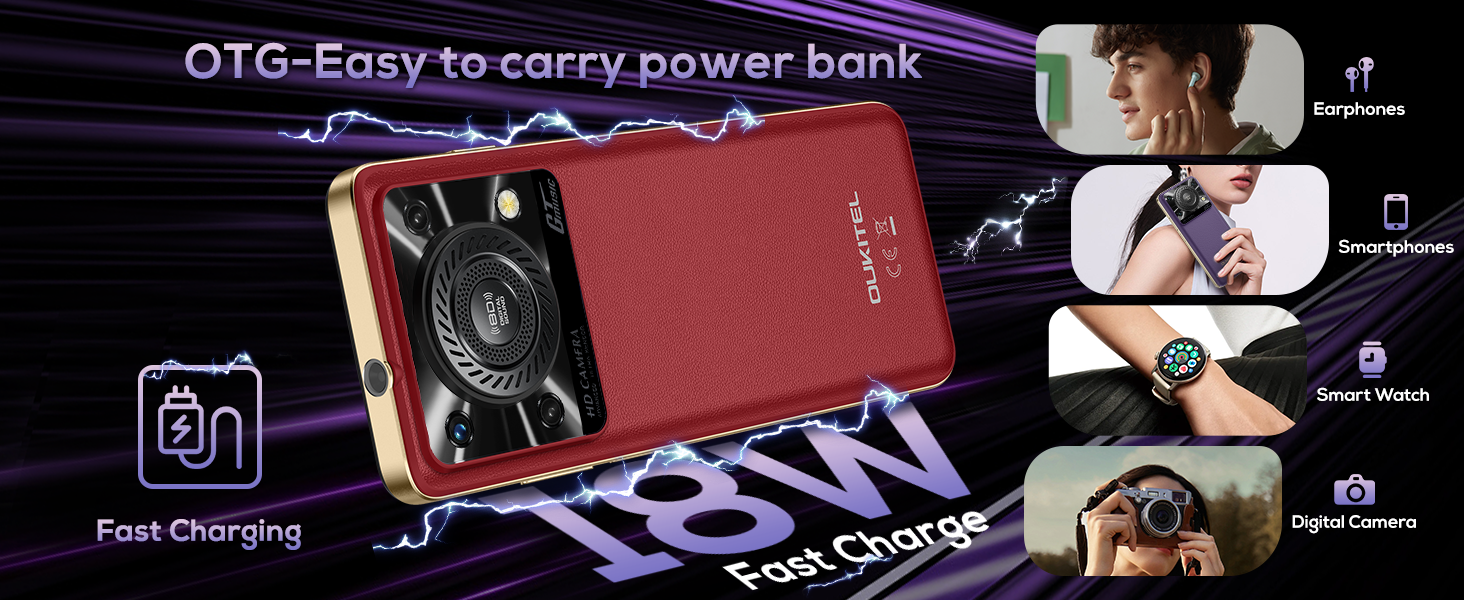
Image 4.3: Depiction of the 13MP main camera and 5MP front camera capabilities.
4.4. Audio and Flashlight
The OUKITEL C60 PRO features a 36mm high-performance speaker, delivering clear audio with up to 110dB volume. Additionally, an ultra-bright 120-lumen integrated flashlight is available, activated by a dedicated left-side button.
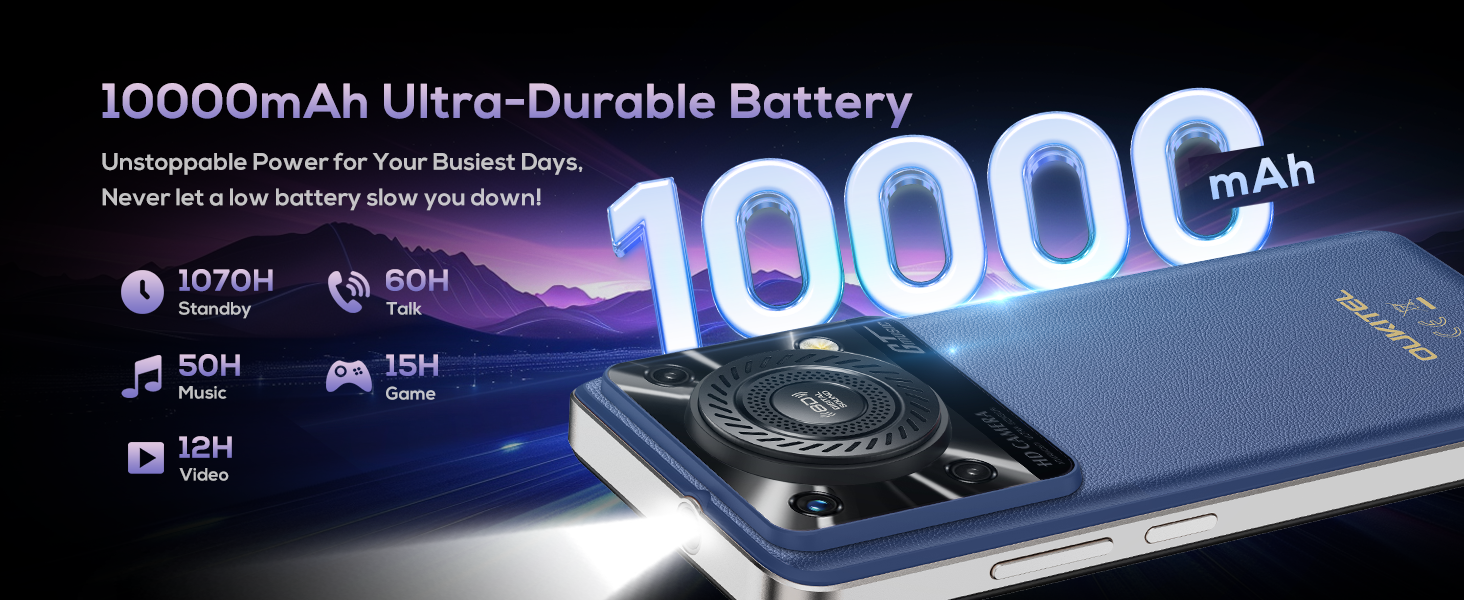
Image 4.4: Visual of the 36mm speaker and the powerful 120-lumen flashlight in use.
4.5. NFC and GPS
The device supports Near Field Communication (NFC) for convenient features like Google Pay. For navigation, it integrates GPS, GLONASS, Beidou, and Galileo systems for accurate positioning.
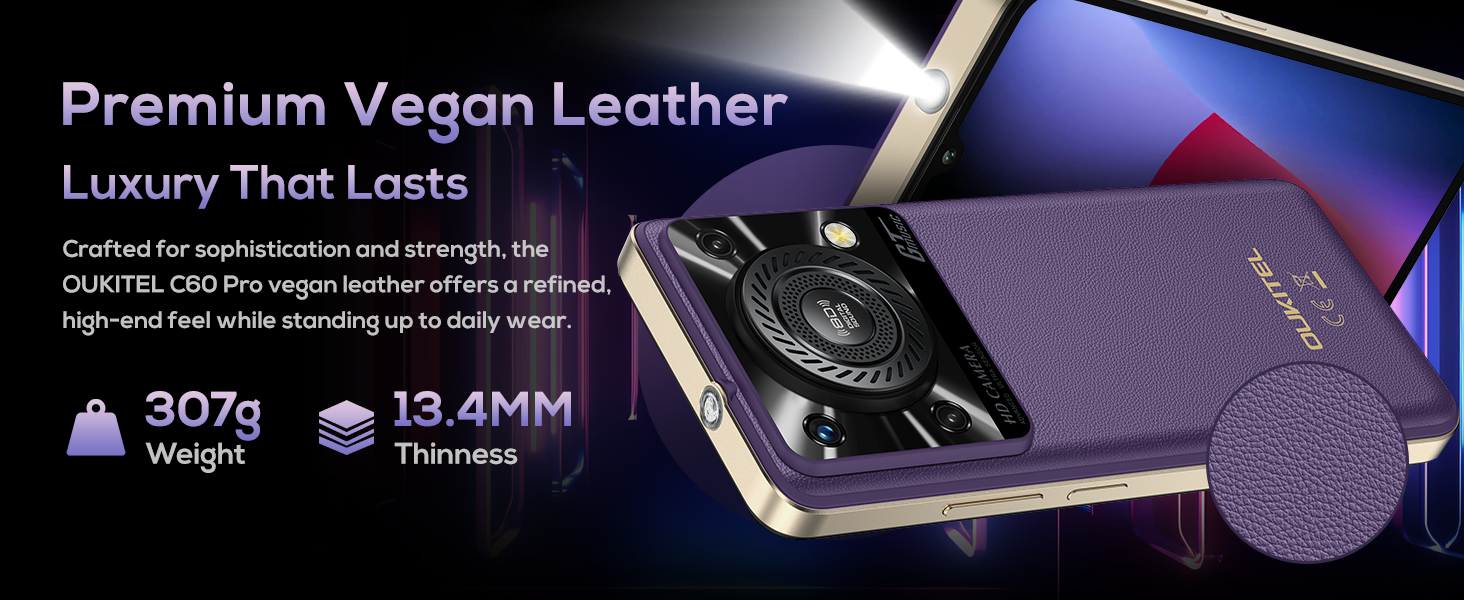
Image 4.5: Icons representing Bluetooth 5.0, multi-system GPS, and NFC payment functionality.
4.6. Security Features
For secure and convenient access, the OUKITEL C60 PRO includes both Face ID and fingerprint unlocking options.
5. Battery Management
The OUKITEL C60 PRO is equipped with a 10000mAh battery, designed for extended usage.
- Standby Time: Up to 1070 hours
- Talk Time: Up to 60 hours
It supports 18W fast charging to quickly replenish the battery. The device also features OTG (On-The-Go) reverse charging, allowing it to act as a power bank for other devices or for data transfer.
Note: Due to the large 10000mAh battery, the phone has a weight of 307g and dimensions of 171.2 x 77.8 x 13.4 mm.
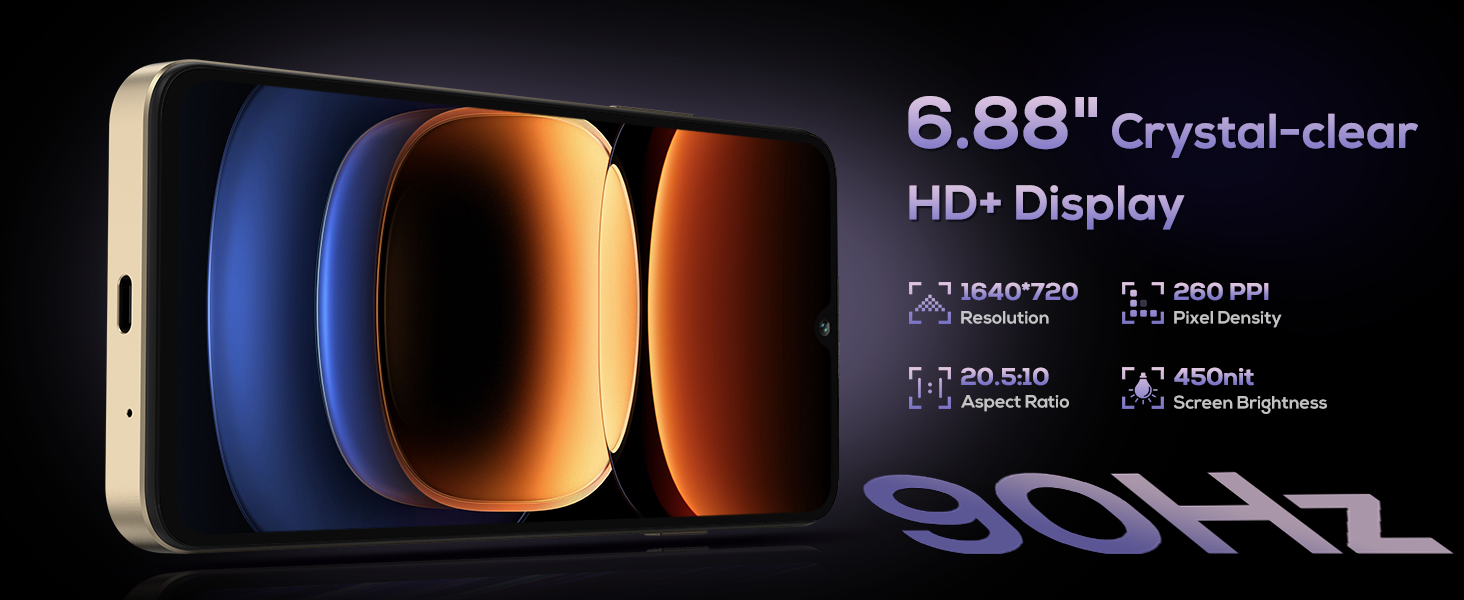
Image 5.1: The 10000mAh battery capacity and 18W fast charging capability.
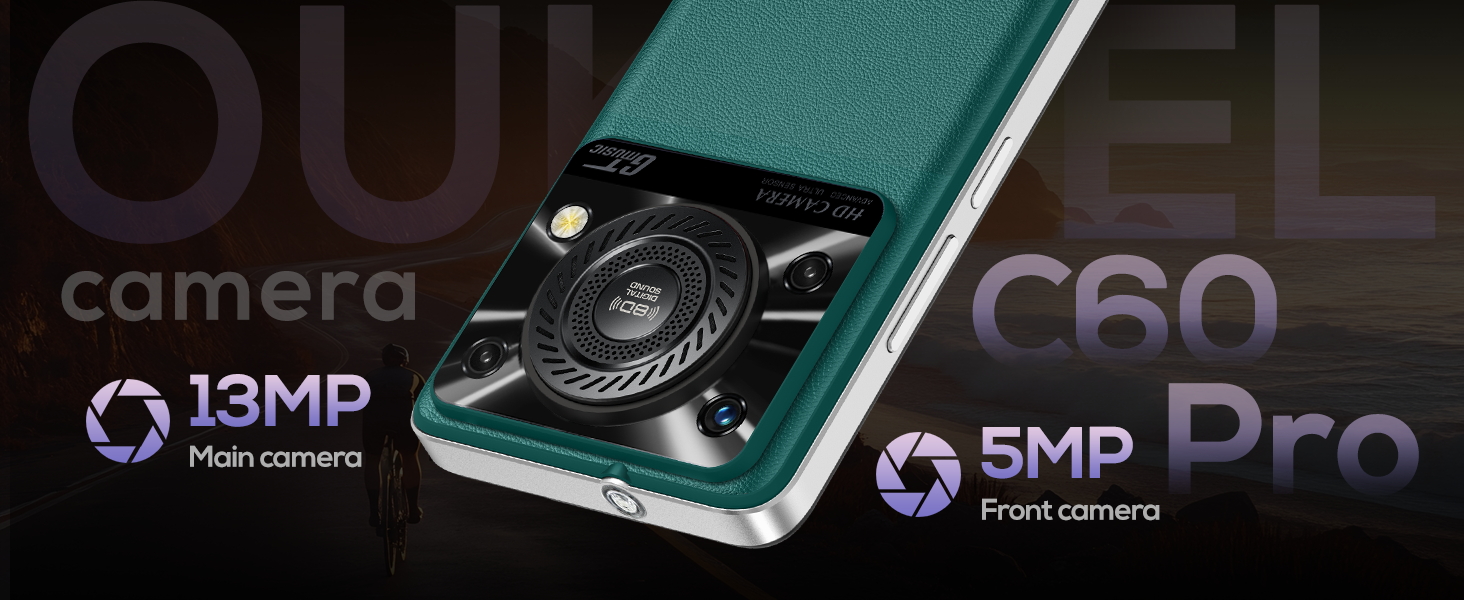
Image 5.2: The phone's OTG function, allowing it to charge other devices.
6. Storage and Performance
The OUKITEL C60 PRO is designed for smooth performance and ample storage:
- RAM: 24GB (8GB physical + 16GB virtual memory) for efficient multitasking.
- ROM: 256GB internal storage.
- Expandable Storage: Supports TF card expansion up to 1TB.
- Processor: Octa-core processor for superior performance and reduced power consumption.
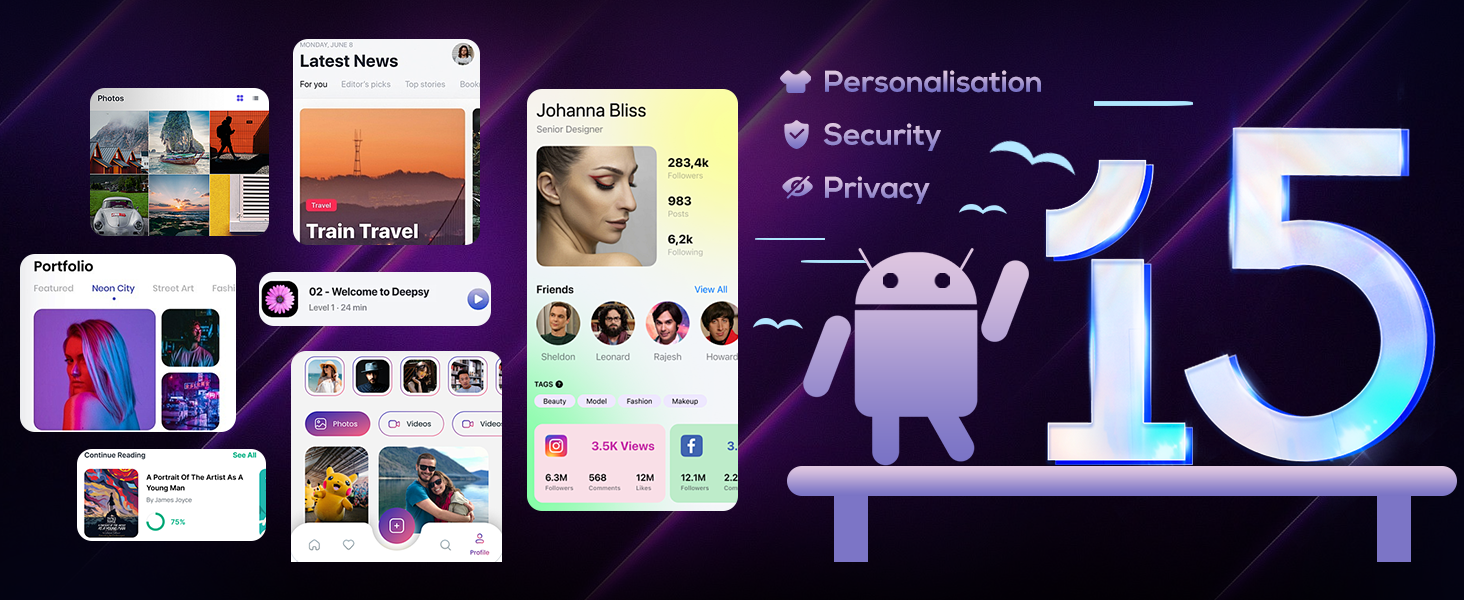
Image 6.1: Illustration of the 24GB RAM and 256GB ROM with 1TB expandable storage.
7. Connectivity
The OUKITEL C60 PRO offers various connectivity options:
- Wi-Fi: 2.4G + 5G for fast internet access.
- Bluetooth: For connecting wireless accessories.
- USB: Supports USB OTG for connecting external devices.
- Audio Jack: 3.5 mm for wired headphones.
8. Maintenance
To ensure the longevity and optimal performance of your OUKITEL C60 PRO, follow these maintenance guidelines:
- Cleaning: Use a soft, lint-free cloth to clean the screen and body. Avoid abrasive materials or harsh chemicals.
- Software Updates: Regularly check for and install system updates to benefit from the latest features, security patches, and performance improvements.
- Battery Care: Avoid extreme temperatures. Do not fully discharge the battery frequently. Use the provided charger for optimal charging.
- Physical Protection: Consider using a protective case and screen protector to guard against drops and scratches.
- Storage Management: Periodically clear unnecessary files and apps to maintain sufficient storage space and system speed.
9. Troubleshooting
If you encounter issues with your OUKITEL C60 PRO, refer to the following common troubleshooting steps:
| Problem | Solution |
|---|---|
| Phone does not turn on | Ensure the battery is charged. Connect the phone to the charger for at least 30 minutes, then try powering it on again. |
| Apps are slow or crashing | Close background applications. Clear app caches. Restart the phone. Ensure sufficient storage space is available. |
| Cannot connect to Wi-Fi | Restart your router and phone. Forget the Wi-Fi network on your phone and reconnect. Check Wi-Fi settings for any restrictions. |
| Poor network signal or no service | Ensure your SIM card is correctly inserted. Check if your carrier is supported (T-Mobile compatible, AT&T/Verizon not supported). Move to an area with better network coverage. Restart the phone. |
| Battery drains quickly | Reduce screen brightness. Close unused apps. Disable unnecessary features like GPS or Bluetooth when not in use. Check battery usage in settings to identify power-hungry apps. |
If these steps do not resolve your issue, please contact OUKITEL customer service for further assistance.
10. Specifications
Key technical specifications for the OUKITEL C60 PRO:
| Feature | Detail |
|---|---|
| Model Name | C60Pro |
| Operating System | Android 15 |
| RAM | 24 GB (8GB physical + 16GB virtual) |
| Internal Storage (ROM) | 256 GB |
| Expandable Storage | Up to 1 TB via TF card |
| Screen Size | 6.88 Inches |
| Resolution | 1640 x 720 (HD+) |
| Refresh Rate | 90 Hz |
| Battery Capacity | 10000 Milliamp Hours |
| Fast Charging | 18W Support |
| Main Camera | 13 MP |
| Front Camera | 5 MP |
| Speaker | 36mm High-Performance (up to 110dB) |
| Flashlight | 120-Lumen Integrated |
| Connectivity | 4G Dual SIM, Wi-Fi 2.4G+5G, Bluetooth, NFC, USB OTG |
| Navigation | GPS, GLONASS, Beidou, Galileo |
| Security | Face ID, Fingerprint Sensor |
| Dimensions | 171.2 x 77.8 x 13.4 mm |
| Weight | 307 grams (10.6 ounces) |
| Audio Jack | 3.5 mm |
11. Warranty and Support
OUKITEL provides the following support for your C60 PRO smartphone:
- Return Policy: 30 days no-reason return.
- Technical Support: Long-term technical support.
- Customer Service: 24 hours online customer service.
For assistance, please visit the official OUKITEL website or contact their customer service directly.
Related Documents - C60Pro
 |
Ulefone Armor 24 User Manual: Features, Operation, and Safety Comprehensive user manual for the Ulefone Armor 24 rugged smartphone. Learn about its IP68/IP69K rating, Android 14 OS, 24GB RAM, 256GB ROM, 64MP Night Camera, 6.78" display, and massive 22000mAh battery. |
 |
ACEMAGIC Notebook User Manual This user manual provides comprehensive information on the ACEMAGIC Notebook, covering its specifications, package contents, safety guidelines, appearance details, and touchpad usage instructions. |
 |
VekfulPC Tablet T20 User Manual & Warranty Card Comprehensive user manual and warranty information for the VekfulPC Tablet T20. Learn about setup, features, safety guidelines, maintenance, and access multilingual support. |
 |
OUKITEL C60 Series User Manual: Specifications and Safety Information Official user manual for the OUKITEL C60 Series smartphone, detailing specifications, features, safety warnings, and regulatory compliance. Includes information on display, processor, battery, cameras, connectivity, and more. |
 |
OUKITEL WP8 Pro Rugged Smartphone - User Manual and Specifications Detailed specifications, features, and user information for the OUKITEL WP8 Pro rugged smartphone, including its IP68 rating, 5000mAh battery, and Android 10 operating system. |
 |
OUKITEL WP18 Pro Rugged Smartphone: Technical Specifications and Features Detailed technical specifications, features, and package contents for the OUKITEL WP18 Pro rugged smartphone by OUKITEL. Includes display, camera, battery, connectivity, dimensions, and regulatory information. |
Ask a question about this manual
Ask about setup, troubleshooting, compatibility, parts, safety, or missing instructions. Manuals+ will review the question and use this page’s manual context to help answer it.