
Introduction
Thank you for choosing the WorWoder W30 Portable White Noise Machine. This device is designed to provide a calming auditory environment with 20 non-looping soothing sounds, a soft nightlight, and convenient timer options. It is suitable for both babies and adults, helping to mask disruptive noises for improved sleep, relaxation, and concentration. This manual provides essential information for the safe and effective use of your sound machine.
Safety Information
- Do not use the device in the bath or near water to prevent electrical hazards.
- Do not use the USB-C charging cable while the sound machine is in operation. Charge the device when not in use.
- Use the device at safe volumes to avoid potential hearing damage, especially for infants and young children.
- Keep the device out of reach of small children when not in use to prevent choking hazards from small parts.
- Ensure the charging cable is not damaged before use.
- Do not attempt to disassemble or repair the device yourself. Contact customer support for assistance.
Package Contents
Please check the package for the following items:
- WorWoder W30 Portable White Noise Machine
- USB-C Charging Cable
- User Manual
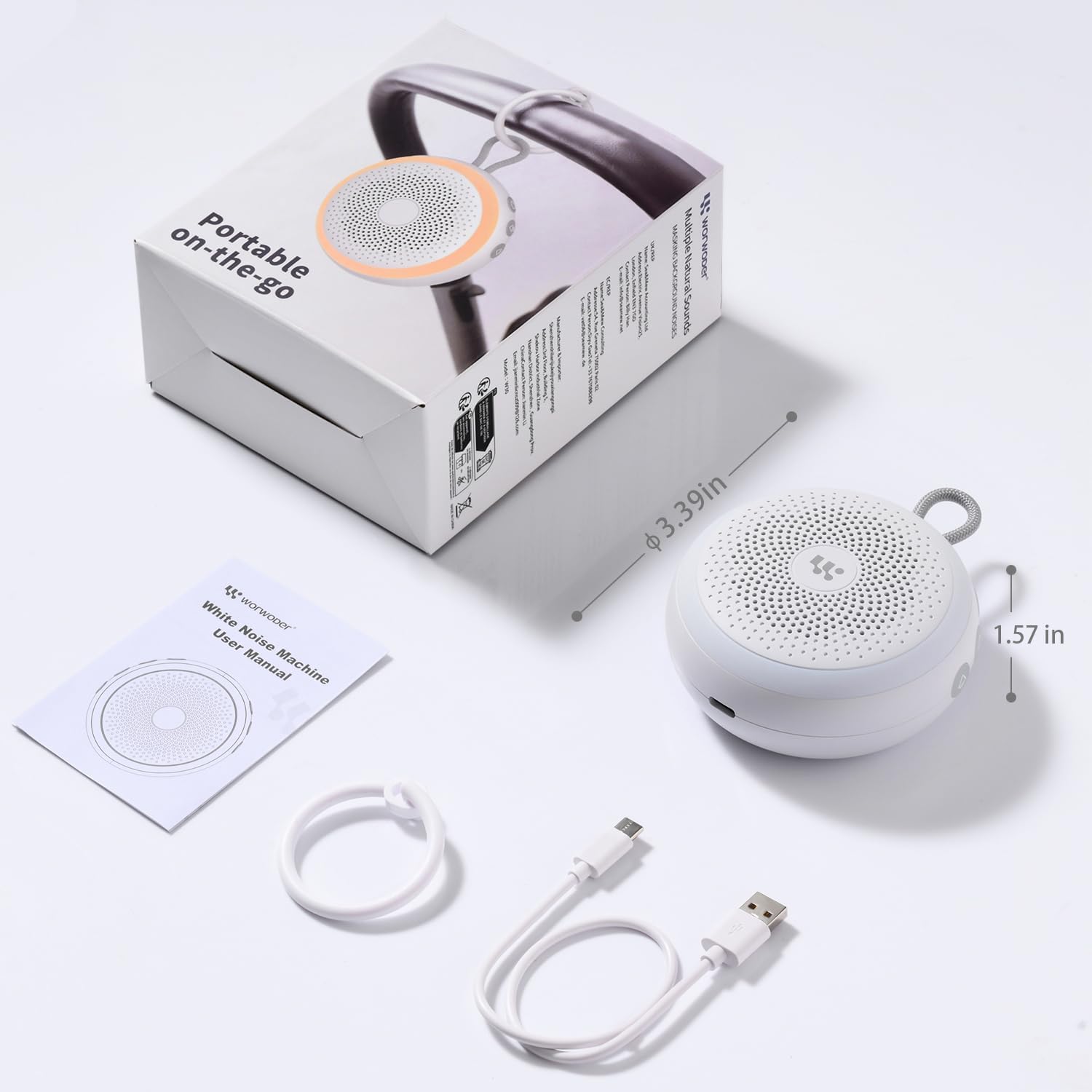
Image: Contents of the WorWoder W30 package, showing the sound machine, USB-C charging cable, and the user manual.
Product Overview
The WorWoder W30 features an intuitive design with easily accessible controls for sound selection, volume, timer, and nightlight functions. The device is compact and includes a strap for portability.

Image: Front view of the WorWoder W30, highlighting its compact design and speaker grille.
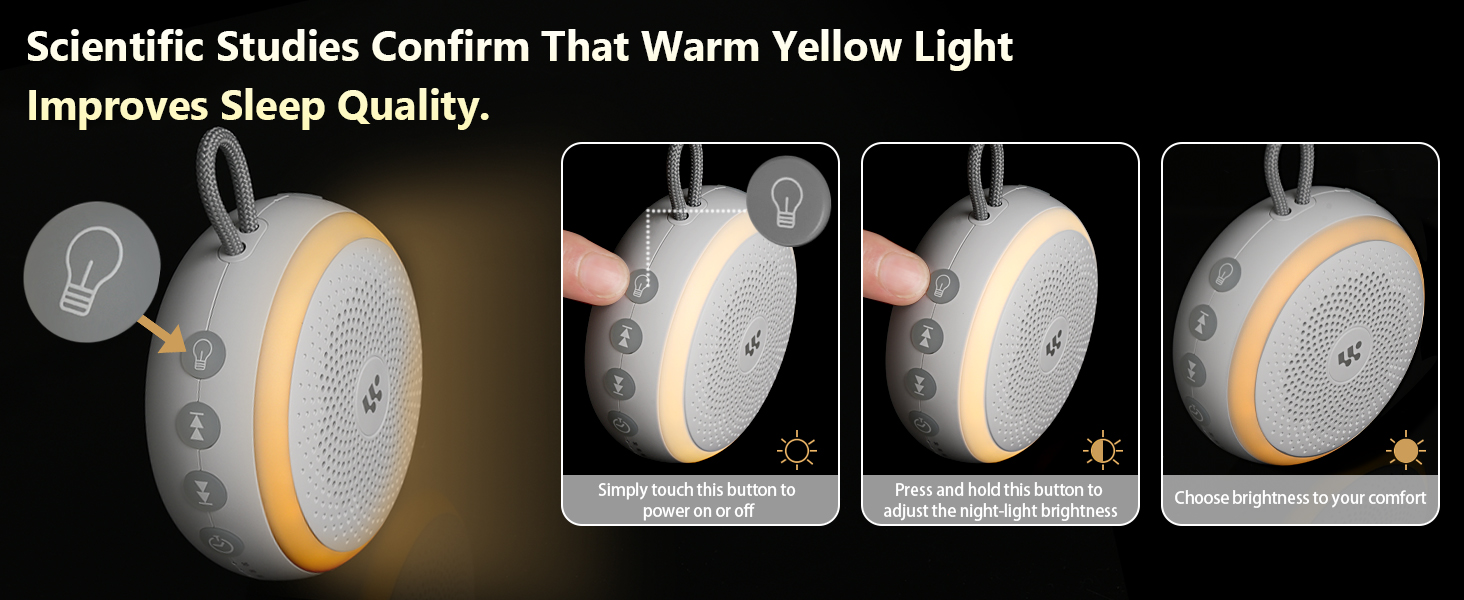
Image: Close-up of the control buttons on the side of the WorWoder W30, indicating their functions for sound selection, volume adjustment, timer settings, and nightlight control.
Setup
- Charging the Device: Before first use, fully charge the WorWoder W30. Connect the provided USB-C charging cable to the device's charging port and plug the other end into a compatible USB power adapter (not included) or a computer USB port. The charging indicator light will show the charging status. A full charge provides up to 22 hours of usage.
- Initial Power On: Press and hold the power button (usually indicated by a power symbol) for a few seconds to turn on the device.
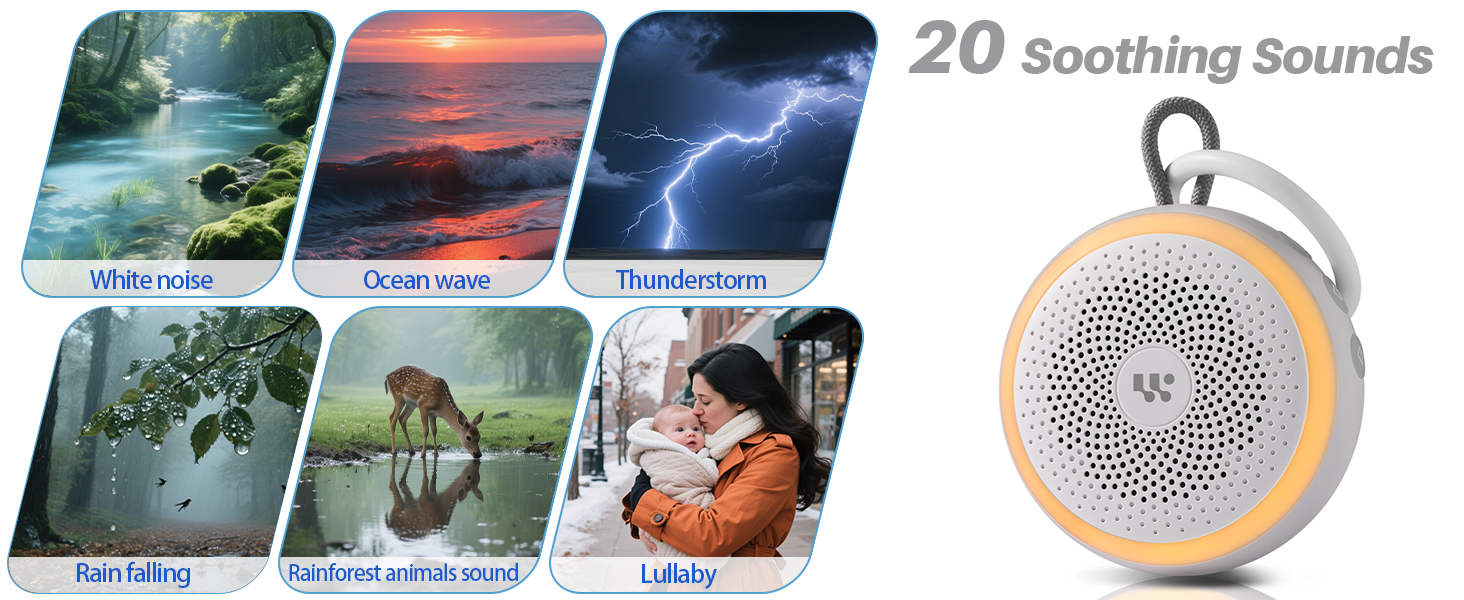
Image: The WorWoder W30 connected to a USB-C charging cable, demonstrating its rechargeable feature and long battery life.
Operating Instructions
- Power On/Off: Press and hold the power button to turn the device on or off.
- Sound Selection: Press the sound button (often indicated by a musical note or wave icon) to cycle through the 20 available soothing sounds. These include white noise, brown noise, pink noise, lullabies, fan sounds, rain, hush, wave, bird, fire, and meditation sounds.
- Volume Adjustment: Use the '+' and '-' buttons to increase or decrease the volume to your desired level.
- Timer Setting: Press the timer button to select a playback duration of 30, 60, or 90 minutes. The device will automatically turn off after the selected time. To enable continuous play, cycle through the timer options until no timer indicator is active.
- Nightlight Control:
- Press the nightlight button (often indicated by a light bulb icon) to turn the soft nightlight on or off.
- Press and hold the nightlight button to adjust the brightness of the light. Release when the desired brightness is reached.
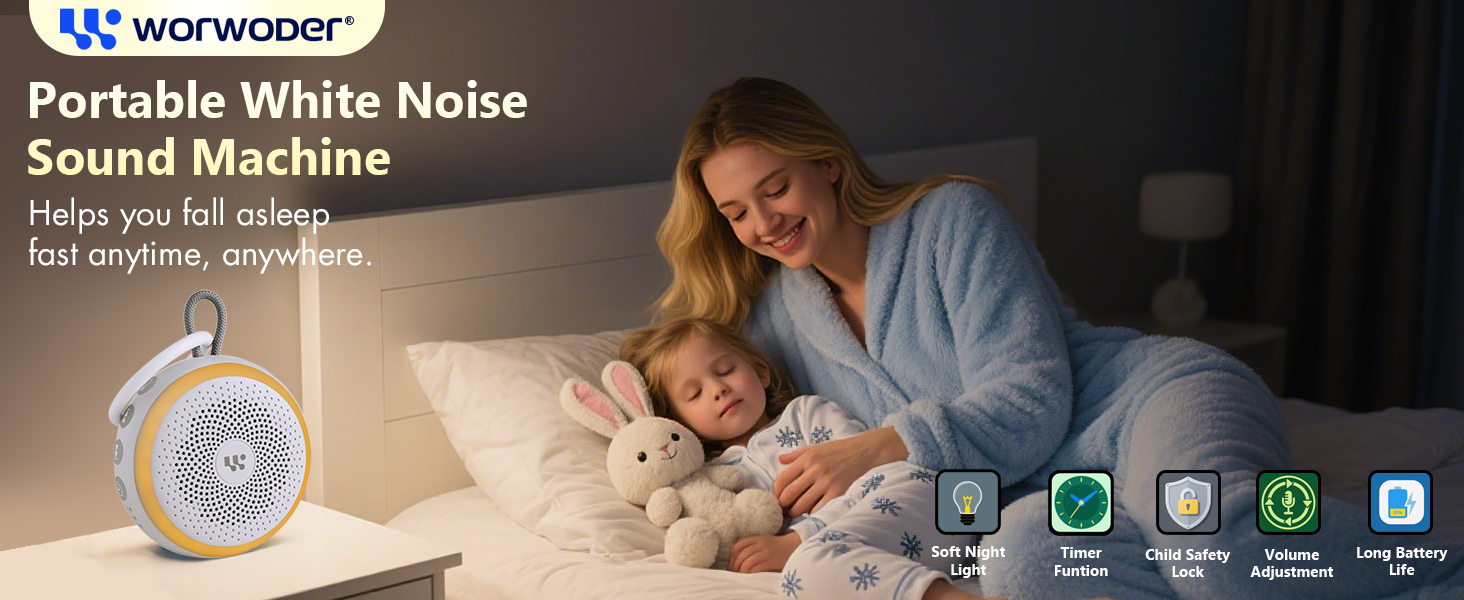
Image: The WorWoder W30 in use, providing 20 soothing sounds for sleep.
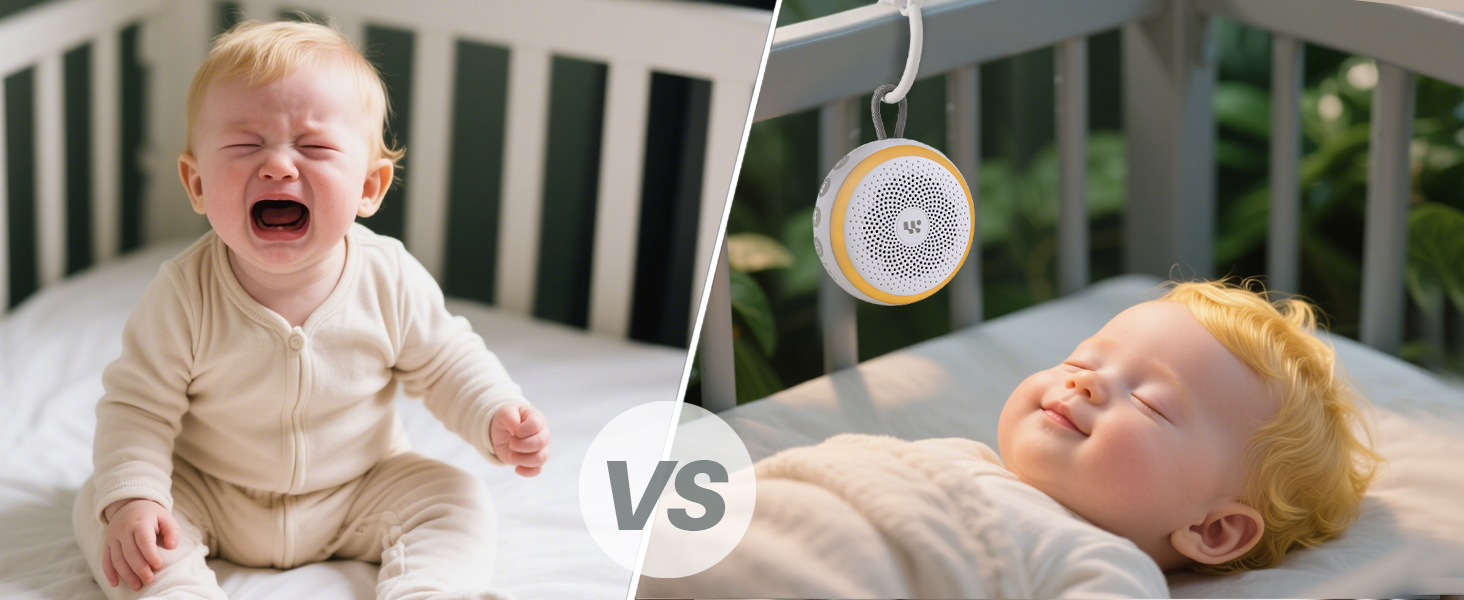
Image: The WorWoder W30 with its soft night light active, providing a gentle glow.
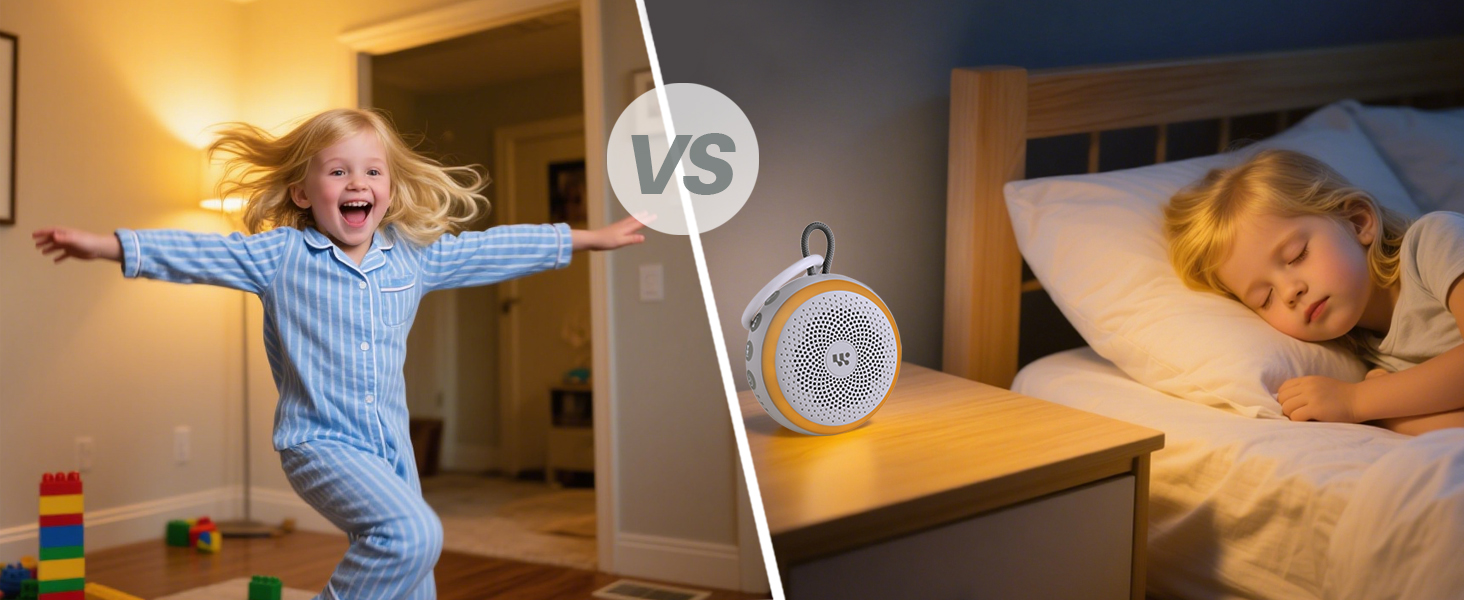
Image: The WorWoder W30 demonstrating its timed playback feature with options for 30, 60, and 90 minutes.
Maintenance
- Cleaning: Wipe the device with a soft, dry cloth. Do not use abrasive cleaners, solvents, or immerse the device in water.
- Storage: When not in use for extended periods, store the device in a cool, dry place away from direct sunlight and extreme temperatures.
- Battery Care: To prolong battery life, avoid fully discharging the battery frequently. Recharge the device regularly, even if not in constant use.
Troubleshooting
| Problem | Possible Cause | Solution |
|---|---|---|
| Device does not turn on. | Battery is depleted. | Charge the device using the provided USB-C cable. |
| No sound. | Volume is too low or muted. | Increase the volume using the '+' button. |
| Sound cuts out unexpectedly. | Timer is set. Battery is low. | Check timer settings. Recharge the device. |
| Nightlight not working. | Nightlight is off or brightness is set to minimum. | Press the nightlight button to turn it on. Press and hold to adjust brightness. |
Specifications
- Model: W30
- Dimensions: 5.12 x 4.49 x 2.44 inches
- Weight: 0.19 Kilograms (6.74 ounces)
- Material: Plastic
- Power Source: Battery Powered (Rechargeable via USB-C)
- Battery Life: Up to 22 hours (approximate, varies with usage)
- Sound Options: 20 non-looping soothing sounds (White noise, brown noise, pink noise, lullabies, fan, rain, hush, wave, bird, fire, meditation, etc.)
- Timer Options: 30, 60, 90 minutes, or continuous play
- Nightlight: Soft, adjustable brightness
Warranty and Support
The WorWoder W30 Portable White Noise Machine comes with an 18-month warranty from the date of purchase. This warranty covers manufacturing defects and issues arising from normal use.
For warranty claims, technical support, or any questions regarding your device, please contact WorWoder customer service. You can typically find contact information on the product packaging or the official WorWoder website. Please have your model number (W30) and proof of purchase ready when contacting support.
Email: support@worwoder.com (Example email, replace with actual if available)
Website: www.worwoder.com (Example website, replace with actual if available)