
Introduction
This manual provides instructions for the GWVEE Remote Control Replacement, designed for use with compatible walking pad treadmills. Please read this manual carefully before using the remote control to ensure proper operation and longevity of the device.

Image: The GWVEE remote control being used with a walking pad, displaying speed, calories, time, and distance metrics.
Compatibility
This GWVEE remote control is a replacement for specific treadmill models. Please verify your treadmill's model number for compatibility:
- For 2.5HP Treadmills: SH37592-RE, SH37590-RE, SH37590-SL, SH37592-NY, 32004818010328, 998470910144, YQ-T4002
- For 2.25HP Treadmills: SUP37SP747US-DK, SP37513BK, SP37513RE, SP37036NY, SP37036WH, SP37036RE, SP37036BK, SP37036SL, SUP37SP747US-SL, SP37036GN, SP37036YE, SUP37SP747US-RE
Setup: Pairing Method
Follow these steps to pair your GWVEE remote control with your treadmill:
- Step 1: Disconnect the safety clip (the one with the magnet) from the treadmill.
- Step 2: Within 10 seconds, press and hold the power button on the remote control. While holding, point the remote close to the treadmill's digital display. You should hear an interruption in the beeping sound, which will then return to a constant beep (indicating the safety clip is not connected).
- Step 3: Place the safety clip magnet back onto the treadmill. After approximately 3 seconds, the system will emit a “beep” sound, indicating the remote control has successfully paired with the treadmill.
You can now use the remote control to operate the treadmill.
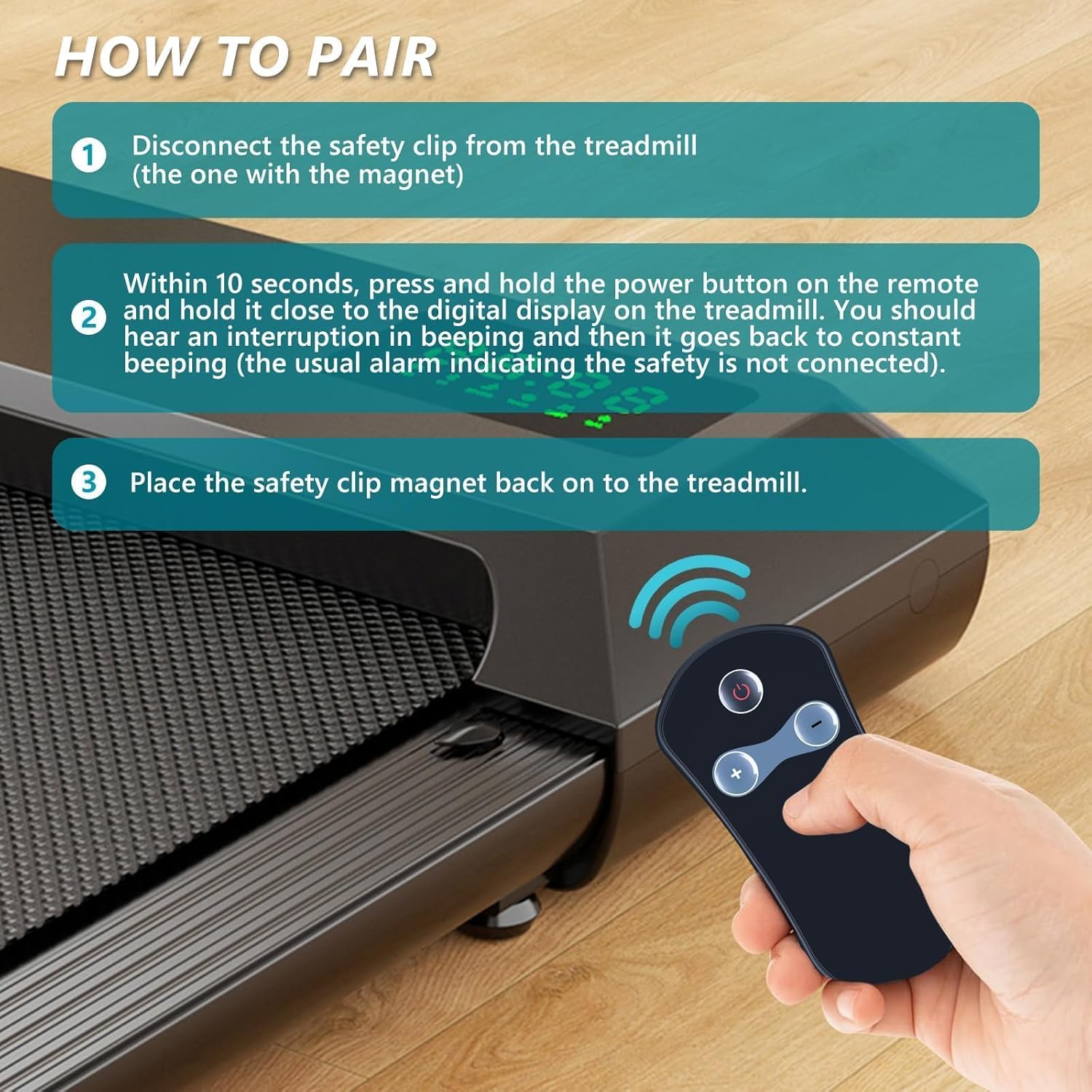
Image: Visual guide illustrating the three-step pairing process for the remote control.
Operating Instructions
Once paired, the remote control allows you to manage your treadmill's basic functions wirelessly. The remote typically features buttons for power, speed adjustment (increase/decrease), and start/stop functions.
- Power Button: Turns the treadmill on or off.
- Start/Stop Button: Initiates or pauses the treadmill's operation.
- Speed Adjustment Buttons (+/-): Increases or decreases the treadmill's speed.

Image: The remote control in a home setting, demonstrating its wireless capability to control treadmill functions like calories, time, speed, and distance.
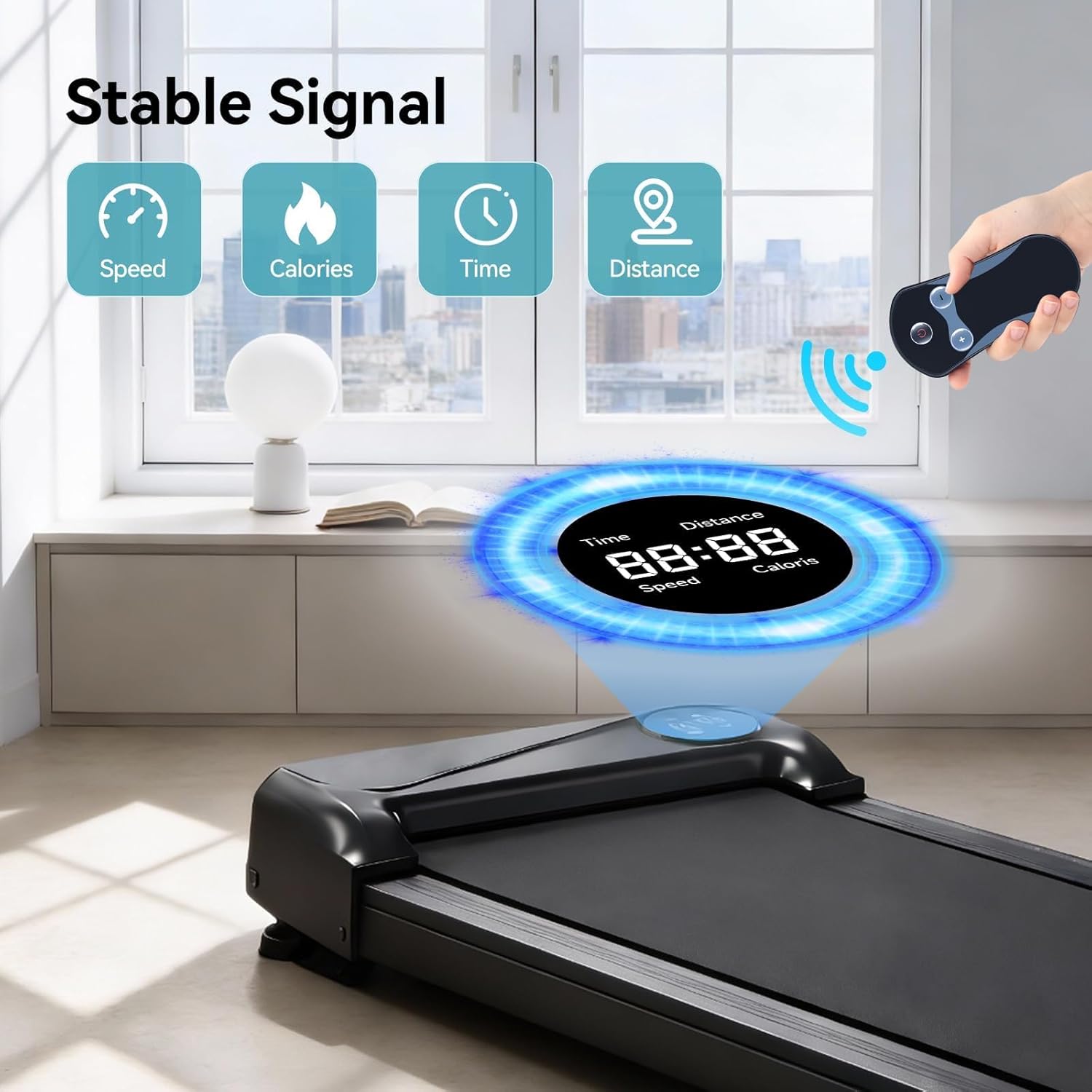
Image: Illustration of the remote control maintaining a stable signal connection with the treadmill, displaying key workout metrics.
Remote Features
The GWVEE remote control is designed for user comfort and durability:
- Buttons: Soft and responsive for quick command execution.
- Material: Constructed from environmentally friendly ABS material.
- Grip: Ergonomically designed for a comfortable hold during use.

Image: Detailed view of the remote control highlighting its design and material features.
Power Source
The remote control requires two 1.5V AAA batteries for operation. Batteries are not included with the remote control and must be purchased separately.

Image: The battery compartment of the remote control, illustrating where to insert two AAA batteries.
Specifications
| Feature | Description |
|---|---|
| Brand | GWVEE |
| Model Name | 4fee9114-a103-4c0e-b74b-528433311d5b |
| Color | Black |
| Connectivity Technology | Infrared |
| Controller Type | Button Control |
| Button Quantity | 3 |
| Maximum Range | 26 Feet |
| Compatible Devices | Treadmill |
| Special Feature | Ergonomic |
Troubleshooting
- Remote Not Responding:
- Ensure new 1.5V AAA batteries are correctly installed.
- Re-attempt the pairing method as described in the 'Setup: Pairing Method' section.
- Verify that the remote control is pointed directly at the treadmill's display during pairing and operation.
- Confirm your treadmill model is listed in the 'Compatibility' section.
- Intermittent Connection:
- Ensure there are no obstructions between the remote and the treadmill's receiver.
- Check battery levels and replace if necessary.
Maintenance
To ensure the longevity of your remote control:
- Keep the remote control clean and dry. Wipe with a soft, damp cloth if necessary.
- Avoid dropping the remote control or exposing it to extreme temperatures.
- Remove batteries if the remote control will not be used for an extended period to prevent leakage.
Warranty and Support
For inquiries regarding your order or compatibility issues, GWVEE provides after-sales assistance. Please contact the seller or manufacturer directly for support.