
1. Product Overview
The Mould King 11016 Amusement Park Building Set is a detailed construction model designed to recreate a motorized rotating swing ride. This set includes over 1581 pieces, allowing for the construction of a realistic theme park attraction with dynamic movement capabilities. The completed model features a ticket booth, a central tower structure, and free-swinging chairs.
The swing ride is equipped with a dual-motor system for vertical lift and 360-degree rotation, controllable via a 2.4GHz remote control or a dedicated smartphone application. This STEM-inspired project is suitable for experienced builders and adults, offering an engaging construction and operational experience.
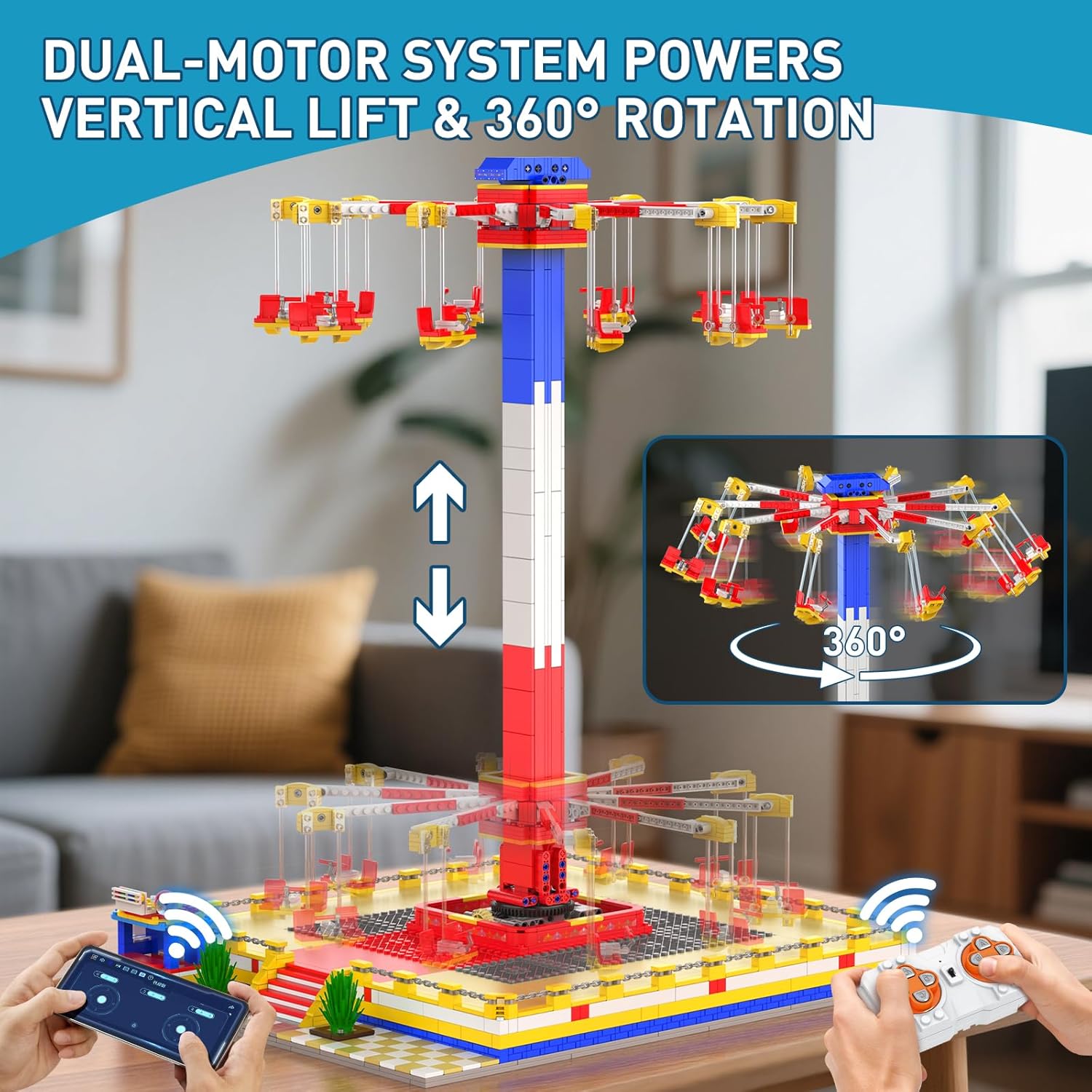
Image 1.1: The Mould King 11016 Motorized Rotating Swing Ride, showcasing its dual-motor system for vertical lift and 360-degree rotation, along with remote and app control options.
2. Package Contents
- 1581+ high-precision ABS building bricks
- Numbered bags for organized assembly
- Step-by-step color instruction manual
- 2 x Silent Motors
- 1 x MK4 Battery Box (batteries not included)
- 1 x 2.4GHz Remote Control
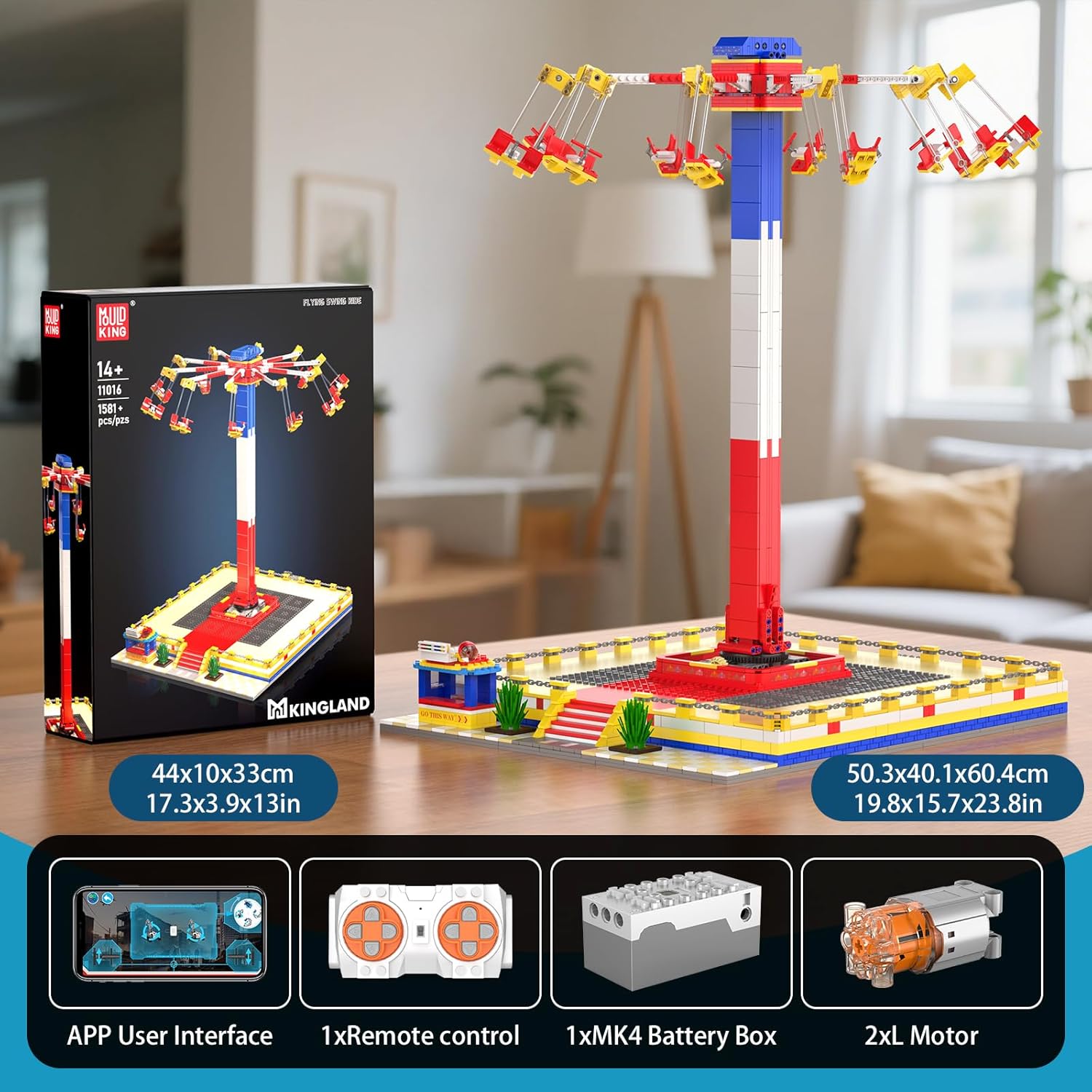
Image 2.1: The product packaging and key components, including the remote control, battery box, and motors.
3. Setup and Assembly
Assembly of the Mould King 11016 set requires careful attention to detail. Follow the included step-by-step color instruction manual for guidance. The building bricks are organized into numbered bags to streamline the construction process.
3.1 Battery Installation
The motorized functions of the swing ride require power from the MK4 Battery Box. This box requires 1 nonstandard battery, which is not included in the package. Ensure the battery is installed correctly according to the polarity markings inside the battery compartment.
- Locate the MK4 Battery Box within your building components.
- Open the battery compartment cover.
- Insert the required nonstandard battery, observing correct polarity (+/-).
- Close the battery compartment cover securely.
- Connect the motors to the battery box as indicated in the instruction manual.

Image 3.1: A detailed view highlighting the battery box, ticket booth, and free-swinging chairs.
4. Operating Instructions
The Mould King 11016 swing ride can be operated using either the included 2.4GHz remote control or a compatible smartphone application.
4.1 Remote Control Operation
- Ensure the battery box is powered on.
- Turn on the remote control. The remote should automatically pair with the battery box.
- Use the directional controls on the remote to initiate vertical lift, 360-degree rotation, and control the swinging motion of the chairs. Refer to the manual for specific button functions.
4.2 Smartphone APP Control
- Download the official Mould King control application from your device's app store.
- Ensure the battery box is powered on.
- Open the application and follow the on-screen instructions to connect to your Mould King 11016 model via Bluetooth.
- Utilize the app's interface to control the ride's movements, including lift, rotation, and chair swing.

Image 4.1: The swing ride highlighting its dual control options: smartphone application and remote control.
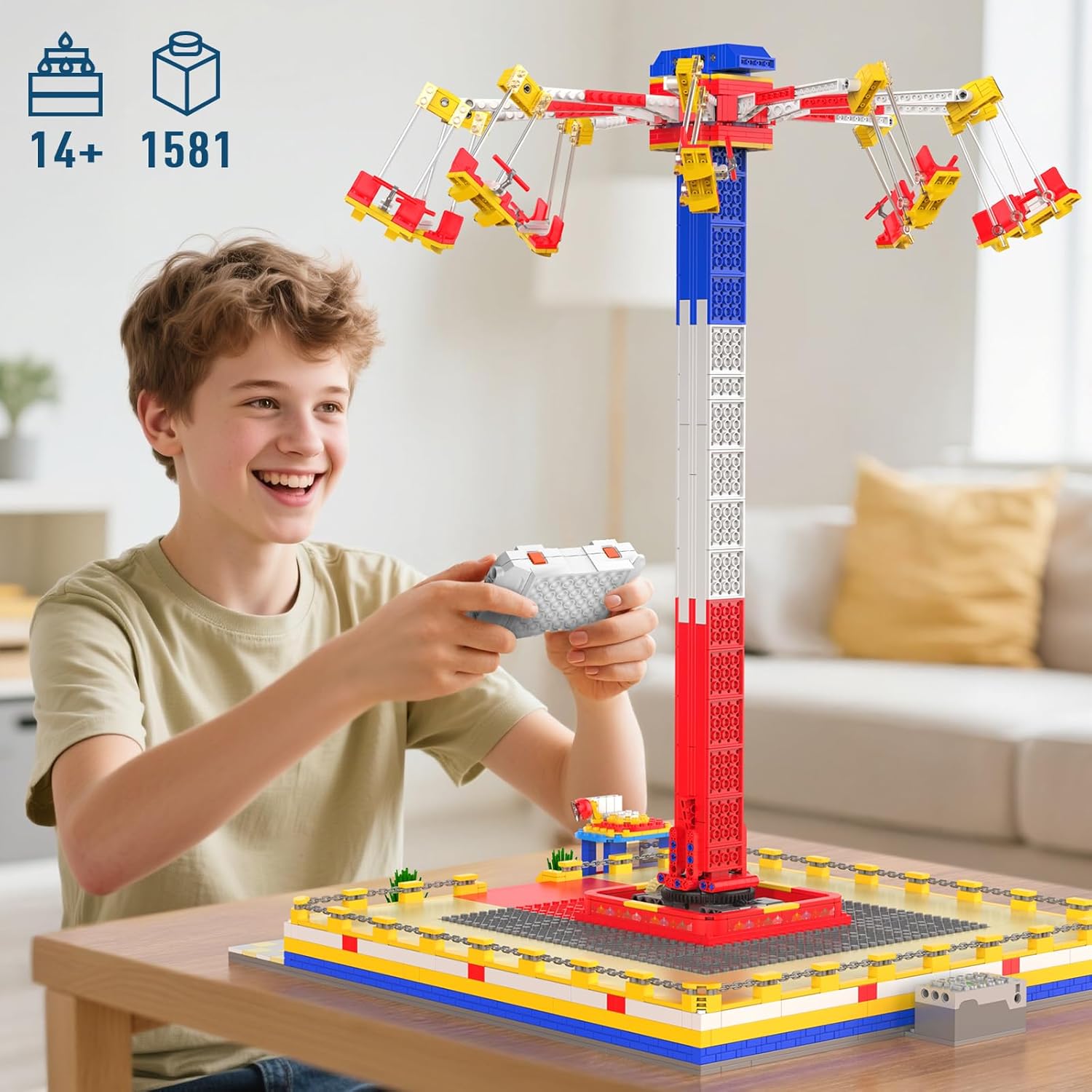
Image 4.2: A child demonstrating the use of the remote control to operate the swing ride.
Video 4.1: An official video demonstrating the operational features of the Mould King 11016 Flying Swing Ride, including its motorized movements.
5. Maintenance
To ensure the longevity and optimal performance of your Mould King 11016 set, follow these maintenance guidelines:
- Cleaning: Gently wipe the model with a dry, soft cloth to remove dust. Avoid using harsh chemicals or abrasive materials, as these can damage the plastic bricks.
- Storage: Store the model in a cool, dry place away from direct sunlight to prevent material degradation and color fading.
- Battery Care: Remove batteries from the battery box if the model will not be used for an extended period to prevent leakage and damage.
- Component Check: Periodically inspect all connections and moving parts to ensure they are secure and functioning correctly. The high-grade ABS material is designed to resist cracking and loose fits, but regular checks are recommended.
6. Troubleshooting
If you encounter issues with your Mould King 11016 set, consider the following troubleshooting steps:
- Model Not Moving:
- Check if the battery box is powered on.
- Ensure batteries are correctly installed and have sufficient charge. Replace if necessary.
- Verify that all motor connections to the battery box are secure.
- Confirm that the remote control or app is properly paired with the model.
- Remote/App Not Connecting:
- Ensure the model's battery box is on.
- Restart the remote control or the smartphone application.
- Check for any obstructions between the controller and the model.
- For app control, ensure Bluetooth is enabled on your device.
- Parts Not Fitting:
- Double-check the instruction manual to ensure you are using the correct pieces and orientation for the step.
- Verify that no foreign objects are obstructing the connection points.
If issues persist after following these steps, please contact customer support.
7. Specifications
| Brand Name | Mould King |
| Model Name | 11016 |
| Model Number | 11016 |
| Number of Pieces | 1581 |
| Item Dimensions (L x W x H) | 50.3 x 40.1 x 60.4 cm (19.8 x 15.8 x 23.78 inches) |
| Item Weight | 3.5 kg |
| Material Type | Plastic (High-grade ABS) |
| Power Source | Battery (1 nonstandard battery, not included) |
| Operation Mode | Automatic |
| Control Method | 2.4GHz Remote Control, Smartphone APP |
| Target Audience | Adults and Experienced Builders |
| Educational Objective | Creative Thinking, Engineering Skills, Problem Solving Skills, STEM, Spatial Reasoning |
| Additional Features | Non Toxic |
| Indoor/Outdoor Usage | Indoor |
8. Warranty and Support
Mould King products are manufactured to high standards. For specific warranty information, please refer to the documentation included with your purchase or visit the official Mould King website.
For technical support, missing parts, or any other inquiries, please contact Mould King customer service. Contact details can typically be found on the product packaging or the manufacturer's official website.