Introduction
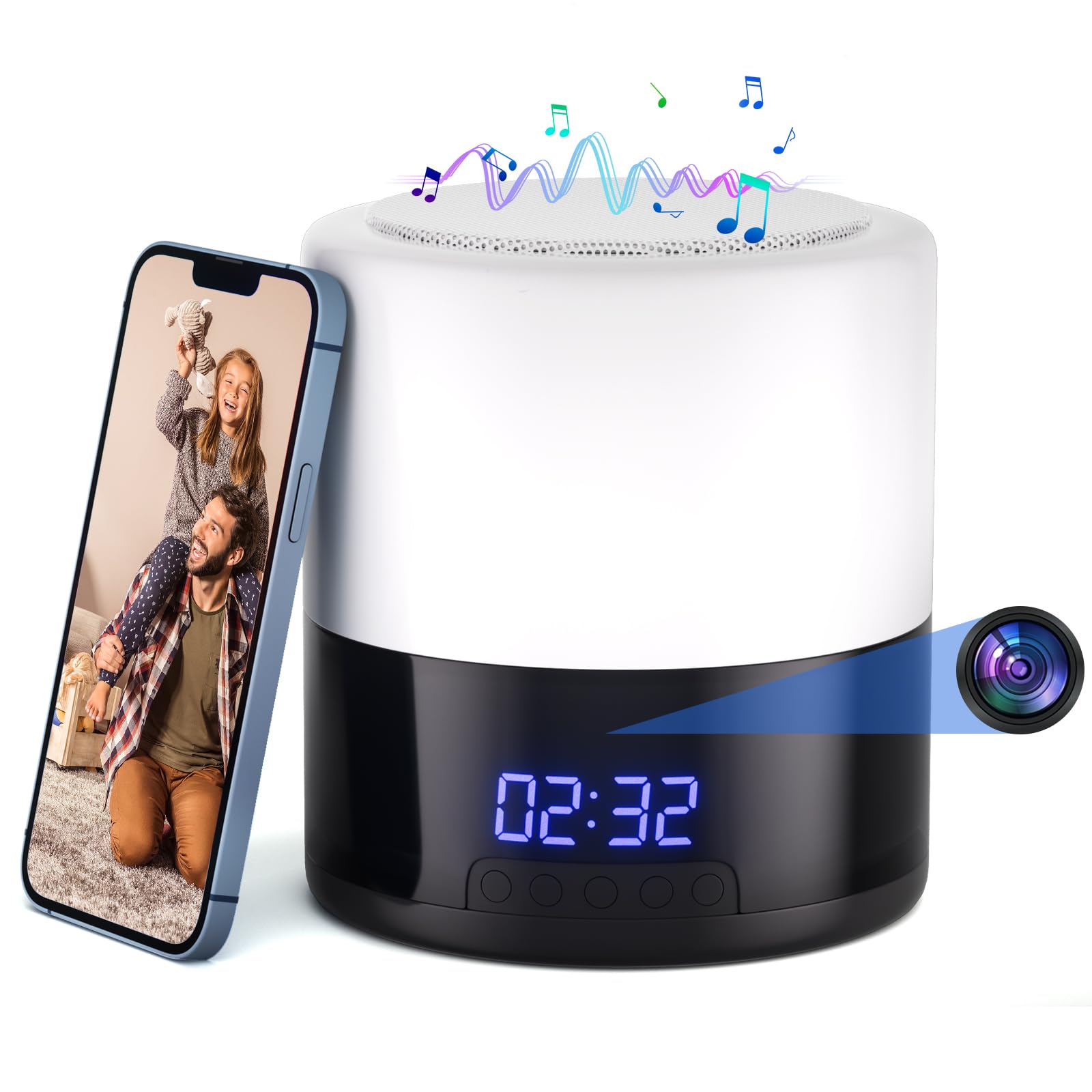
This manual provides detailed instructions for setting up and operating your Generic Q8-001 Security Camera with Bluetooth Speaker and Night Light. This multifunctional device combines a 1080P Full HD camera with a 160° wide-angle rotating lens, a high-quality Bluetooth speaker, and a night light with 5 adjustable colors. It features advanced AI motion detection with real-time alerts and supports both local microSD card storage and secure cloud storage. Designed for indoor use, it offers remote live viewing via a mobile app, making it an ideal solution for home security and ambiance enhancement.
What's in the Box
- Generic Q8-001 Security Camera with Bluetooth Speaker and Night Light
- USB Charging Cable
- Power Adapter
- Instruction Manual

Video: An unboxing and initial overview of the security camera, highlighting its components and design. This video is provided by the seller.
Product Overview
Familiarize yourself with the key components and features of your Q8-001 device.

- Front: Digital clock display, hidden camera lens.
- Top: Control buttons for various functions (e.g., power, volume, light).
- Back: USB Type-C power input.
- Bottom: ON/OFF switch, Micro SD card slot (supports up to 128GB, not included), reset button.
Setup Guide
Follow these steps to quickly set up your Q8-001 device and connect it to the mobile application.
- Insert Micro-SD Card: If you plan to use local storage, insert a Micro-SD card (up to 128GB, not included) into the designated slot on the bottom of the camera.
- Download the App: Scan the QR code in the instruction manual or search for "Cloud365" in the App Store (iOS) or Google Play Store (Android) to download and install the application.
- Power On: Connect the device to power using the provided USB cable and adapter. Turn on the device using the ON/OFF switch.
- Add Device to App: Open the "Cloud365" app, create an account or log in, and follow the in-app instructions to add your new device. Ensure your smartphone is connected to a 2.4GHz Wi-Fi network (5GHz Wi-Fi is not supported).
- Configure Wi-Fi: Within the app, configure the device to connect to your home's 2.4GHz Wi-Fi network.
- Remote Viewing: Once connected, you can use the app for remote live viewing, playback, and control of the camera's features.

Video: Demonstrates the unboxing and initial app setup process for the security camera, including connecting to Wi-Fi and viewing live feed. This video is provided by the seller.
Operating Instructions
Camera Features
The Q8-001 camera offers advanced surveillance capabilities:
- 1080P Full HD Vision: Enjoy crystal-clear video quality for detailed monitoring.
- 160° Rotating Lens: The wide-angle lens can rotate 160 degrees, allowing for a freely adjustable field of view to cover more area.
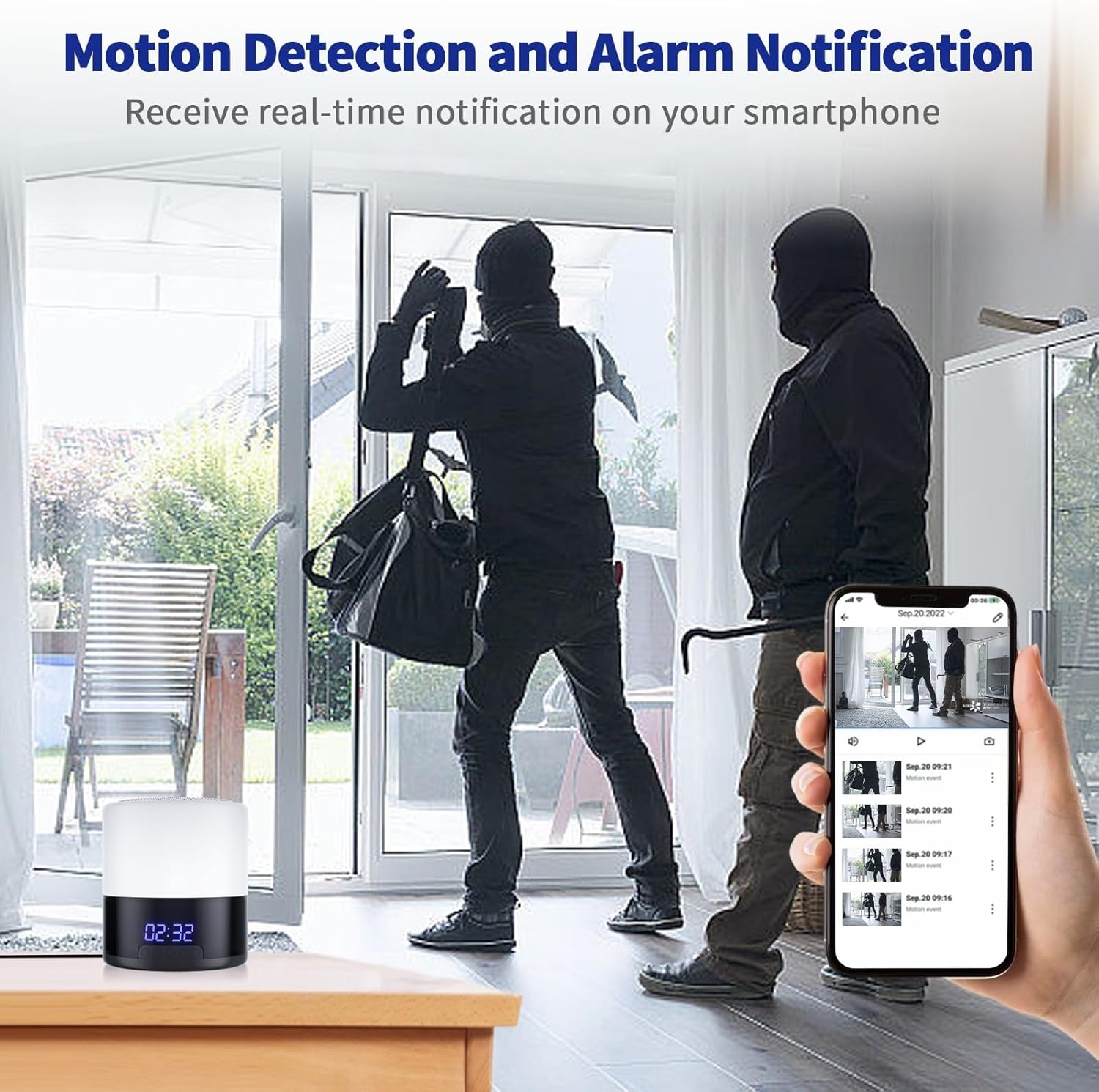
- Smart AI Motion Detection & Human Tracking: The camera automatically identifies human movement, tracks their position, and sends instant alerts to your phone via the mobile app.
- Night Vision: Equipped with night vision for clear recording in low-light conditions.
Video: Demonstrates the 1080P WiFi camera with its rotating lens, showcasing its adjustable field of view. This video is provided by the seller.
Video: Shows the indoor camera's 1080P resolution and its rotating lens in action, providing a clear view of its surveillance capabilities. This video is provided by the seller.
Bluetooth Speaker & Night Light Function
Beyond security, the Q8-001 enhances your living space:
- High-Quality Bluetooth Speaker: Connect your smartphone or other Bluetooth-enabled devices to play music.
- 5 Adjustable Night Light Colors: Choose from various colors to create a cozy atmosphere. The light features 3 adjustable lighting modes and 5 levels of brightness, with easy voice control.


Video: Showcases the TnoxHD Indoor Camera functioning as a Bluetooth speaker, demonstrating its audio capabilities. This video is provided by the seller.
Storage Options
Your Q8-001 device offers flexible storage solutions for your recorded footage:
- Local MicroSD Card Storage: Supports up to 128GB (not included) for continuous 24/7 recording. Footage can be easily accessed and replayed through the mobile app.
- Cloud Storage: Secure cloud storage options are available, allowing you to access, replay, or download recorded footage anytime, anywhere, without needing a physical SD card.

Specifications
| Feature | Detail |
|---|---|
| Indoor/Outdoor Usage | Indoor |
| Compatible Devices | Smartphone |
| Power Source | Battery Powered |
| Connectivity Protocol | Bluetooth, Wireless (2.4GHz WiFi only) |
| Controller Type | Android, iOS App |
| Mounting Type | Tabletop Mount |
| Video Capture Resolution | 1080p |
| Color | White |
| Number of Items | 1 |
| Included Components | Instruction Manual |
| Item Dimensions L x W x H | 0.1 x 0.1 x 0.1 inches |
| Item Weight | 1.23 pounds |
| Video Capture Format | MP4 |
| Special Feature | Night Vision, Motion Detection, 160° Rotating Lens, Bluetooth Speaker, Night Light |
Troubleshooting
- Device not connecting to Wi-Fi: Ensure your router is broadcasting a 2.4GHz Wi-Fi signal. The device does not support 5GHz networks. Try resetting the device using the reset button (refer to Product Overview for location) and re-attempt the connection process through the app.
- App not finding the device: Make sure the device is powered on and within range of your Wi-Fi router. Check that your phone's Bluetooth is enabled and that the app has necessary permissions (location, local network access).
- Poor video quality: Ensure the camera lens is clean and free from obstructions. Check your Wi-Fi signal strength; a weak signal can affect streaming quality.
- Motion detection alerts not working: Verify that motion detection is enabled in the app settings and that app notifications are allowed on your smartphone.
- Bluetooth speaker not pairing: Ensure the device is in Bluetooth pairing mode (refer to the manual for specific button presses if not automatically enabled). Check your phone's Bluetooth settings to see if the device is discoverable.
- Night light not functioning: Check the power connection and ensure the night light feature is activated via the device's controls or the mobile app.
Warranty and Support
Your Generic Q8-001 Security Camera with Bluetooth Speaker and Night Light comes with an instruction manual to guide you through its features and operation. For additional peace of mind, protection plans are available for purchase separately:
- 2-Year Protection Plan
- 3-Year Protection Plan
- Complete Protect: A monthly plan covering all eligible past and future purchases.
Please refer to the included instruction manual for detailed warranty information and contact support channels.


