
Introduction
The Skullcandy Crusher Evo Wireless Bluetooth Headphones deliver a powerful audio experience with patented Multi-Sensory Crusher Bass technology. Designed for comfort and extended use, these headphones feature up to 40 hours of battery life, Rapid Charge, and personalized sound tuning through the Skullcandy App. This manual provides essential information for setting up, operating, maintaining, and troubleshooting your Crusher Evo headphones.
What's in the Box
Upon opening your Skullcandy Crusher Evo package, you should find the following items:
- Crusher® Evo Wireless Headphones
- USB-C Charging Cable
- Auxiliary Audio Cable
- Protective Case
- Quick Start & User Guides

Image: The Skullcandy Crusher Evo headphones, USB-C charging cable, auxiliary cable, protective case, and user guide are neatly arranged, illustrating the complete package contents.
Setup
1. Charging Your Headphones
Before initial use, fully charge your Crusher Evo headphones. Connect the provided USB-C charging cable to the headphone's charging port and a compatible USB power source. A full charge provides up to 40 hours of listening time. The Rapid Charge feature allows for 4 hours of listening with just a 10-minute charge.
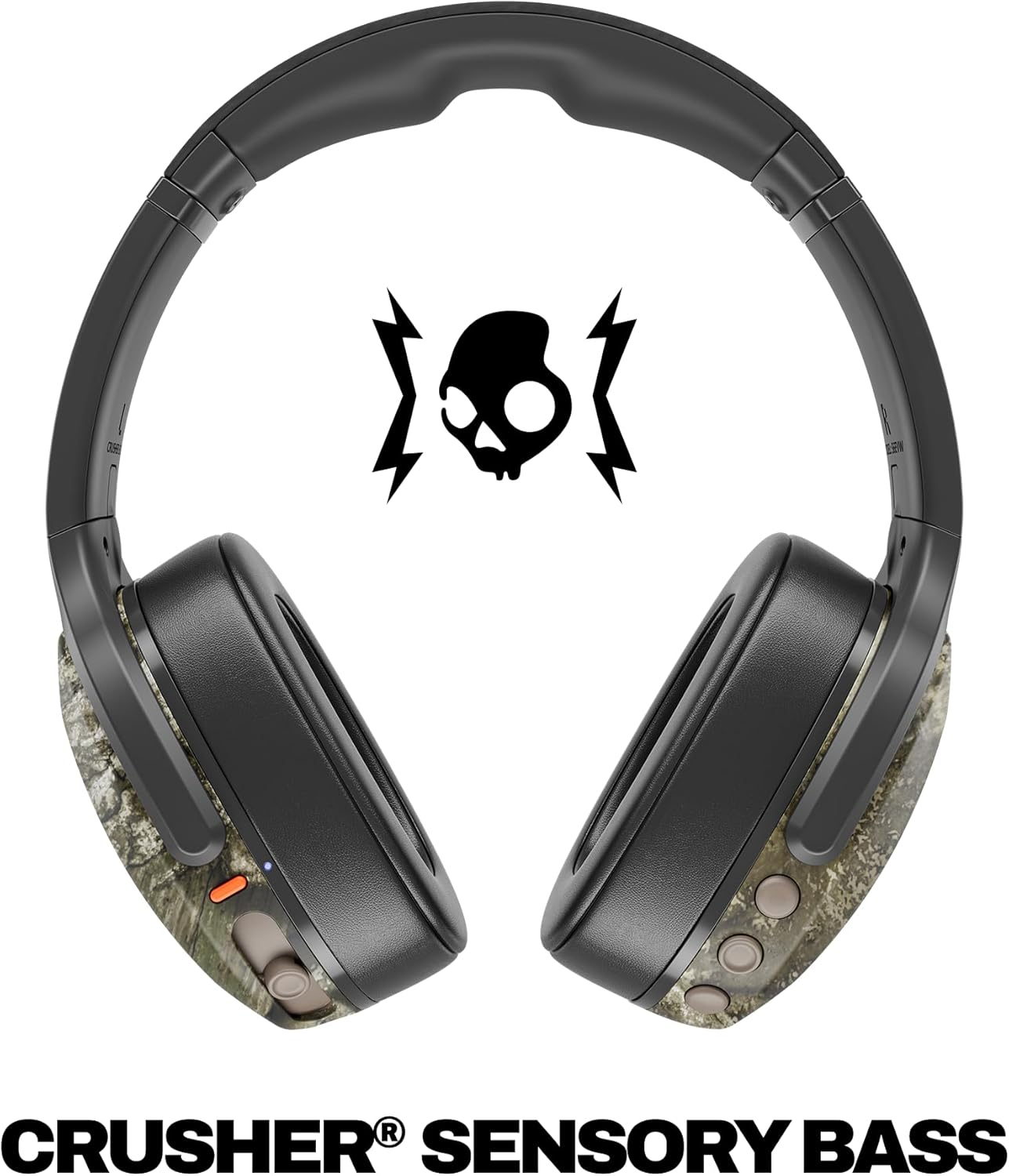
Image: A close-up of the Skullcandy Crusher Evo headphones showing the USB-C charging port and cable connected, indicating the charging process.
2. Bluetooth Pairing
- Ensure your headphones are powered off.
- Press and hold the main power button for 3-5 seconds until the LED indicator flashes blue and red, indicating pairing mode.
- On your device (smartphone, tablet, computer), enable Bluetooth and search for available devices.
- Select "Crusher Evo" from the list of available devices.
- Once connected, the LED indicator will flash blue periodically.
3. Personal Sound Tuning (Skullcandy App)
Enhance your listening experience by downloading the Skullcandy App. The app features a Personal Sound analysis that customizes audio levels to your unique hearing profile, ensuring optimal sound quality.

Image: A woman wearing the headphones, illustrating the personalized sound feature. The accompanying text highlights the "Personal Sound tuned to you" capability via the Skullcandy app.
Operating Your Headphones
1. Basic Controls
The Crusher Evo headphones feature intuitive button controls located on the earcups:
- Power On/Off: Press and hold the main power button.
- Play/Pause: Single press the main power button.
- Volume Up/Down: Use the dedicated volume buttons.
- Track Skip: Double press for next track, triple press for previous track.
- Answer/End Call: Single press the main power button during a call.
- Activate Voice Assistant: Press and hold the main power button for 2 seconds.
2. Multi-Sensory Crusher Bass
Experience deep, adjustable bass that you can feel. Use the slider on the earcup to increase or decrease the intensity of the Crusher Bass. This feature provides a tactile feedback that enhances your audio experience.
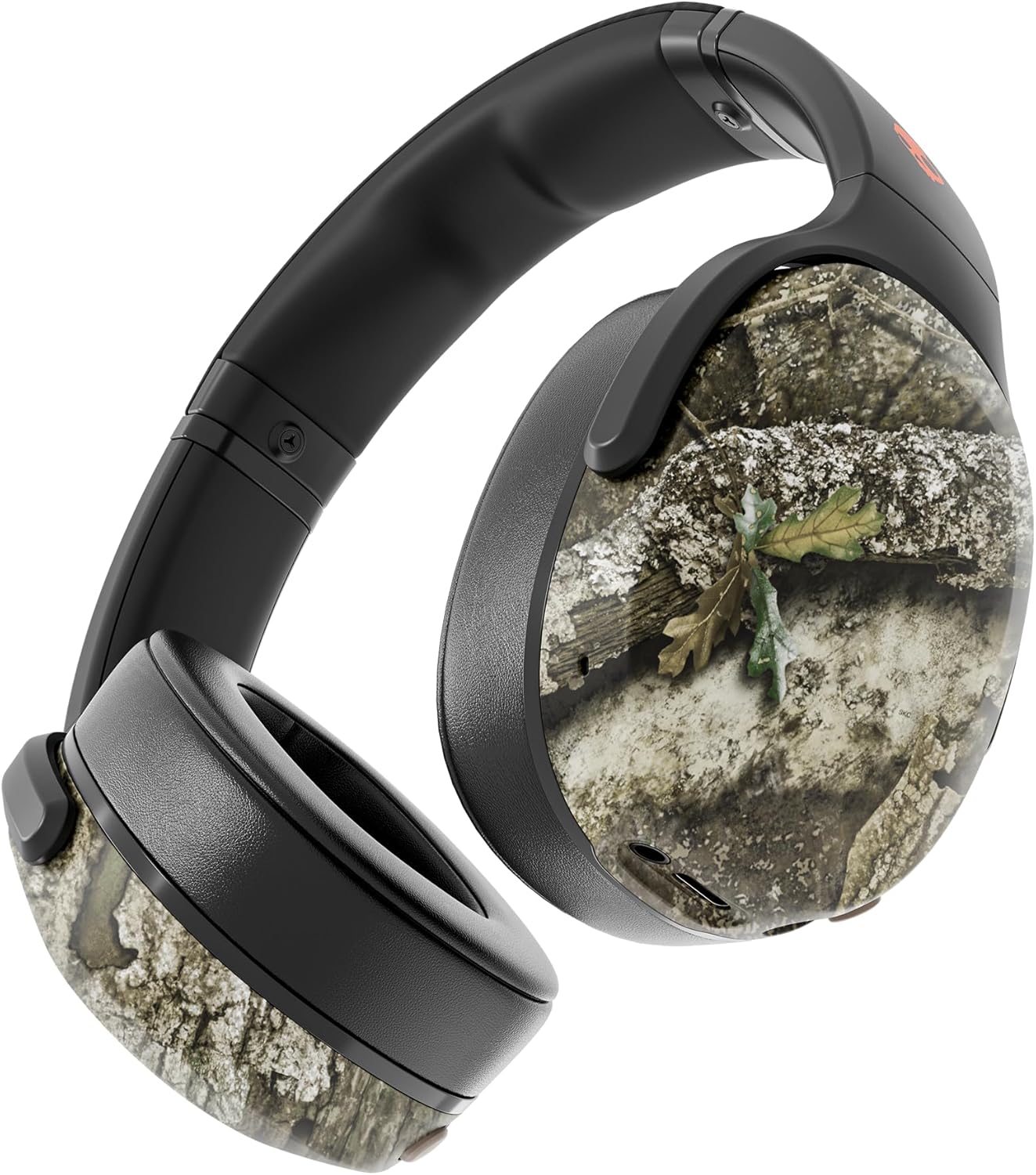
Image: The Skullcandy Crusher Evo headphones, highlighting the "Crusher Sensory Bass" feature, which allows users to feel the bass.
Video: This video demonstrates the multi-sensory bass feature of the Crusher Evo headphones by showing its effect on water, creating ripples. This illustrates how the bass can be physically felt.
Video: This video captures various individuals reacting to the Crusher Bass, showcasing the immersive and impactful experience provided by the headphones' unique bass technology.
3. Flat-Folding and Collapsible Design
The headphones are designed to fold flat and collapse for easy storage and portability. This compact design makes them convenient for travel and daily commutes.
Image: The Skullcandy Crusher Evo headphones are shown folded flat, demonstrating their compact design for easy storage and travel.
Maintenance
- Cleaning: Use a soft, dry cloth to clean the headphones. Avoid using harsh chemicals or abrasive materials.
- Storage: When not in use, store the headphones in their protective case to prevent damage. Keep them in a cool, dry place away from extreme temperatures.
- Battery Care: To prolong battery life, avoid fully discharging the headphones frequently. Charge them regularly, even if not used for extended periods.
Troubleshooting
No Power / Not Charging
- Ensure the USB-C charging cable is securely connected to both the headphones and a working power source.
- Try a different USB-C cable and power adapter.
- Check the charging port for any debris or damage.
Bluetooth Connection Issues
- Make sure the headphones are in pairing mode (flashing blue and red LED).
- Ensure Bluetooth is enabled on your device.
- Forget "Crusher Evo" from your device's Bluetooth settings and attempt to re-pair.
- Move the headphones closer to your device to ensure they are within range.
No Sound / Low Volume
- Check the volume levels on both the headphones and your connected device.
- Ensure the headphones are properly paired and connected.
- If using the auxiliary cable, ensure it is fully plugged into both the headphones and the audio source.
- Test with a different audio source or device.
Specifications
| Brand | Skullcandy |
| Model Name | Crusher Evo |
| Model Number | S6EVW-T991 |
| Connectivity Technology | Wireless (Bluetooth 5.0) |
| Ear Placement | Over Ear |
| Battery Life | Up to 40 Hours |
| Rapid Charge | 10 minutes charge for 4 hours playtime |
| Impedance | 32 Ohms |
| Frequency Response | 20 Hz - 20,000 Hz |
| Sensitivity | 100 dB |
| Noise Control | Sound Isolation |
| Weight | 0.01 Ounces (approximately 0.28 grams) |
Warranty and Support
The Skullcandy Crusher Evo headphones come with a 1-Year USA Limited Warranty. This warranty covers manufacturing defects and ensures your product functions as intended under normal use.
For warranty claims, technical support, or further assistance, please visit the official Skullcandy support website or contact their customer service. Keep your proof of purchase for warranty validation.


